























Content ITV PRO
This is Itvedant Content department
Managing Kubernetes Configurations for OpsMate
Business Scenario
Manager:
We have successfully deployed OpsMate on Kubernetes and learned how to manage resources using kubectl. However, managing application settings directly inside Pods can become difficult as the application grows.
DevOps Engineer:
That's why we need Kubernetes configurations. We can use ConfigMaps and Secrets to manage application settings, environment variables, and sensitive information separately from the application code.
Manager:
How does this benefit our deployment?
DevOps Engineer:
It makes configuration management easier, improves security, and allows us to update settings without rebuilding container images.
Manager:
What will be our implementation plan?
DevOps Engineer:
We will create ConfigMaps for application configurations, Secrets for sensitive data, and integrate them with the OpsMate Deployments.
DevOps Engineer to Team:
Team, we will create and manage Kubernetes ConfigMaps and Secrets, connect them to the OpsMate Pods, verify that configurations are loaded correctly, and test updates without modifying the application image.
Team:
Understood. We will manage OpsMate configurations using Kubernetes ConfigMaps and Secrets to ensure secure, flexible, and maintainable deployments.
Pre-Lab Preparation
Create a Namespace
Create a ConfigMap
Deploy an OpsMate Pod using the ConfigMap
Verify configuration inside the Pod
Update the ConfigMap
Validate configuration changes
Task 1: Verify Cluster
Check cluster:
kubectl cluster-info
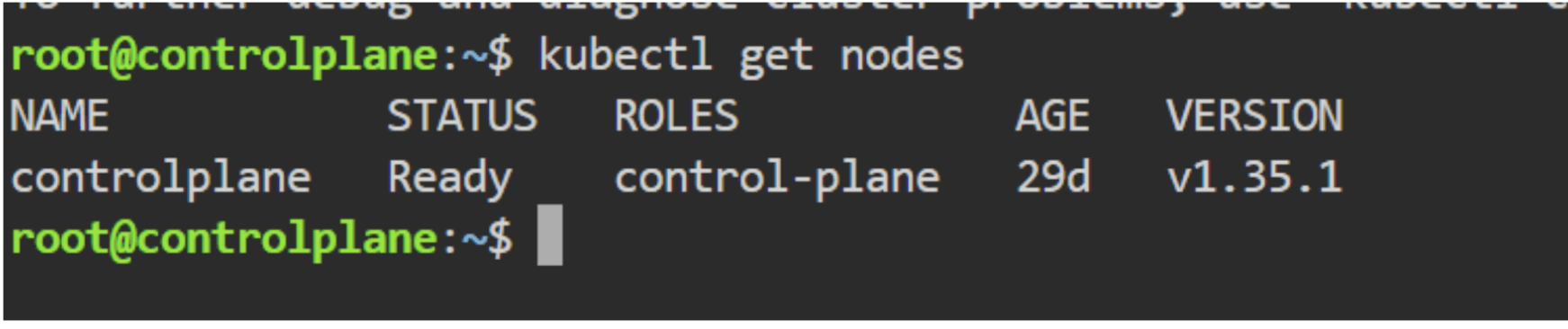
Verify nodes:
kubectl get nodes
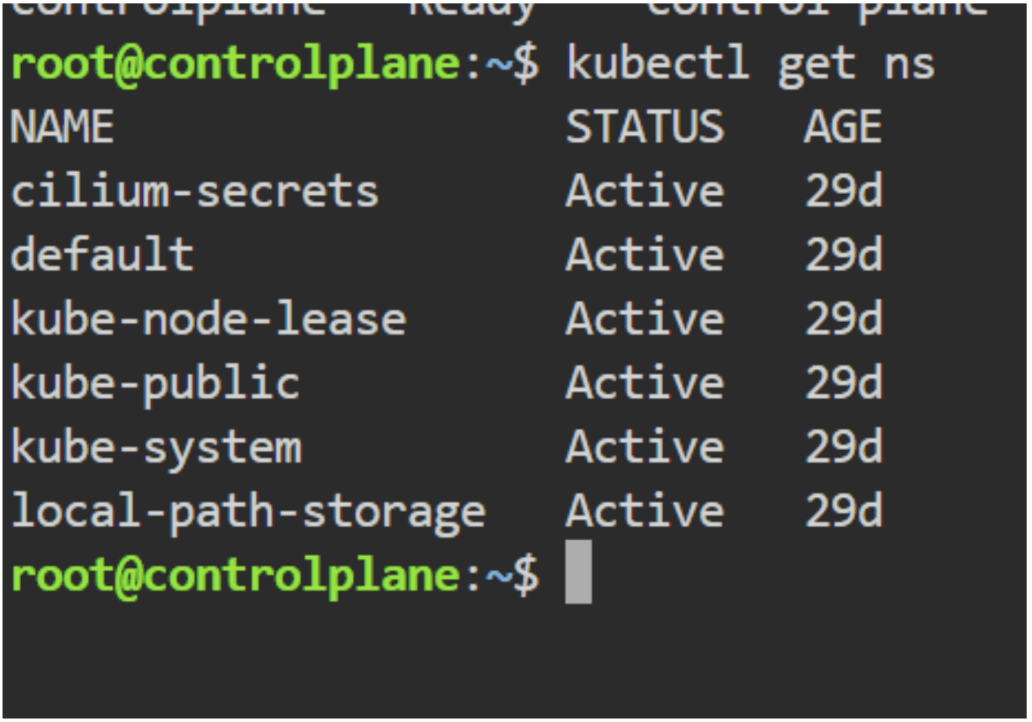
Verify namespaces:
kubectl get ns
Task 2: Create Namespace
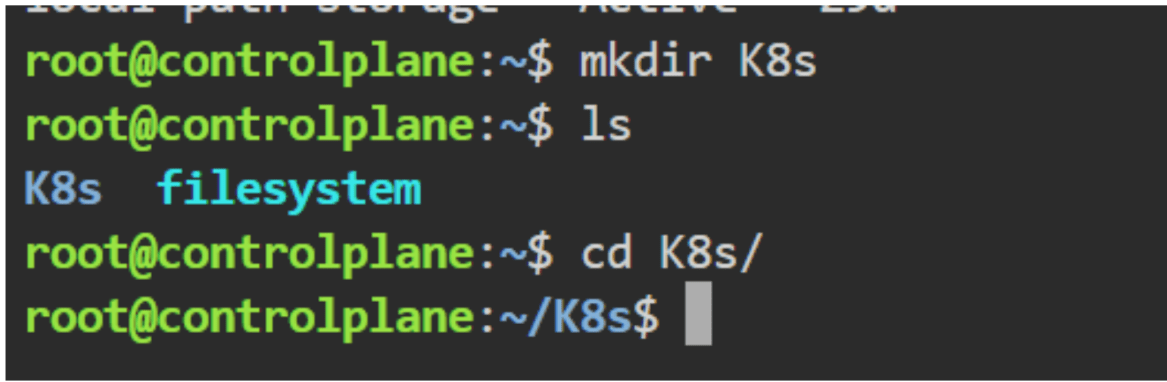
mkdir K8s
cd K8s
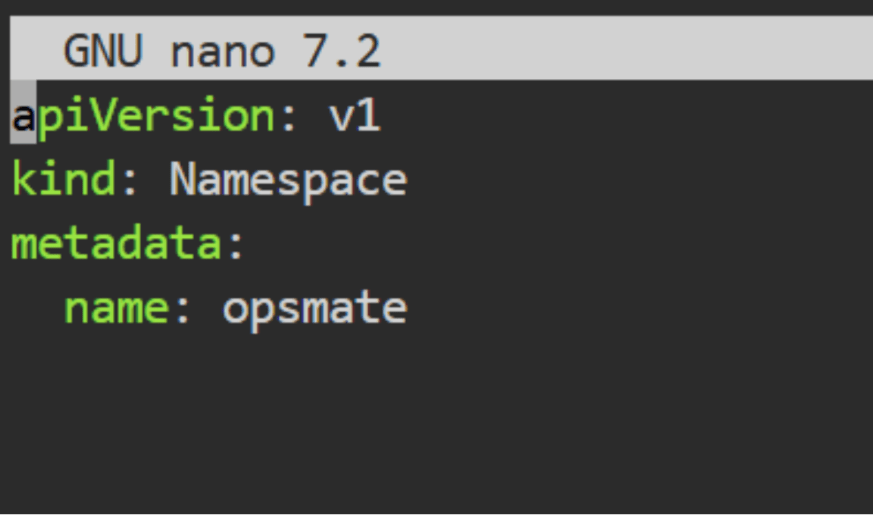
Create namespace:
kubectl create namespace opsmate
nano ns.yml
kubectl apply -f ns.yml
Switch to namespace:
kubectl config set-context --current --namespace=opsmate
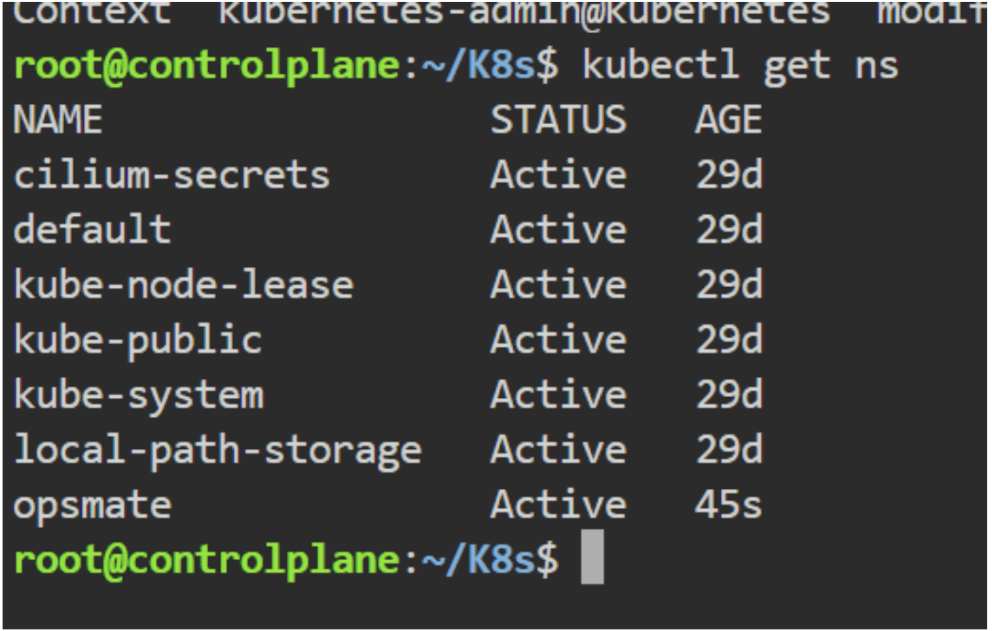
Verify:
kubectl get ns
Task 3: Create ConfigMap
Create file:
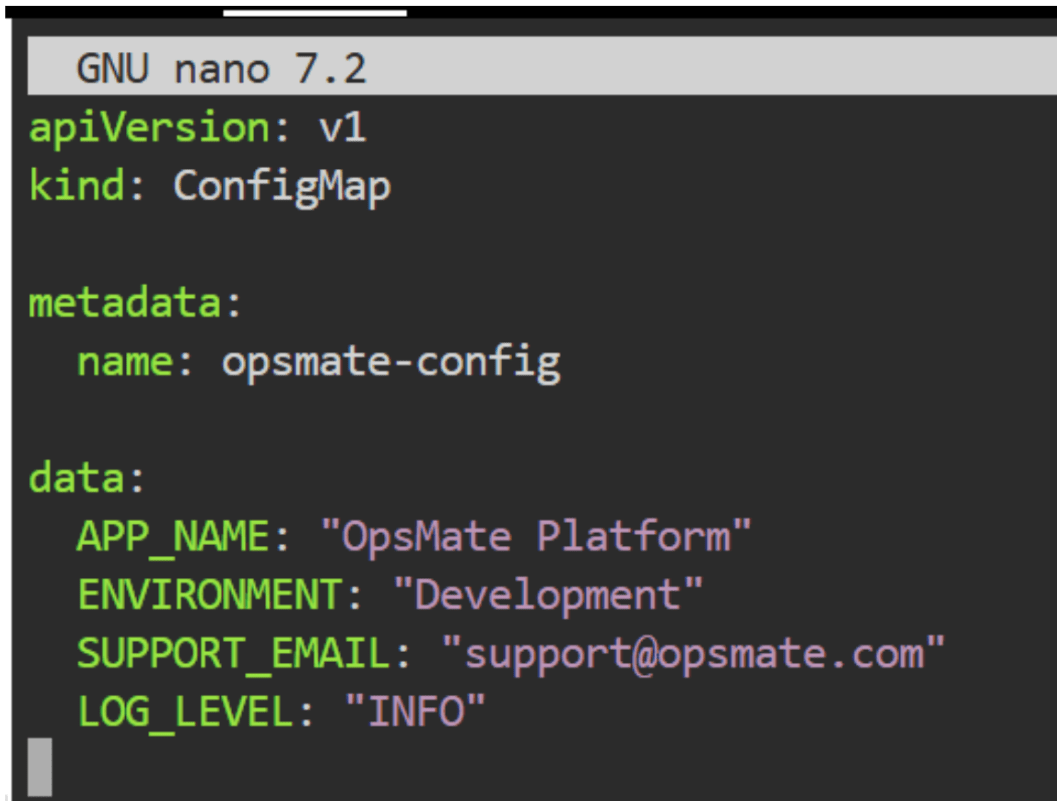
nano configmap.yaml
Paste:
Save and exit.
Apply ConfigMap:
kubectl apply -f configmap.yaml
Verify:
kubectl get configmapDescribe ConfigMap:
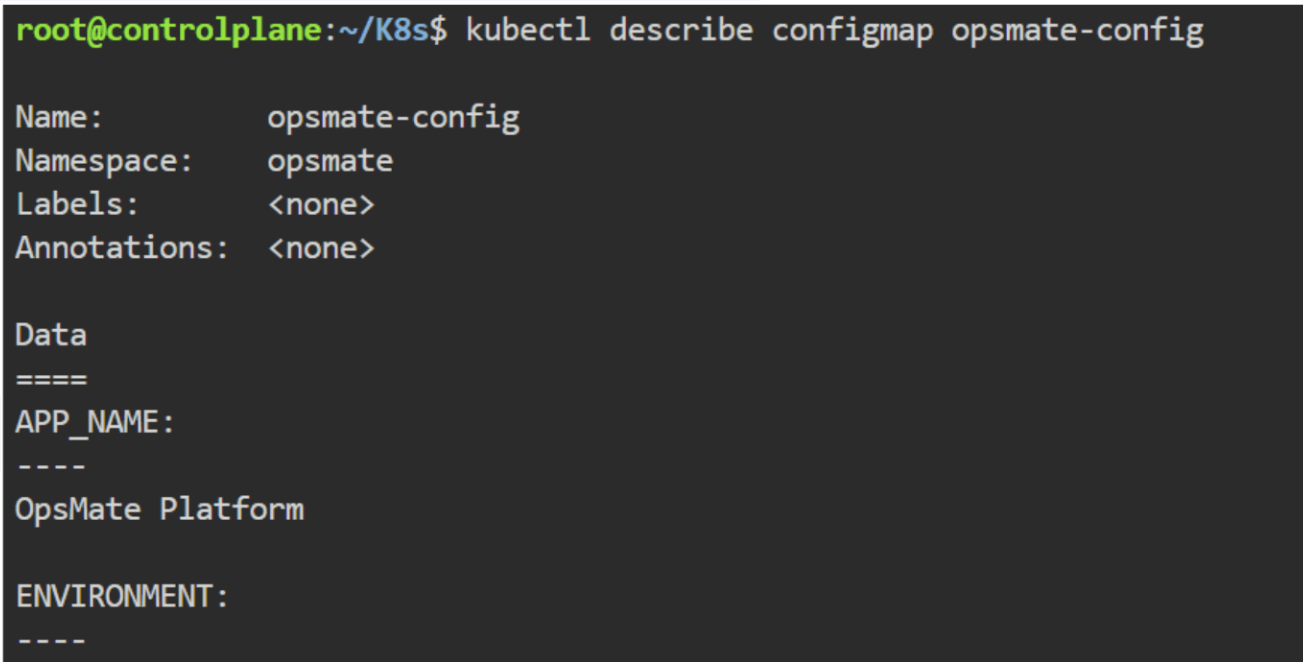
kubectl describe configmap opsmate-config
Task 4: Create OpsMate Deployment
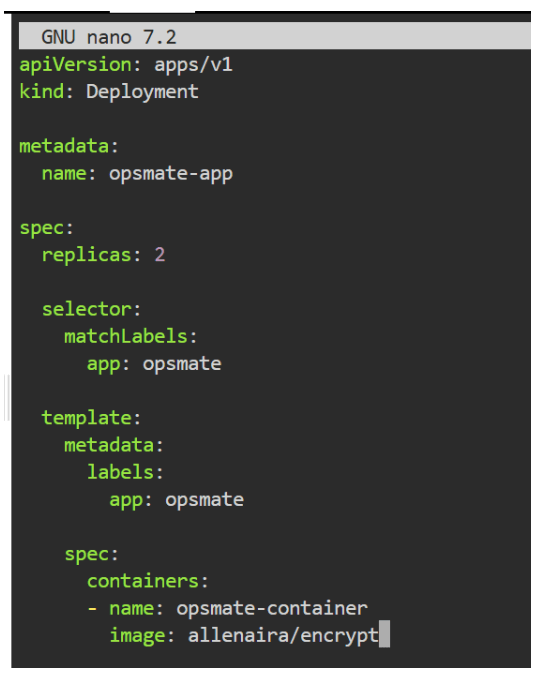
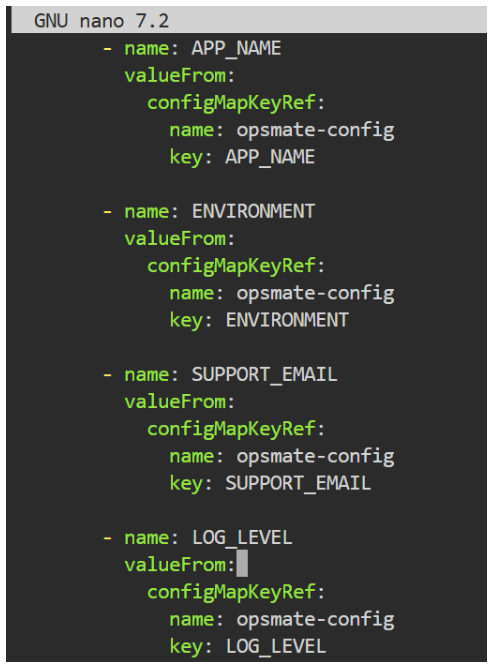
Create file:
nano deployment.yaml
Save and exit.
Deploy application:
kubectl apply -f deploy.yaml
Verify:
kubectl get deployments
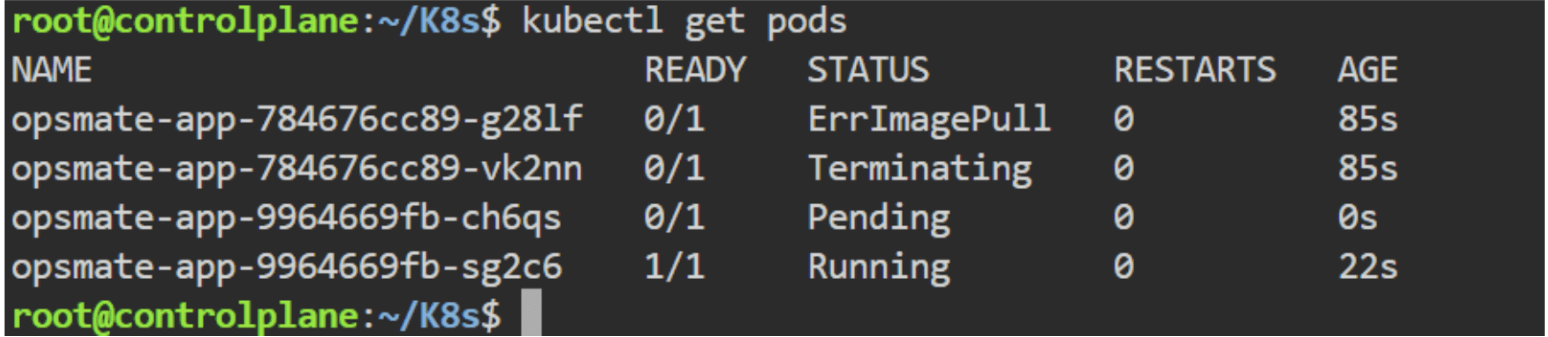
Verify Pods:
kubectl get pods
Task 5: Validate ConfigMap Inside Pod
Get Pod name:
kubectl get pods
Example:
opsmate-app-65d4b8d7f-abcde
Open Pod shell:
kubectl exec -it opsmate-app-9964669fb-sg2c6 -- bash
kubectl exec -it POD_NAME -- bash
Check environment variables:
env | grep APP
env | grep ENV
env | grep SUPPORT
env | grep LOG
Task 6: Restart Deployment
ConfigMap values are updated.
Restart deployment:
kubectl rollout restart deployment opsmate-app
Verify rollout:
kubectl rollout status deployment opsmate-appCheck Pods:
kubectl get pods
Now lets deploy the nginx application using the
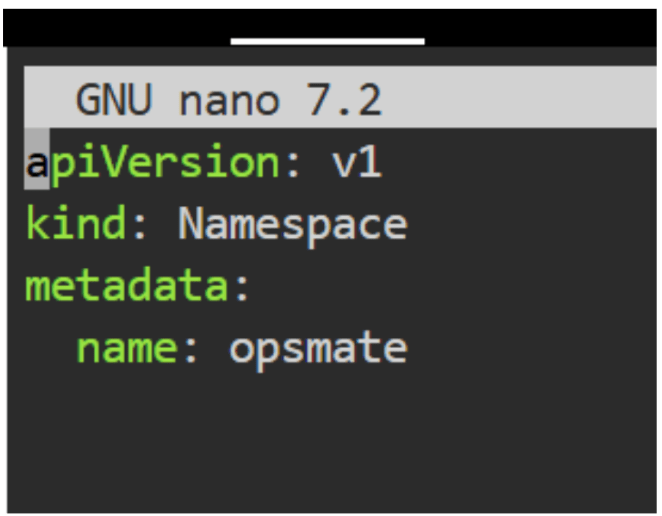
1. Namespace
nano ns.yml
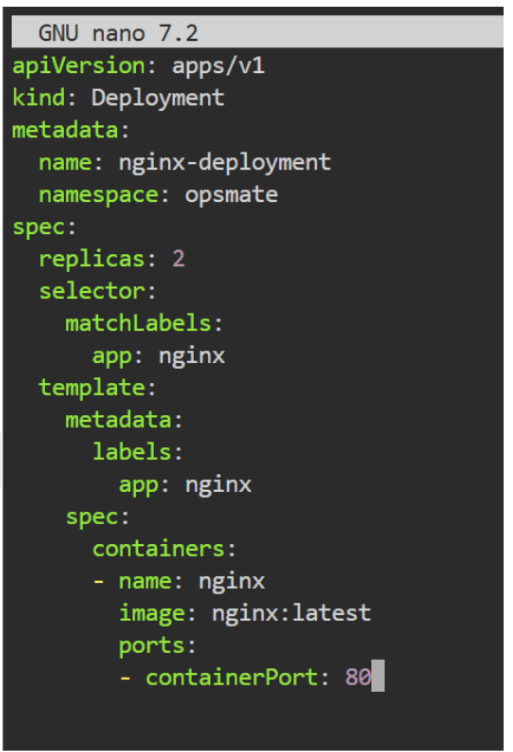
2. Deployment
nano deploy.yml
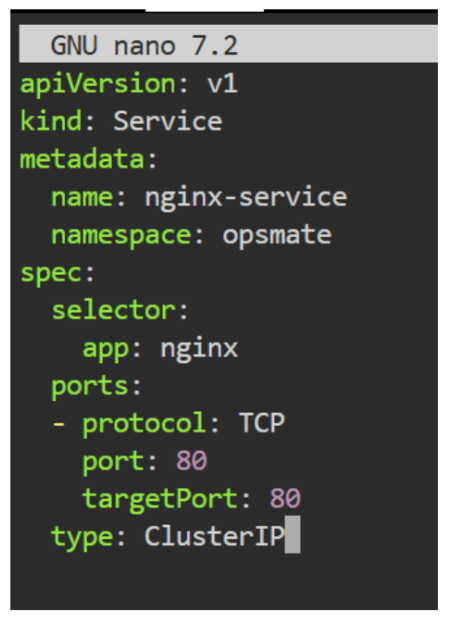
3. Service (ClusterIP)
nano service.yml
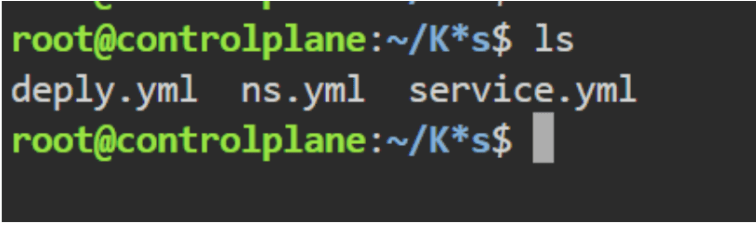
ls
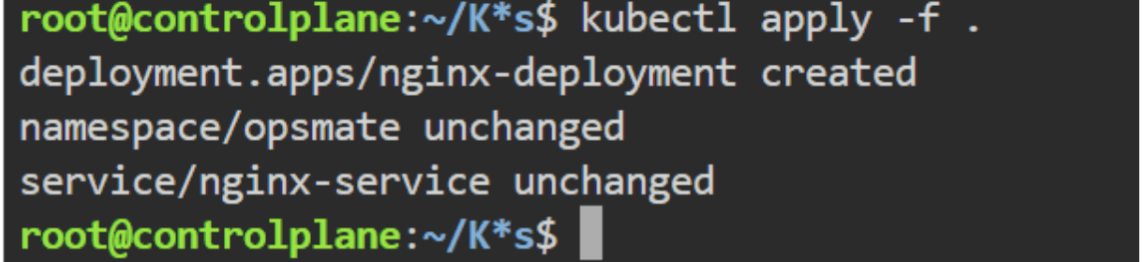
To apply multiple file together
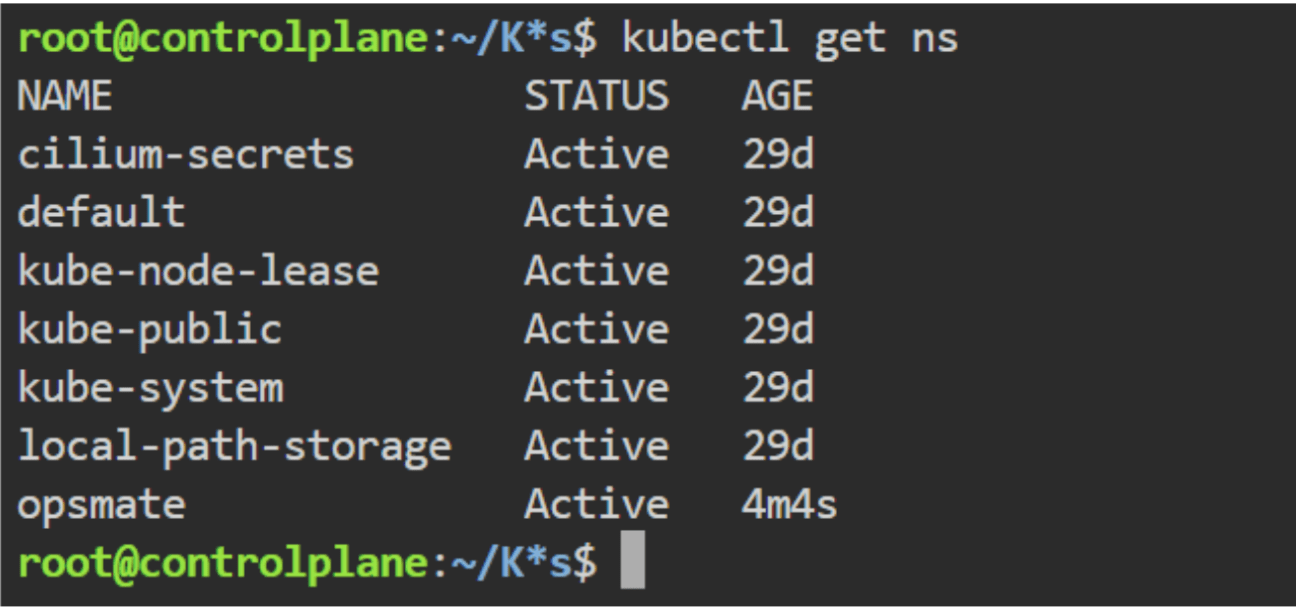
kubectl apply -f Now lets verify everthings
kubectl get ns
kubectl get deployments -n opsmate
kubectl get pods -n opsmate
kubectl get svc -n opsmate
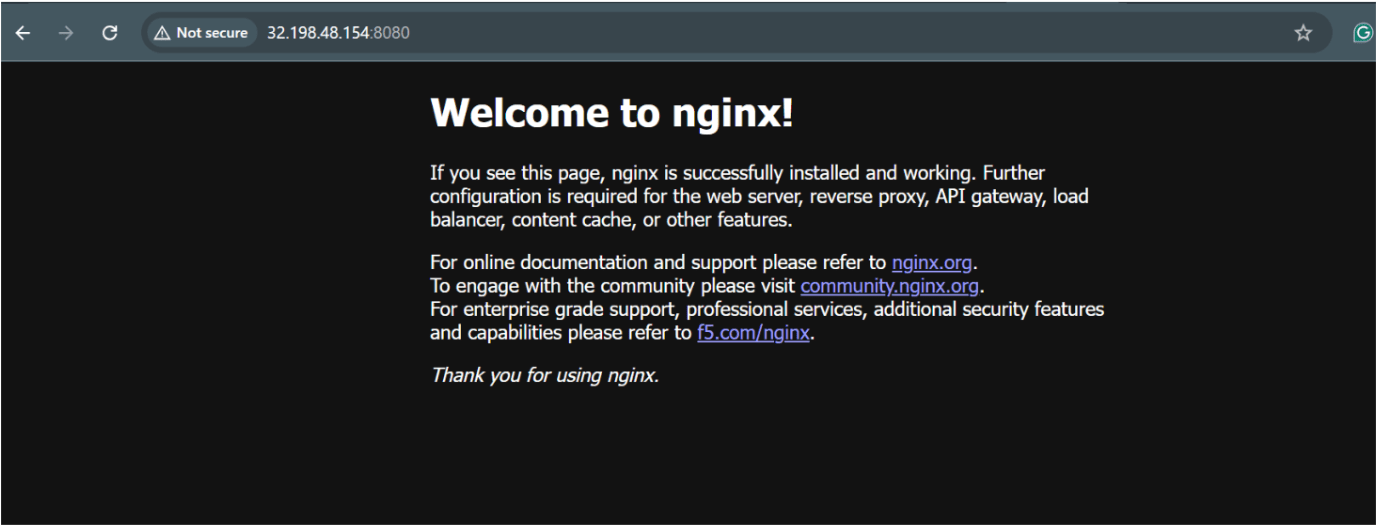
To access it now lets do the port forward
kubectl port-forward -n opsmate svc/nginx-service 8080:80 &
Now lets try to access it using the port 8080
Checkpoint
By Content ITV