



















Content ITV PRO
This is Itvedant Content department
Learning Outcome
5
Identify important Spring Boot annotations usage.
4
Explain Maven dependencies and project structure.
3
Create Spring Boot project using Initializer.
2
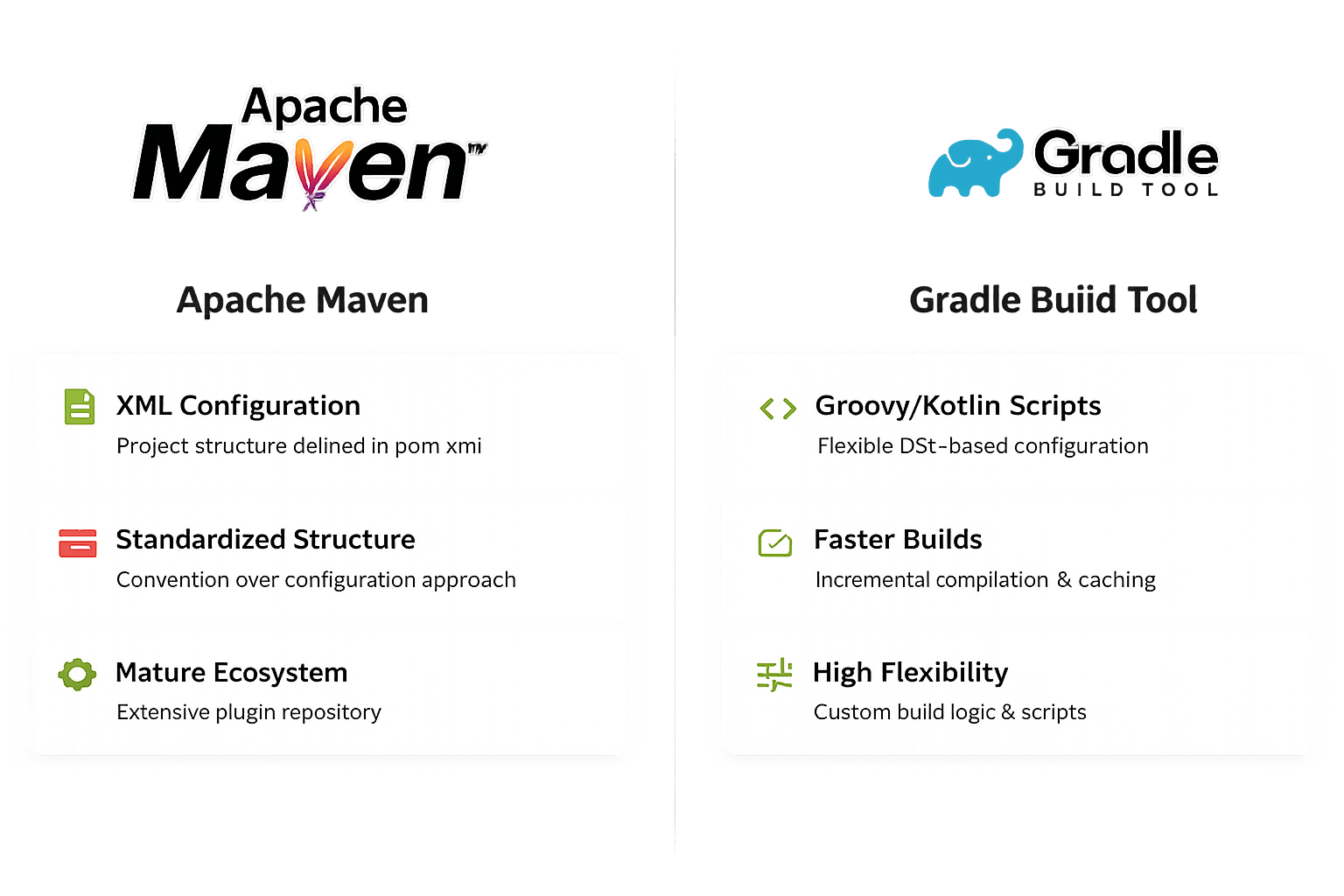
Differentiate Maven and Gradle build systems.
1
Understand purpose of Java build tools.
Compiling Code
Transforms source code into executable programs automatically
Dependencies
Downloads and organizes external libraries and frameworks
Running Tests
Executes test suites and validates code quality
Packaging
Creates deployable artifacts like JAR and WAR files
Compiling Code
Transforms source code into executable programs automatically
Compiling Code
Transforms source code into executable programs automatically
Auto Downloads
Automatically downloads required libraries and dependencies
Standard Structure
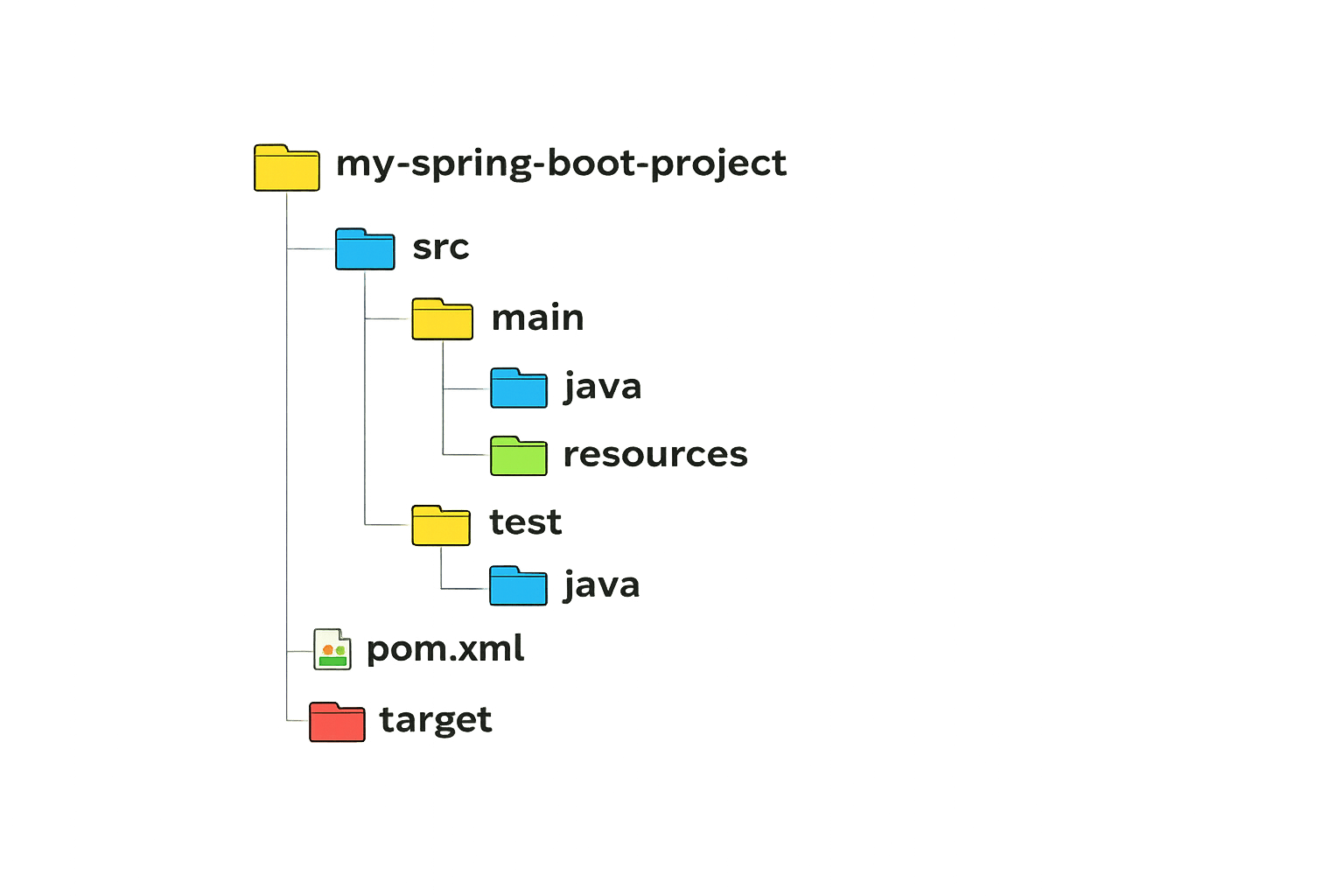
Provides standard project directory layout
Centralized Config
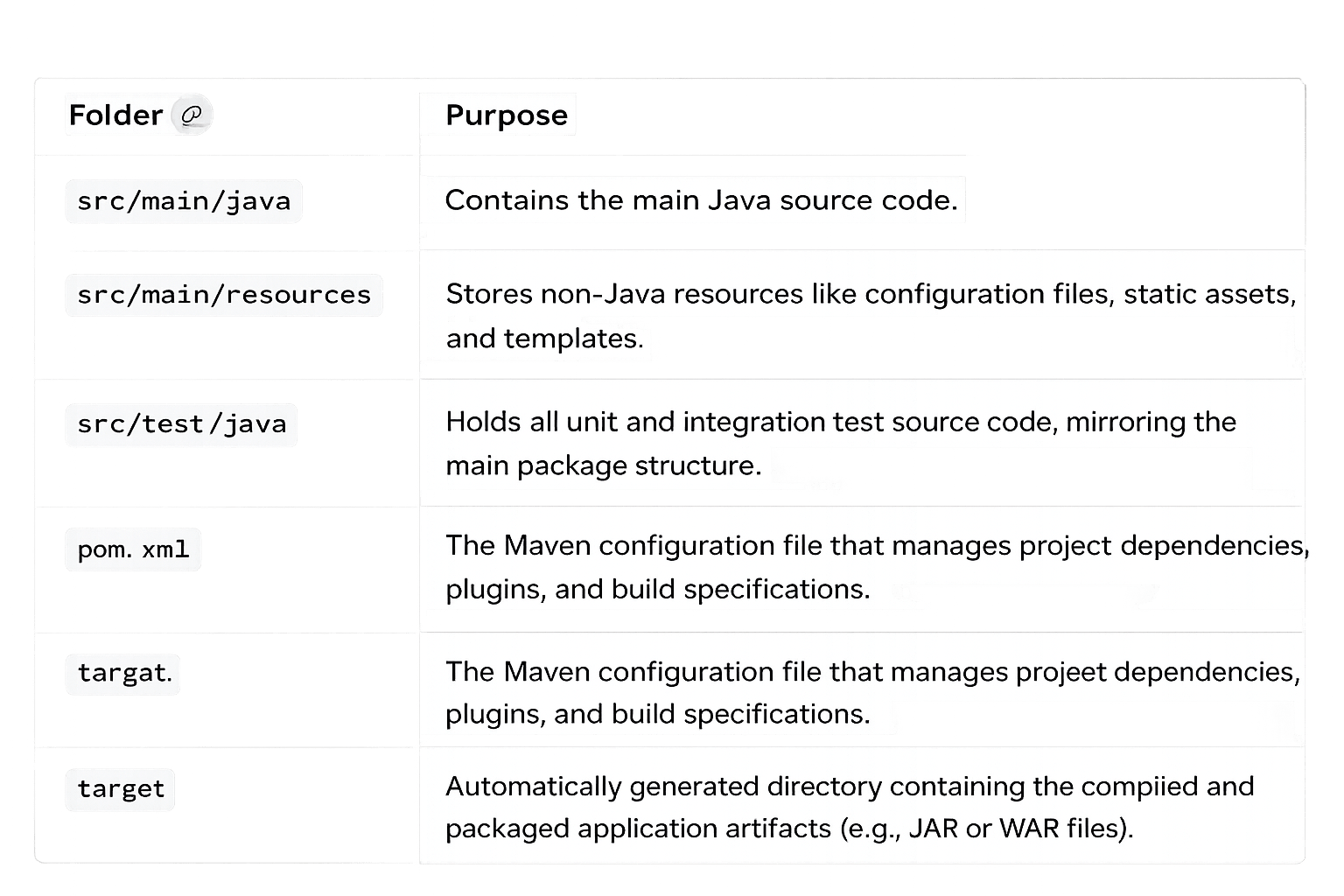
Manages all configuration in pom.xml file
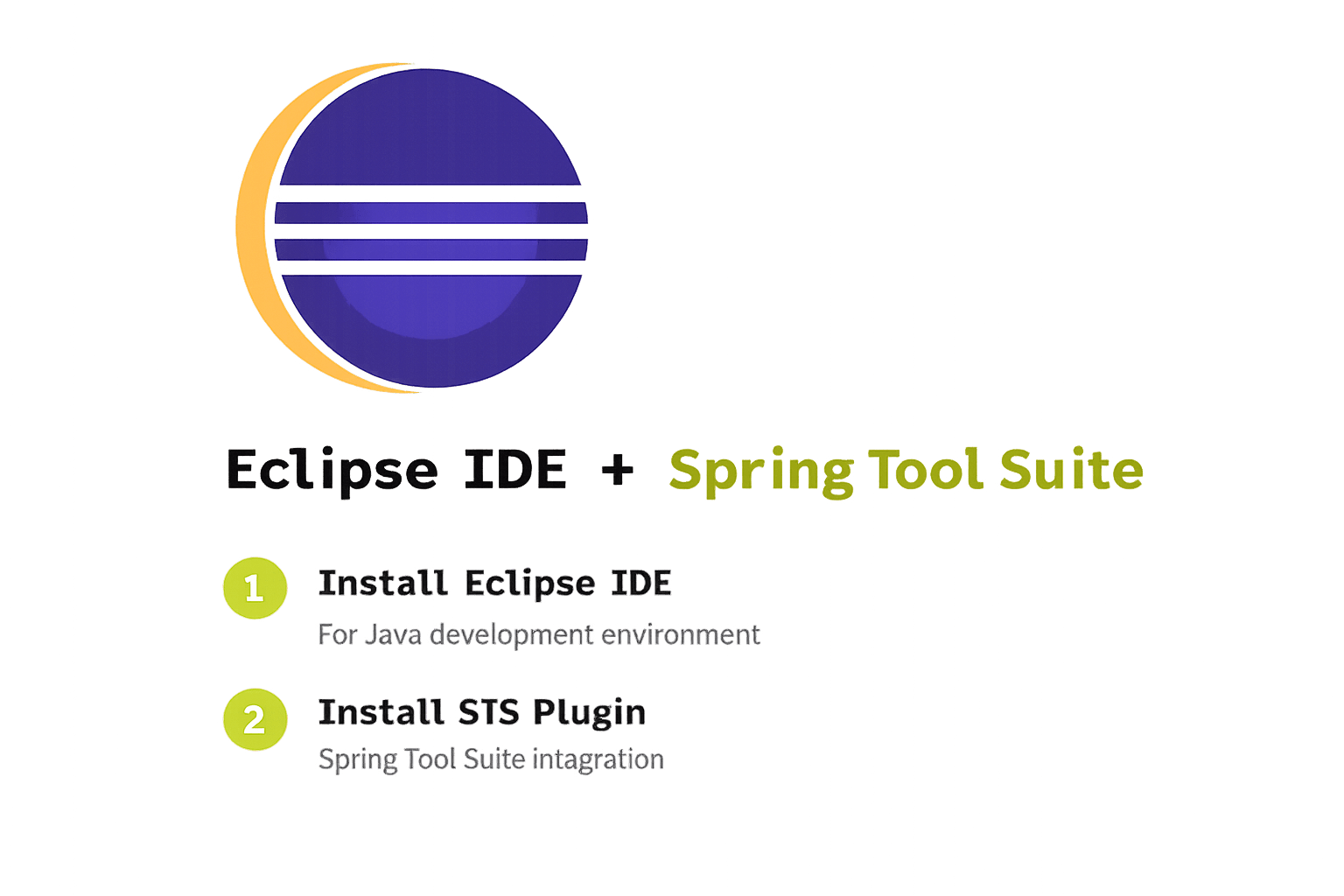
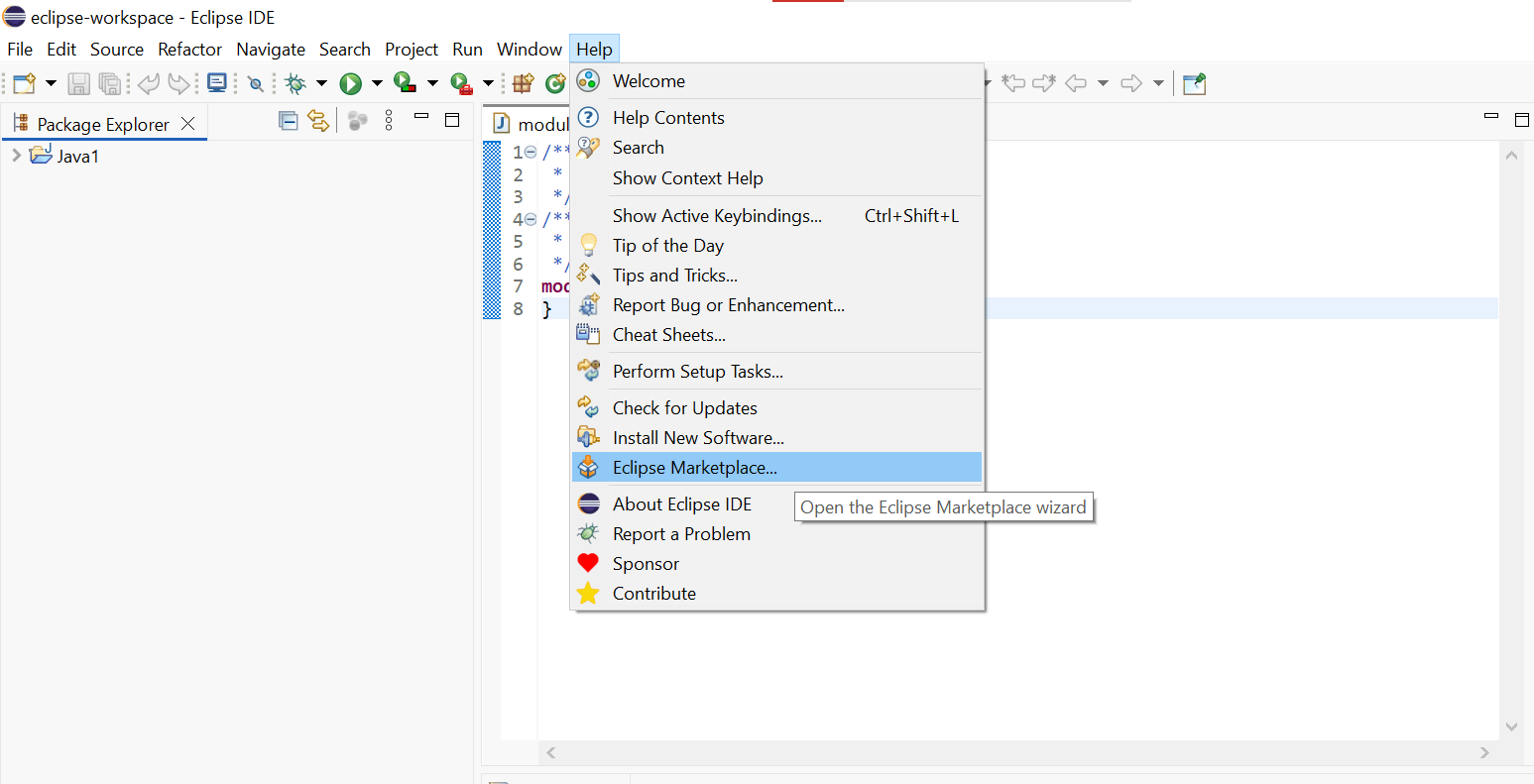
STS Plugin Features
Spring project creation tools
Built-in Spring Boot features
Easy application execution
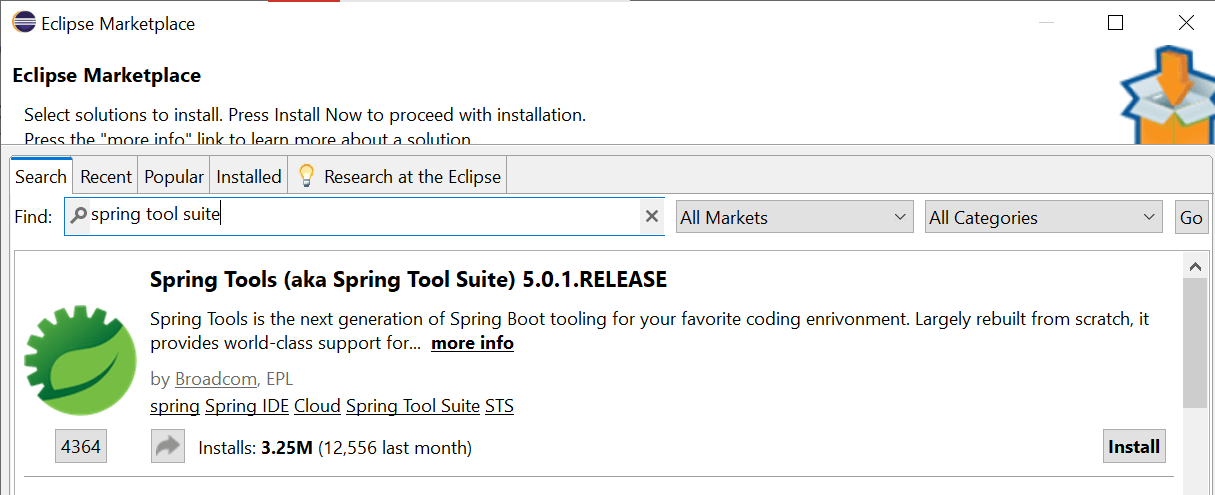
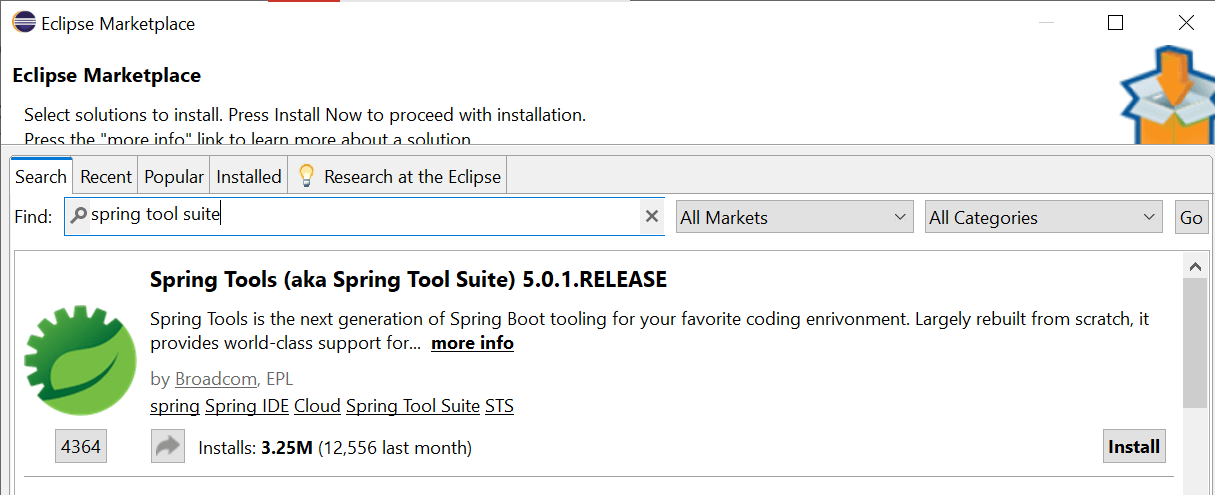
2. Search: Type "STS" or "Spring Tools" into the search bar and click "Go".
3. Select Plugin: Find "Spring Tools (aka Spring Tool Suite)" and click the Install button.
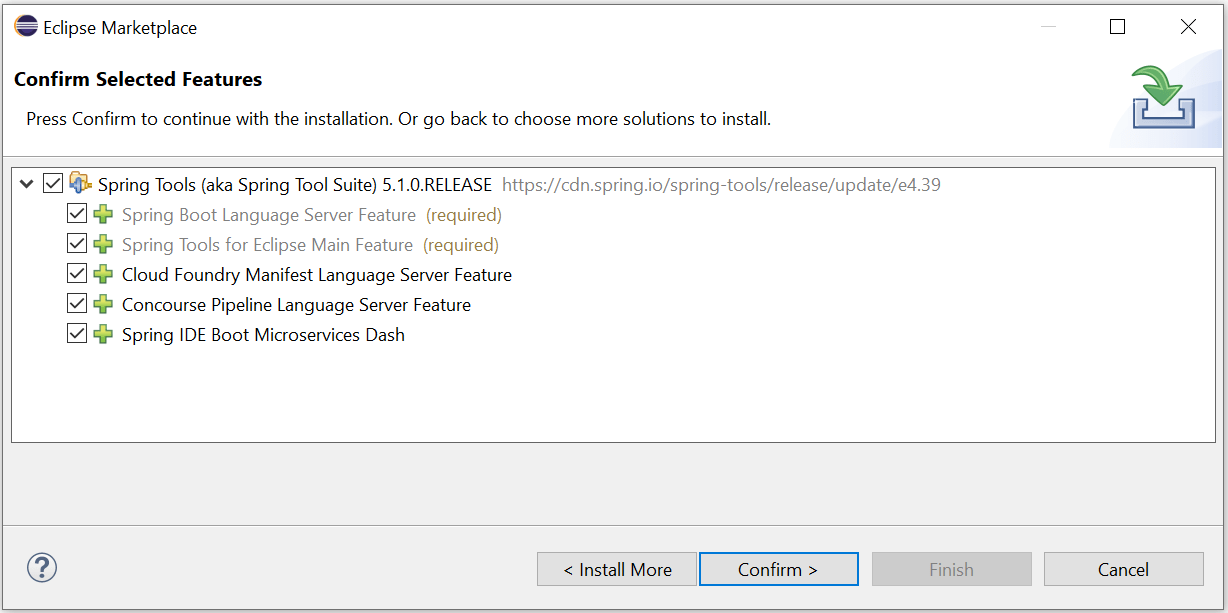
4. Confirm & License: Select all features, click "Confirm", and accept the license agreements.
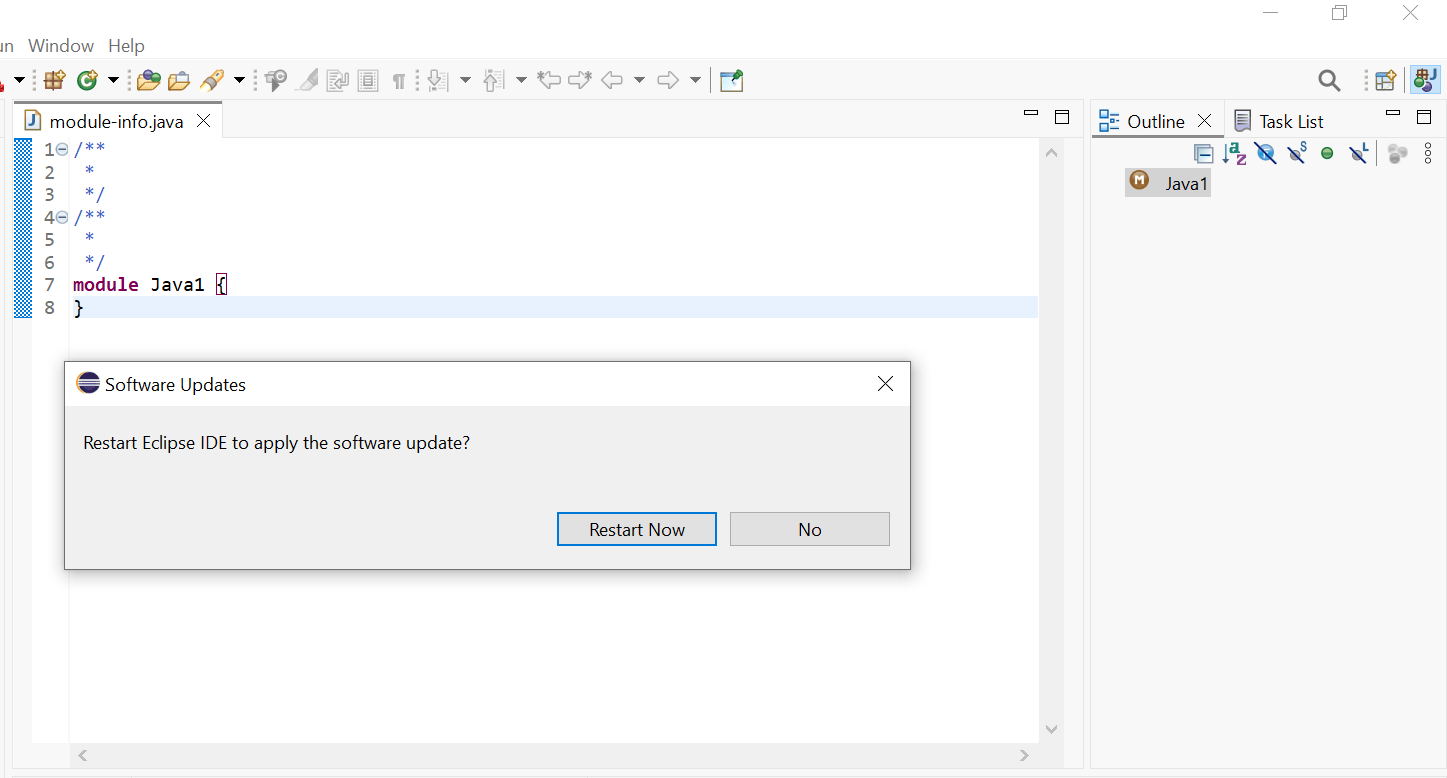
5. Restart: Once the installation finishes, select "Restart Now" to apply changes.
Spring Initializer is a web tool used to generate a Spring Boot project.
Method 1: Generate Through Spring Initializer
Open start.spring.io
Choose project settings (Maven, Java, dependencies)
Download the project
Import it into Eclipse
Method 2: Generate Through STS Plugin
Spring projects can also be created directly in the IDE.
Go to File → New → Spring Starter Project
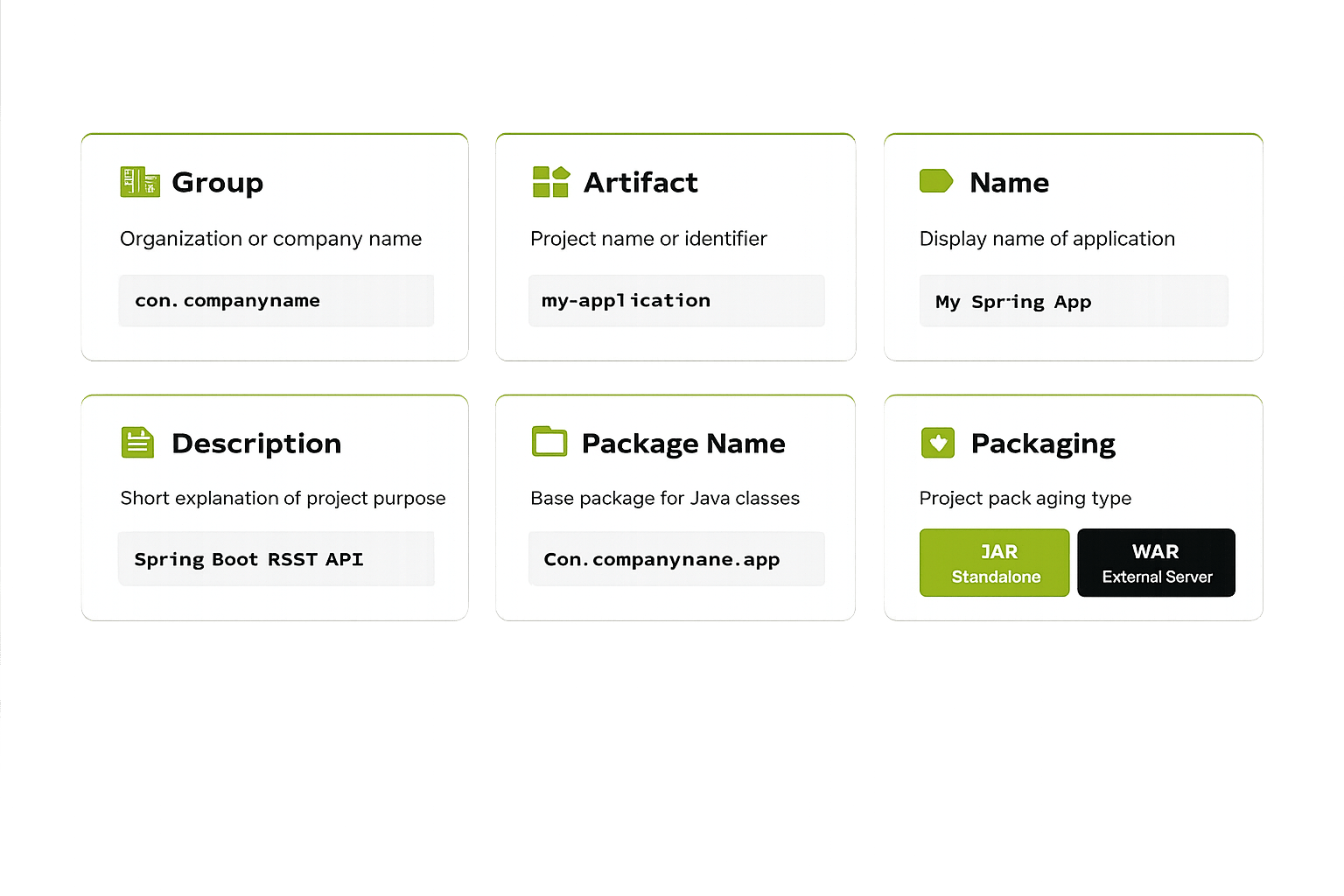
Enter project details
Select required dependencies
STS generates the project automatically
Web development
Database connectivity
Security
Testing
A Spring Boot application can be run directly from the IDE by executing the main class.
Spring Boot automatically starts an embedded server (Tomcat) and runs the application without requiring external server setup.
@SpringBootApplication
Main annotation to start Spring Boot app
@Configuration
Contains Spring config and bean definitions
@EnableAutoConfiguration
Auto-configures based on dependencies
@ComponentScan
Scans for components, services, controllers
Creates the Spring Application Context
Performs component scanning
Initializes all required beans
Starts the embedded server
SpringApplication.run() is the method that starts the Spring Boot application.
Summary
5
SpringApplication.run() starts Spring Boot application.
4
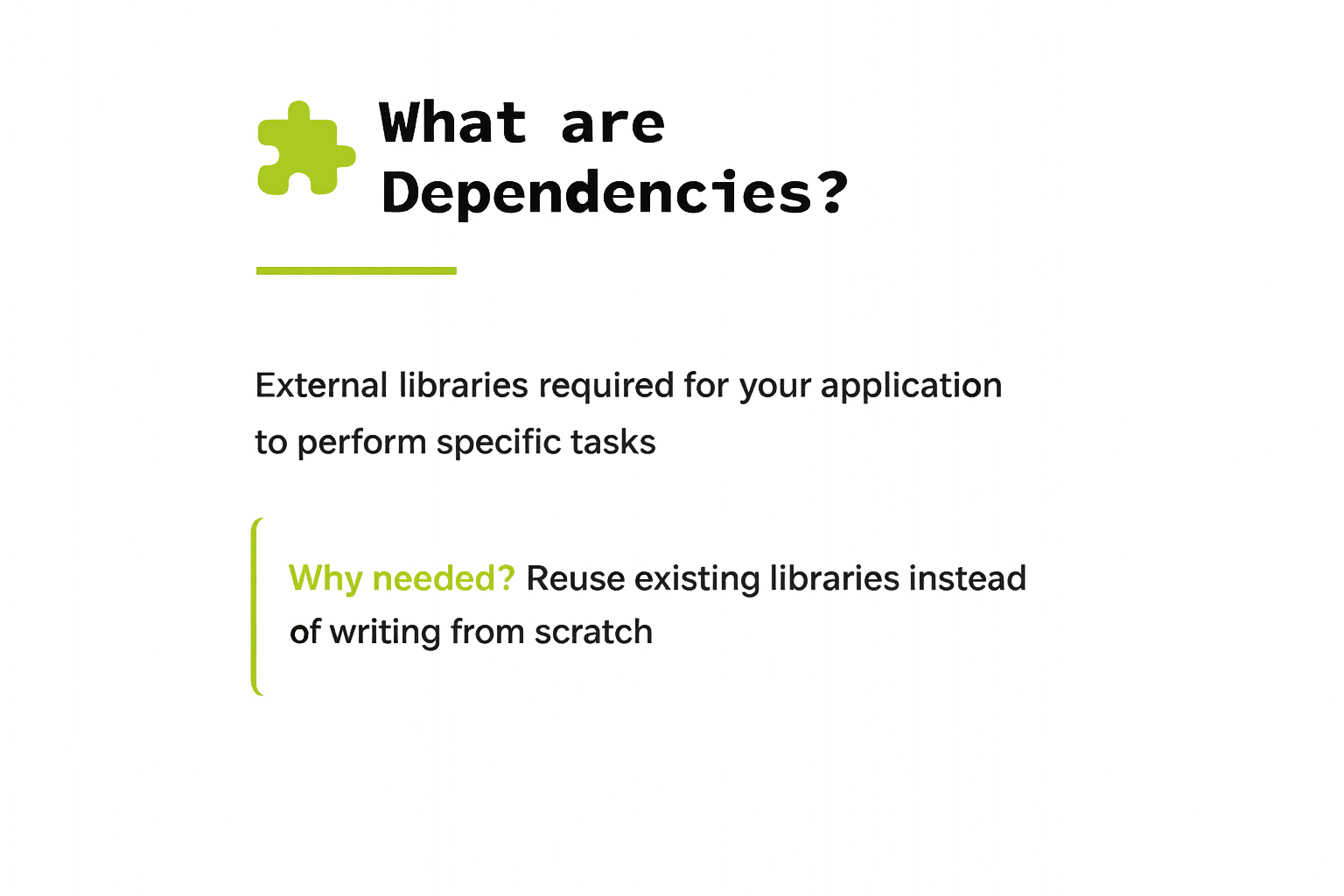
Dependencies provide reusable libraries for application features.
3
Spring Initializer quickly generates Spring Boot projects.
2
Maven manages dependencies and project configuration.
1
Build tools automate compilation, testing, packaging.
Quiz
Which file in a Maven project manages dependencies and project configuration?
A. application.properties
B. pom.xml
C. build.gradle
D. src/main/java
Which file in a Maven project manages dependencies and project configuration?
A. application.properties
B. pom.xml
C. build.gradle
D. src/main/java
Quiz-Answer
By Content ITV