
Content ITV PRO
This is Itvedant Content department
Business Scenario
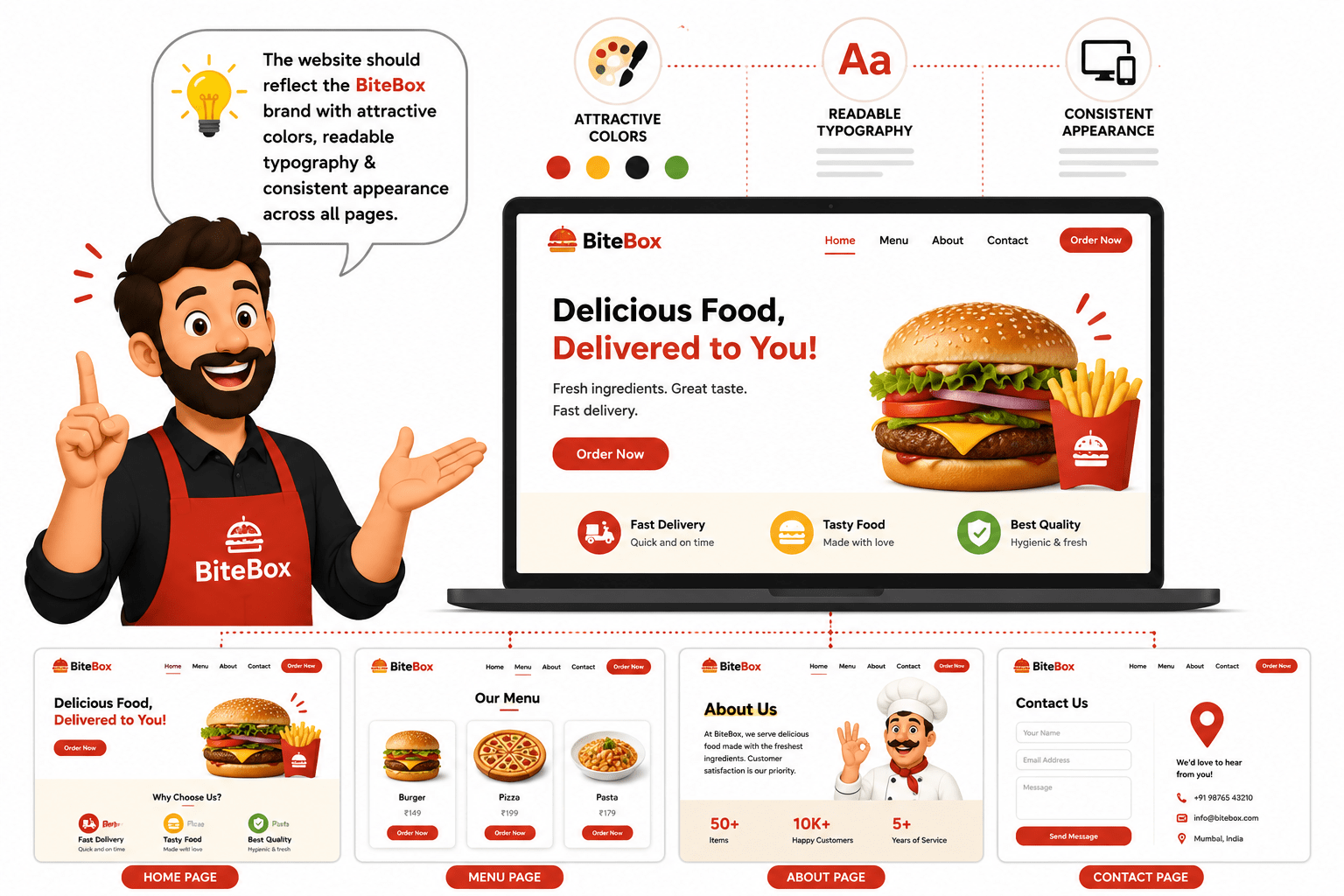
The BiteBox website is now complete from a structural perspective. Customers can browse the menu, view restaurant information, and even submit an order form.
However, the website still uses the browser's default styling, making it look plain and unprofessional.
Pre-Lab Preparation
git pull origin branchNameGit Pull
As a Frontend Developer, your task is to create the first stylesheet and begin transforming the plain HTML website into a visually appealing restaurant website using CSS.
Module: CSS Foundations and Text Styling
1) Getting Started With CSS
2) Understanding different types of css
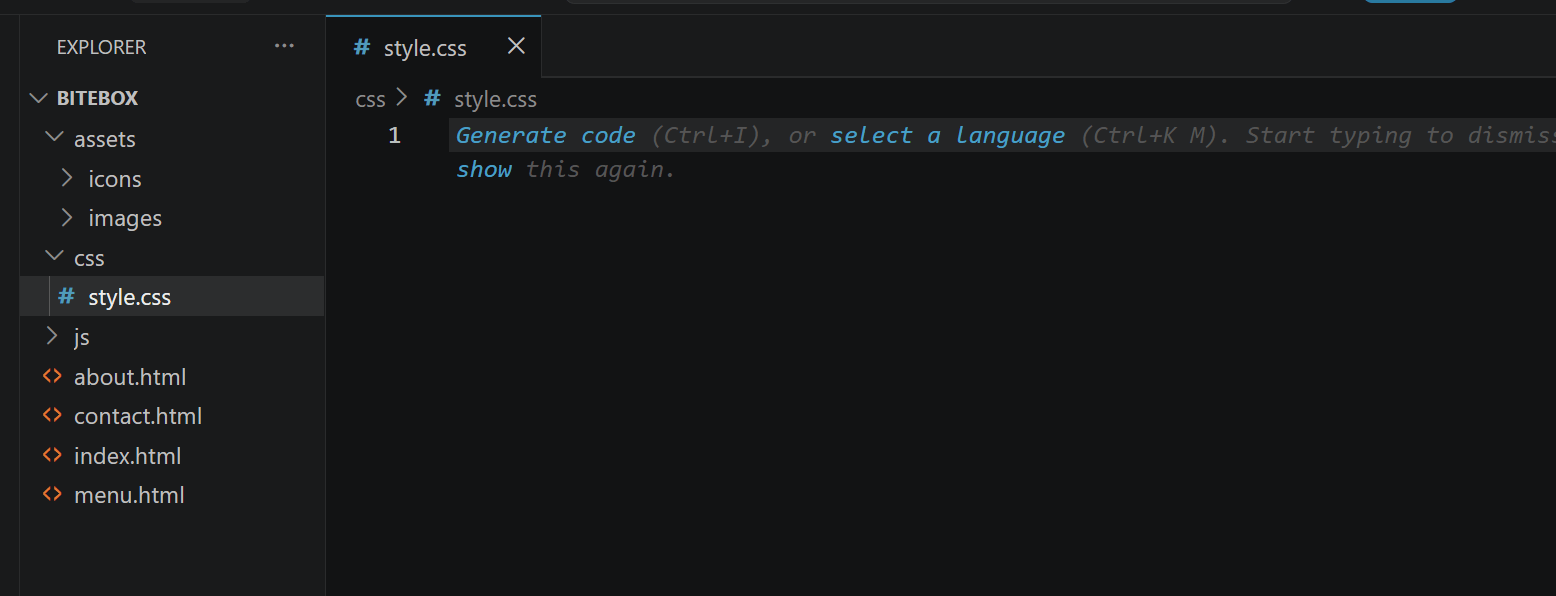
Task 1: Create an External Stylesheet
Open the css folder inside the BiteBox project and Create a new file
1
Task 2: Link CSS with HTML
<!DOCTYPE html>
<html lang="en">

<head>
    <meta charset="UTF-8">
    <meta name="viewport" content="width=device-width,
    initial-scale=1.0">
    <title>BiteBox</title>
    <link rel="stylesheet" href="css/style.css">
</head>
Open index.html - Inside the <head> section, add the following code.
1
Repeat the same step in: about.html ,menu.htm ,contact.html
Task 3: Style the Body
Open style.css and add the following CSS rule.
1
body{

    background-color: #FFF8E7;

    font-family: Arial, sans-serif;

    color: #333333;

}
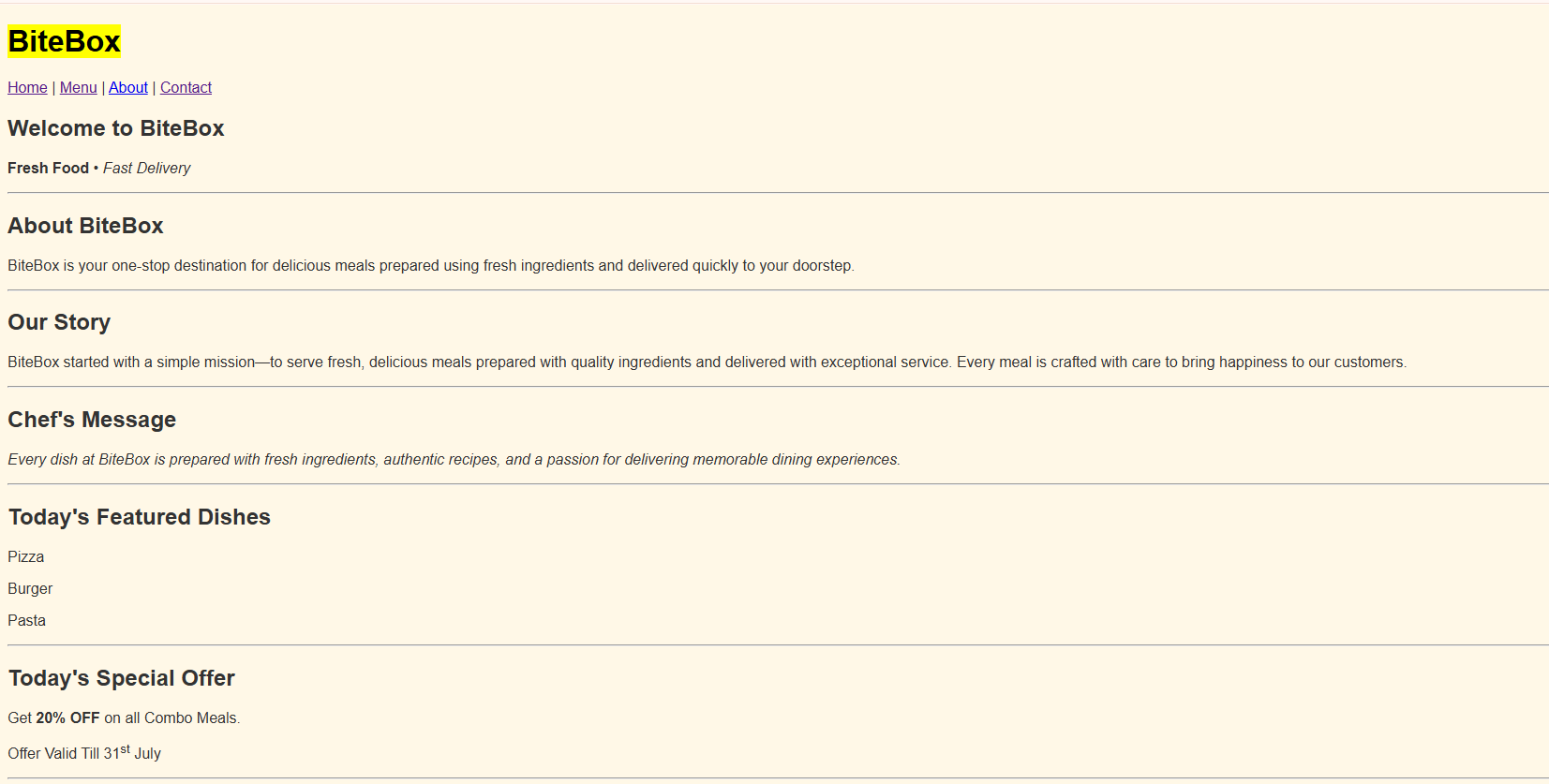
Check the output
2
Task 4: Style the headings
h1{
    color: #E67E22;
    text-align: center;
    font-size: 40px;
}

h2{
    color: #E67E22;
    text-align: center;
}

h3{
    color: #8B4513;
}
Inside style.css, add the following styles.
1
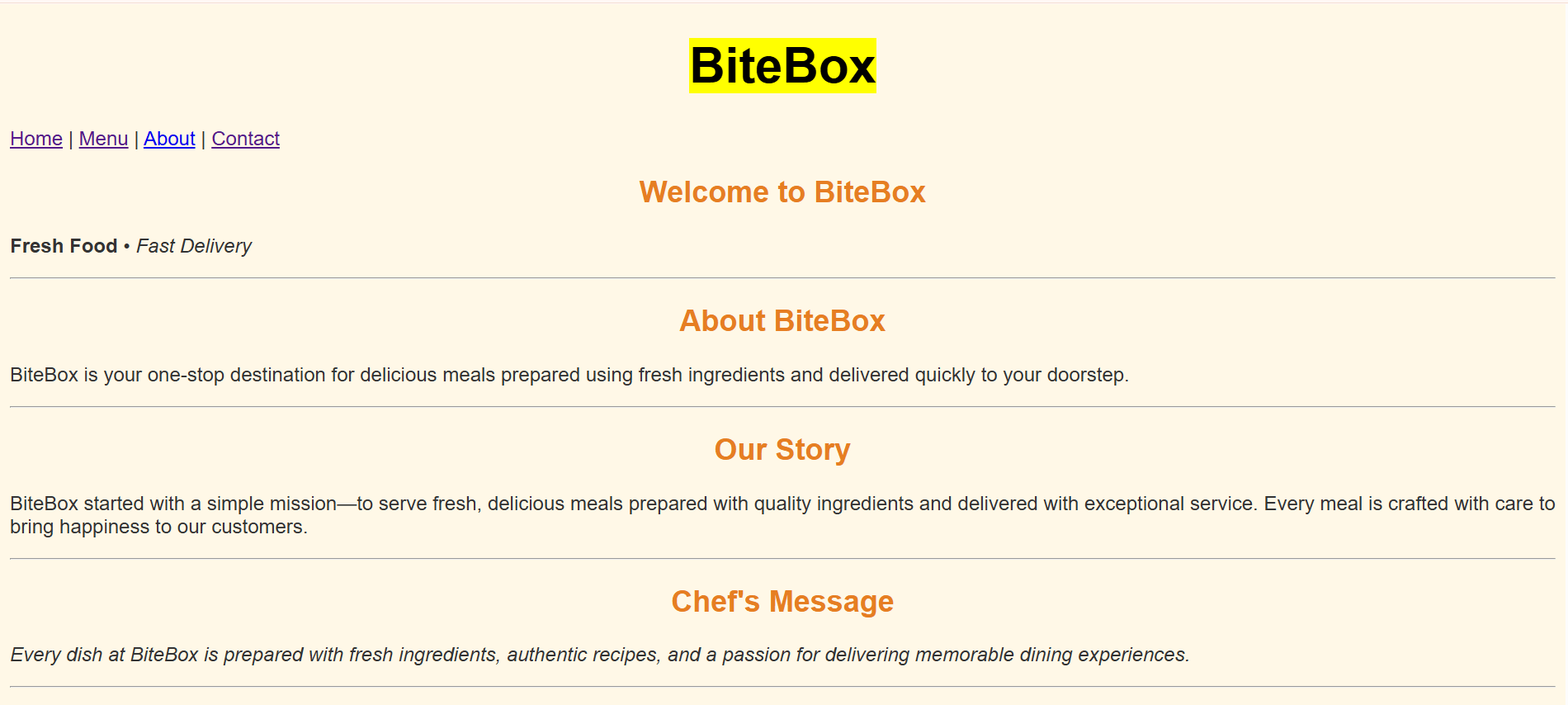
Check the output
2
Task 5: Style Paragraphs
p{

    font-size:18px;

    text-align:justify;

    color:#555555;

}
Add the following CSS rule.
1
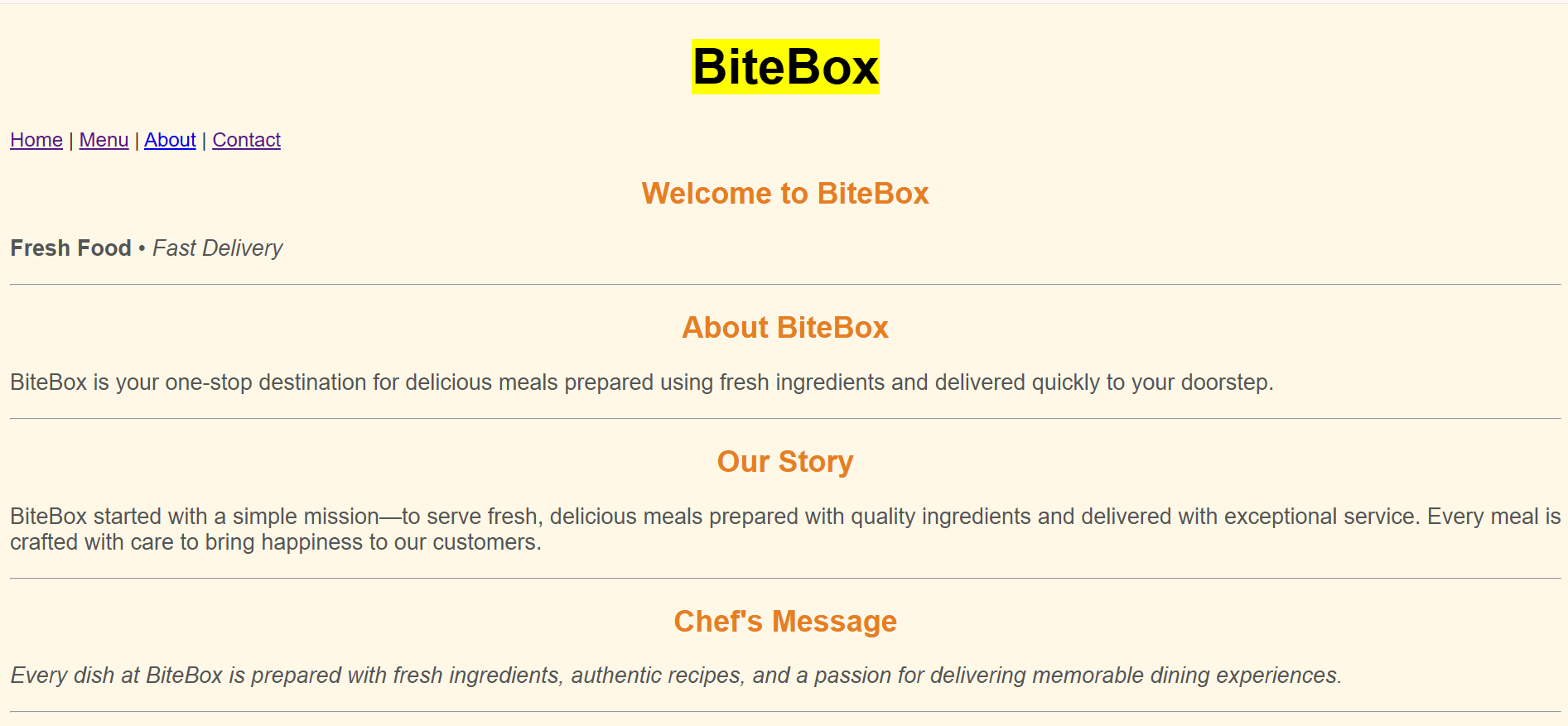
Check the output
2
Task 6: Style Navigation Links
a{

    color:#E67E22;

    text-decoration:none;

    font-weight:bold;

}
Add the following CSS rule.
1
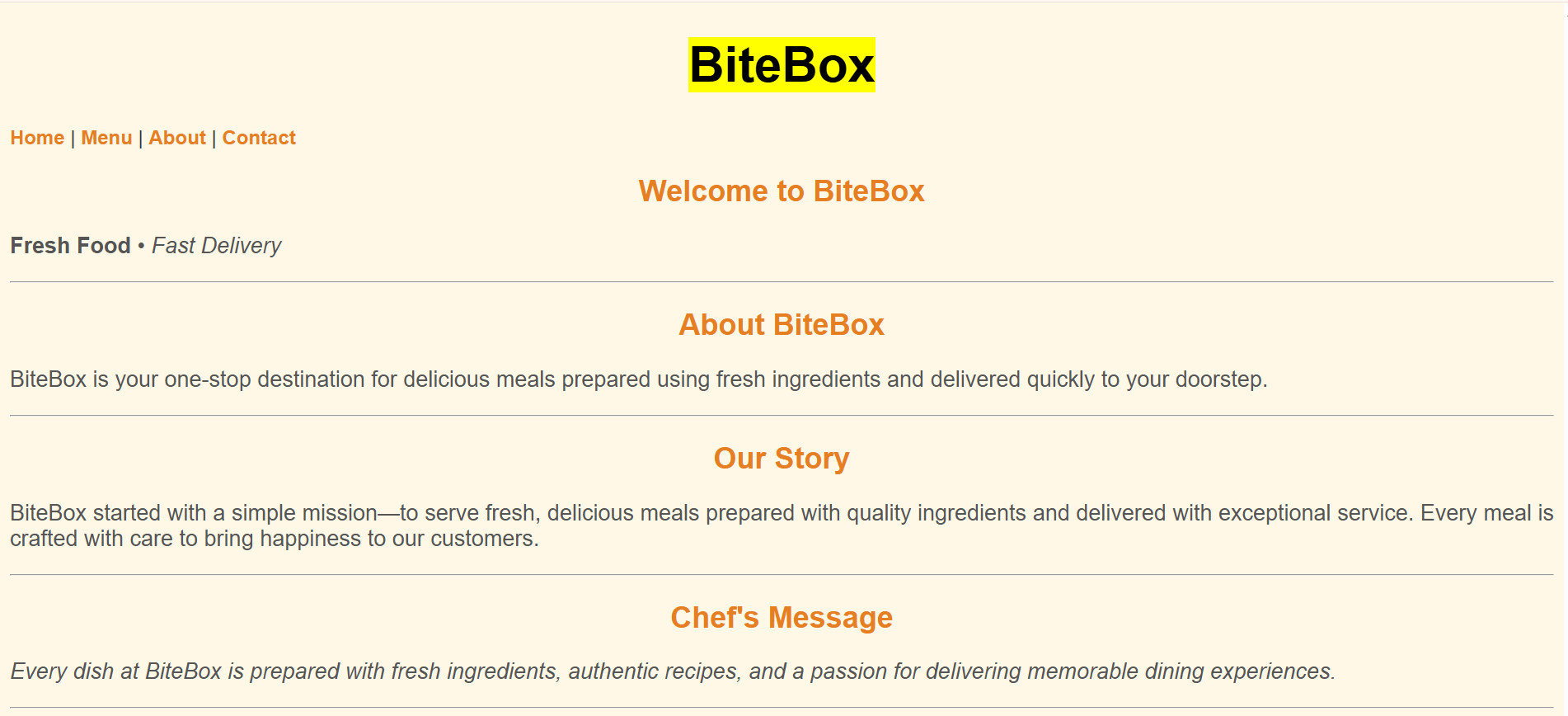
Check the output
2
Complete Solution
Style.css
body{
    background-color: #FFF8E7;
    font-family: Arial, sans-serif;
    color: #333333;
}
h1{
    color: #E67E22;
    text-align: center;
    font-size: 40px;
}
h2{
    color: #E67E22;
    text-align: center;
}
p{
    font-size:18px;
    text-align:justify;
    color:#555555;
}
a{
color:#E67E22;
text-decoration:none;
font-weight:bold;
}
Great job!
You successfully enhanced the BiteBox website with attractive styling.
Checkpoint
Git Push
git push origin branchNameNext-Lab Preparation
Module: CSS Foundations and Text Styling
1) Getting Started With CSS
2) CSS Selectors and Text Styling
By Content ITV