























Content ITV PRO
This is Itvedant Content department
Learning Outcome
4
Add filter options to improve data management in large datasets.
3
Implement search functionality in admin using search_fields.
2
Customize list display in the admin interface.
1
Perform Create, Read, Update, and Delete operations using Django Admin.
Recall
What is Django Admin
How to register models in admin.py
Basic understanding of CRUD operations
ModelAdmin customization basics
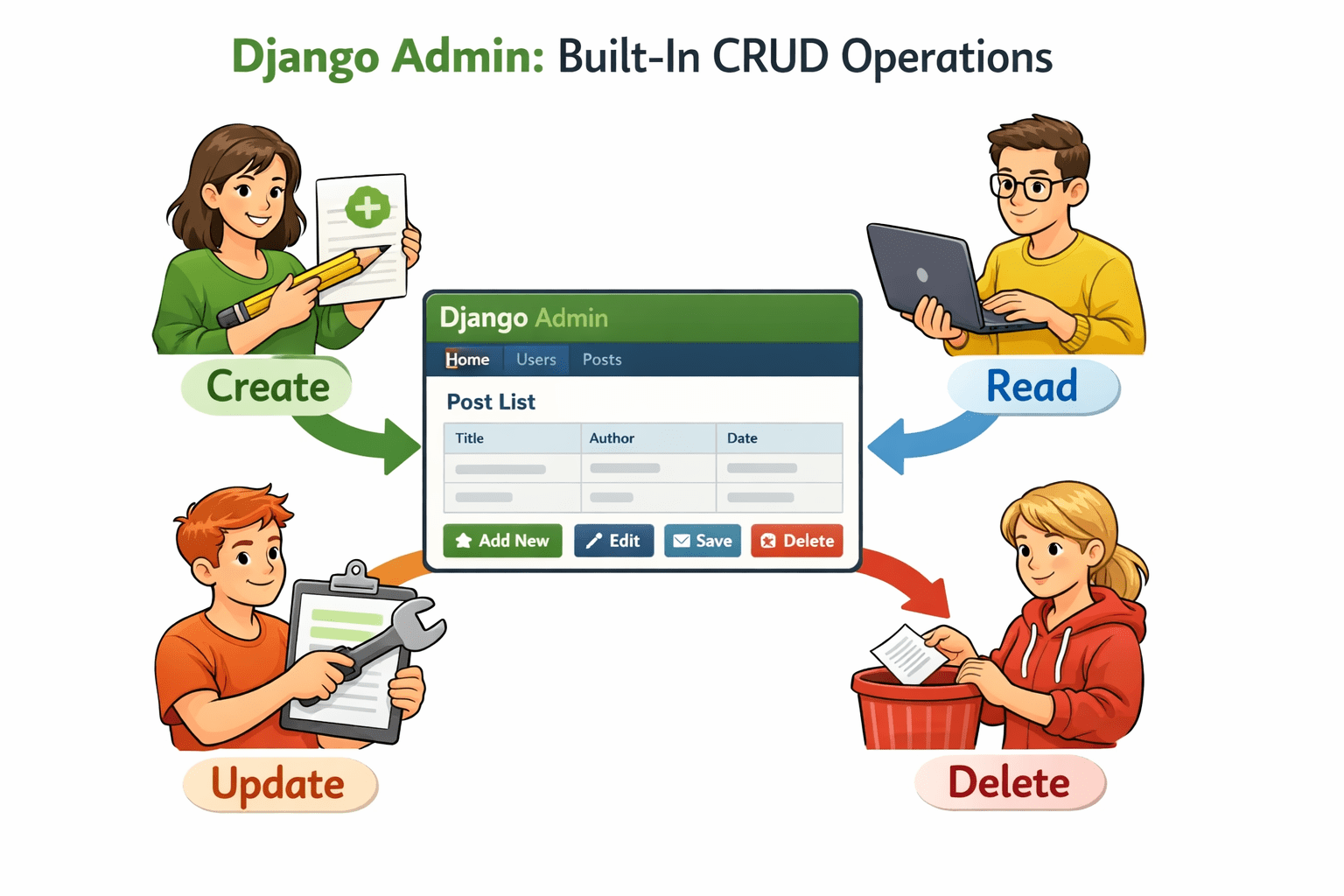
Introduction to CRUD Operations in Admin
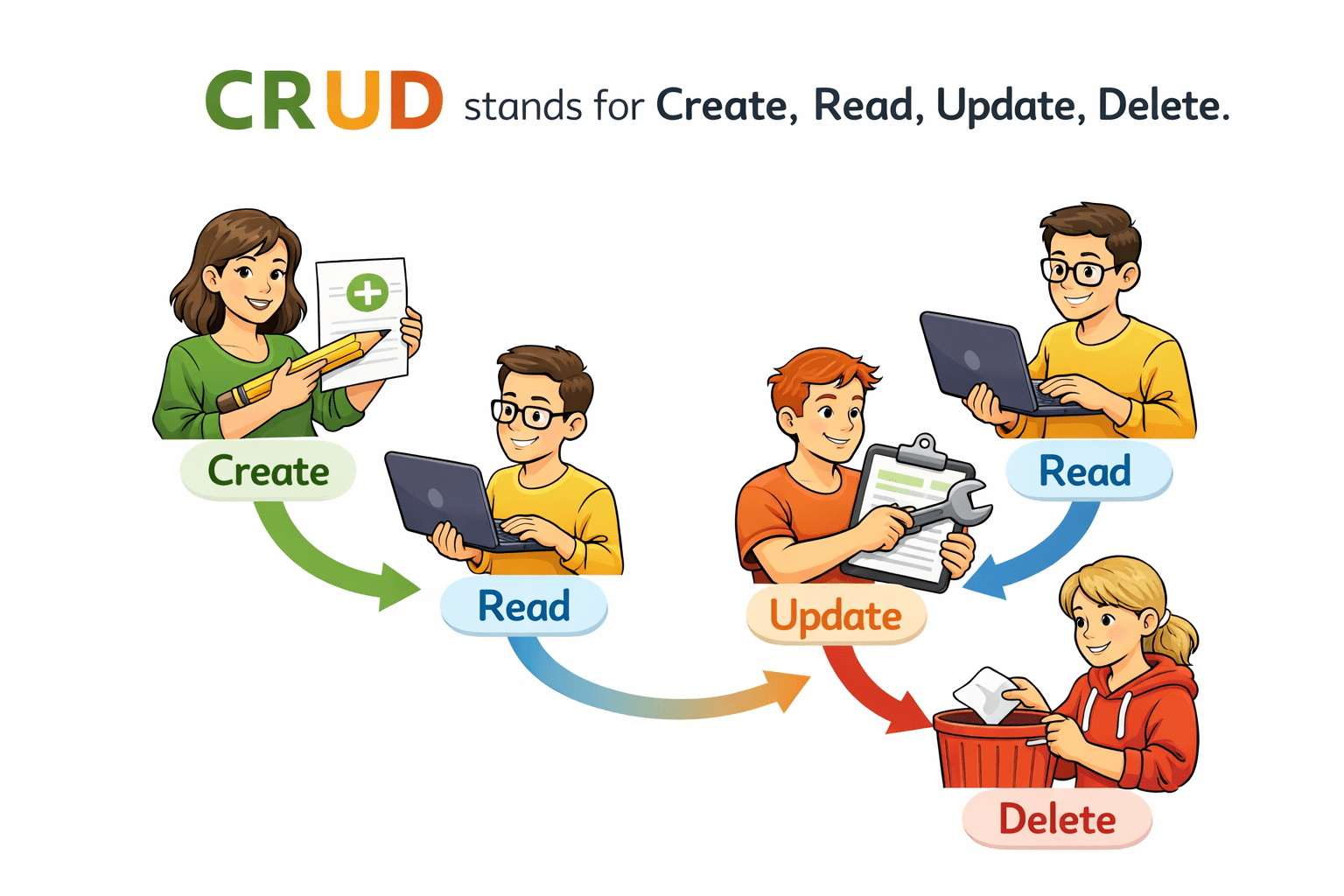
CRUD stands for Create, Read, Update, Delete.
Django Admin provides built-in support for CRUD operations.
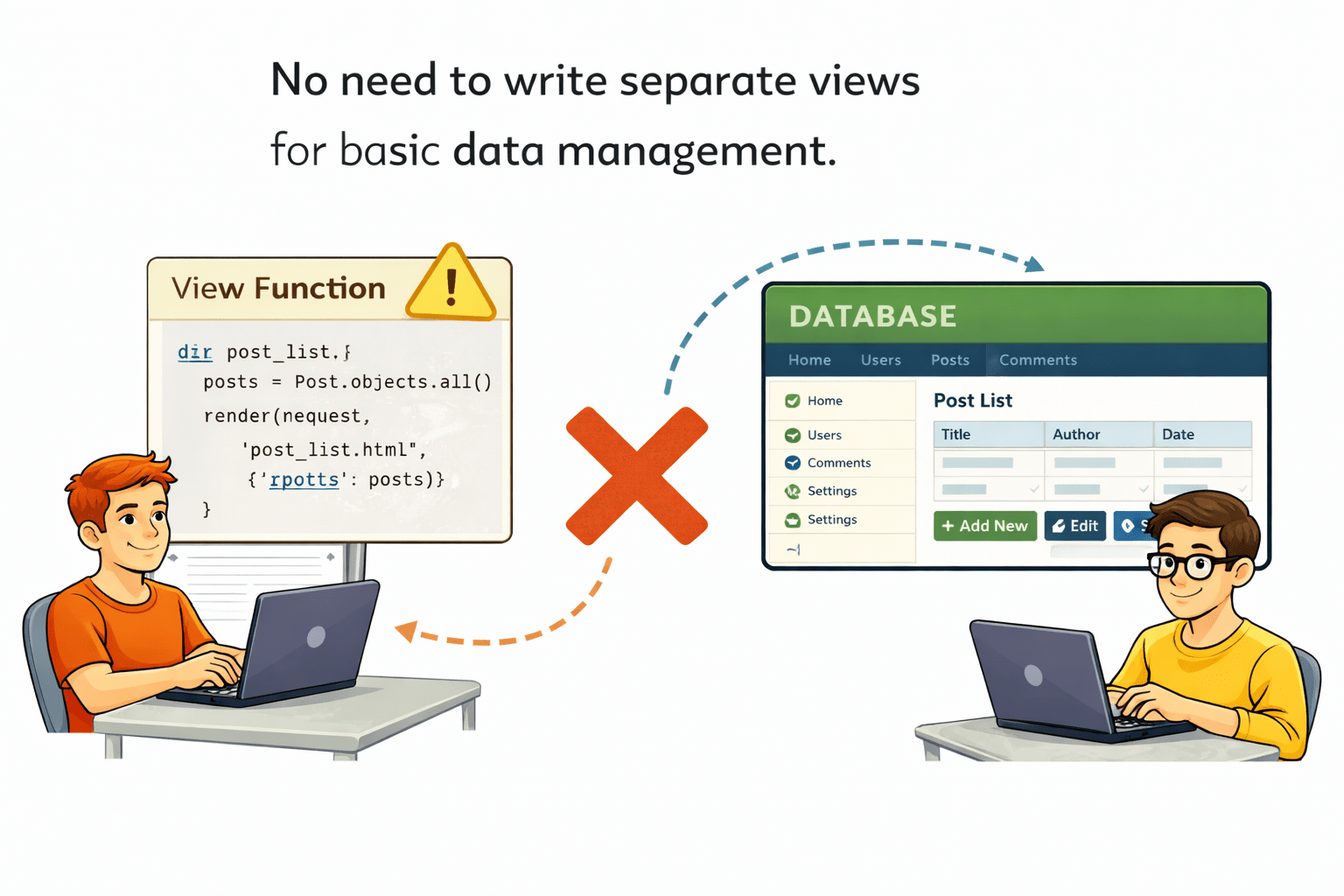
No need to write separate views for basic data management.
Introduction to CRUD Operations in Admin
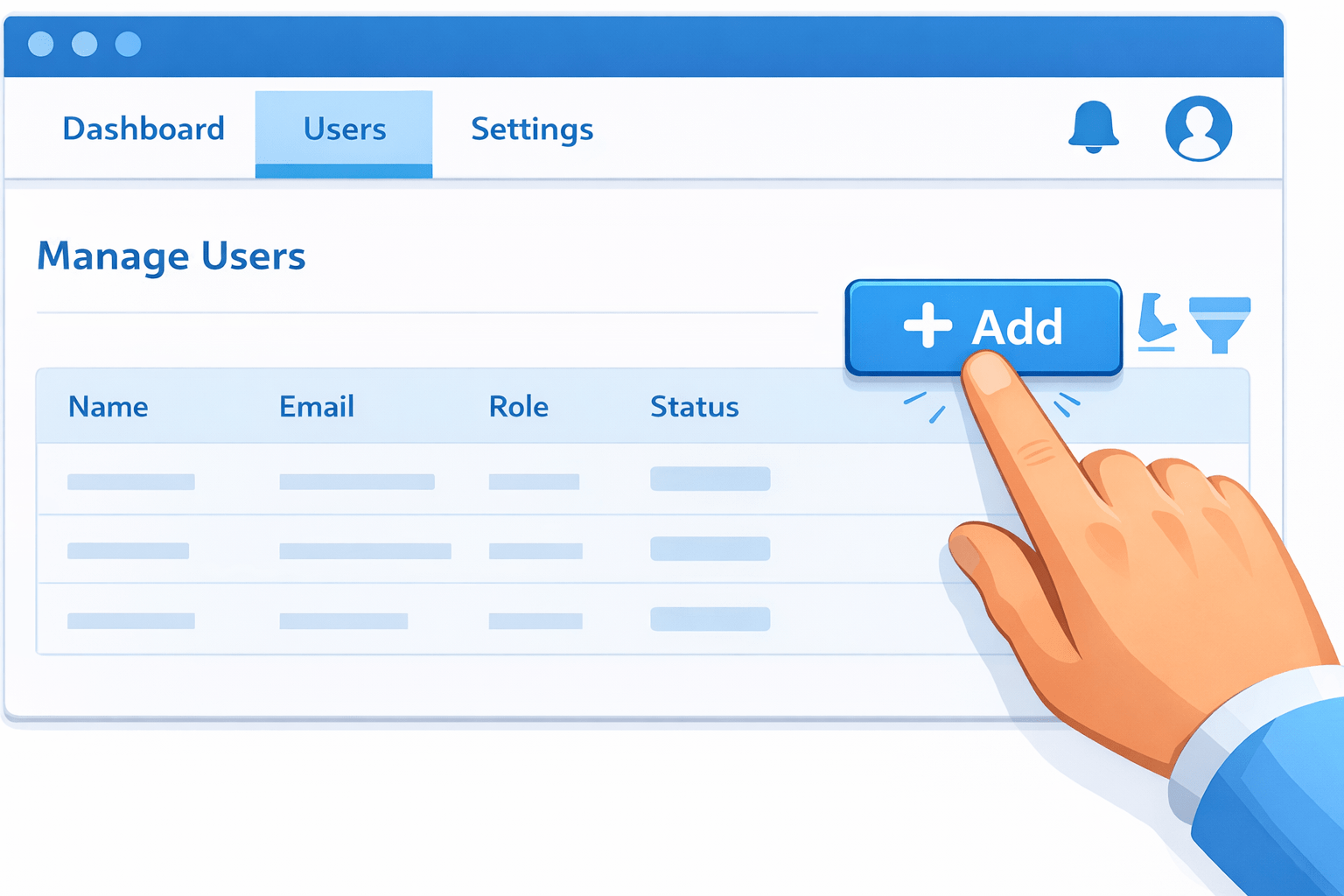
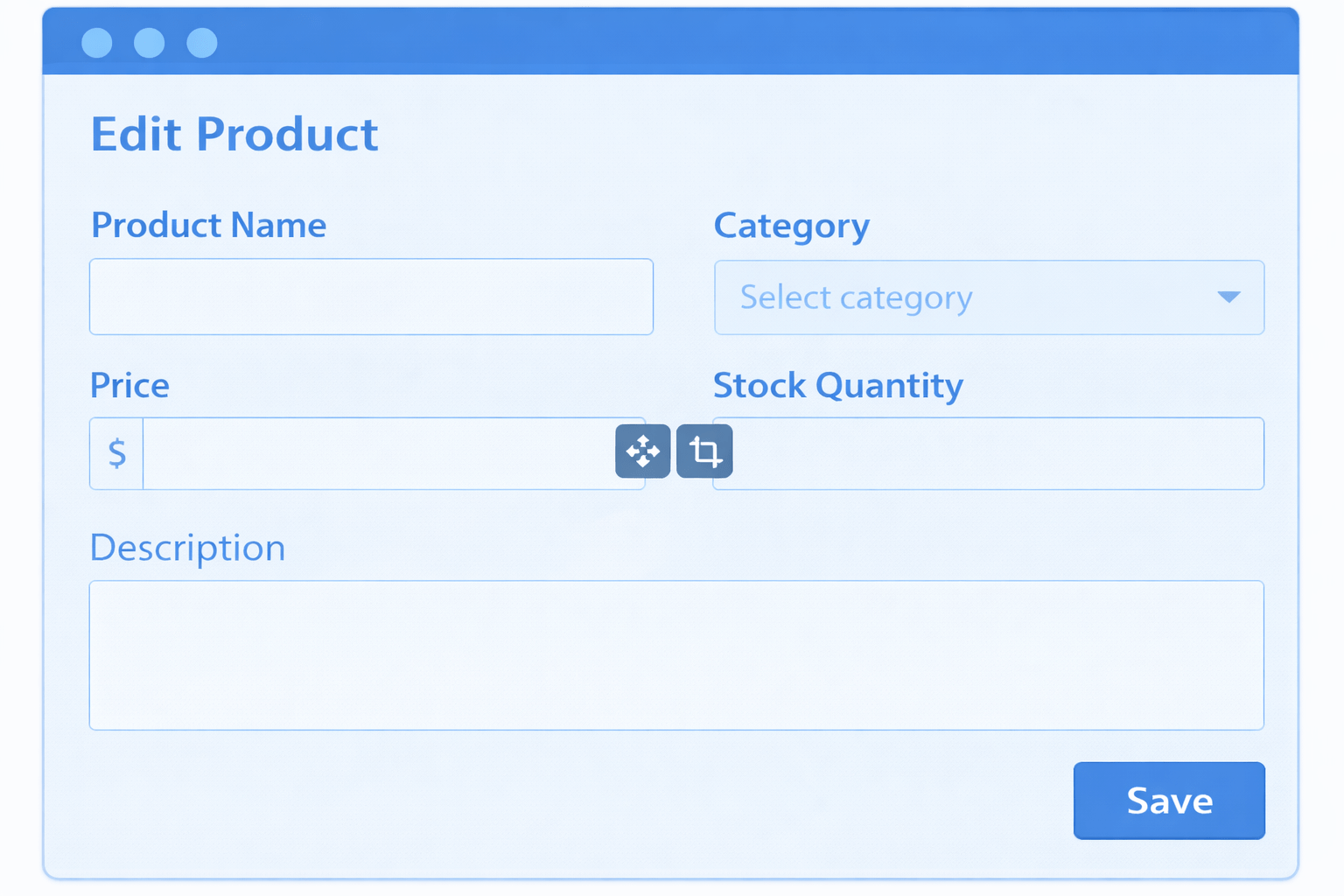
If Django Admin supports CRUD operations, how do we add a new product to our e-commerce system?
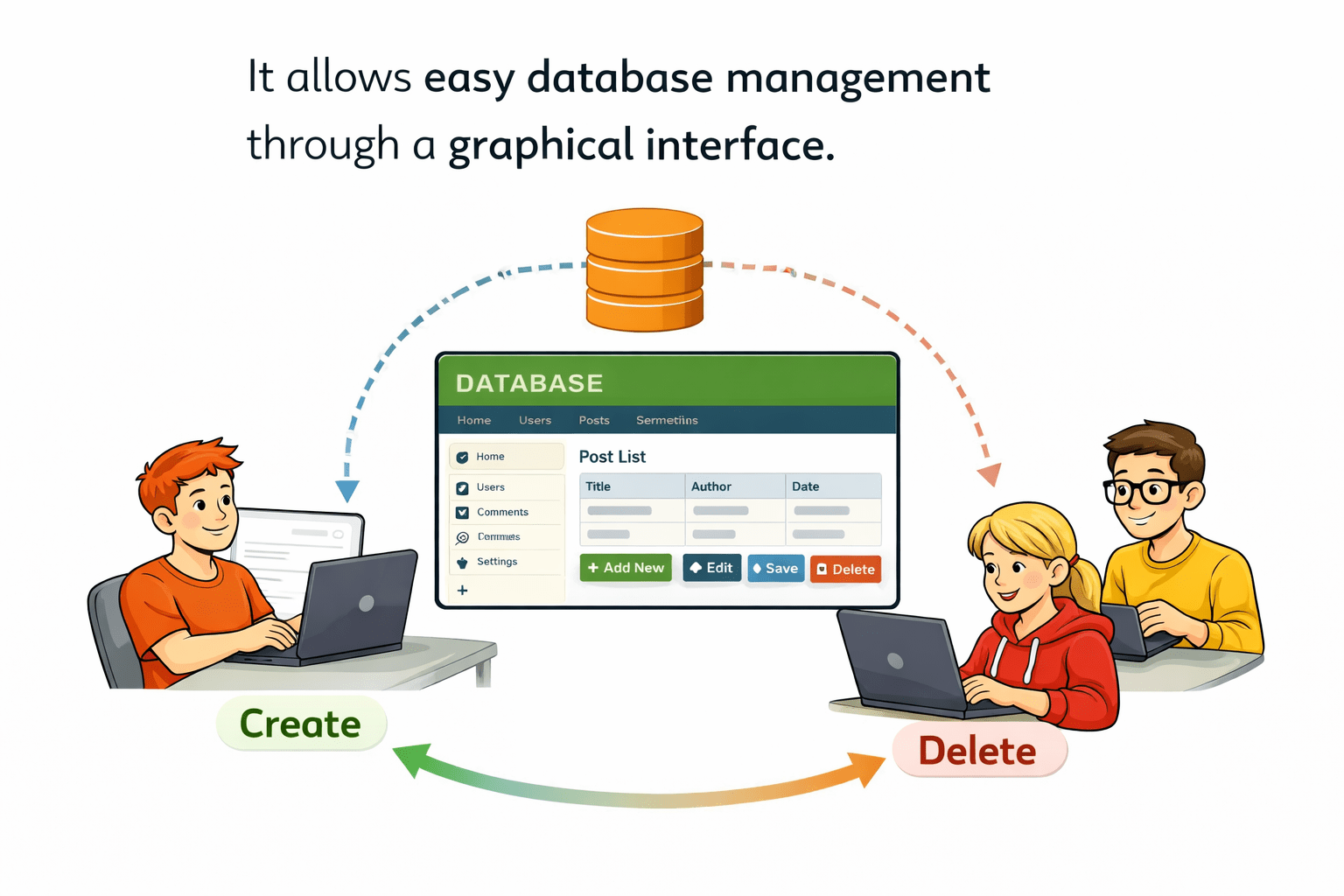
It allows easy database management through a graphical interface.
1. Creating Product Records
Create Operation in Admin
Create Operation in Admin
After adding products, how can we view all available products in our store?
1. Viewing Product Records
2. Customizing List Display
Use list_display in ModelAdmin to control columns.
class ProductAdmin(admin.ModelAdmin):
 list_display = ('name', 'price', 'category', 'stock')
Read Operation in Admin
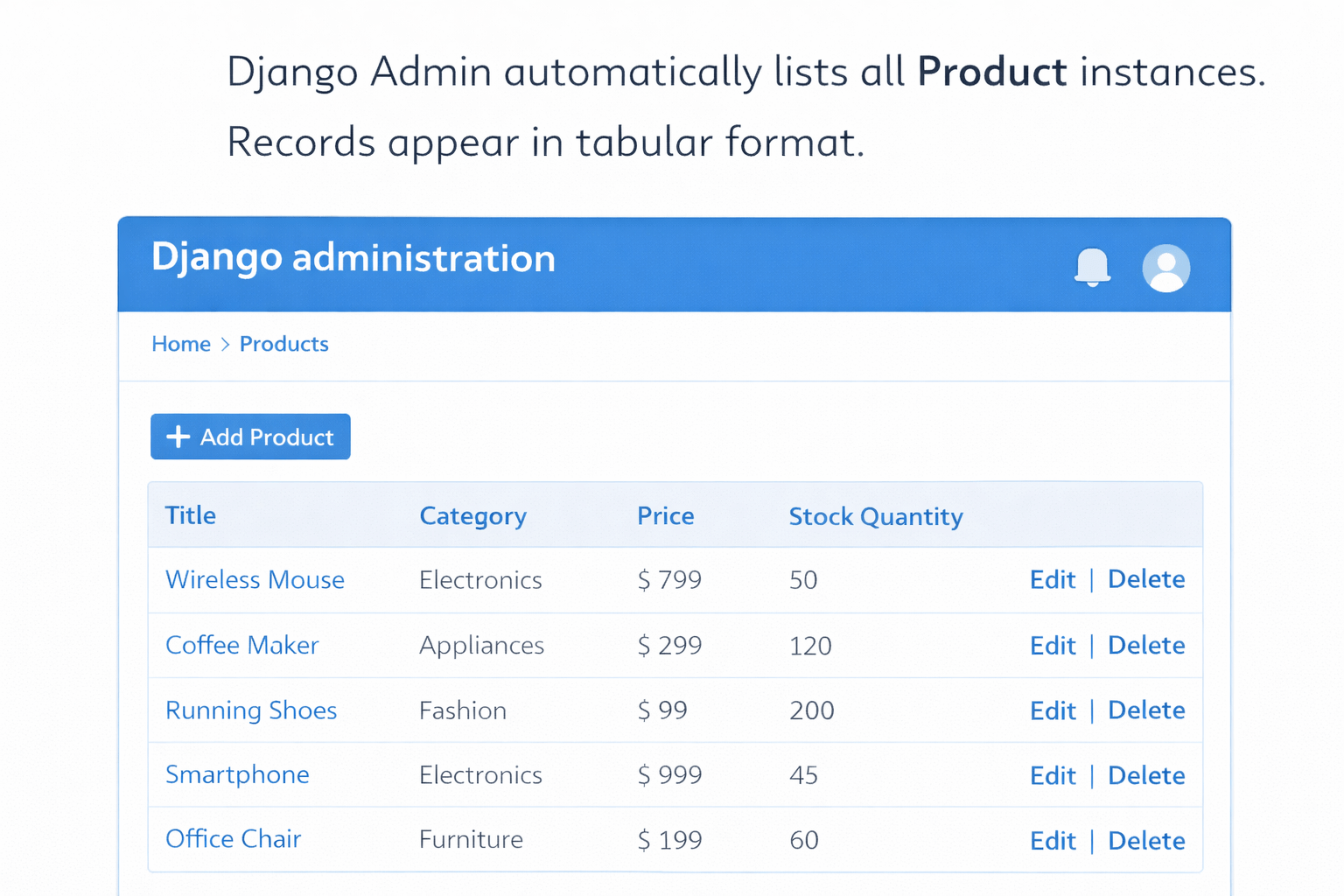
Django Admin automatically lists all Product instances.
Records appear in tabular format.
Read Operation in Admin
If the price of a product changes, how do we update it?
3. Benefit
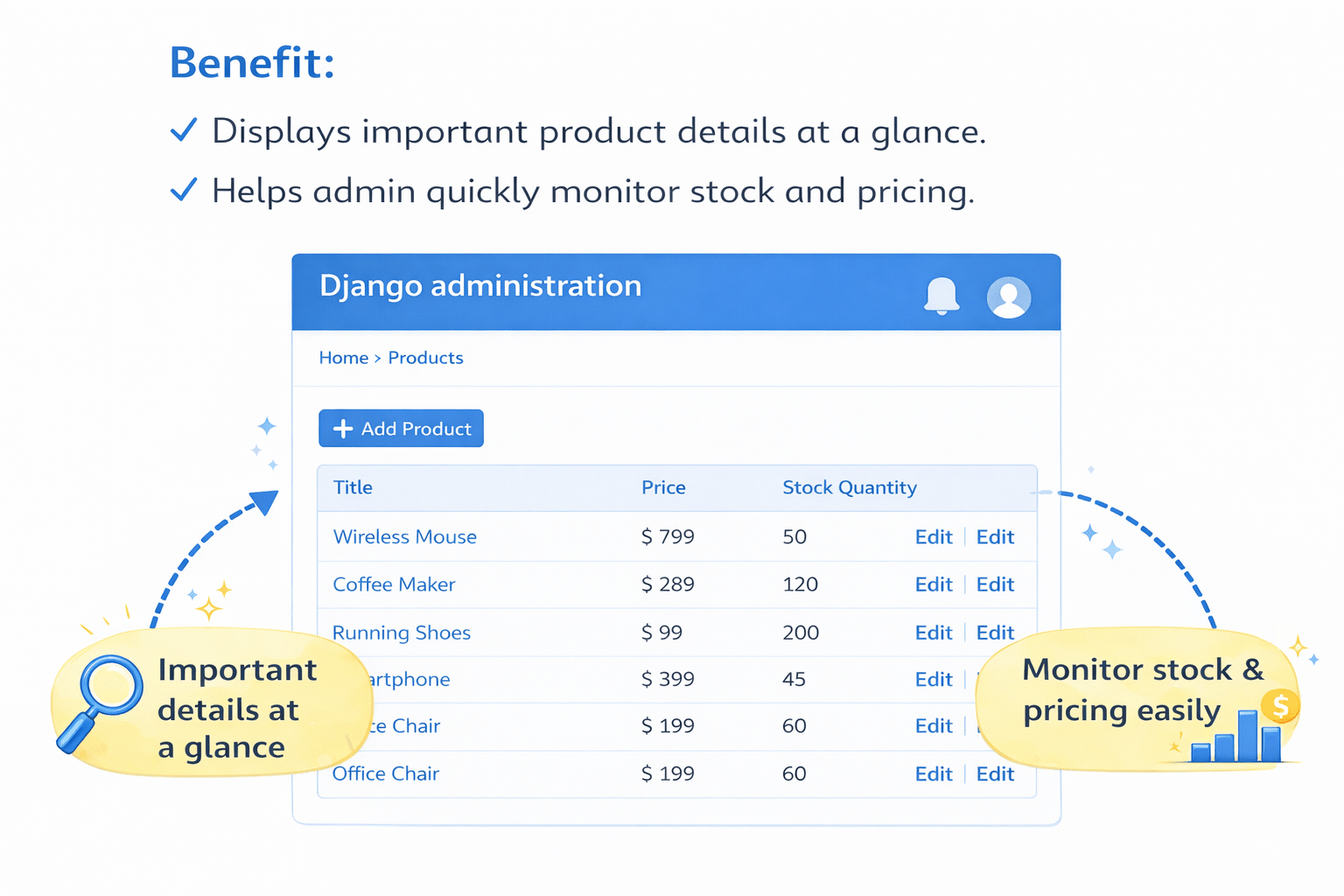
Displays important product details at a glance.
Helps admin quickly monitor stock and pricing.
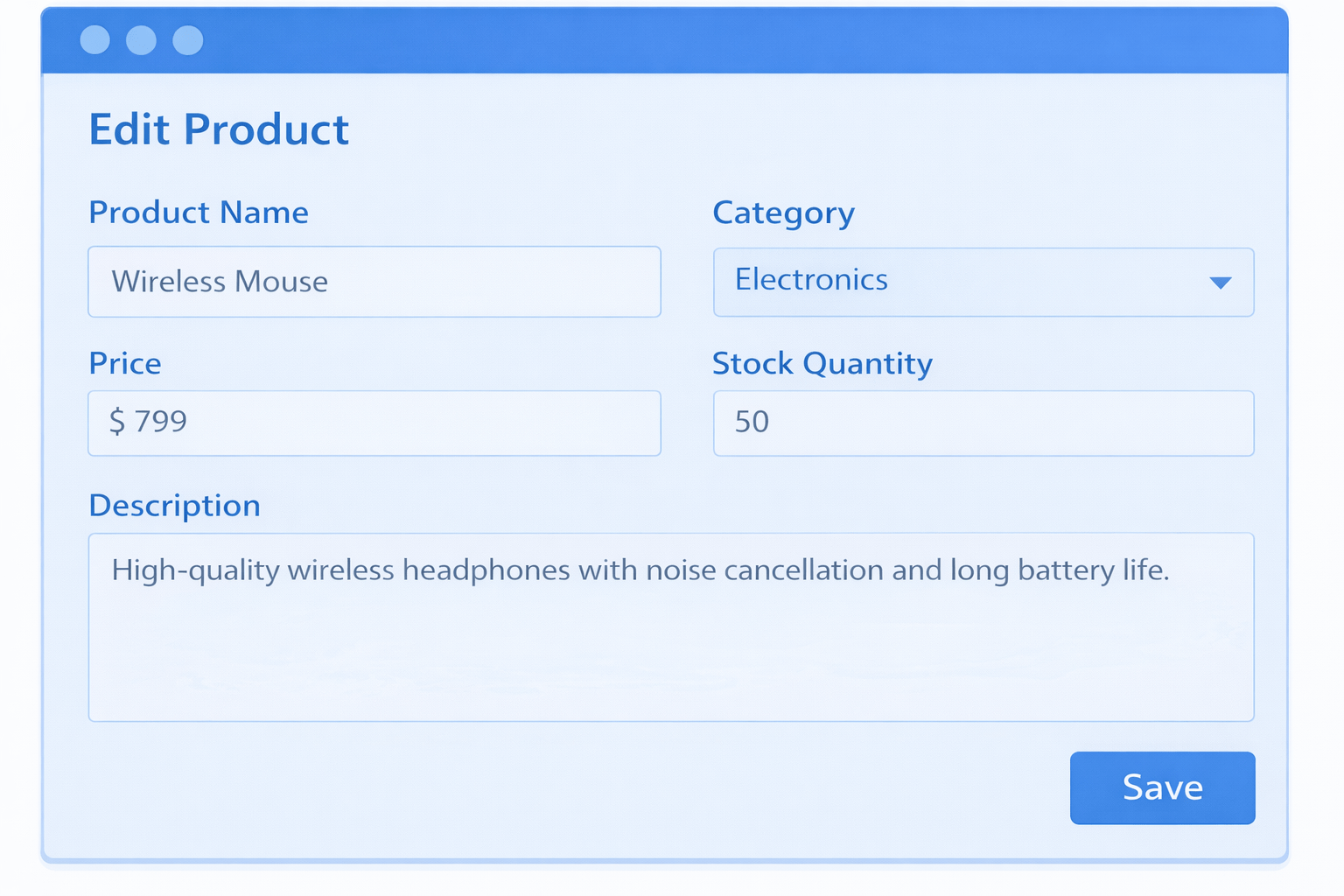
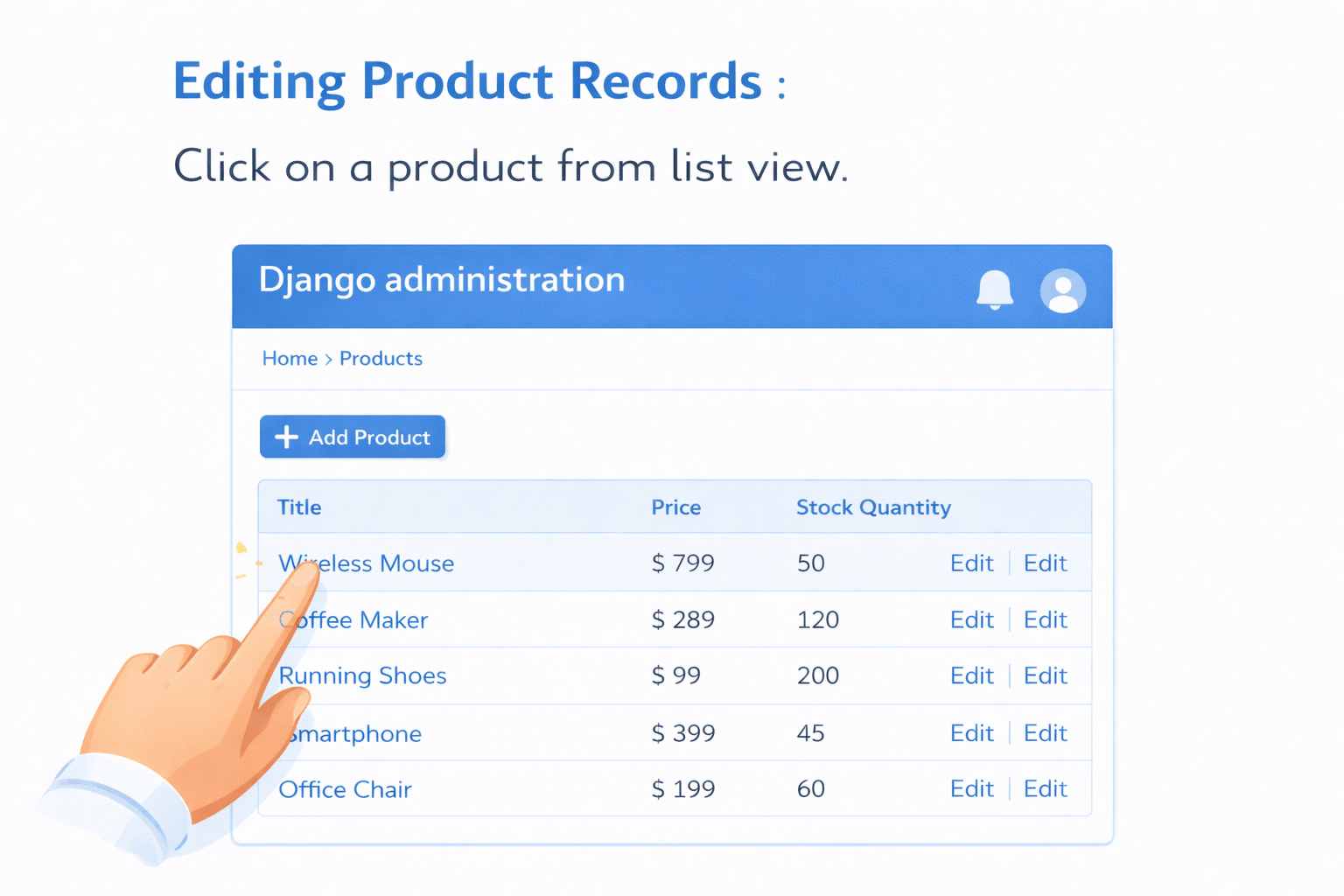
Editing Product Records
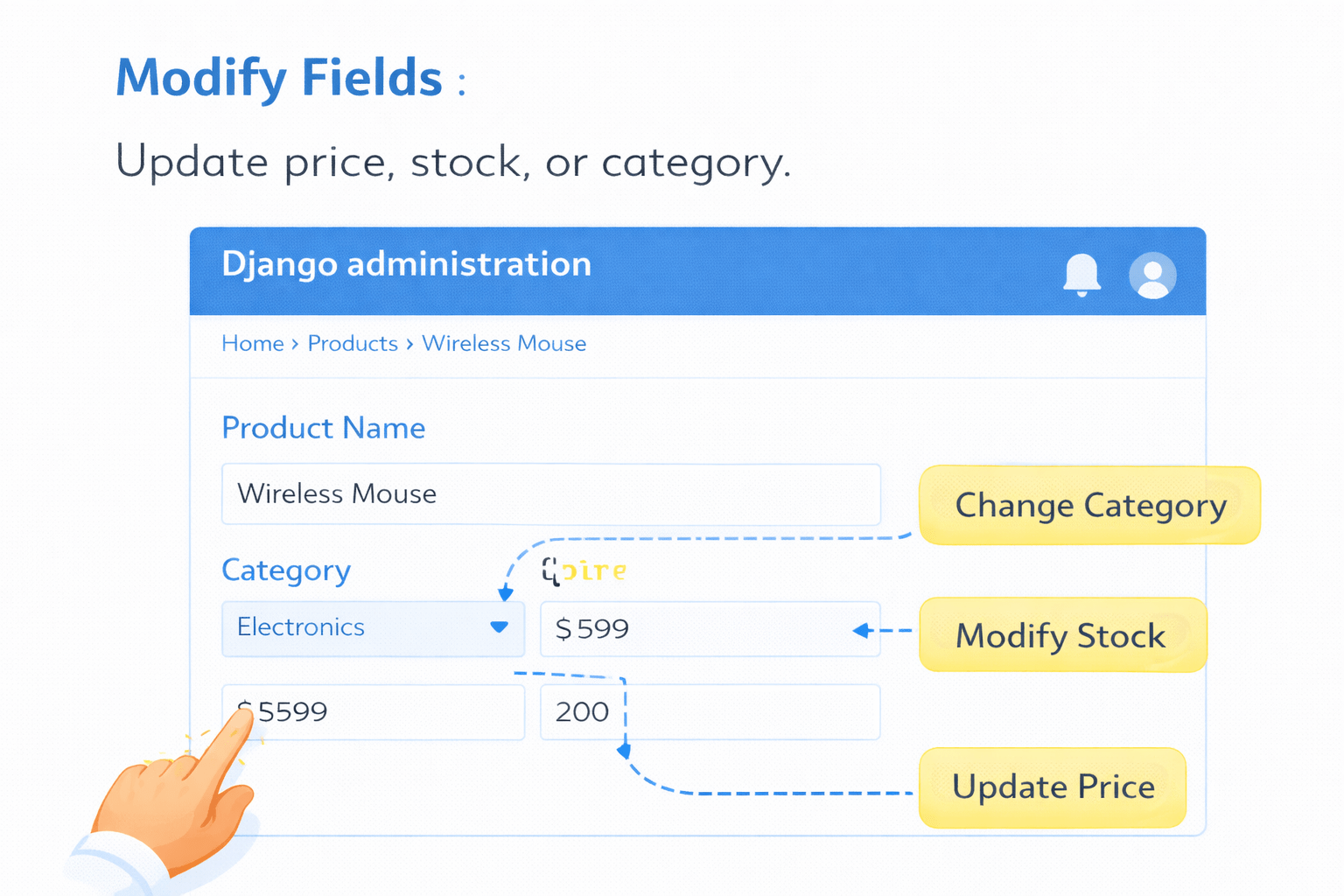
Click on a product from list view.
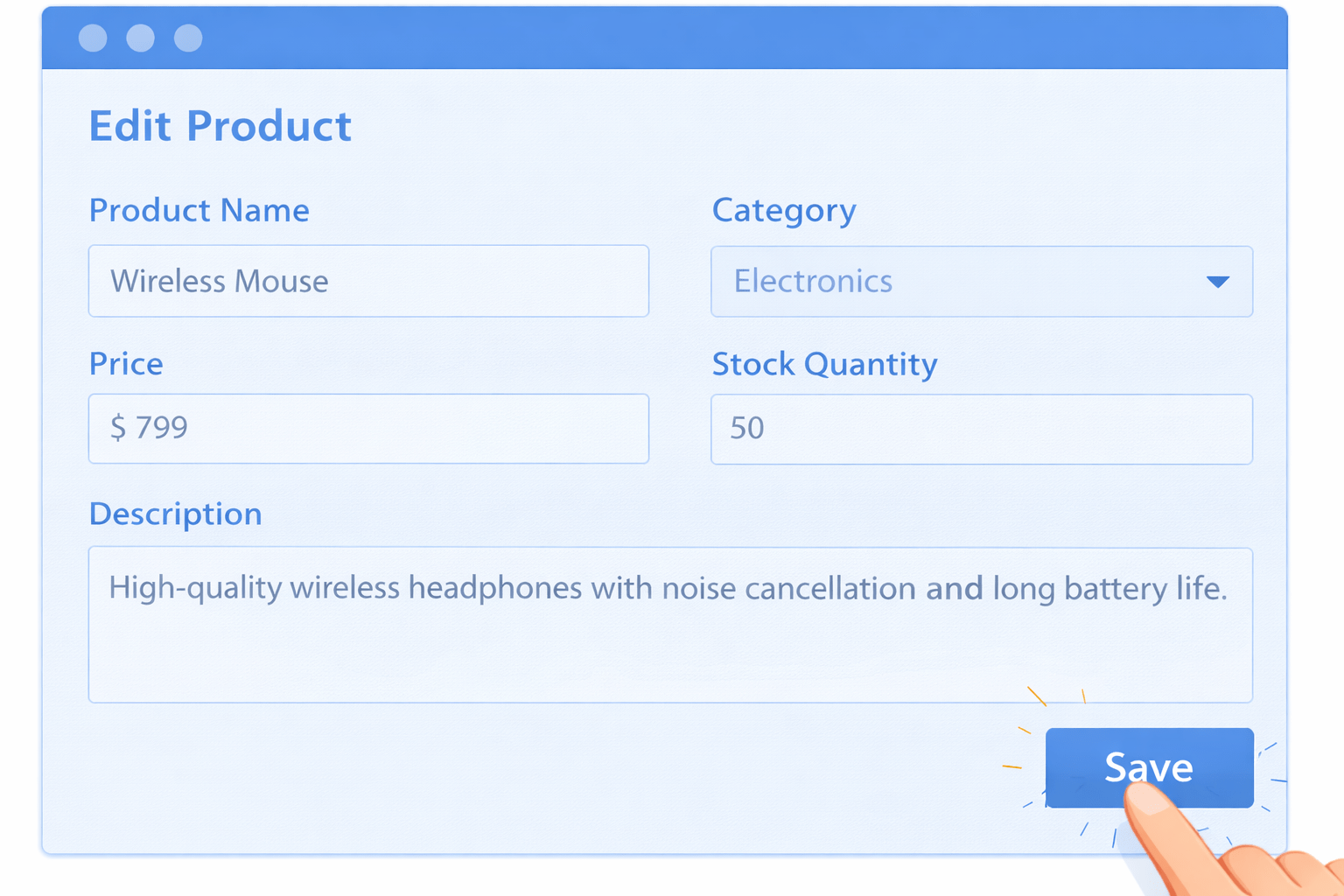
Update Operation in Admin
Modify Fields
Update price, stock, or category.
Update Operation in Admin
Change price of Wireless Mouse from 799 to 749.
If a product is discontinued, how do we remove it from the system?
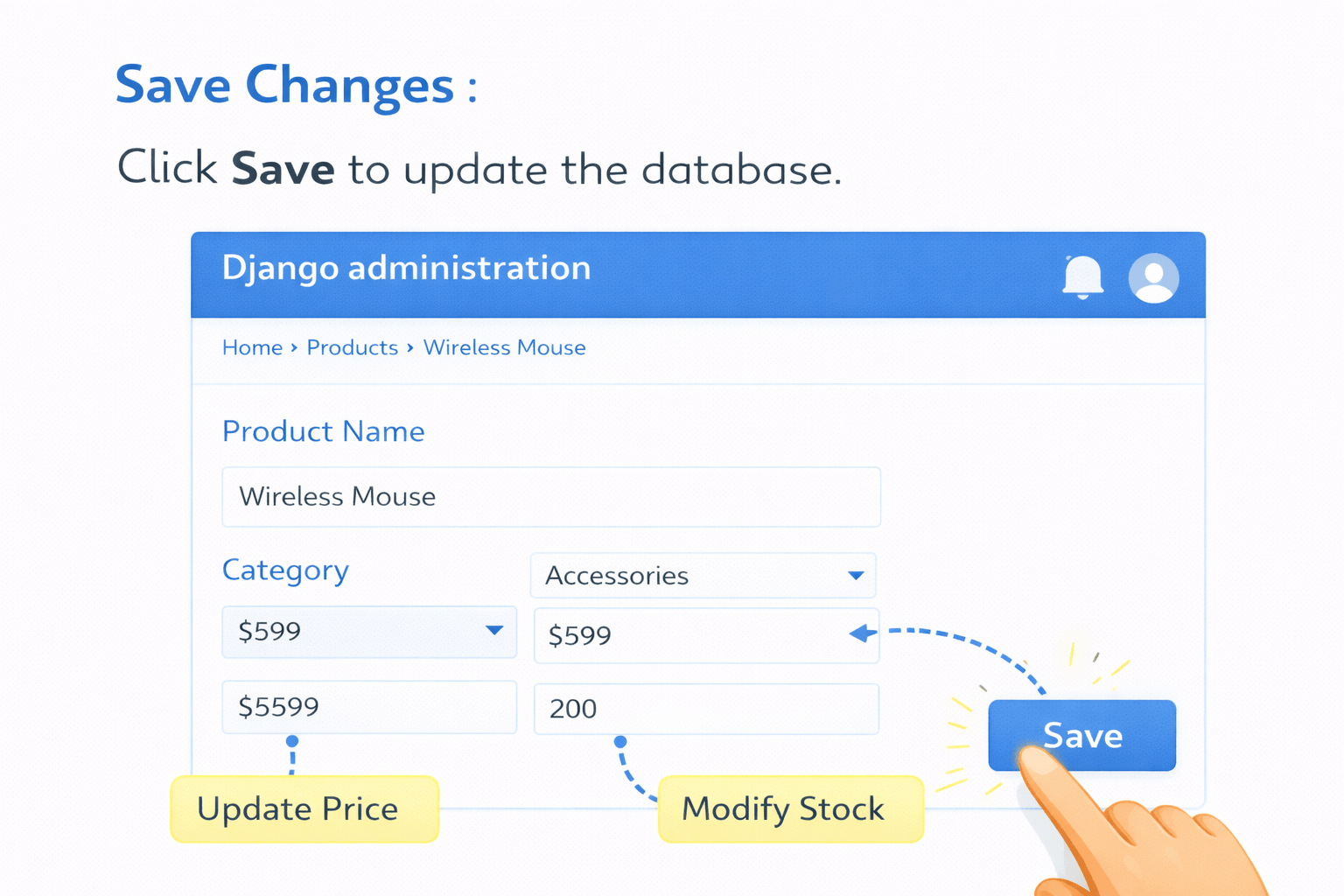
Save Changes
Click Save to update the database.
Changes are instantly reflected in the database.
Delete Operation in Admin
1. Select Product
Choose the product from list view.
2. Click Delete
Click Delete button.
3. Confirm Deletion
Django shows confirmation page.
Confirm to permanently delete.
Prevents accidental deletion.
As our product list grows larger, how can we control which columns appear in the admin list view?
List Display Customization
Defines which fields appear in admin list view.
class ProductAdmin(admin.ModelAdmin):
list_display = ('name', 'price', 'category', 'stock')If we have thousands of products, how can we quickly search for a specific product?
Search Fields Customization
1. Adding Search Functionality
Use search_fields in ModelAdmin.
class ProductAdmin(admin.ModelAdmin):
 search_fields = ('name', 'category')
3. Benefit
Saves time.
Useful for large product catalogs.
2. Result
Search bar appears in admin.
Admin can search products by name or category.
Besides searching, can we filter products based on category or availability?
Filter Options Customization
1. Adding Filters
Use list_filter in ModelAdmin.
class ProductAdmin(admin.ModelAdmin):
 list_filter = ('category', 'stock')
3. Benefit
Quickly filter products by category.
Identify out-of-stock items easily.
Improves admin efficiency.
2. Result
Filter options appear in right sidebar.
Summary
4
Delete operation includes confirmation step.
3
Update operation allows editing existing records.
2
Create operation uses the Add button and auto-generated form.
1
Django Admin provides built-in CRUD functionality
Quiz
Which attribute is used to add filtering options in Django Admin?
A. search_fields
B. list_display
C. list_filter
D. filter_display
Quiz-answer
Which attribute is used to add filtering options in Django Admin?
A. search_fields
B. list_display
D. filter_display
C. list_filter
By Content ITV