
















Content ITV PRO
This is Itvedant Content department
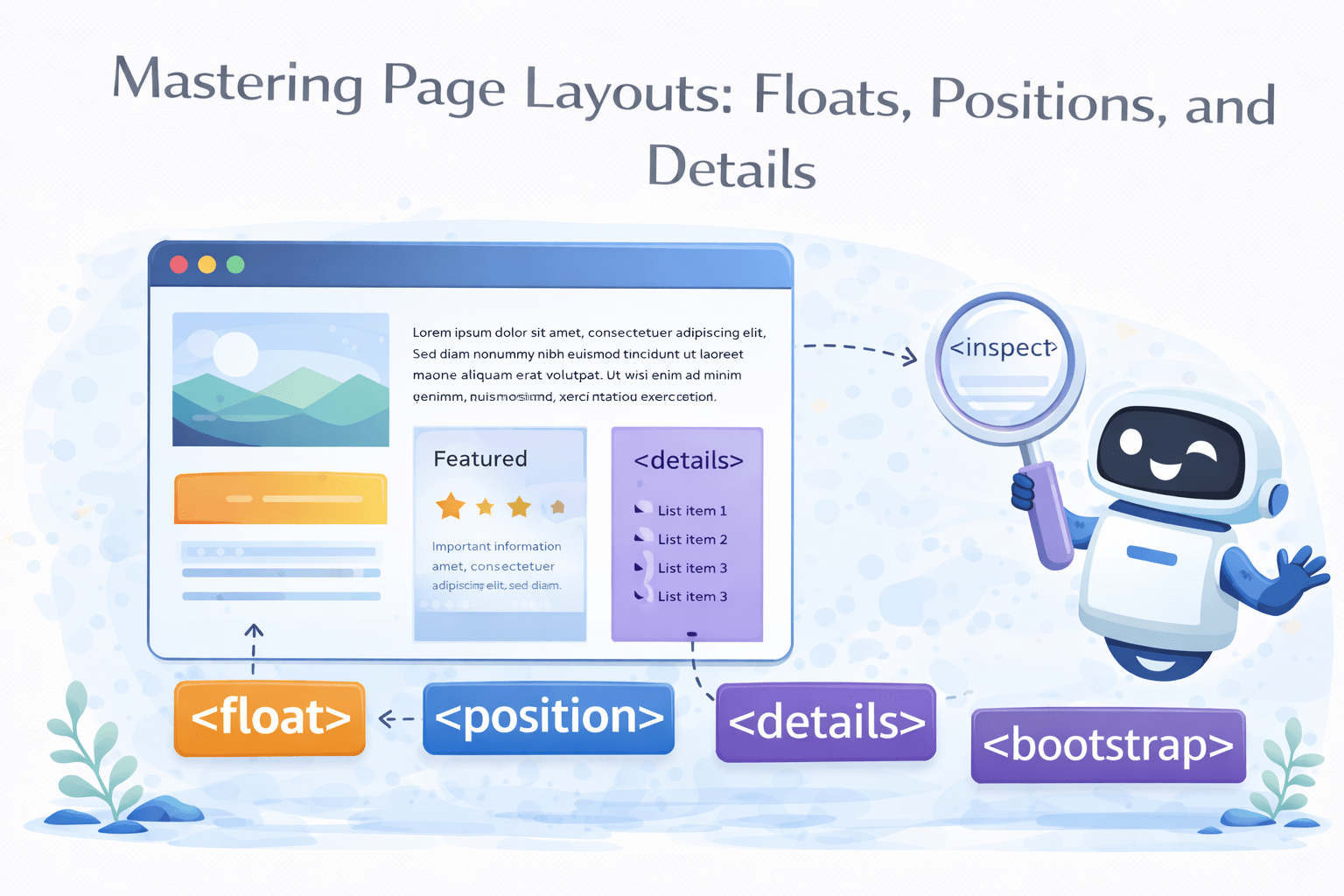
Mastering Page Layouts: Floats, Positions, and Details
Learning Outcome
1
Working with position & display properties
2
Wrapping content using float properties
3
Creating summary like menu using detail tag
Previously We Created Our Brochure By Understanding A Few Box Model Properties
Let's explore a few more...
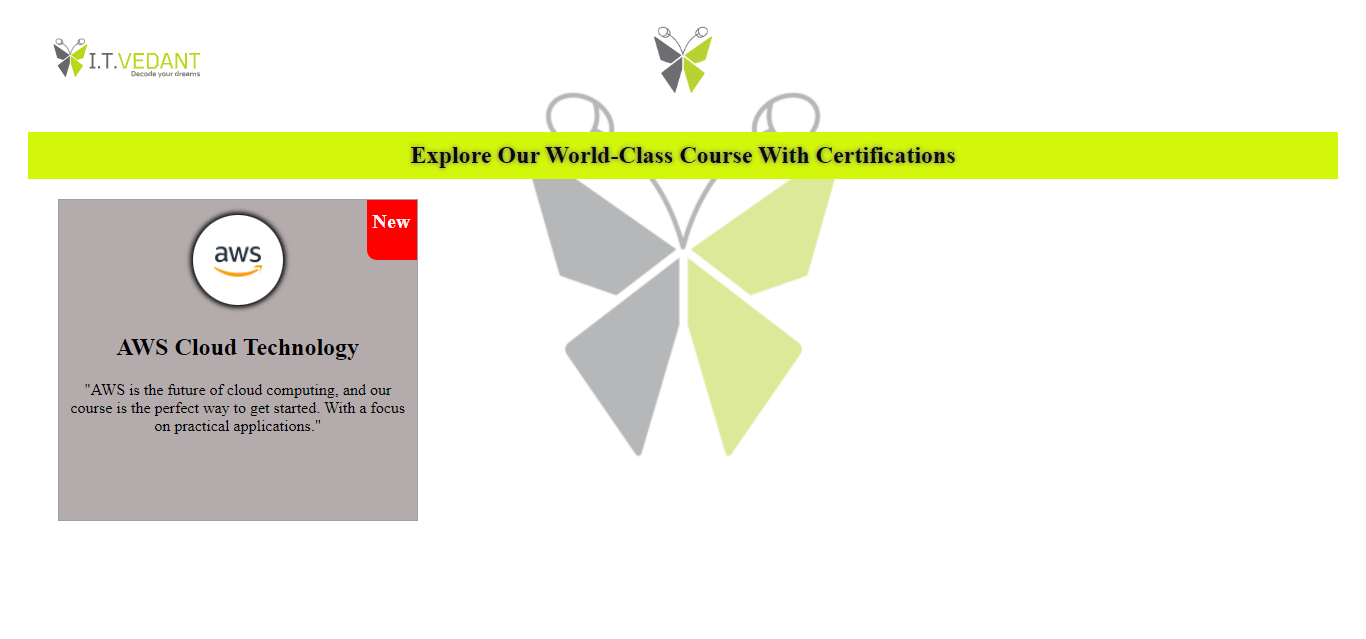
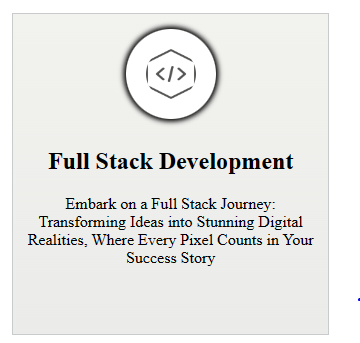
Let's Try Adding A Few Other Courses
<section>
        <h2>AWS Cloud Technology</h2>
    </section>
<section>
<h2>Full Stack Development</h2>
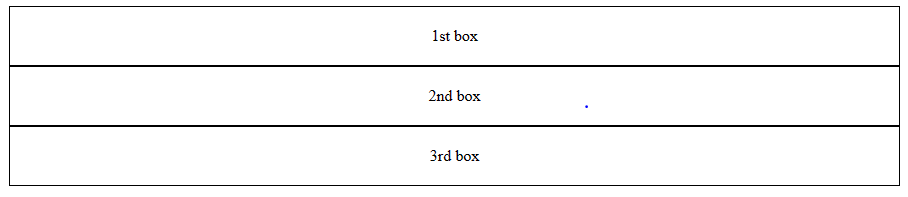
</section>Since <section> is a block element all the courses added would be stacked vertically
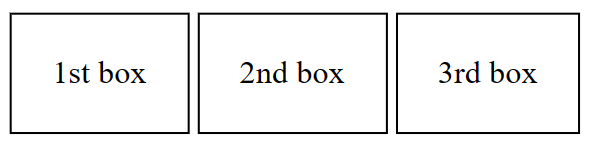
How Can We Align The Courses Section Next To Each Other Horizontally?
By controlling display properties of CSS
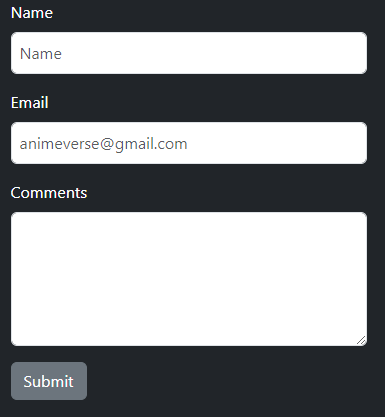
And for the textarea, we'll take the code from here and then customize it according to the requirements
<form>
</form>
Let's observe how this code performs...
Bootstrap Website
Bootstrap Website
Docs
Docs
Forms
Forms
Form Control
Form Control
What Is Display Property?
The CSS `display` property controls how an HTML element is presented in the layout
The values and its effects:
display: value;Syntax:
display: block;
The element generates a block-level box, which means it starts on a new line and takes up the full width available
The values and its effects:
display: inline;
It flows within the content and does not start on a new line & only takes up as much width as necessary
The values and its effects:
display: inline-block;
It can sit next to other elements on the same line while still respecting height and width properties
What Is Positioning Property?
The CSS `position` property controls how an HTML element is positioned within its container or the viewport
This position places the elements one below the other i.e document flow
Note: Static position elements don’t follow top/right/bottom/left properties
This position places the elements relative with its original position
Note: Relative position elements follow top/right/bottom/left properties
The element remains fixed at a given position & scrolling does not affect it
Note: Fixed position elements do not follow the normal document flow
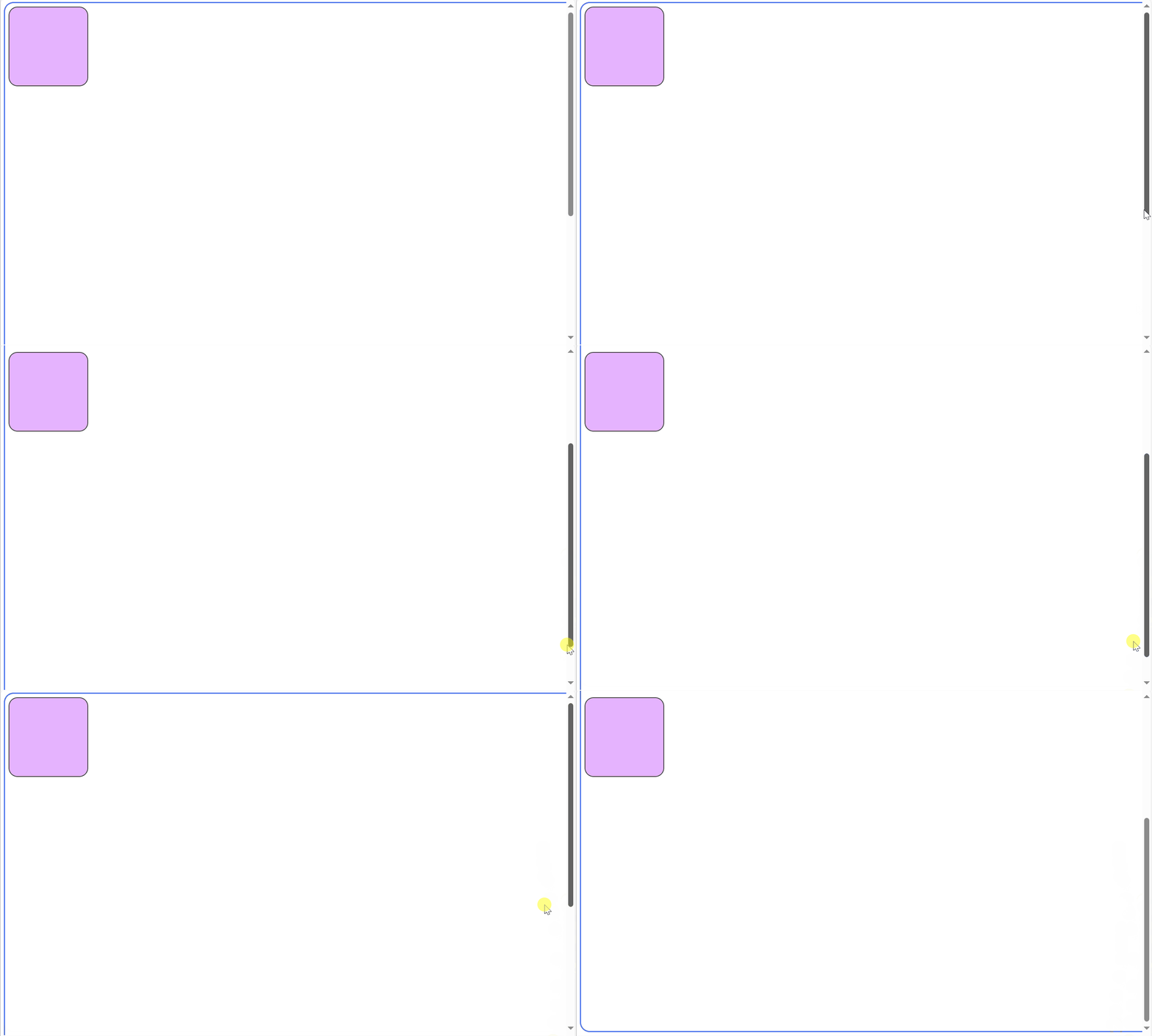
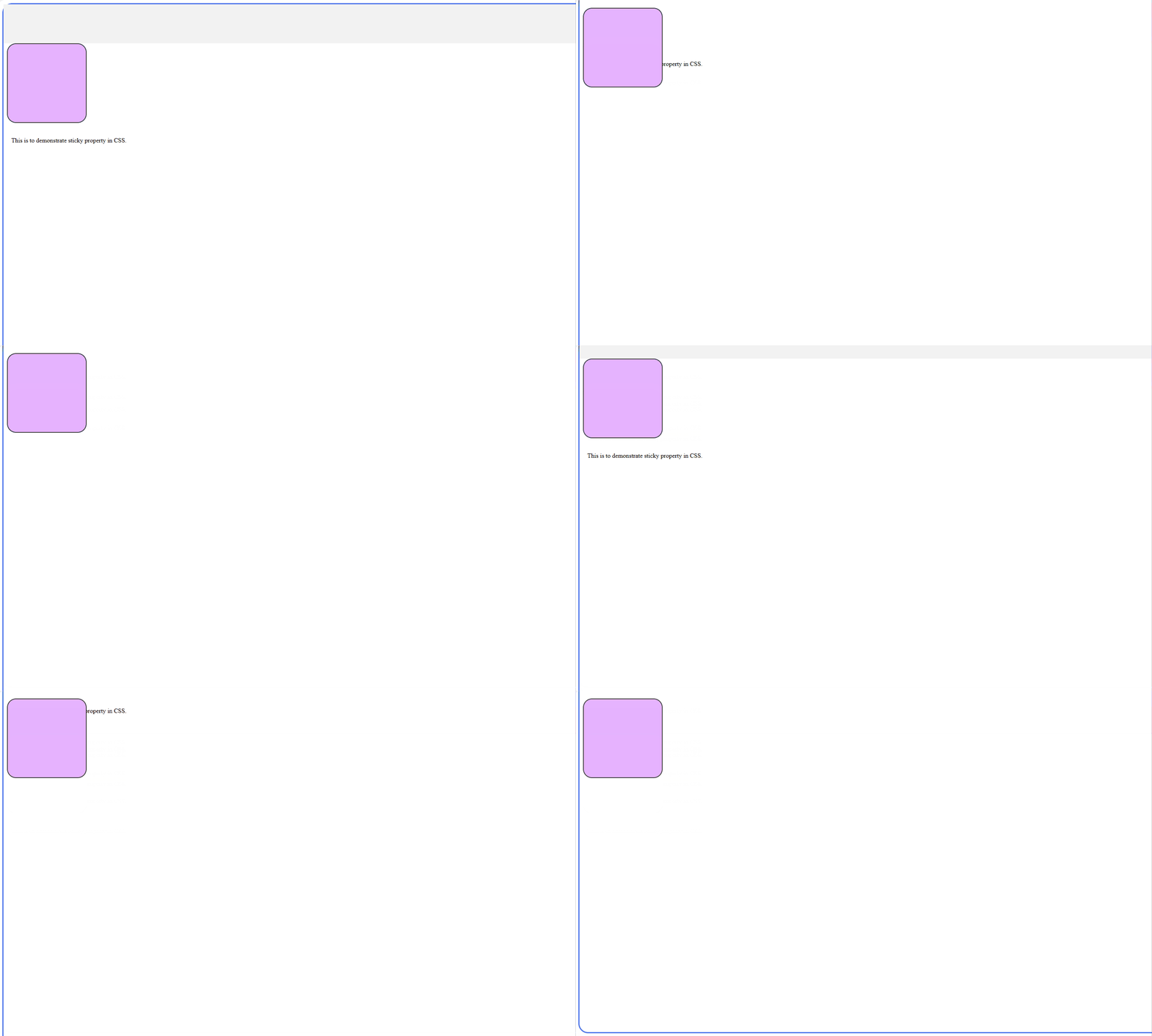
This keeps an element fixed only within its container while scrolling
Let's See It On Action On Our Brochure
<form>
<!-- code for form elements -->
<button class="btn btn-secondary" type="button">Submit</button>
</form>`btn-secondary` in Bootstrap styles a button with a secondary color
`btn-success` used to indicate a positive or successful action
<form>
<!-- code for form elements -->
<button class="btn btn-success" type="button">Submit</button>
</form>
How Does CSS Influence Element Placement & Nearby Content Behavior?
By using float property
The text is wrapped around the image
What Is Float Property?
The float property positions an element to the left or right side of its container, enabling content to wrap around it
Float properties:
Float:right
Float like a butterfly, they say, With 'left' or 'right', you choose your way with left, right or
none, they glide, In the flow of code, they abide. Clearing floats, clearfix to save the day, Ensuring layouts don't go astray. Floats bring order, a structured grace. In the realm of CSS, they find their place.
float: right;
float: left;
float: inline-start;
float: inline-end;
What Is Float Property?
The float property positions an element to the left or right side of its container, enabling content to wrap around it
Float properties:
float: right;
float: left;
float: inline-start;
float: inline-end;
Float:left
Float like a butterfly, they say, With 'left' or 'right', you choose your way with left, right or
none, they glide, In the flow of code, they abide. Clearing floats, clearfix to save the day, Ensuring layouts don't go astray. Floats bring order, a structured grace. In the realm of CSS, they find their place.
What Is Float Property?
The float property positions an element to the left or right side of its container, enabling content to wrap around it
Float properties:
Float:inline-start;
Float like a butterfly, they say, With 'left' or 'right', you choose your way with left, right or
none, they glide, In the flow of code, they abide. Clearing floats, clearfix to save the day, Ensuring layouts don't go astray. Floats bring order, a structured grace. In the realm of CSS, they find their place.
float: right;
float: left;
float: inline-start;
float: inline-end;
What Is Float Property?
The float property positions an element to the left or right side of its container, enabling content to wrap around it
Float properties:
Float:inline-end;
Float like a butterfly, they say, With 'left' or 'right', you choose your way with left, right or
none, they glide, In the flow of code, they abide. Clearing floats, clearfix to save the day, Ensuring layouts don't go astray. Floats bring order, a structured grace. In the realm of CSS, they find their place.
float: right;
float: left;
float: inline-start;
float: inline-end;
Let's See It On Action On Our Brochure
How Can We Create Collapsible Description Like Menu?
By using detail & summary tag
Collapsible menu
What Is Detail & Summary Tag?
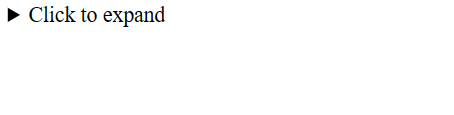
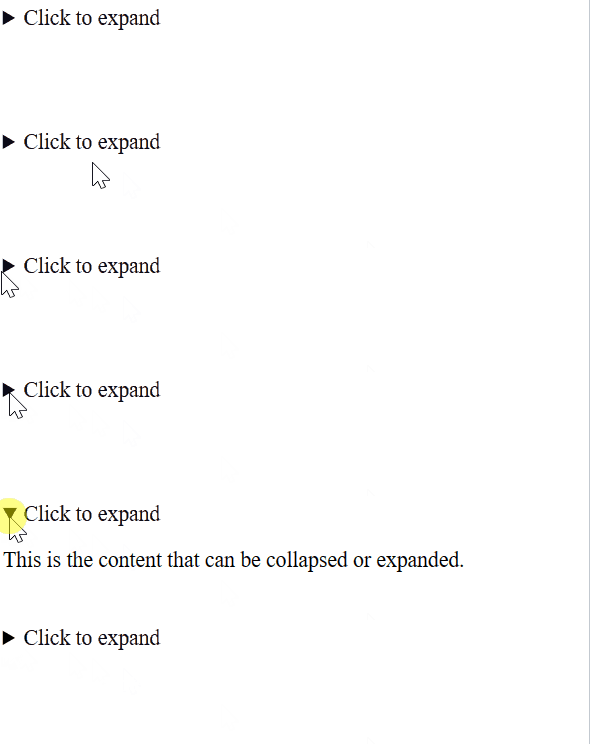
The <details> and <summary> tags create collapsible content sections, while summary acting as a clickable heading
<details>
  <summary>Click to expand</summary>
  <p>This is the content that can be collapsed or expanded.</p>
</details>
Output:
Time To Give A Final Touch To Our Brochure Using Gradients
Using Linear Gradient Property
background:linear-gradient(0deg, #E3E3E3 0%,#9ea2a7 100%);Function that creates a linear background
Specifies direction of gradient i.e top to bottom ( 0' degrees)
Specifies the start color & position i.e top (0%)
Defines the ending color & position i.e bottom (100%)
Applied using gradient property
Let's See It On Action On Our Brochure
By Content ITV