































Content ITV PRO
This is Itvedant Content department
Understanding Presentation Techniques
Learning Outcome
5
Select the right presentation style for different purposes.
4
Engage the audience using verbal and non-verbal communication.
3
Apply techniques for structuring content clearly
2
Recognize the key elements of an effective presentation.
1
Identify the different types of presentations.
had the same idea for a college event.
Presenter A
Presenter B
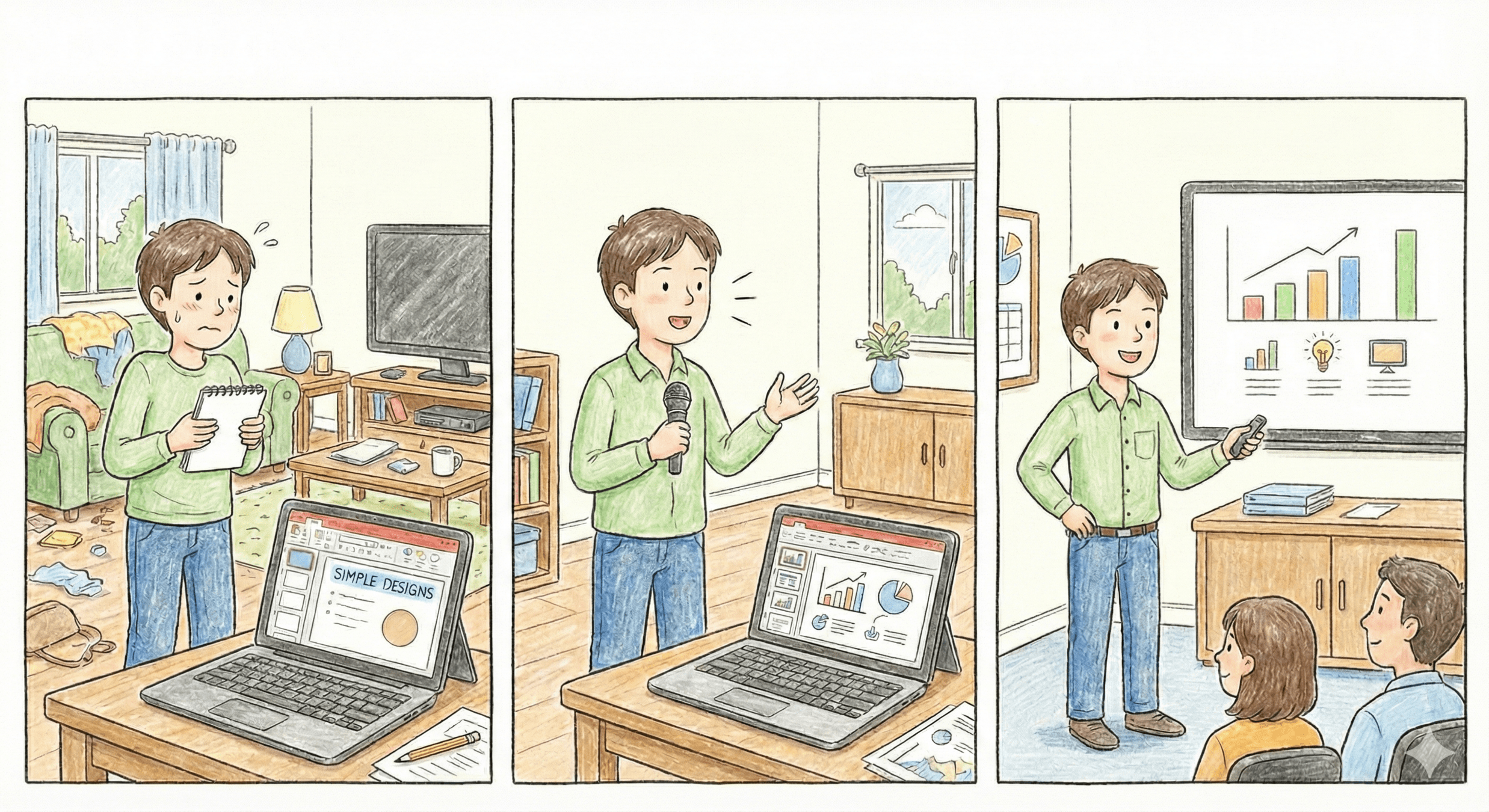
One explained it with Excitement, Clarity, and Confidence.
The other struggled, jumped between points, and left everyone confused.
Presenter A
Presenter B
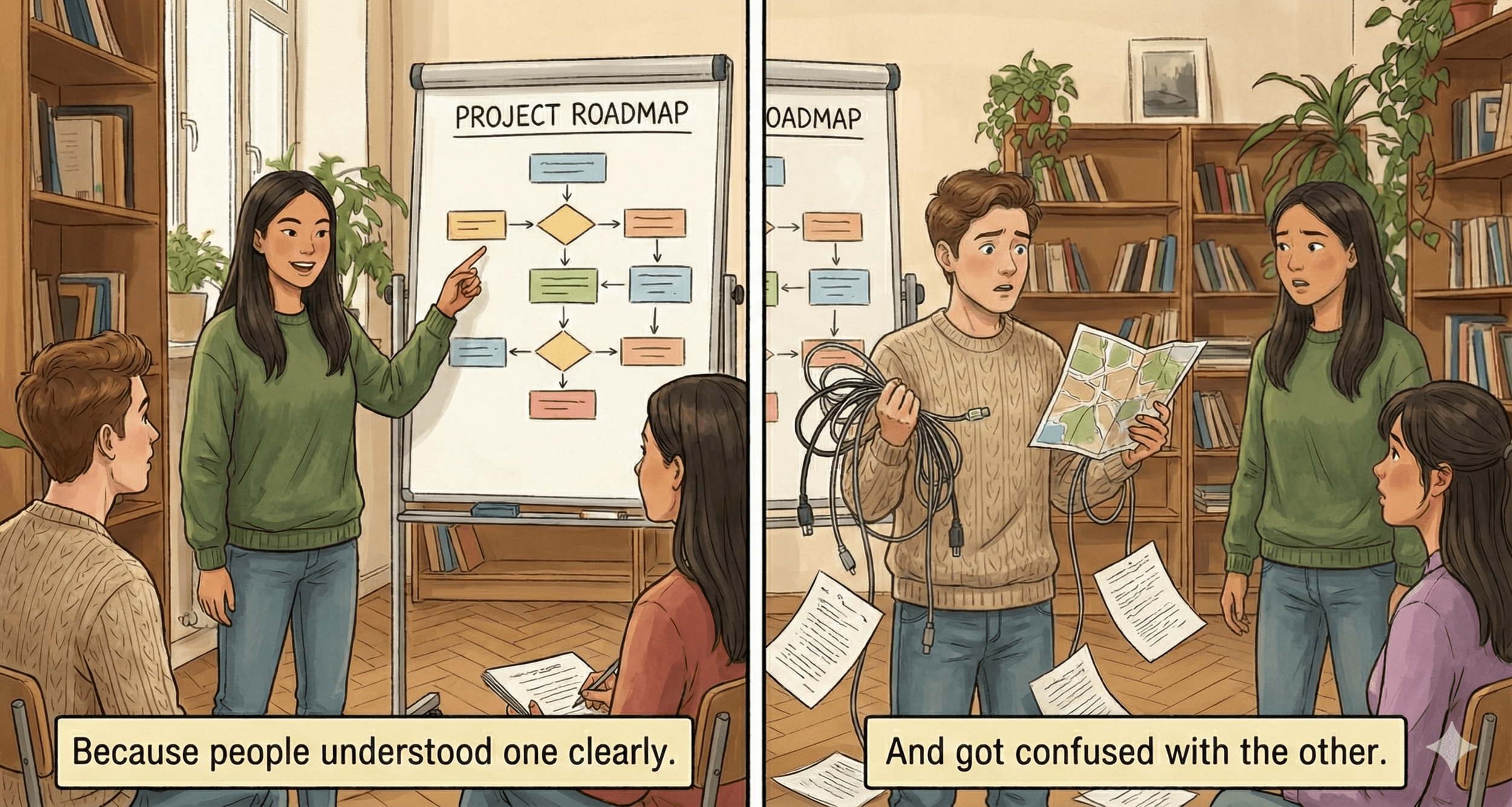
Both had strong ideas, but only one got selected.
Why?
Because people understood PRESENTER A clearly.
And got confused with the PRESENTER B
Note - Learners to be ready with pen and paper for the below video
Activity Time!
What skills did the presenter improve in the stressed situation presentation?
Questions
Why Presentation Skills Matter?
Make ideas understandable
Influence or persuade your audience
Build confidence and credibility
Create professional impact in interviews, meetings, or classrooms
Verbal communication (words, tone, clarity)
Engagement techniques
(Stories,examples,question)
Visual aids
(slides, charts, images)
Non-verbal communication
(Body language, Gestures, Eye contact)
Presentation skills enable clear, engaging communication with an audience.
Most common Types of Presentations
Presentations can be categorized based on purpose, style, or delivery.
Persuasive/Influential Presentation
Decision-Making/
Business Presentation
Team /Group Presentation
Virtual/Online Presentation
Aims at educating the audience or providing factual information on a particular topic.
A presentation about career opportunities in technology.
A training session on new software tools.
A report on quarterly sales
data or business performance.
Encouraging peers to adopt eco-friendly habits on campus/workplace .
Internship project report showing insights and suggested improvements.
Market research presentation
recommending a new product launch.
Presentation designed to provide information, analysis, and recommendations so that an audience (usually managers, executives, or stakeholders) can make informed decisions.
Virtual Business / Client Presentation
Panel Discussion / Group Meeting Online
Online Workshop / Training
Presentation delivered using digital platforms such as Zoom, Microsoft Teams, Google Meet, or Web-ex, where the audience participates remotely.
Encouraging peers to adopt eco-friendly habits on campus/workplace .
Internship project report showing insights and suggested improvements.
Market research presentation
recommending a new product launch.
Presentation delivered by two or more people collaboratively, where the team shares information, ideas, or solutions to an audience.
A presentation designed to convince, influence, or motivate the audience to adopt a viewpoint, take action, or make a decision.
Convincing your class to start a new club or activity.
A proposal to management to approve a project or budget.
Encouraging peers to adopt eco-friendly habits on campus/workplace .
Common PRESENTATION techniques
Know Your Audience
Start with a Strong Hook
Organize Content Effectively
Focus on Key Takeaways
Practice Storytelling
Master Verbal Communication
Improve presentation skills by:
Planning before presenting
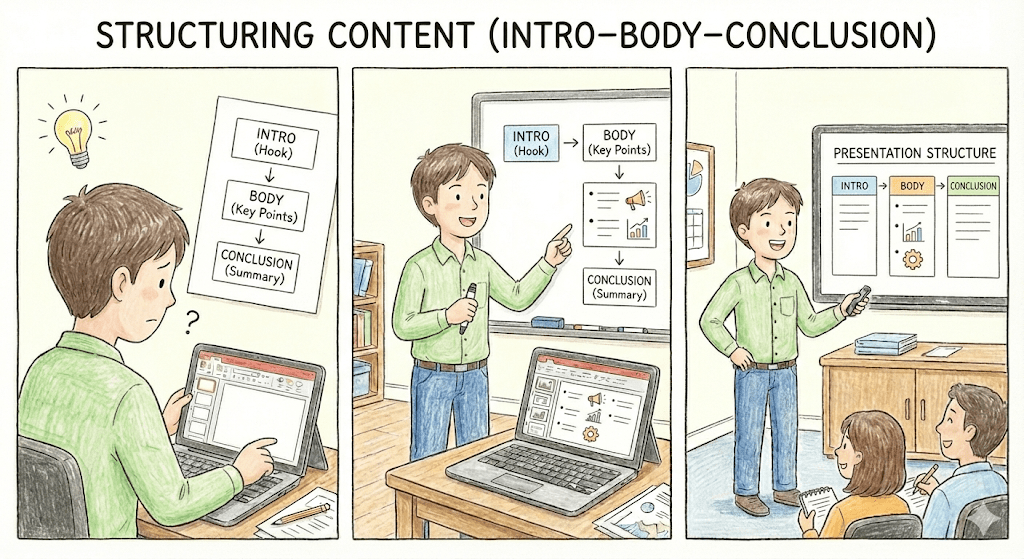
Structuring content (intro–body–conclusion)
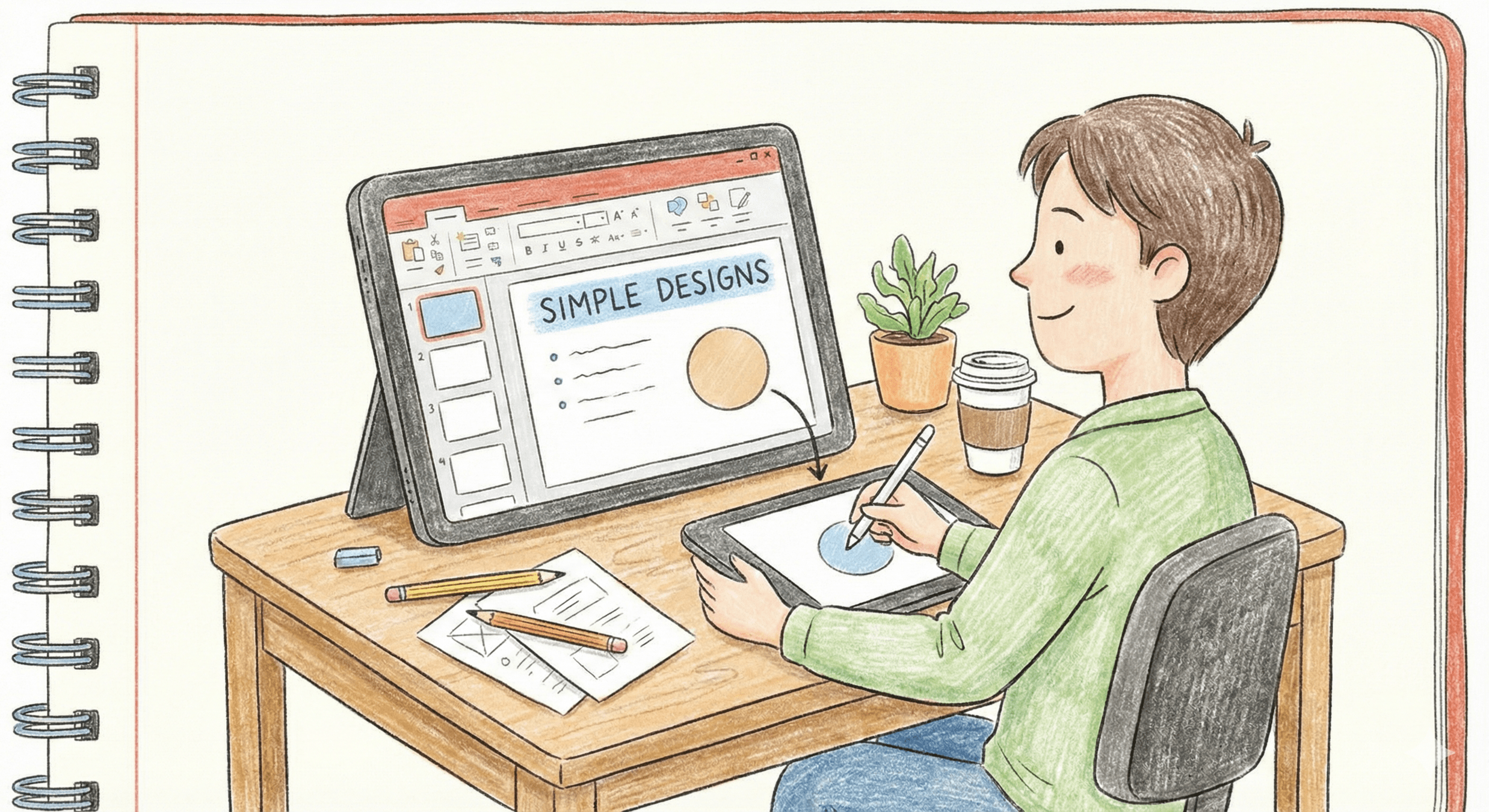
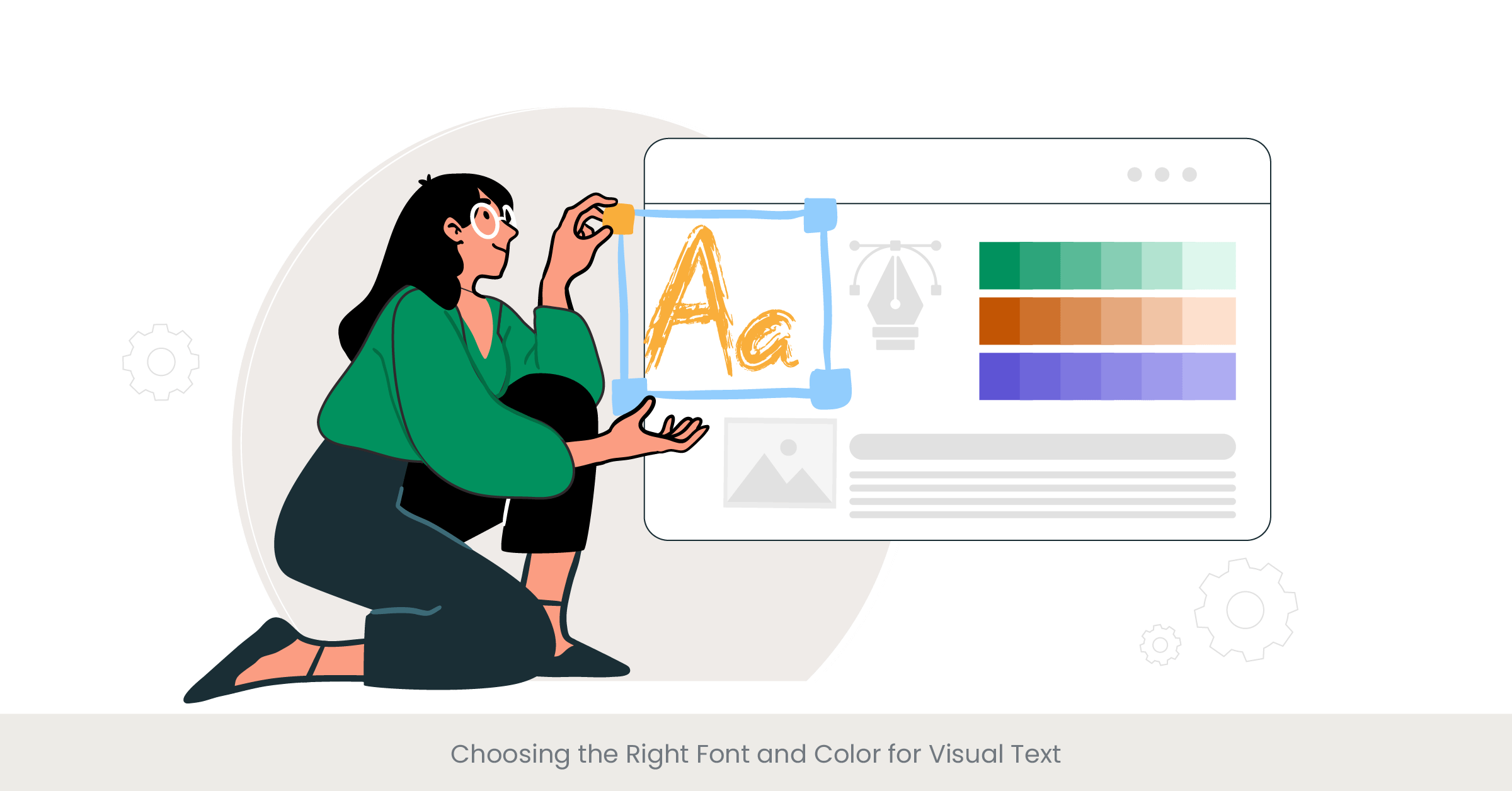
Designing simple slides
Practicing regularly
HOW – Slide Design
Max 6 Lines
Limits the number of lines on each slides
Max 6 Words
Limits the number of words on each lines
Use Visual
Emphasizes images over test
Large Fonts
Ensures readability for the audience
HOW – Delivery Skills
Eye contact
Clear voice & pace
Positive body language
Natural hand gestures
CLASSROOM ACTIVITY
Follow the given guidelines.
Craft an Impactful Presentation by selecting a unique topic of your choice
Design it using platforms like Google Slides, PowerPoint, or Canva.
Deliver a 5-minute presentation.
Carry confidence and smile.
Slide 1: Title Slide
Slide 2: Objective / Agenda
Slide 3: Introduction
Slide 4–7: Main Content Slides
Slide 8: Visual Support (If applicable)
Slide 9: Key Learnings / Summary
Slide 10: Conclusion
Slide 11: Thank You / Q&A
Summary
5
Manage stage fear using simple preparation strategies.
4
Plan and structure presentations with a clear introduction, body, and conclusion.
3
Demonstrate professional etiquette in both online and offline presentations.
2
Engage the audience through questions, examples, and storytelling.
1
Design slides with clean layouts, minimal text, and impactful visuals.
6
Handle Q&A sessions confidently and professionally.
Quiz
Q1. What is the first step in planning an effective presentation?
A. Designing slide
B. Knowing your audience
C. Practicing gesture
D.Using storytelling
Quiz-Answer
Which platform is mainly used for professional networking and B2B marketing ?
A. Designing slide
C. Practicing gesture
B. Knowing your audience
D.Using storytelling
Quiz
Q2. Which technique helps reduce stage fear?
A. Ignoring the audience
B. Practicing and preparing in advance
C. Speaking very fast
D. Reading directly from slides
Quiz
Q2. Which technique helps reduce stage fear?
A. Ignoring the audience
B. Practicing and preparing in advance
C. Speaking very fast
D. Reading directly from slides
By Content ITV