







Content ITV PRO
This is Itvedant Content department
Learning Outcome
6
Apply push notifications in real scenarios
5
Understand advantages and limitations
4
Create effective notification messages
3
Learn key use cases in marketing
2
Identify how push notifications work
1
Understand what Push Notifications are
Reminder That Drives Action - Analogy
Neha installed a shopping app during a festive sale season.
Reminder That Drives Action - Analogy
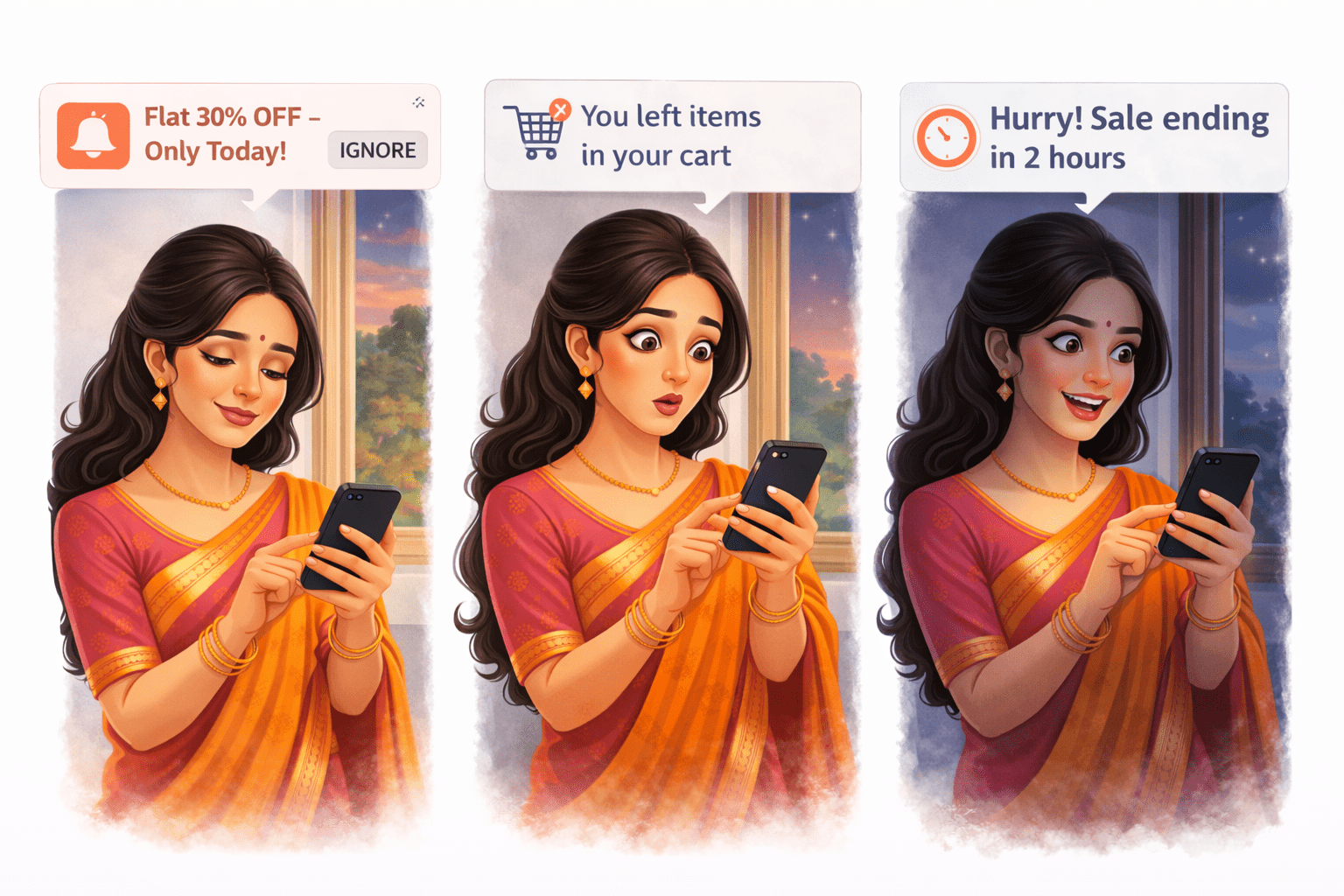
The next day,while casually scrolling Instagram, a notification popped up:
“Flat 30% OFF – Only Today!”
She ignored it.
In the evening, another message came:
“You left items in your cart.”
Reminder That Drives Action - Analogy
Later at night:
“Hurry! Sale ending in 2 hours.”
Even though she wasn’t using the app, these messages kept nudging her.
Curiosity + urgency kicked in.
She opened the app, checked her cart, and completed the purchase.
Reminder That Drives Action to Push
Now imagine this in Business .
This is called Push Marketing —
sending notifications to grab attention, re-engage users
Instead of waiting for users to return, brands reach out directly with timely messages—offers, reminders, and urgency.
What is Push Notification?
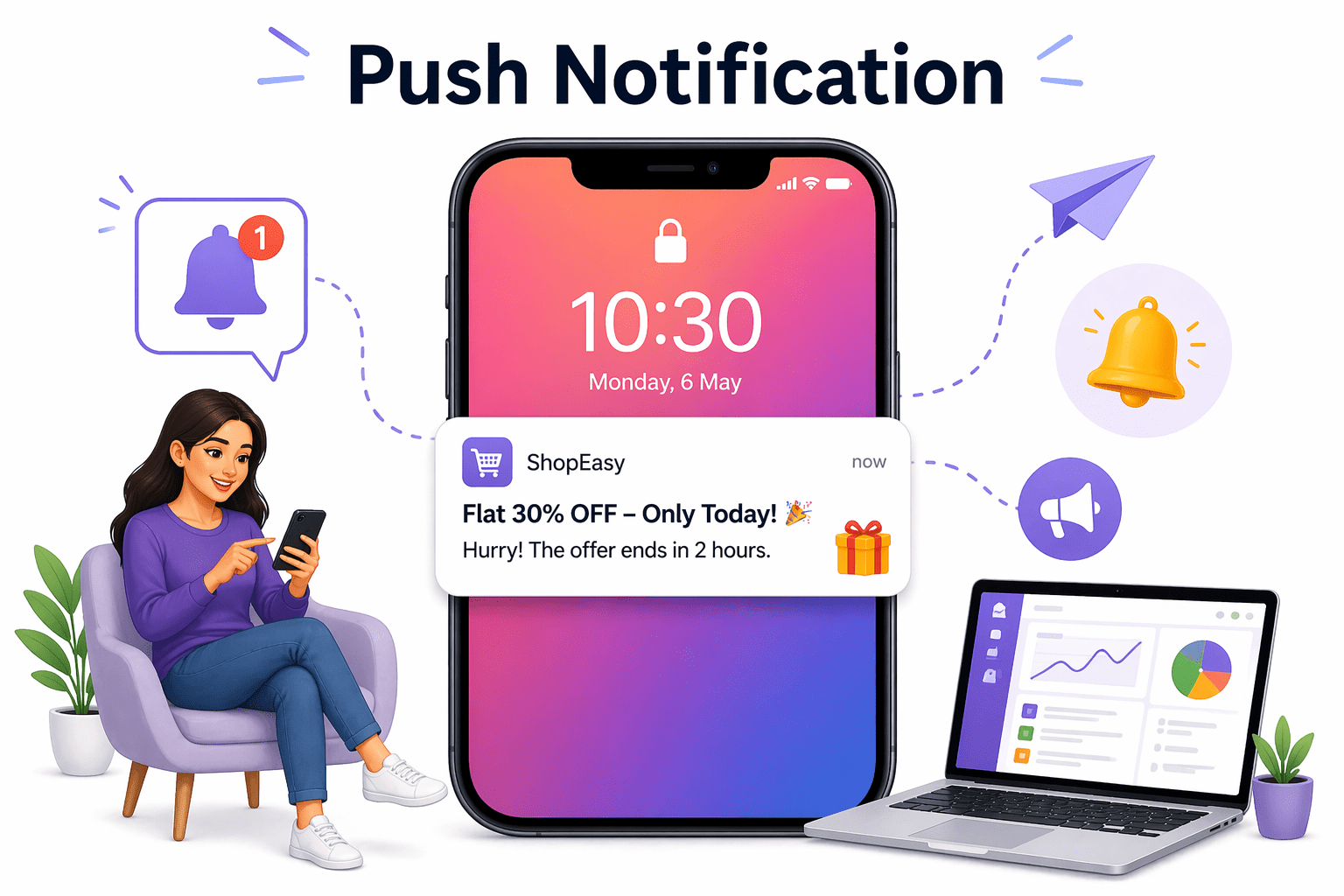
They appear on mobile screens and desktop browsers.
Push notifications are short messages sent directly to a user’s device, even when they are not using your app or website.
Push notifications are short messages sent directly to a user’s device, even when they are not using your app or website.
They are mainly used for alerts, offers, and reminders.
Why Push Notifications are Important
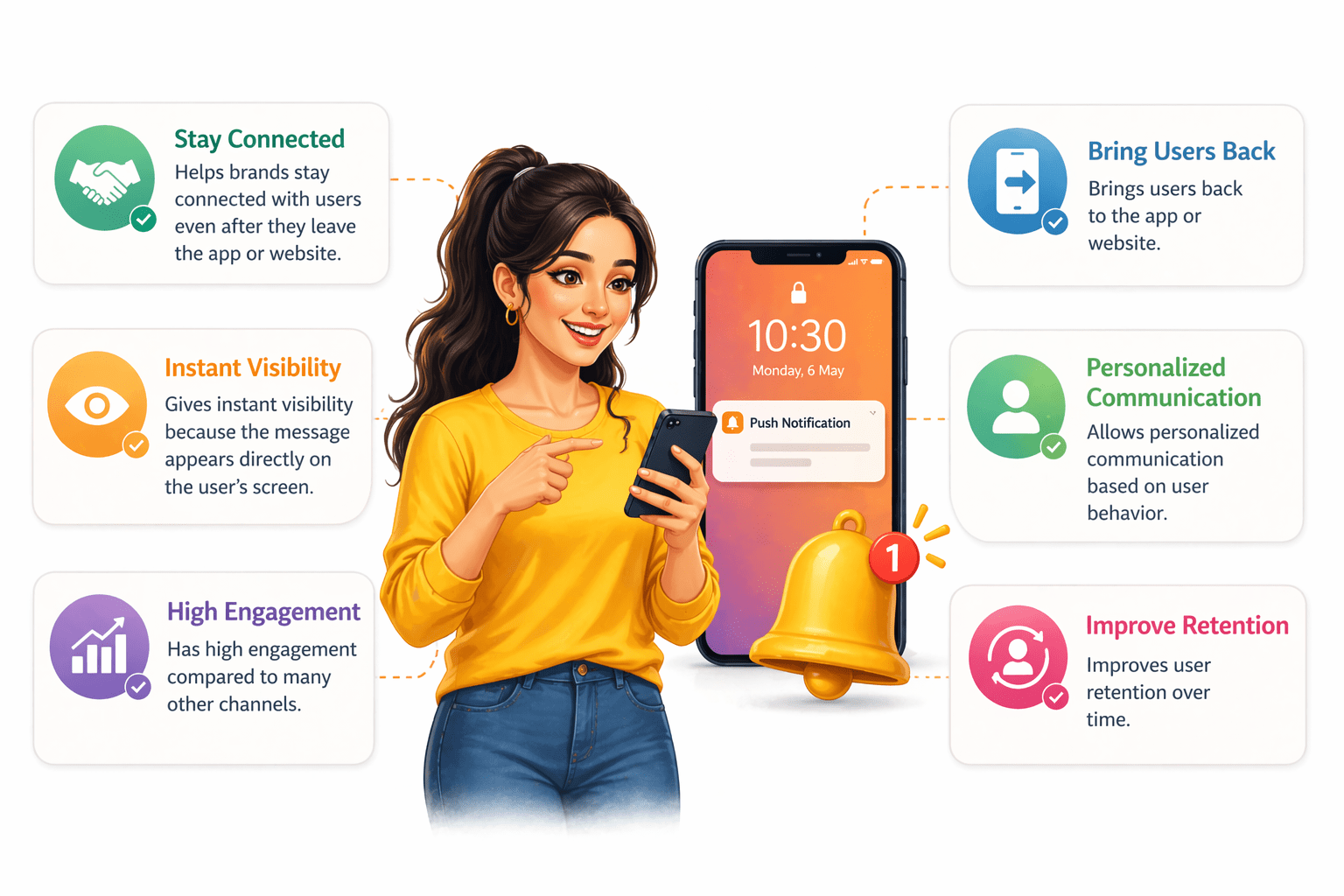
Stay Connected
Instant Visibility
High Engagement
Bring Users Back
Personalized Communication
Improve Retention
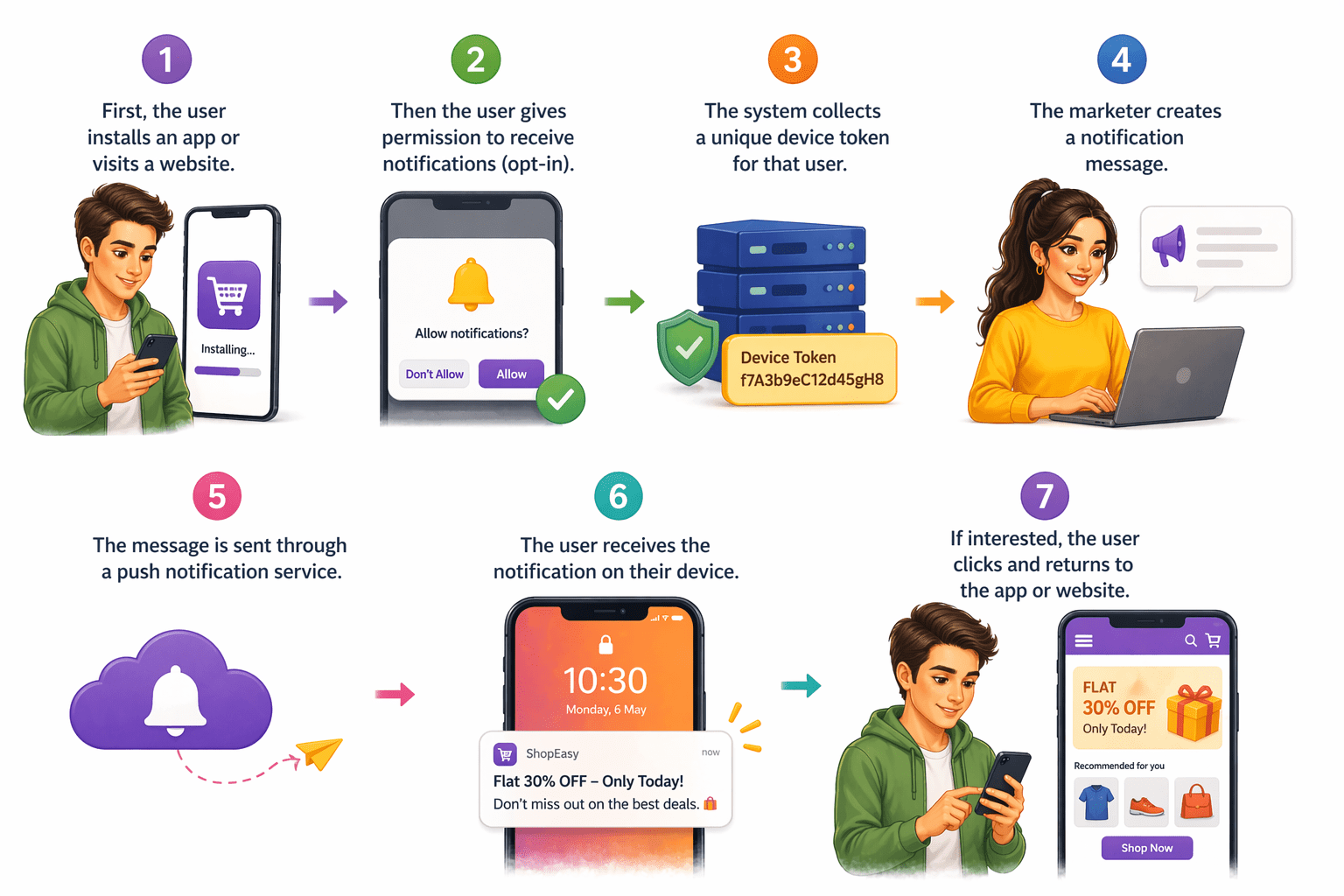
How Push Notifications Work
How Push Notifications Work
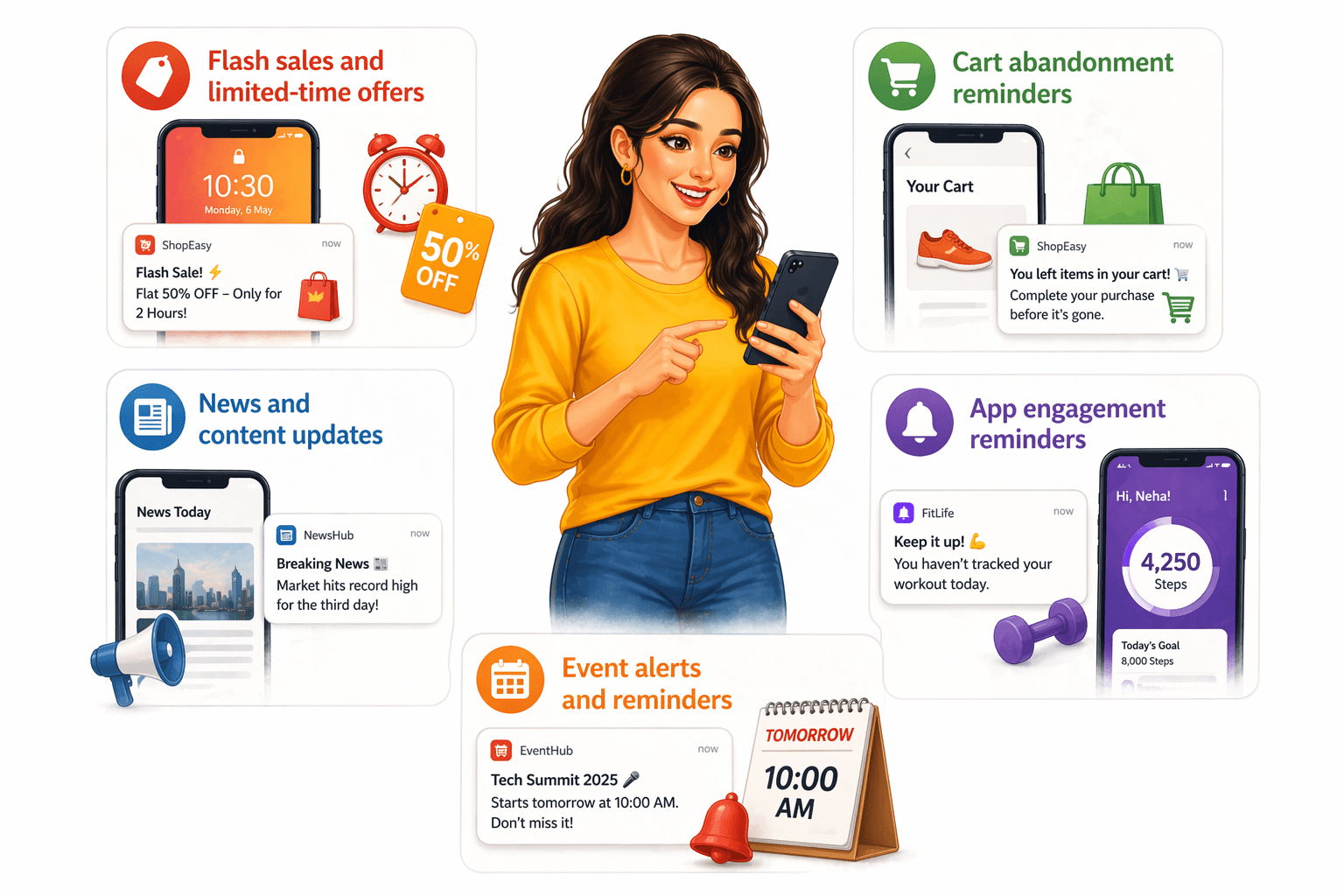
Use Cases
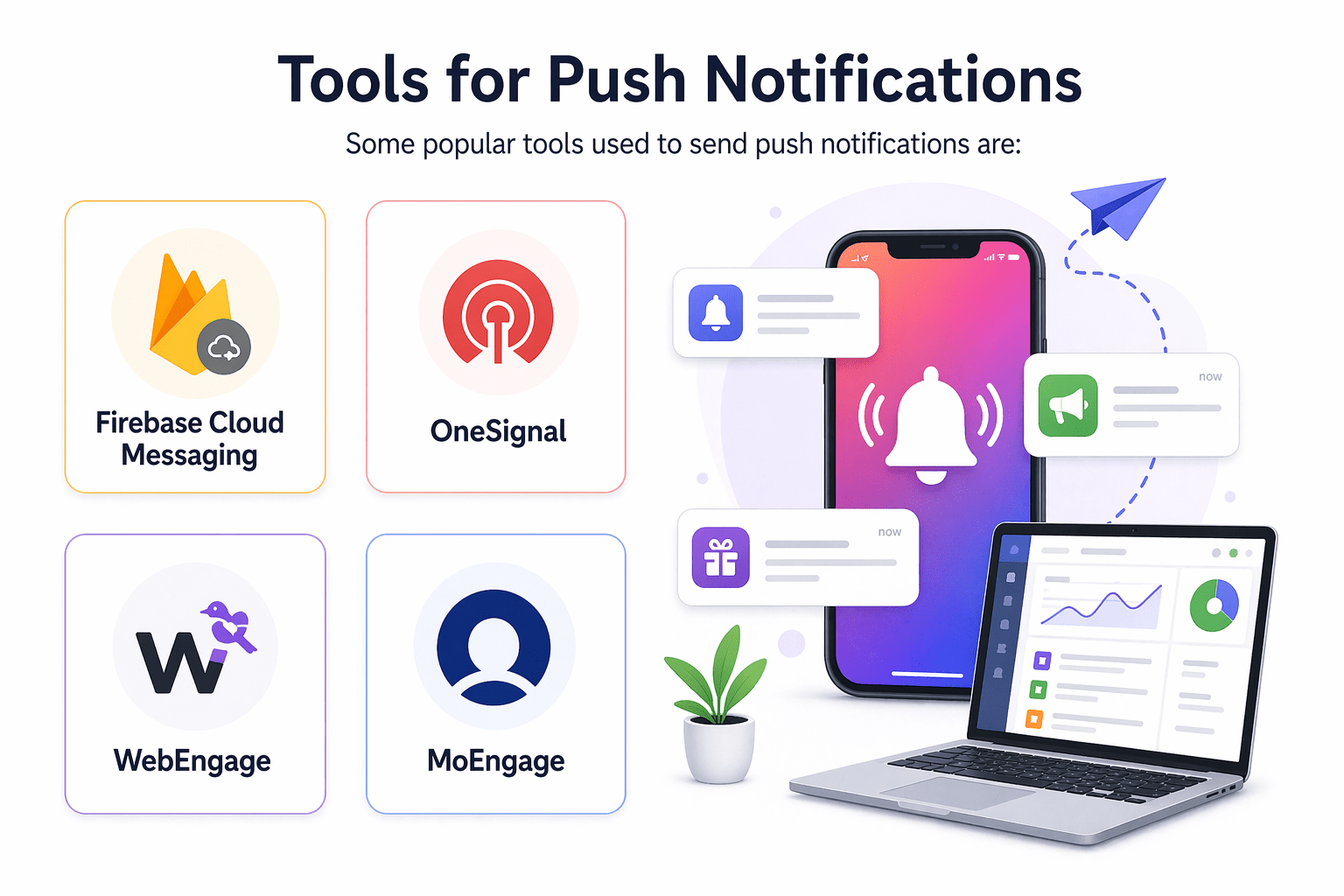
Tools for Push Notifications
Some popular tools used to send push notifications are:
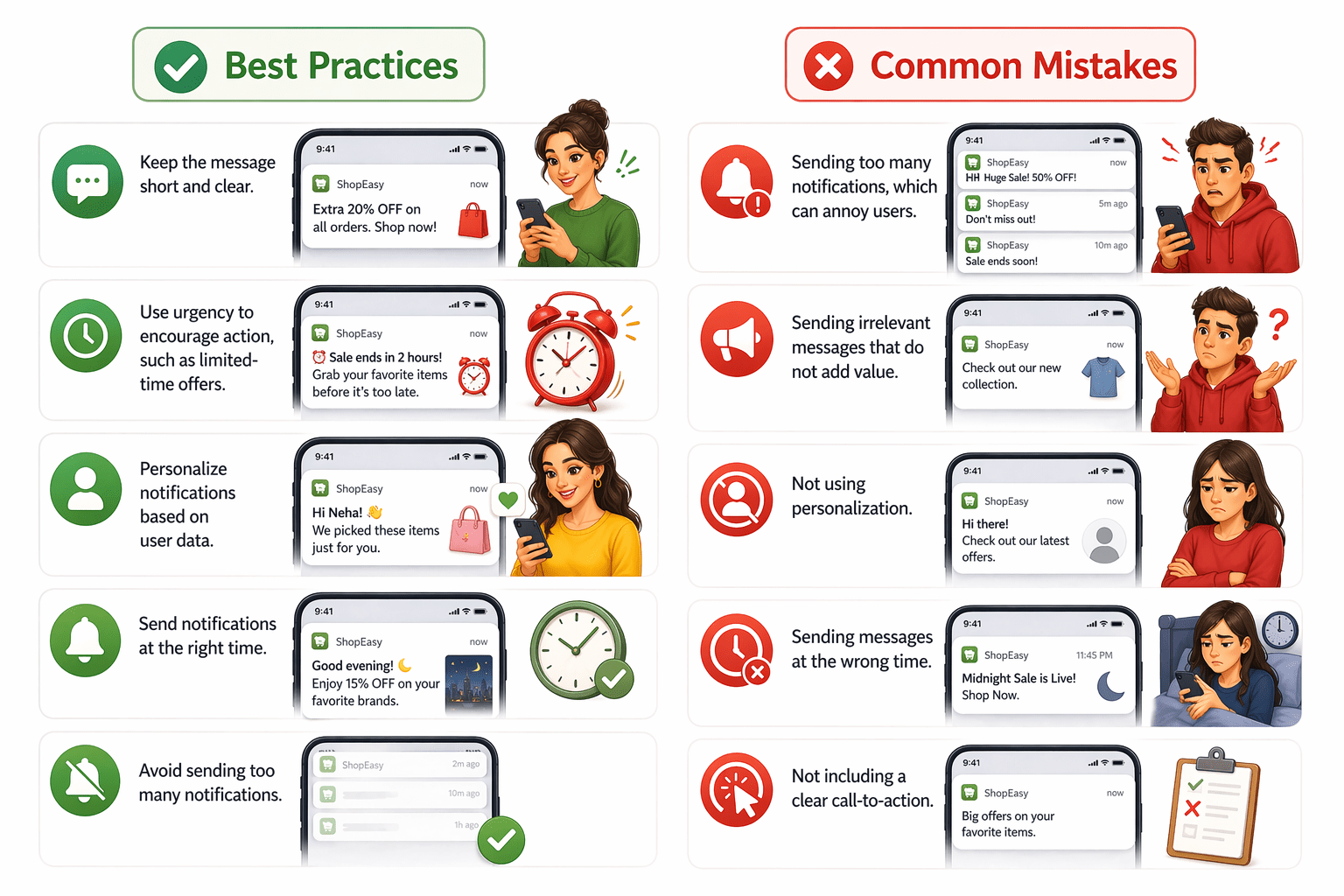
Best Practices & Common Mistakes
Keep messages short and clear
Create urgency (e.g., limited-time offers)
Personalize using user data
Send at the right time
Limit notification frequency
Over-sending notifications
Irrelevant or low-value messages
No personalization
Poor timing
Missing clear call-to-action
Summary
5
Most effective when timely, relevant, and personalized.
4
Used for engagement and retention.
3
Work on mobile and desktop.
2
They require user permission.
1
Push notifications are instant messages sent directly to user devices.
Quiz
What is required before sending push notifications?
A. User payment
B. User permission (Opt-in)
C. Website design
D. Ad campaign
Quiz-Answer
What is required before sending push notifications?
A. User payment
B. User permission (Opt-in)
C. Website design
D. Ad campaign
By Content ITV