Implementing Relationships using JPA in MediCare

Business Scenario
The objective of this lab is to implement relationships between multiple modules in a Spring Boot application using JPA. This helps in connecting entities such as User, Doctor, Appointment, Order, and CartItem in a structured and relational way.

Manager:
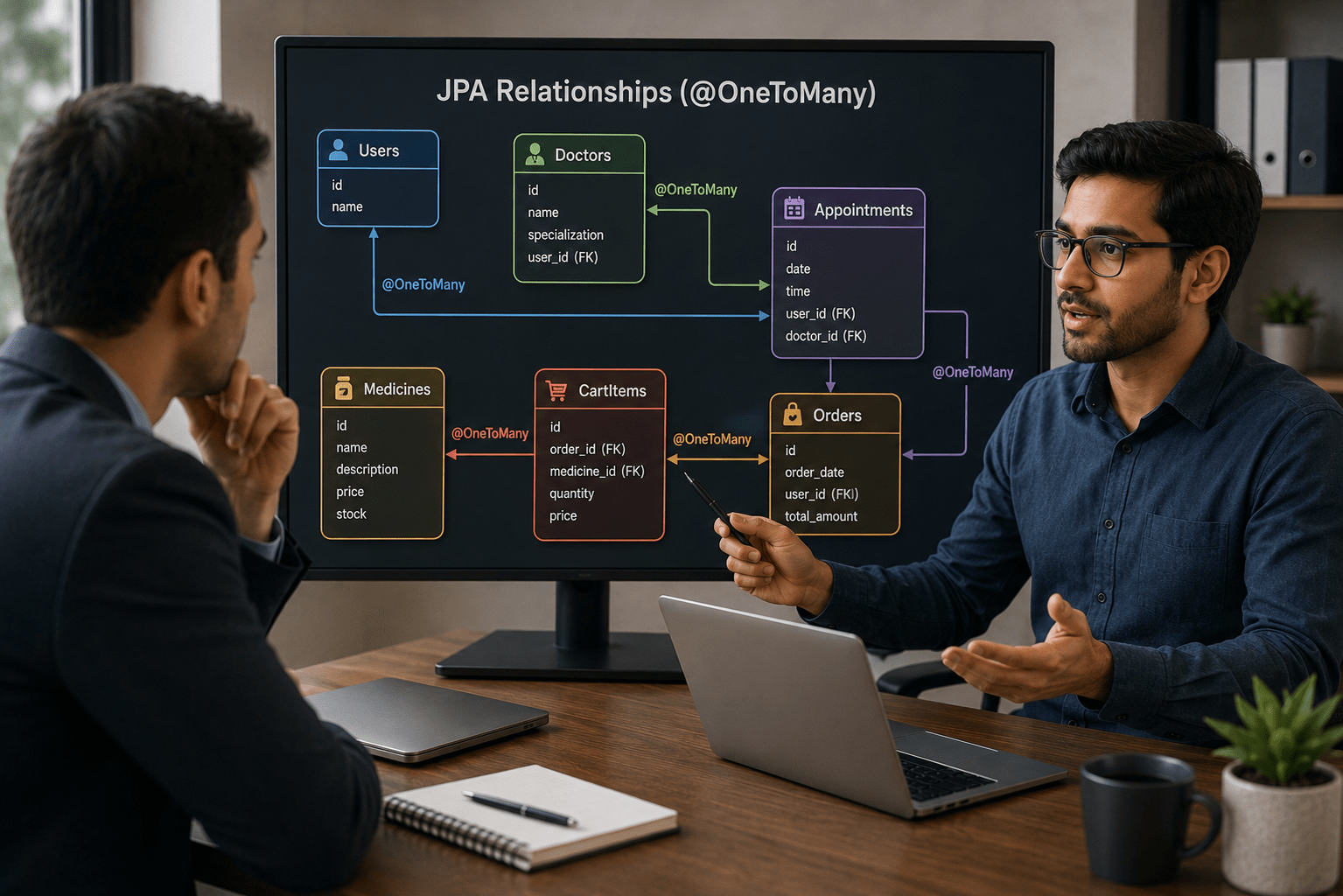
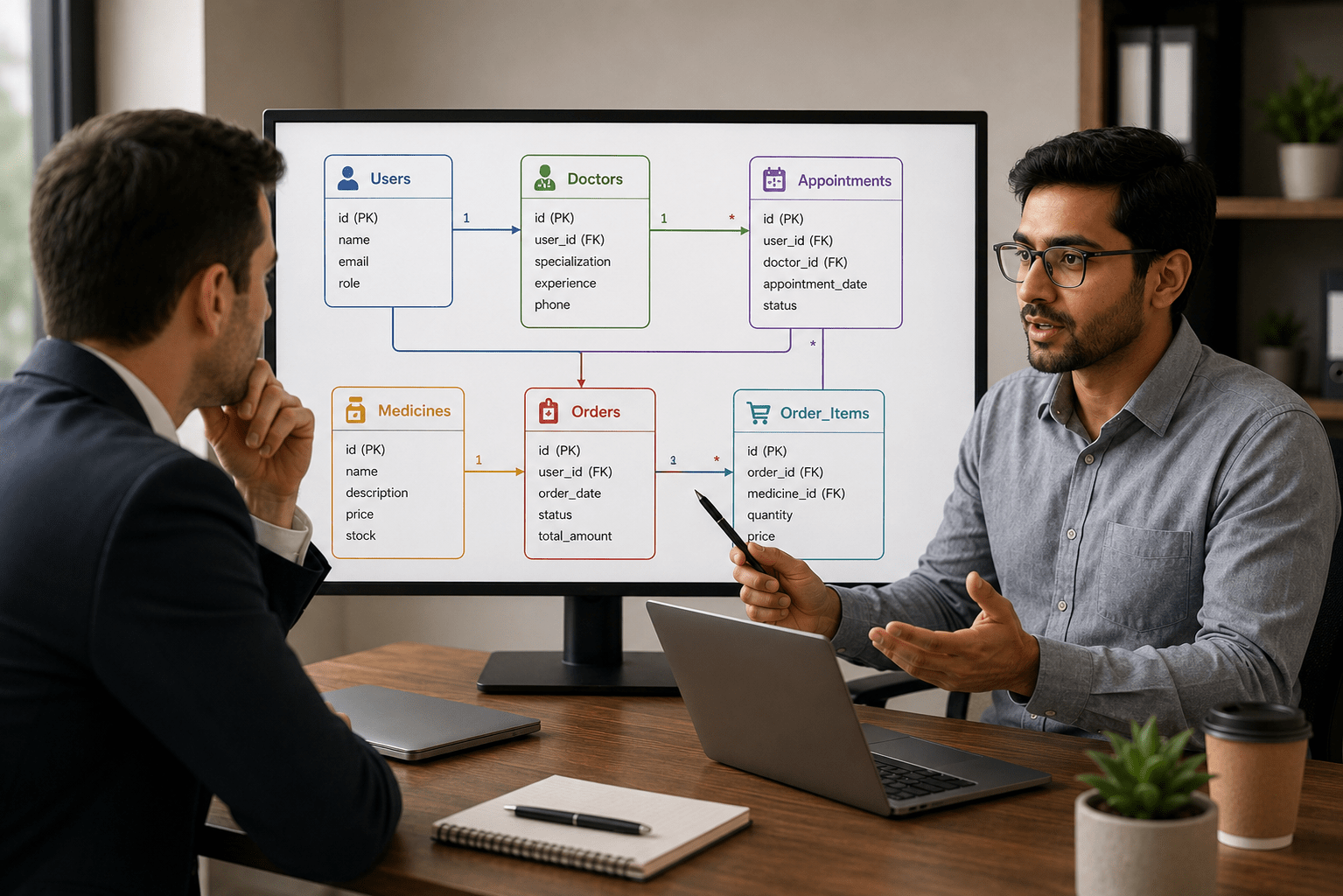
Our healthcare application has users, doctors, appointments, and medicine orders. How will we connect all this data?
Full Stack Developer:
Using JPA Relationships (@OneToMany) to connect Users, Doctors, Appointments, Orders, CartItems, and Medicines efficiently.
Manager:
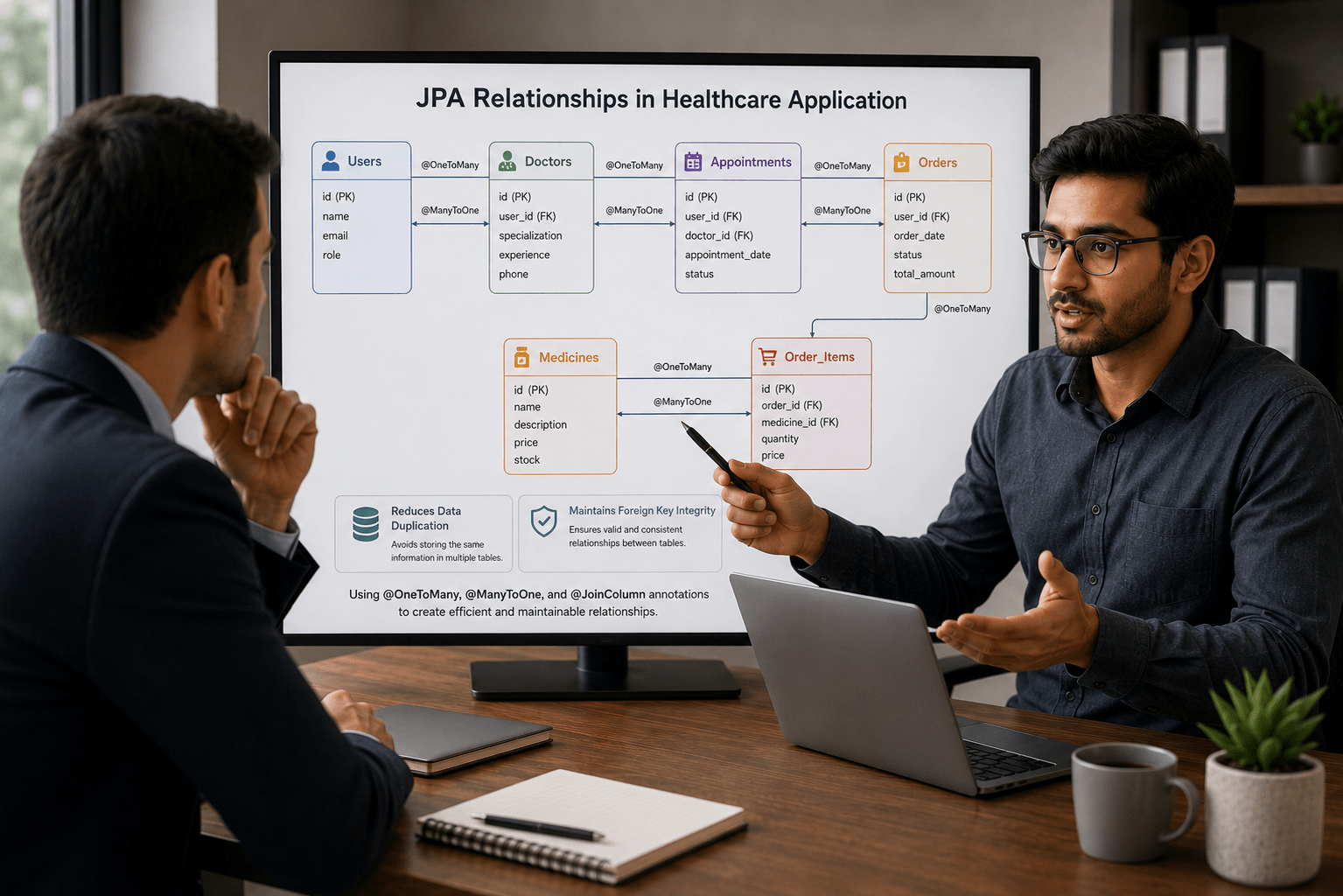
Why are relationships important?

Full Stack Developer:
They reduce data duplication, maintain foreign key integrity, and make the database structure realistic and easier to manage using annotations like @OneToMany, @ManyToOne, and @JoinColumn.
Manager:
Great, let’s implement it.

Pre-Lab Preparation
- Hibernate & Spring Data JPA: Model to Repository
- Service Layer: Concepts & Implementation
- Controller Layer: HTTP Handling & CRUD APIs
- Validation & Exception Handling in APIs
- Entity Relationships & Advanced JPA Features
Task 1: Understanding BRD
1
Open existing Spring Boot project
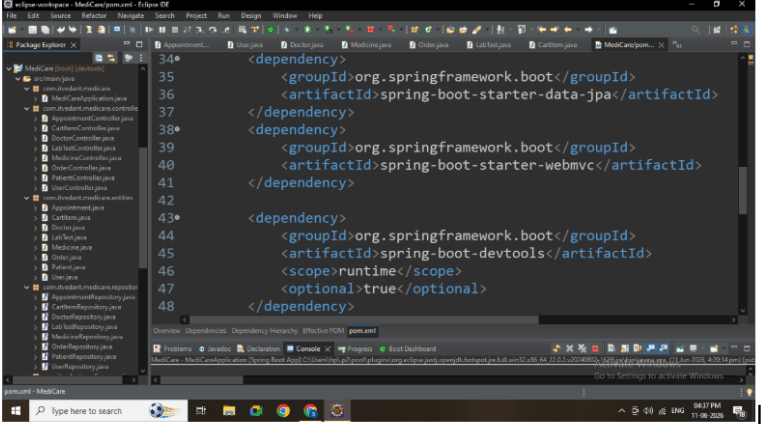
Ensure dependencies:
- Spring Web
- Spring Data JPA
- MySQL Driver
2
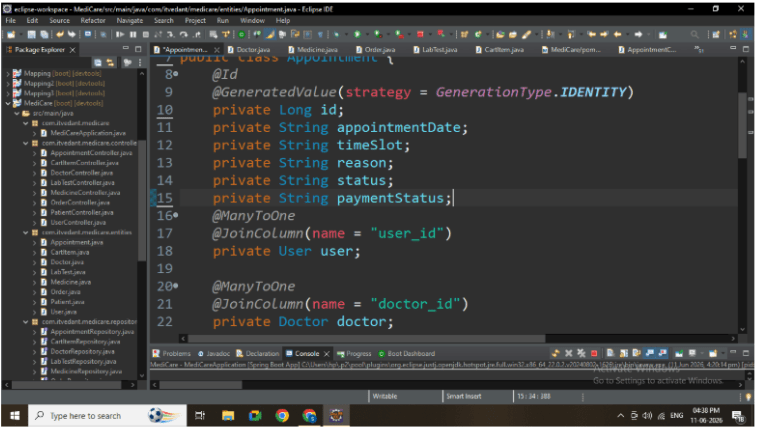
Update Entity Classes
Modify entities to include relationships.
Example: Appointment Entity
@ManyToOne
@JoinColumn(name = "user_id")
private User user;

@ManyToOne
@JoinColumn(name = "doctor_id")
private Doctor doctor;
3
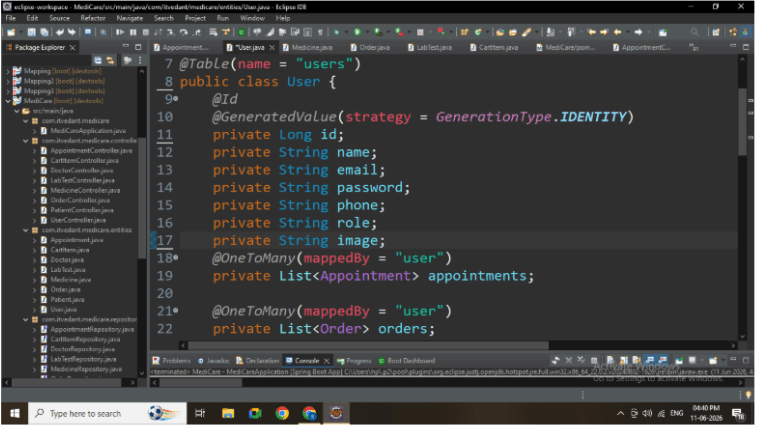
Add OneToMany Mapping
Example: User Entity
@OneToMany(mappedBy = "user")
private List<Appointment> appointments;
4
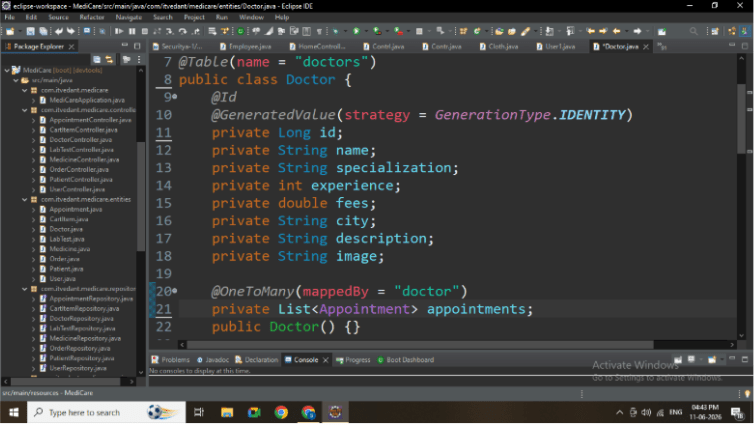
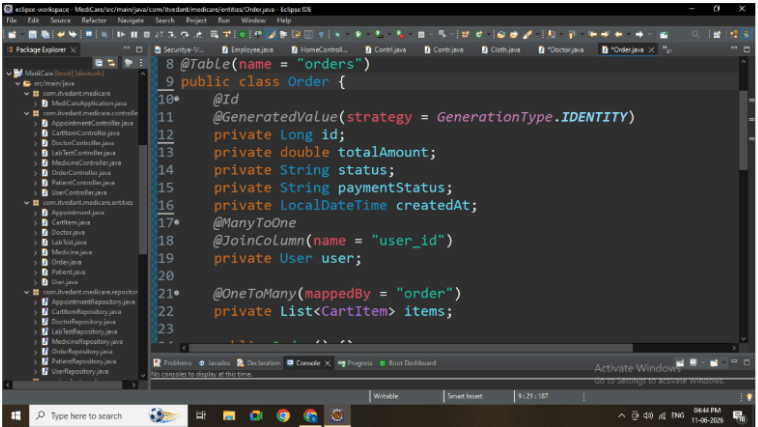
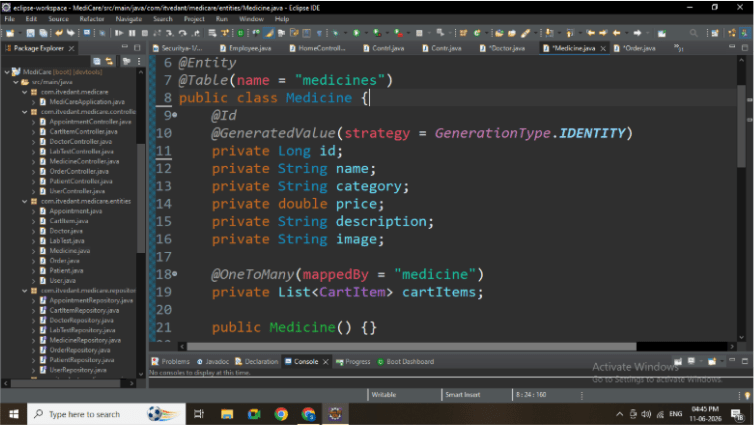
Repeat for Other Entities
Apply relationships in:
-
Doctor → Appointment
-
Order → CartItem
-
Medicine → CartItem
5
Add Constructors and Getter/Setter
Ensure each entity contains:
-
Default constructor
-
Parameterized constructor
-
Getter and Setter methods
-
Complete entity class
6
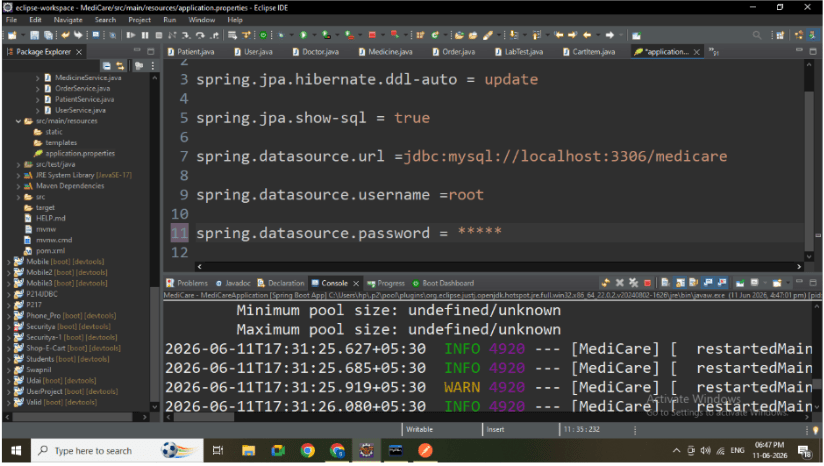
Configure Database
spring.datasource.url=jdbc:mysql://localhost:3306/medicare
spring.datasource.username=root
spring.datasource.password=root
spring.jpa.hibernate.ddl-auto=update
spring.jpa.show-sql=true
7
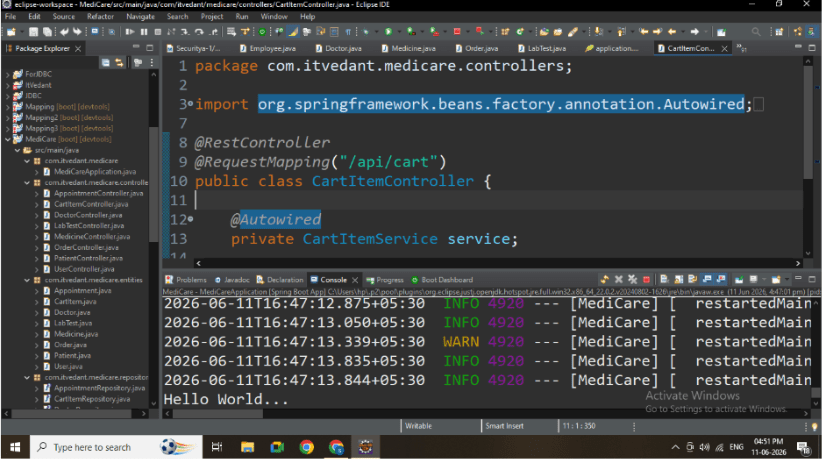
Run Application
(Run project as Spring Boot App) , (Verify successful startup)
8
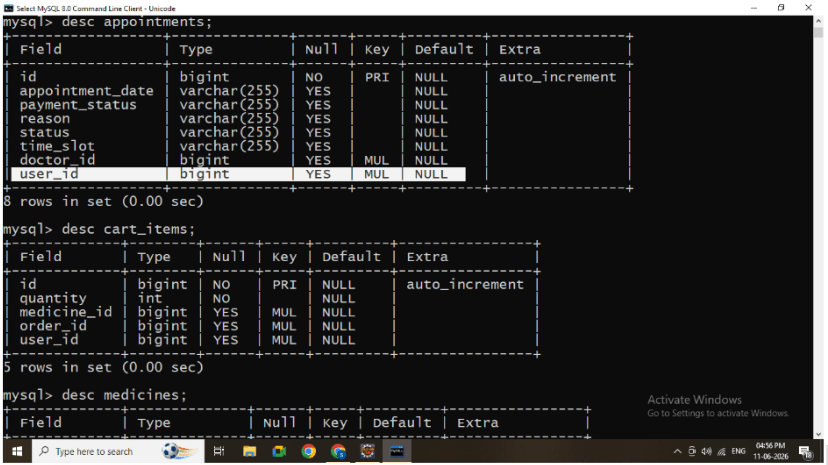
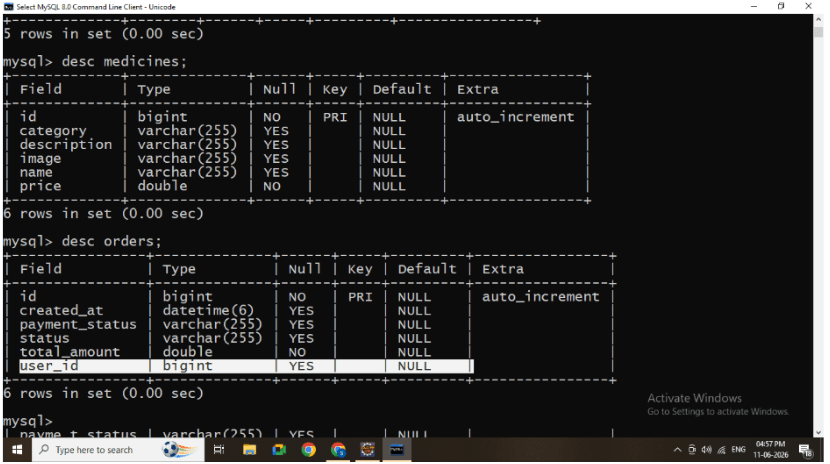
Verify Tables and Relationships
-
Open MySQL
-
Check tables:
-
appointments table should contain:
-
user_id
-
doctor_id
-
-
-
cart_items table should contain:
-
order_id
-
medicine_id
-
9
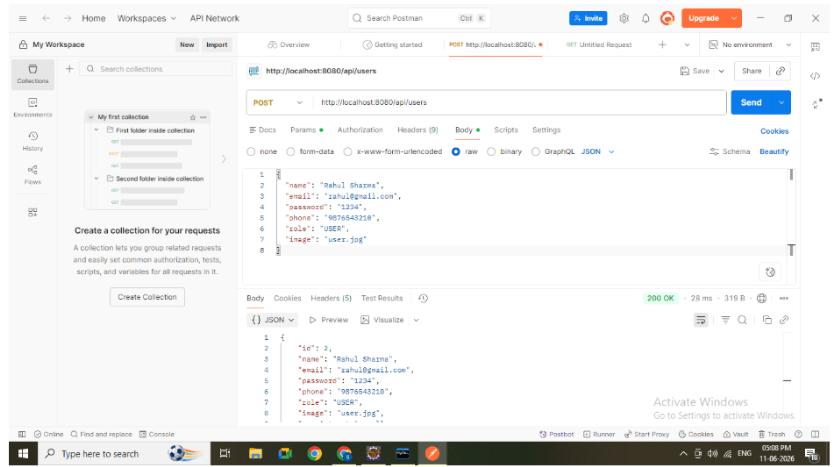
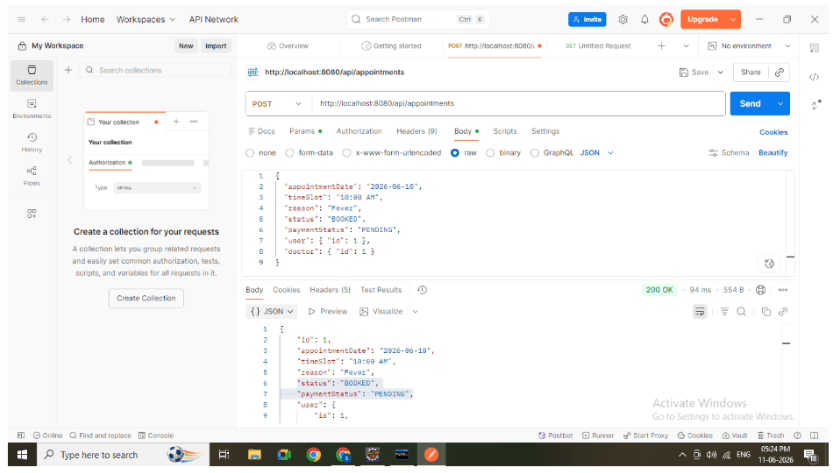
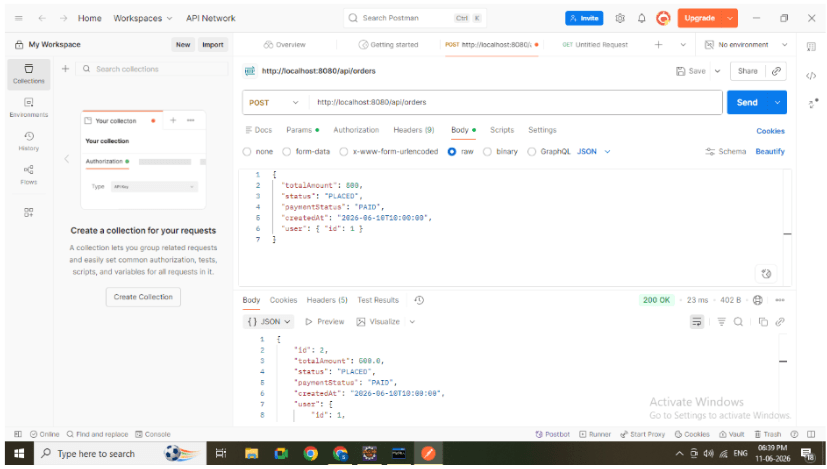
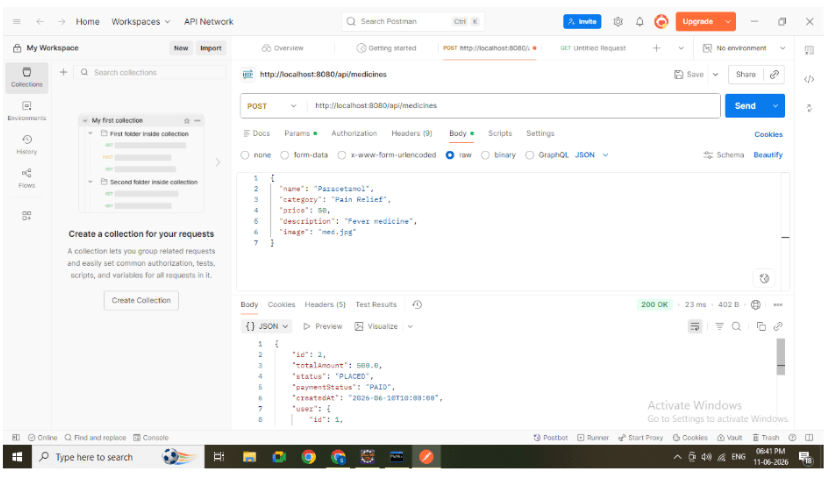
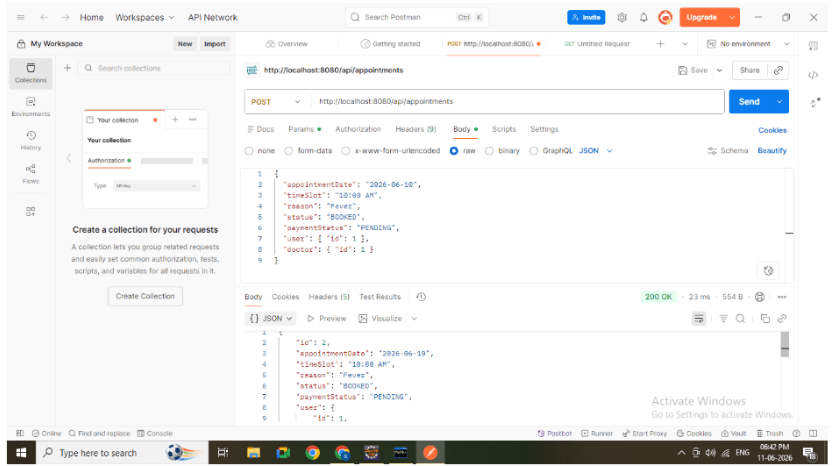
Test API using Postman
Example: Appointment POST
{
 "appointmentDate": "2026-06-10",
 "timeSlot": "10:00 AM",
 "reason": "Fever",
 "status": "BOOKED",
 "paymentStatus": "PENDING",
 "user": { "id": 1 },
 "doctor": { "id": 2 }
}
10
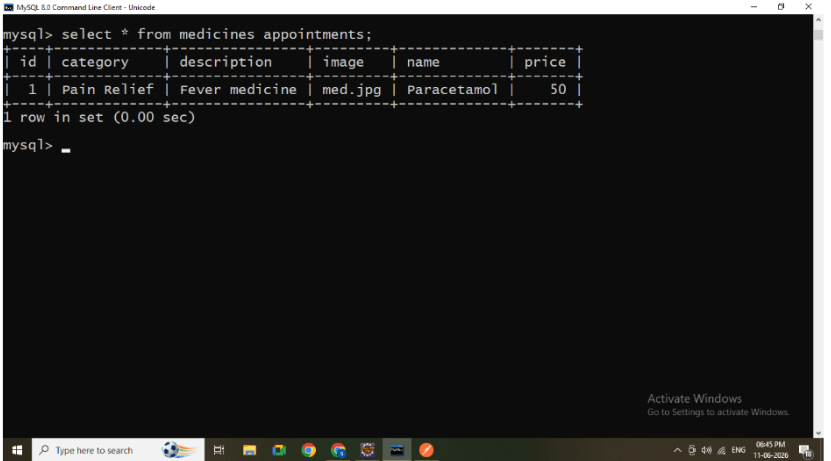
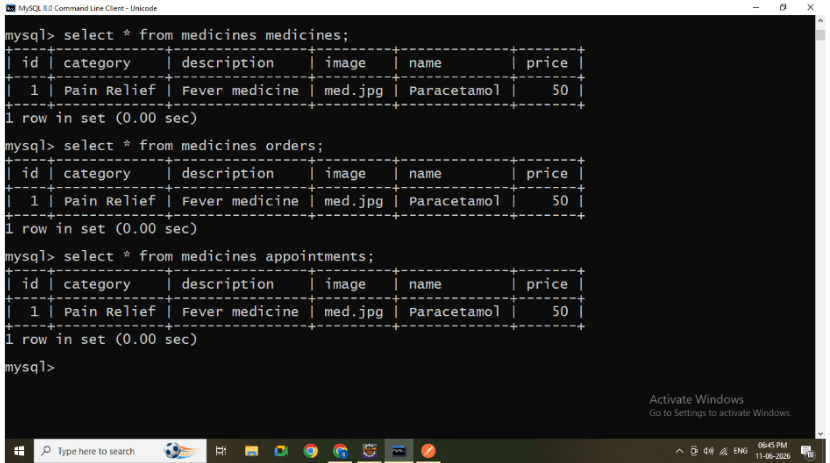
Check database records
Ensure foreign keys are correctly populated
Common Issues
Infinite JSON Loop
Use:
@JsonIgnore
Foreign Key Not Inserted
-
Ensure correct nested JSON is sent
Tables Not Generated
-
Check:
spring.jpa.hibernate.ddl-auto=update
Great job!
-
Understanding entity relationships in JPA
-
Implementing OneToMany and ManyToOne mappings
-
Managing foreign keys automatically
-
Handling nested JSON in APIs
-
Building real-world backend structure
Checkpoint