Shopping & Performance Max


Product Feed


Learning Outcome
6
Know how a good feed improves visibility and sales
5
Learn best practices for optimizing titles and images
4
Understand different feed formats (Google Sheets, XML, TXT)
3
Learn how Google uses feed data instead of keywords
2
Identify key attributes like title, description, price, and image
1
Understand Product Feed role in Google Merchant Center
Product Feed as a Digital Catalogue
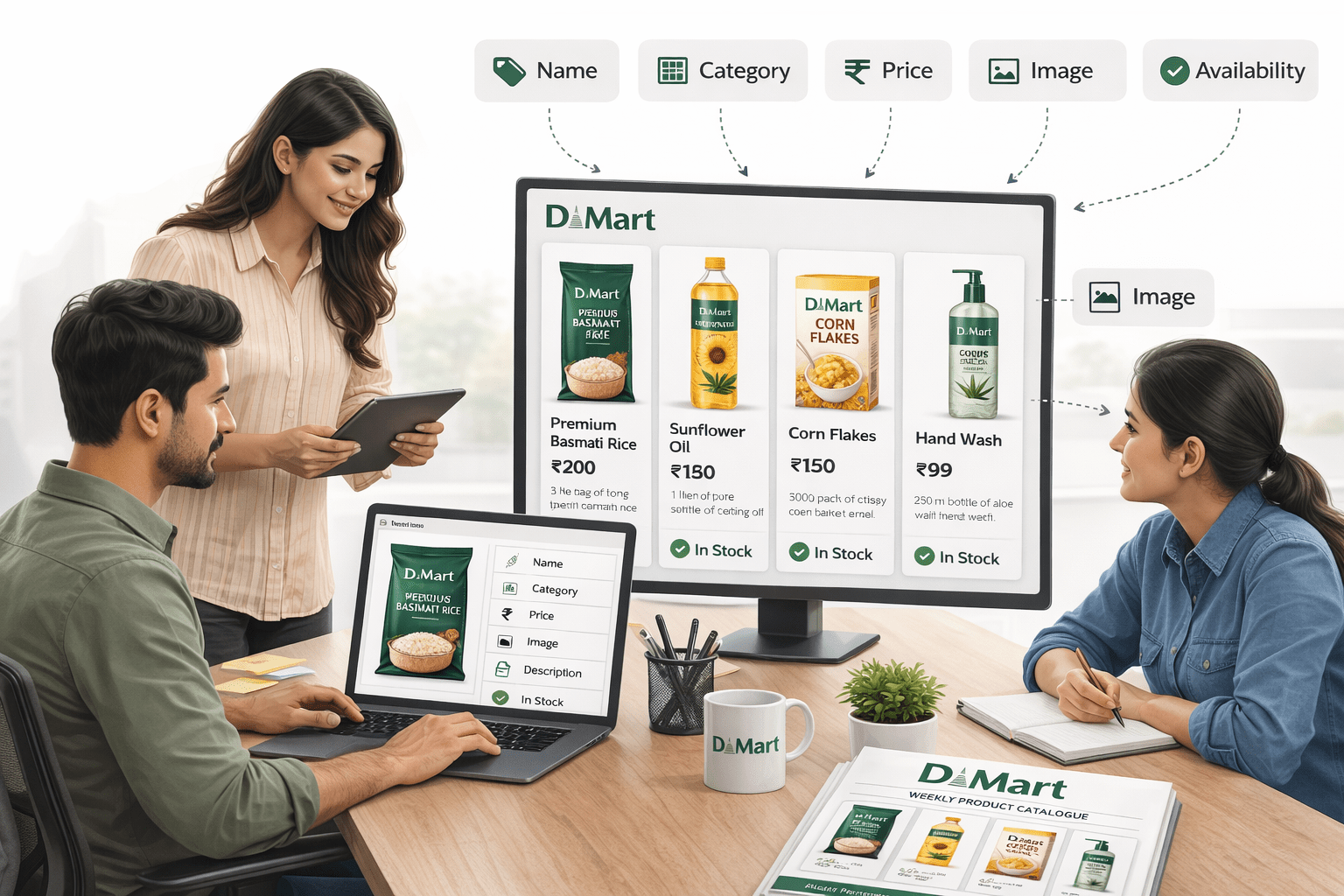
All information must be accurate and clearly formatted.
Every week, D-Mart creates a product catalogue where each product has proper details — name, category, price, image, description, and availability
Product Feed as a Digital Catalogue
If even one detail is wrong (like price mismatch or unclear image), customers get confused and trust is affected
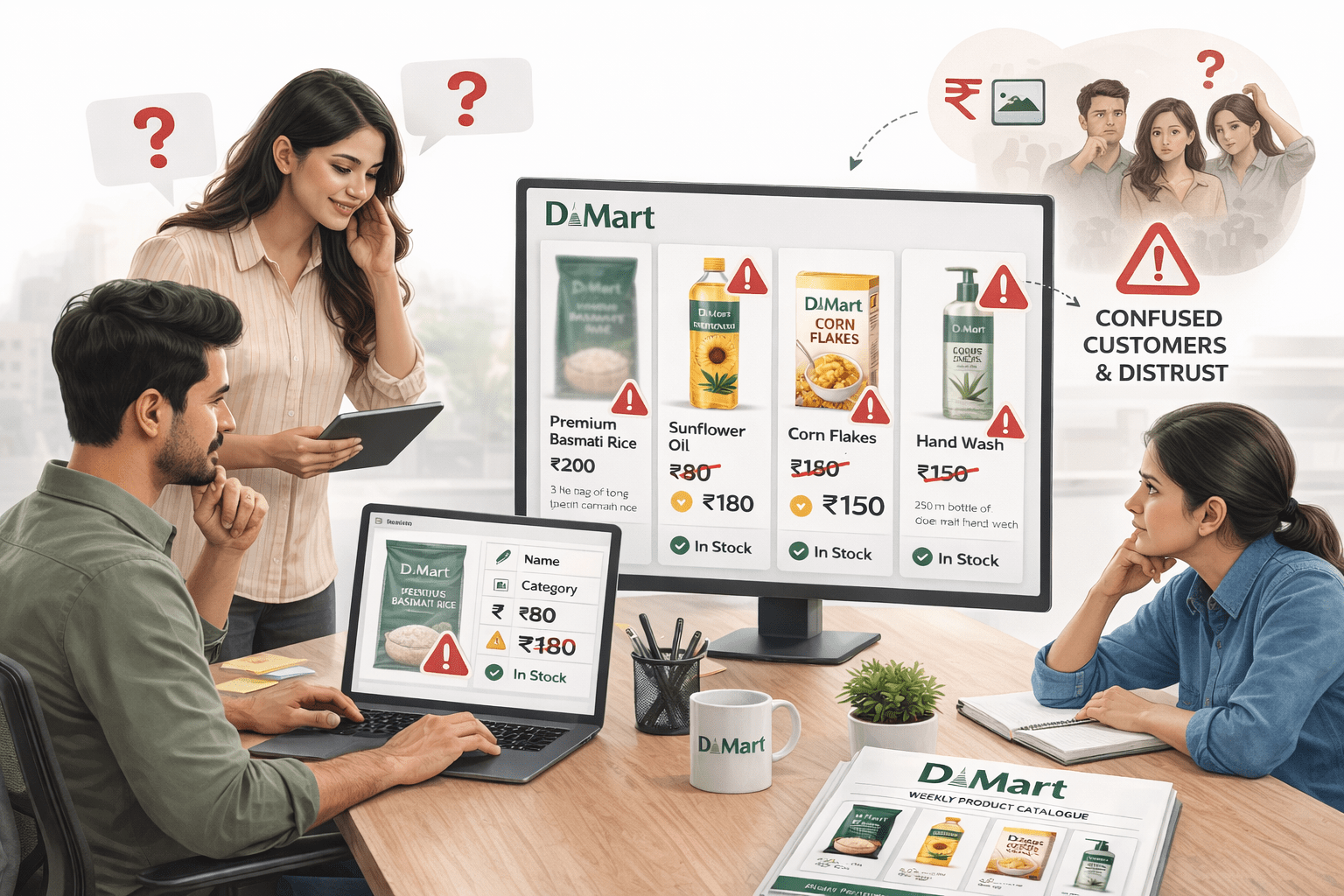
Product Feed = digital catalogue
Accurate data = better approval and performance
They also don’t allow vague names or poor-quality images.
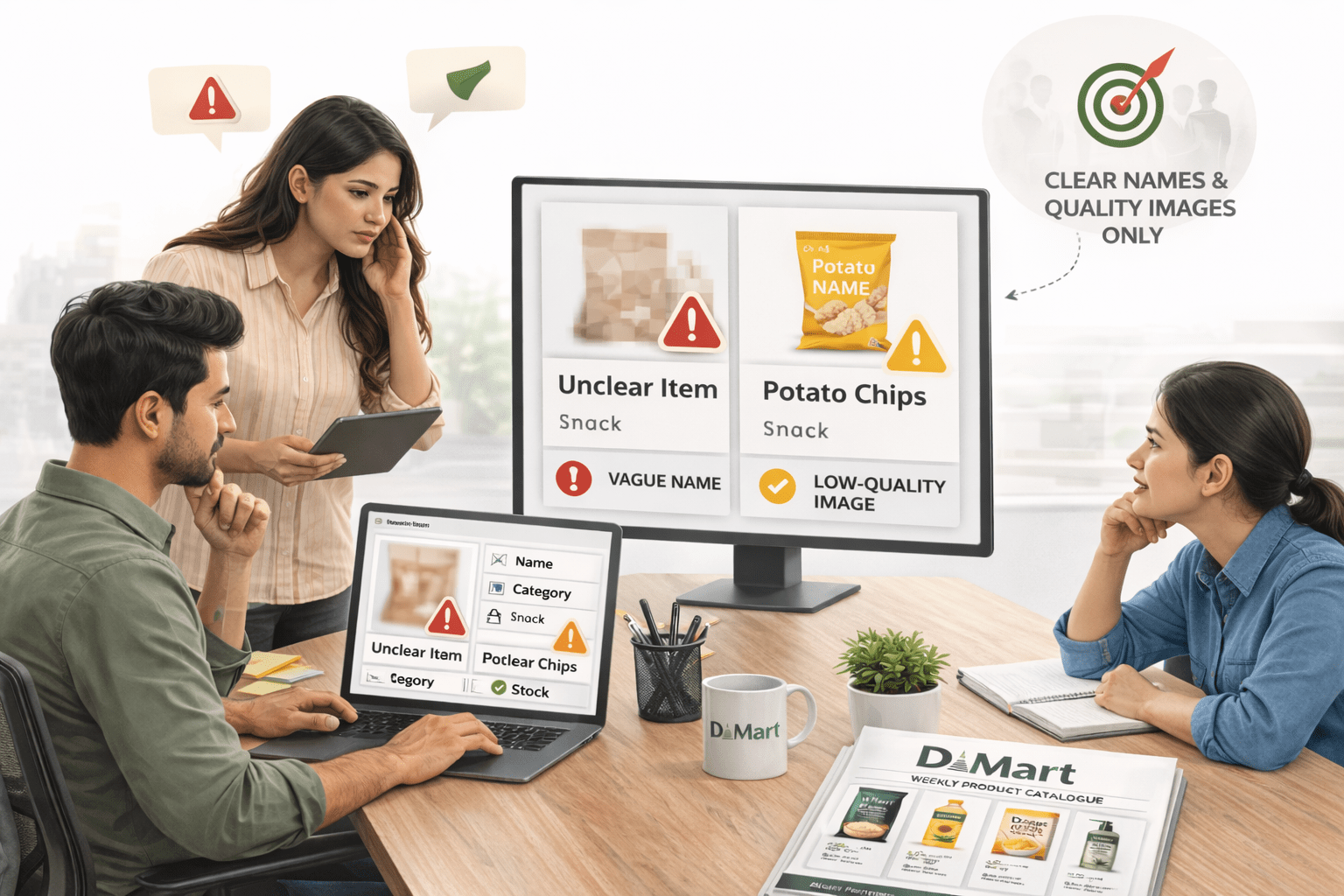
Impact of Product Feed Quality on Performance
Just like D-Mart’s catalogue, a Product Feed needs clear and accurate details (title, price, image, description) to work properly
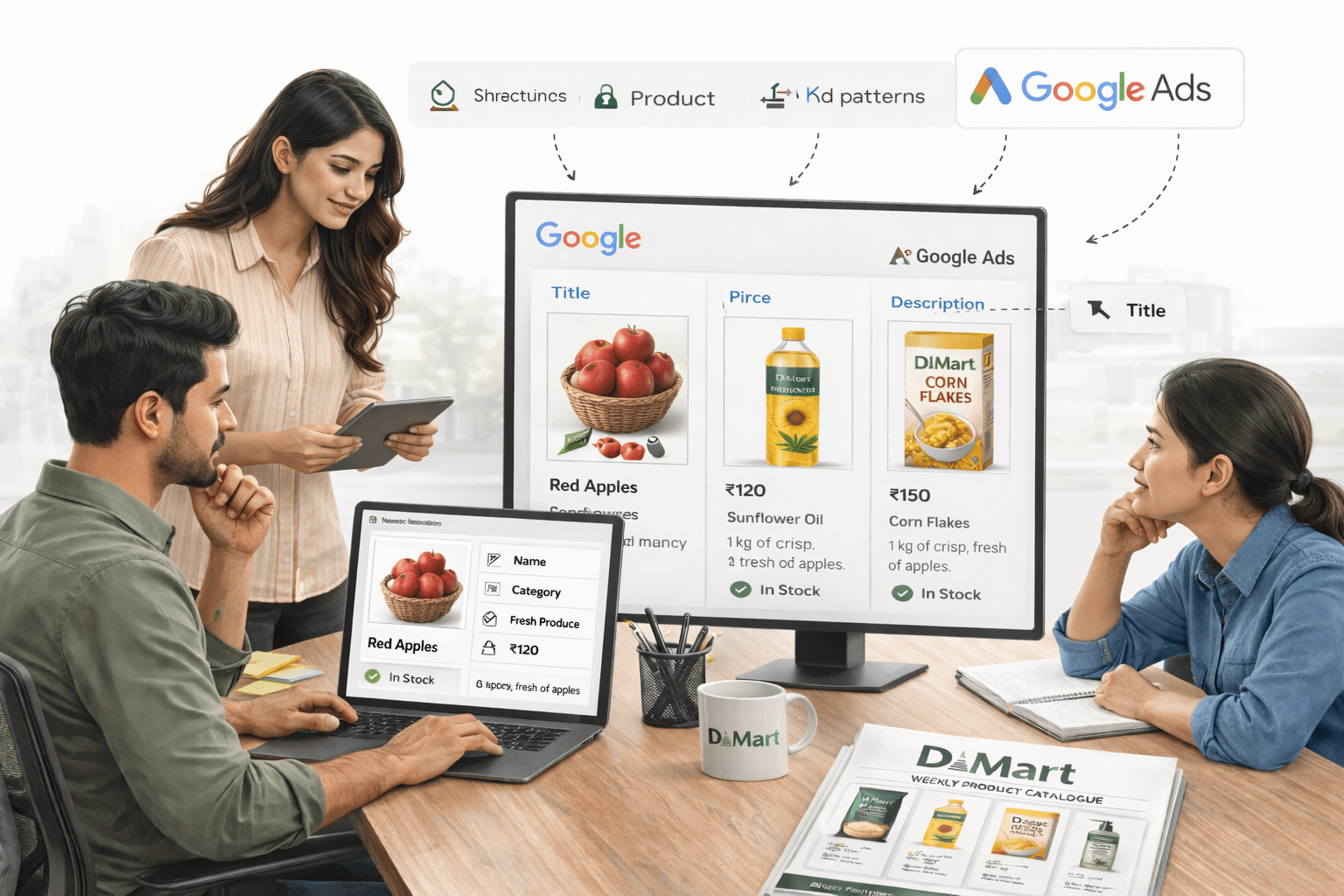
Impact of Product Feed Quality on Performance
When this is applied in real scenarios: two online stores — WoodCraft and HomeStyle — uploaded their product feeds
WoodCraft
HomeStyle
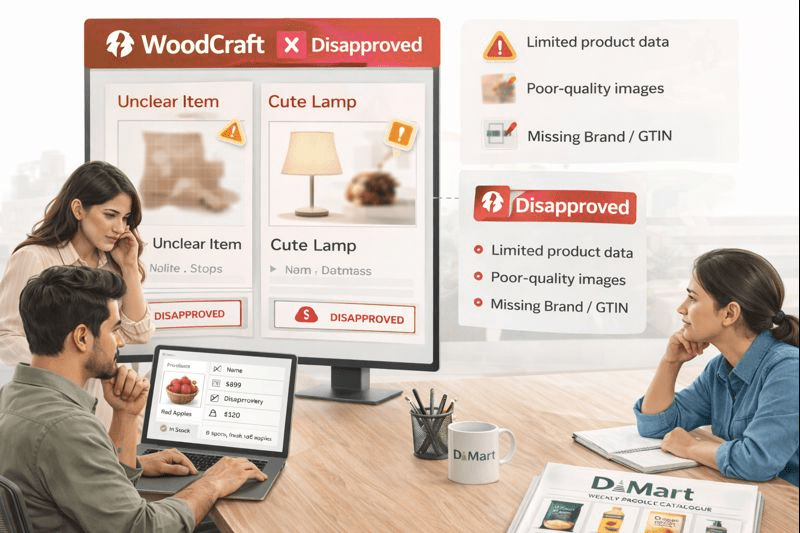
Used basic and incomplete details
Used detailed and optimized data
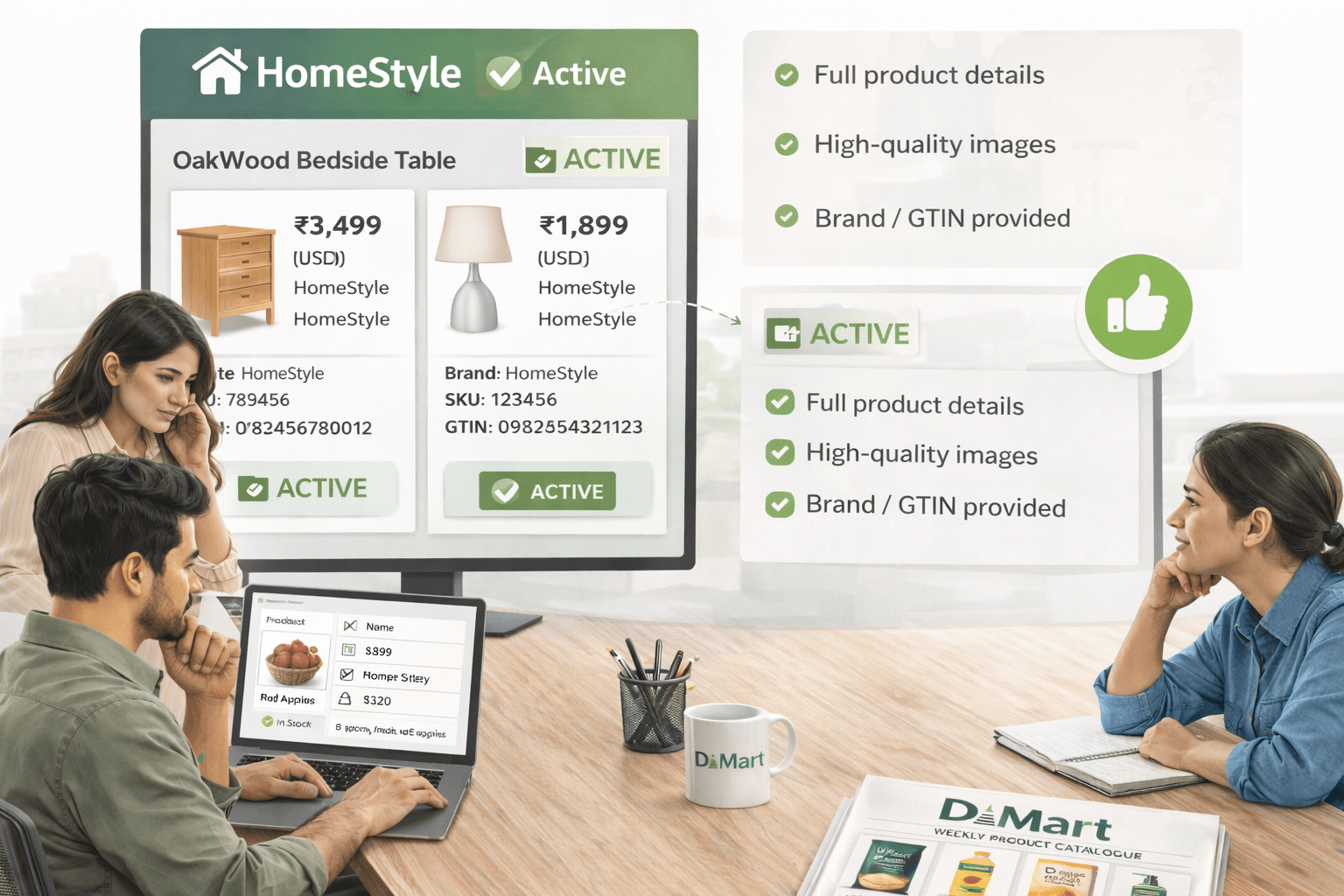
Result: HomeStyle appeared in more searches and got higher clicks (4.2% CTR vs 0.8%)

Impact of Product Feed Quality on Performance
Moral:
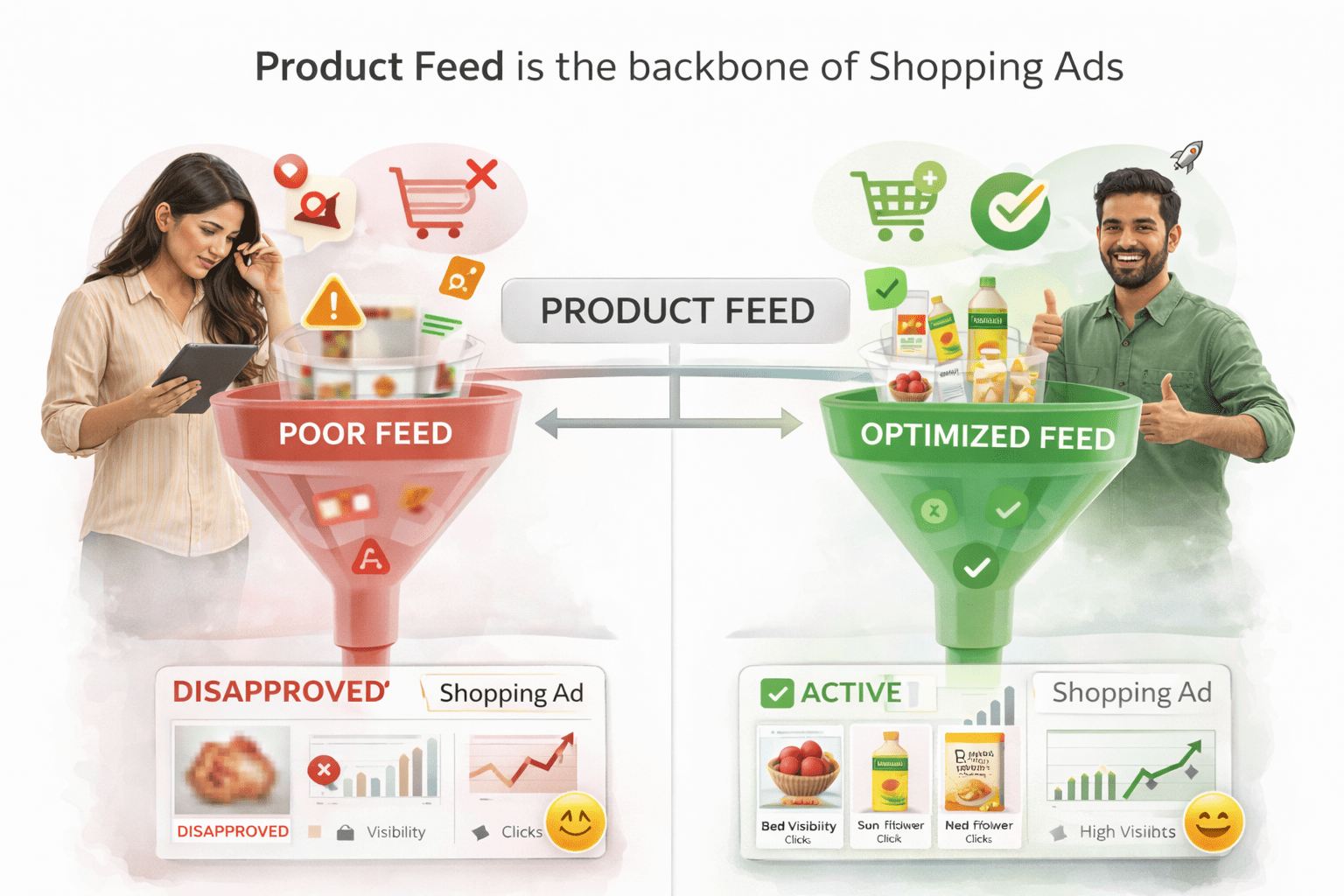
Product Feed is the backbone of Shopping Ads
Poor feed = low visibility;
optimized feed = more clicks and sales
What is a Product Feed in Google Merchant Center?
A Product Feed is a file with all product details (name, price, image, etc.) used by Google to show your products in ads.
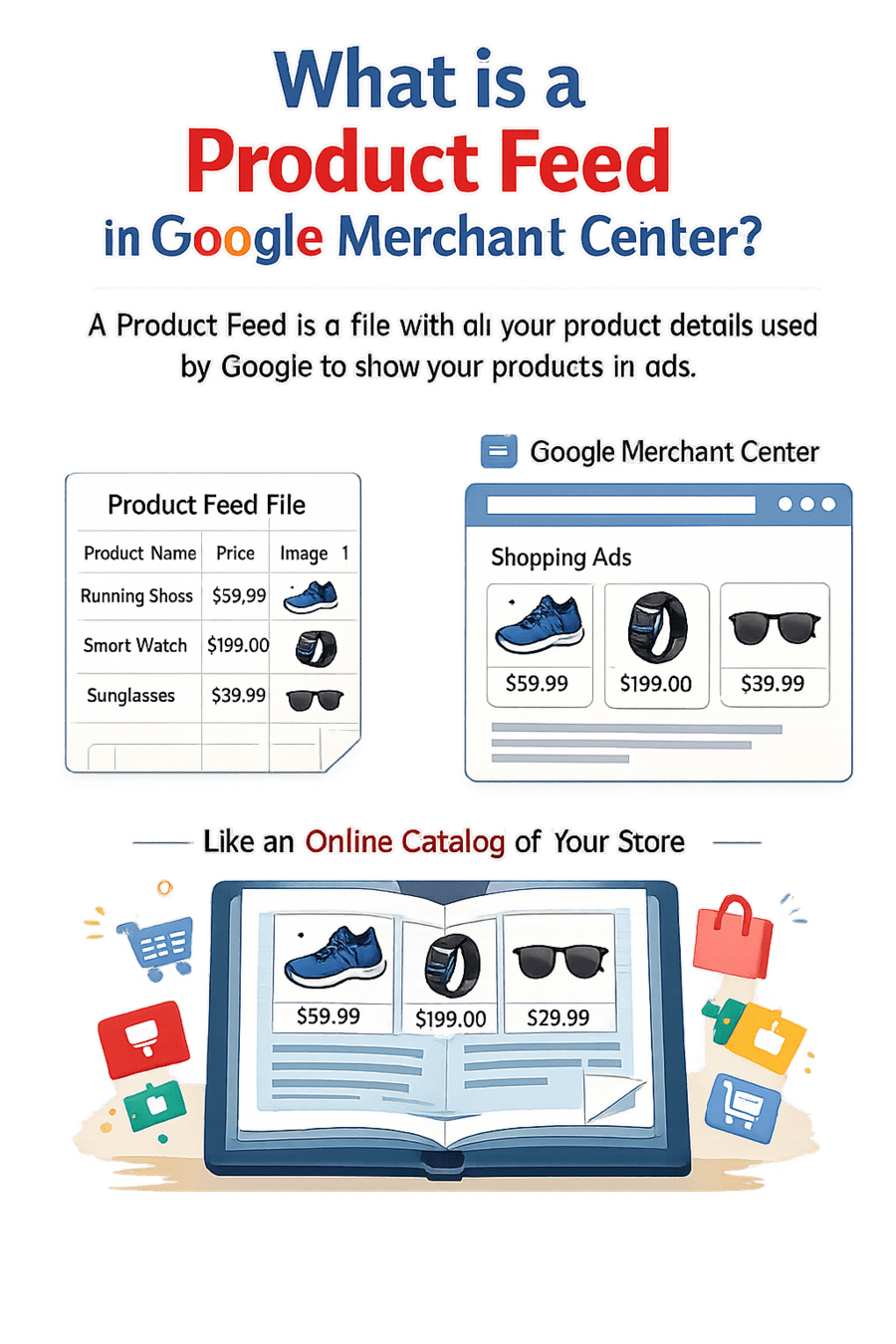
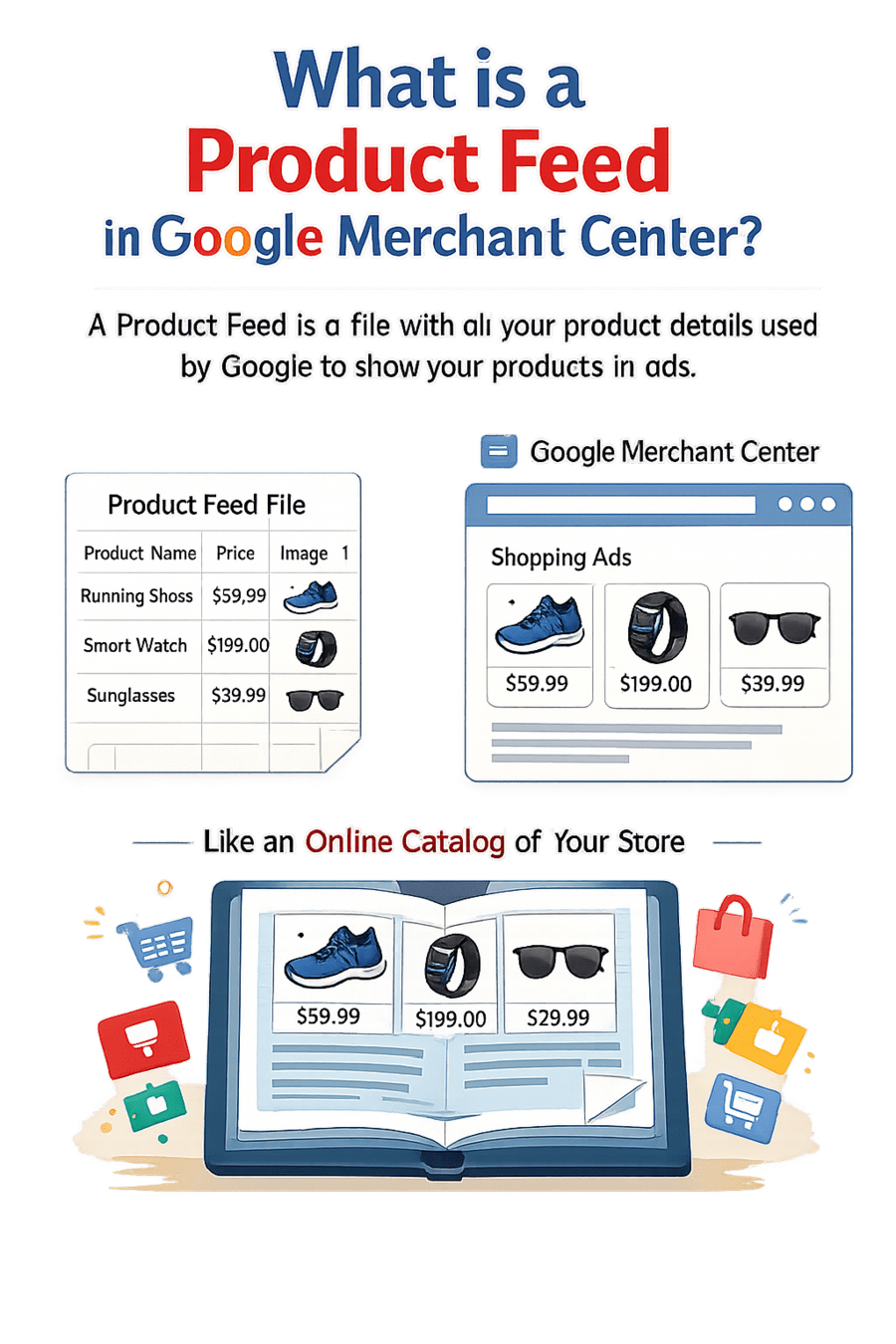

Feeds Your Ads
Example: Like an online catalog of your store
Why the Product Feed is critical:
Google Shopping Ads run completely on product feed (no keywords)
Feed tells Google product details (what, price, availability, etc.)
Google matches this data with user searches automatically
Better feed quality = more visibility, clicks, and sales
Product Feed File Types and Formats
Google Sheets
(easy for beginners)
Google Sheets
Google Sheets
TXT

(basic file)
Google Sheets
XML
(for large/automated stores)
Required Product Feed Attributes
Price
Exact product price
Description
Product details and features
GTIN
Unique product identifier
Image
High-quality product image




Title
Clear product name

Lets create the product feed and upload it on GMC, Practically
Go to Google Merchant Center → Products → Feeds
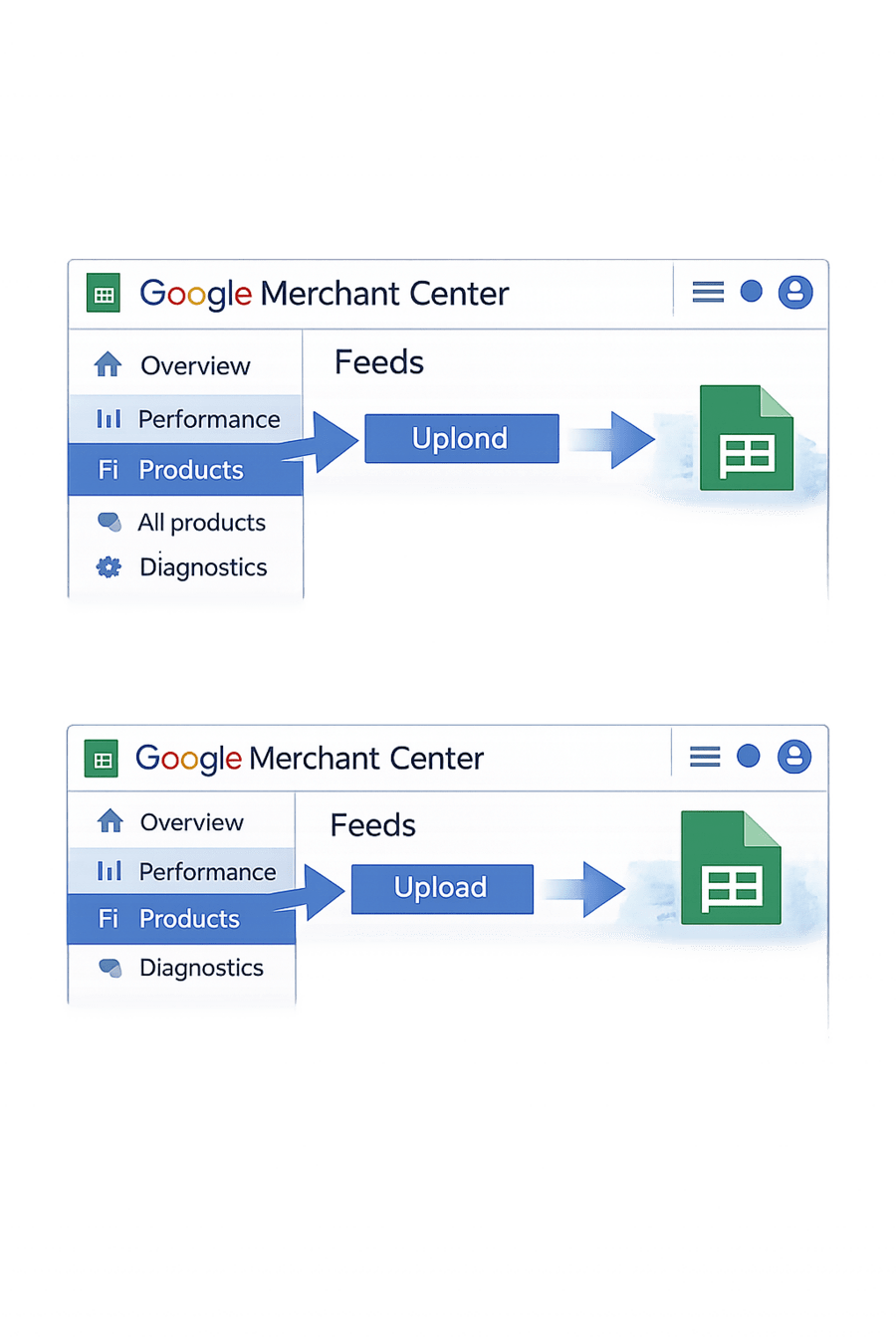
03
Create feed in Google Sheets
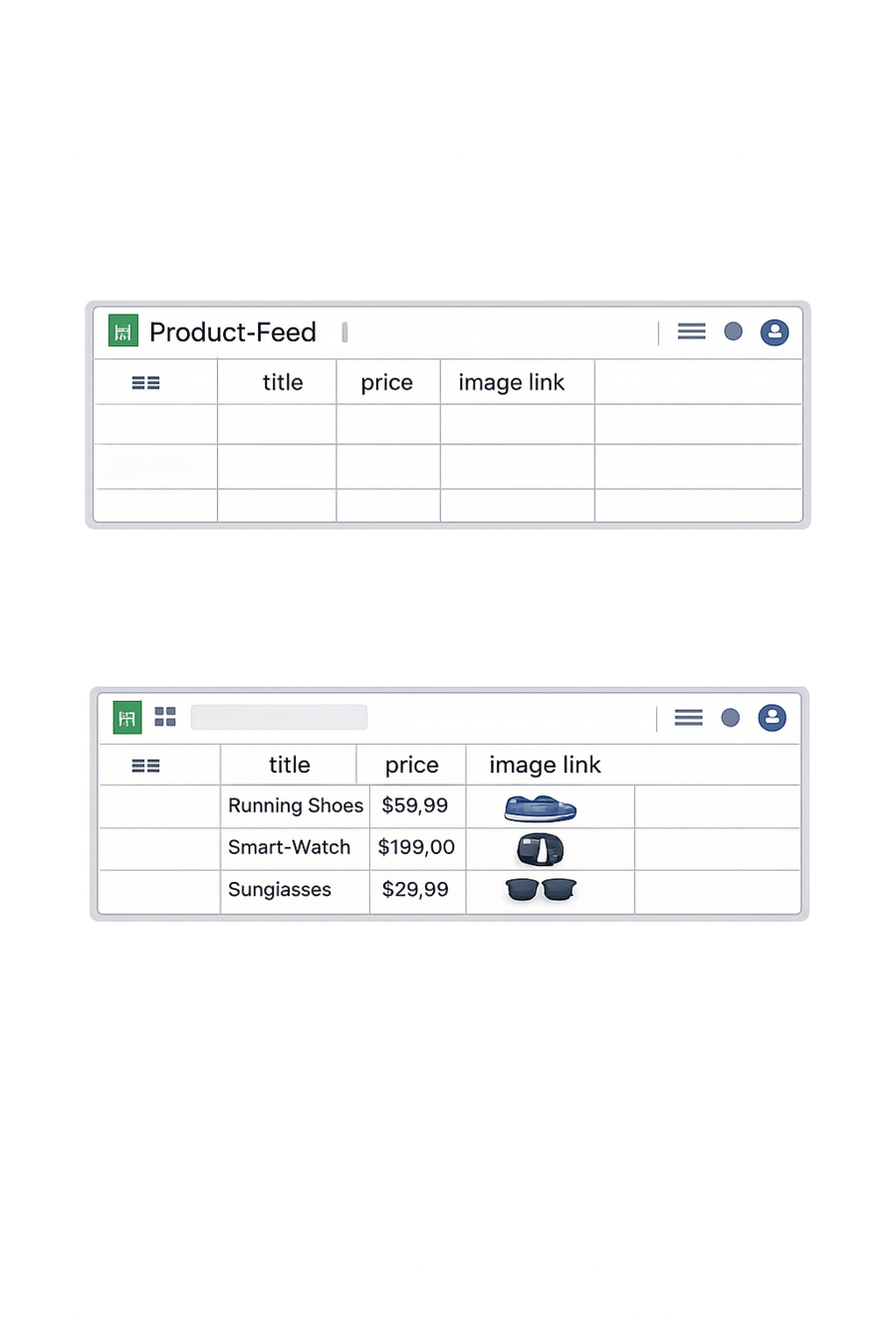
01
Add product details (title, price, image, availability)
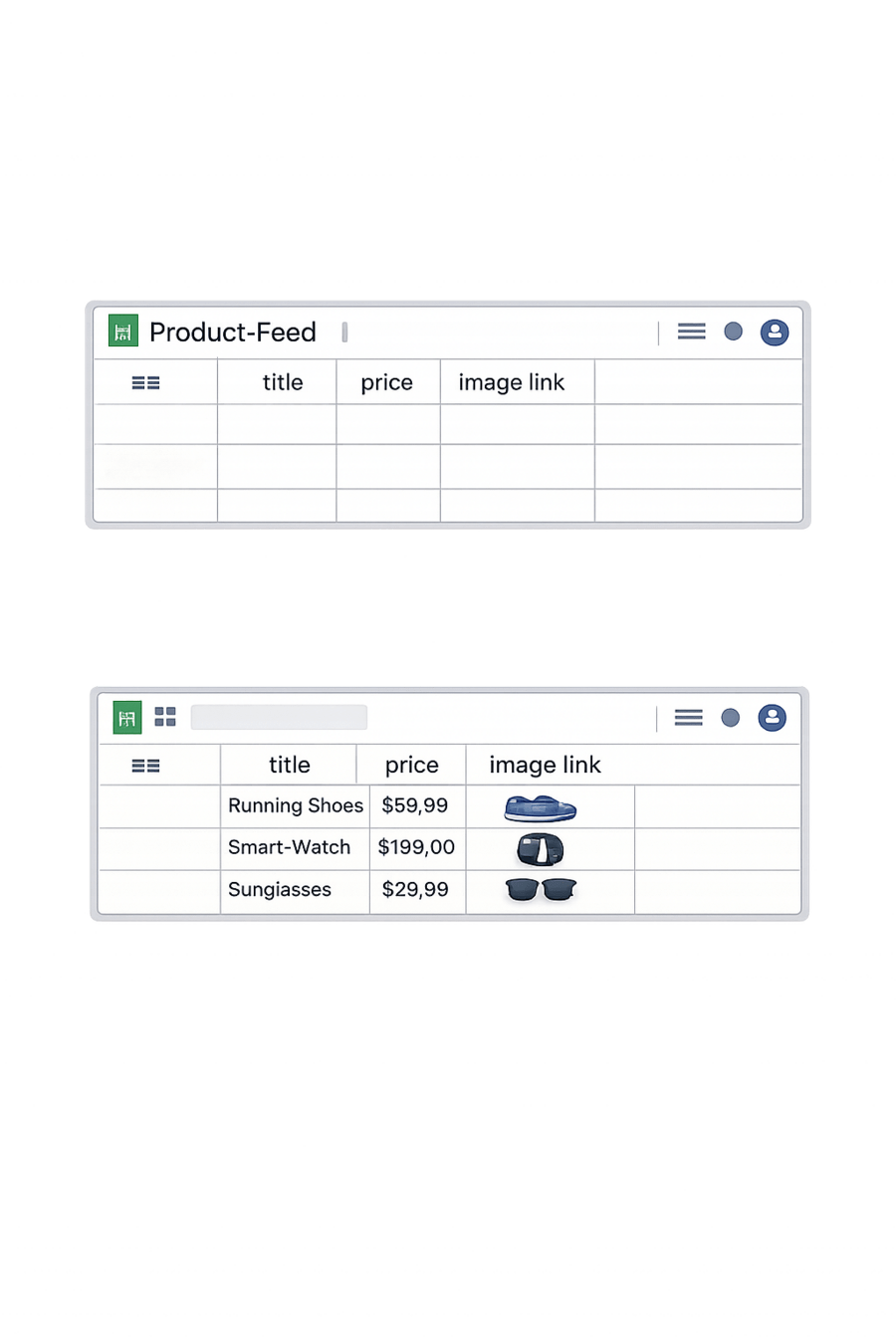
02
Lets create the product feed and upload it on GMC, Practically
Check Diagnostics and fix errors
05
Connect/upload your sheet
04
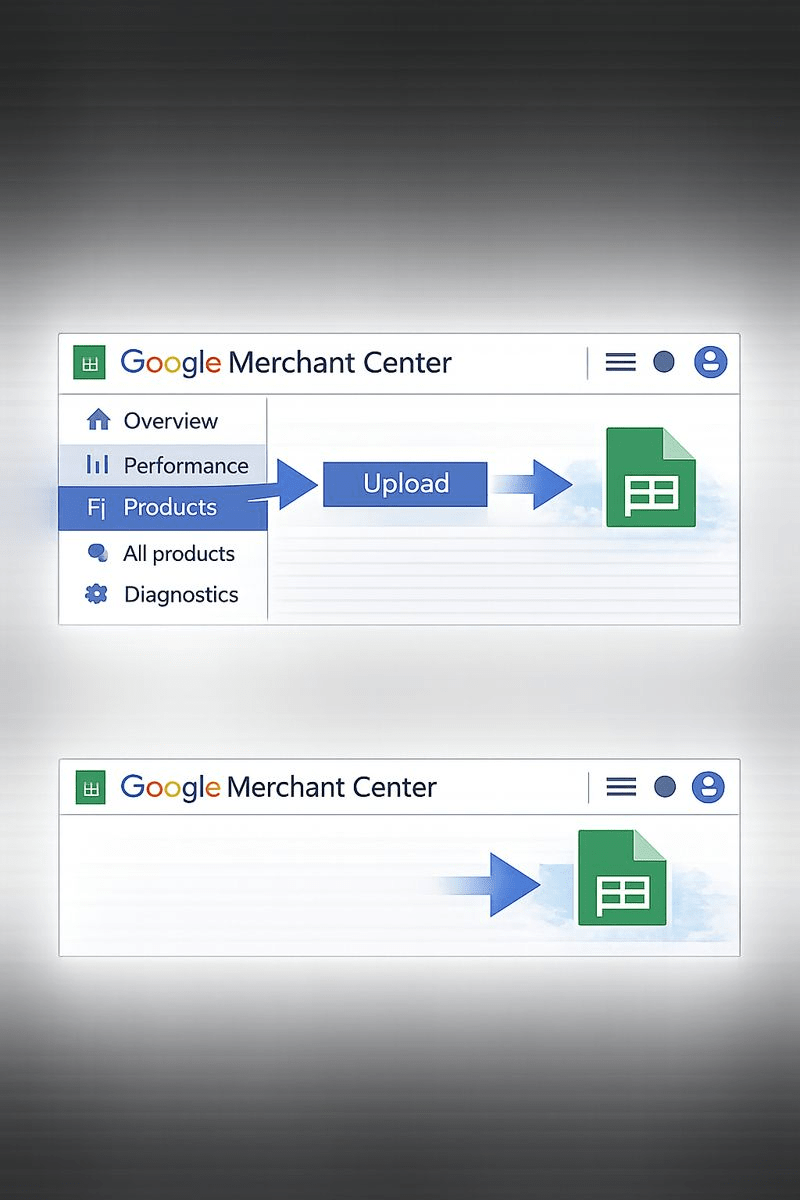
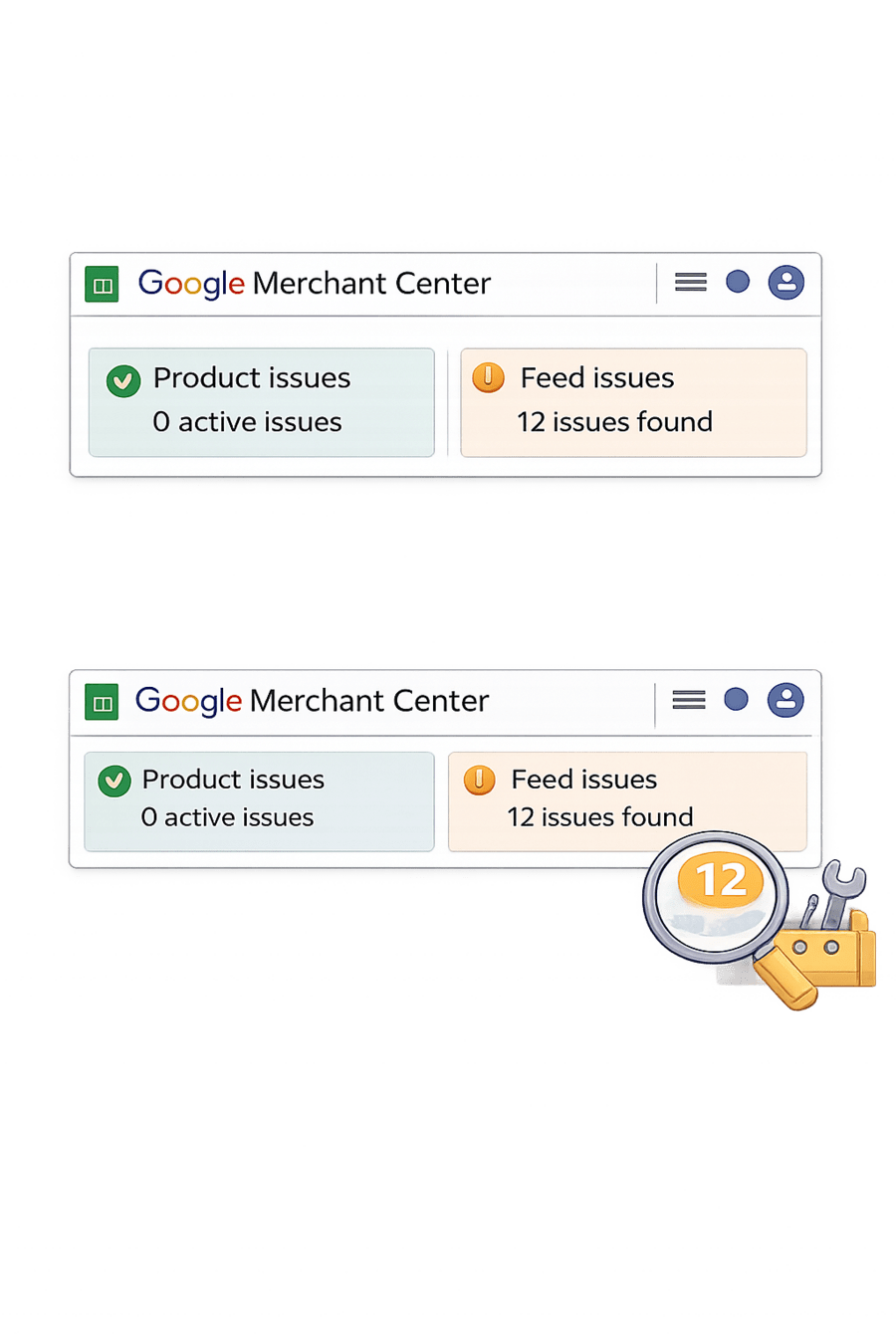
Summary
5
Missing details can reduce visibility or cause disapproval
4
Optimized titles + high-quality images improve performance
3
Google matches products using feed data, not keywords
2
Accurate data is very important for approval
1
Product Feed = digital product catalog for Google Shopping
Quiz
Rahul sees “price mismatch” error in Merchant Center. What does it mean?
A. Prices are too high
B. Feed price ≠ website price → must match exactly
C. GST is missing
D. Billing issue

Quiz
Rahul sees “price mismatch” error in Merchant Center. What does it mean?
A. Prices are too high
B. Feed price ≠ website price → must match exactly
C. GST is missing
D. Billing issue
