Conversion Tracking


Goals


Learning Outcome
5
Explain key Conversion Settings
4
Understand basic Conversion Tracking setup
3
Identify types of Conversion Goals
2
Explain why Goals are set before campaigns
1
Understand Goals in Google Ads
Sales Conversion Tracking Analogy
Mr. Mehta ran a pharma business in Ahmedabad with 12 sales reps visiting doctors, clinics, and hospitals daily. He couldn’t track which visits became orders, top areas, or best-selling products.

He spent ₹3,00,000 monthly on salaries and travel, but couldn’t measure results.
Sales Conversion Tracking Analogy
His son Neel introduced a Sales Activity Tracking Diary to record visits, samples, prescriptions, and final orders (Goal: Conversion).

Within 3 months, Mr. Mehta identified top reps, areas, and products, increased budget for strong areas, reduced waste, and sales grew by 65%.
From Measuring Effort to Measuring Results
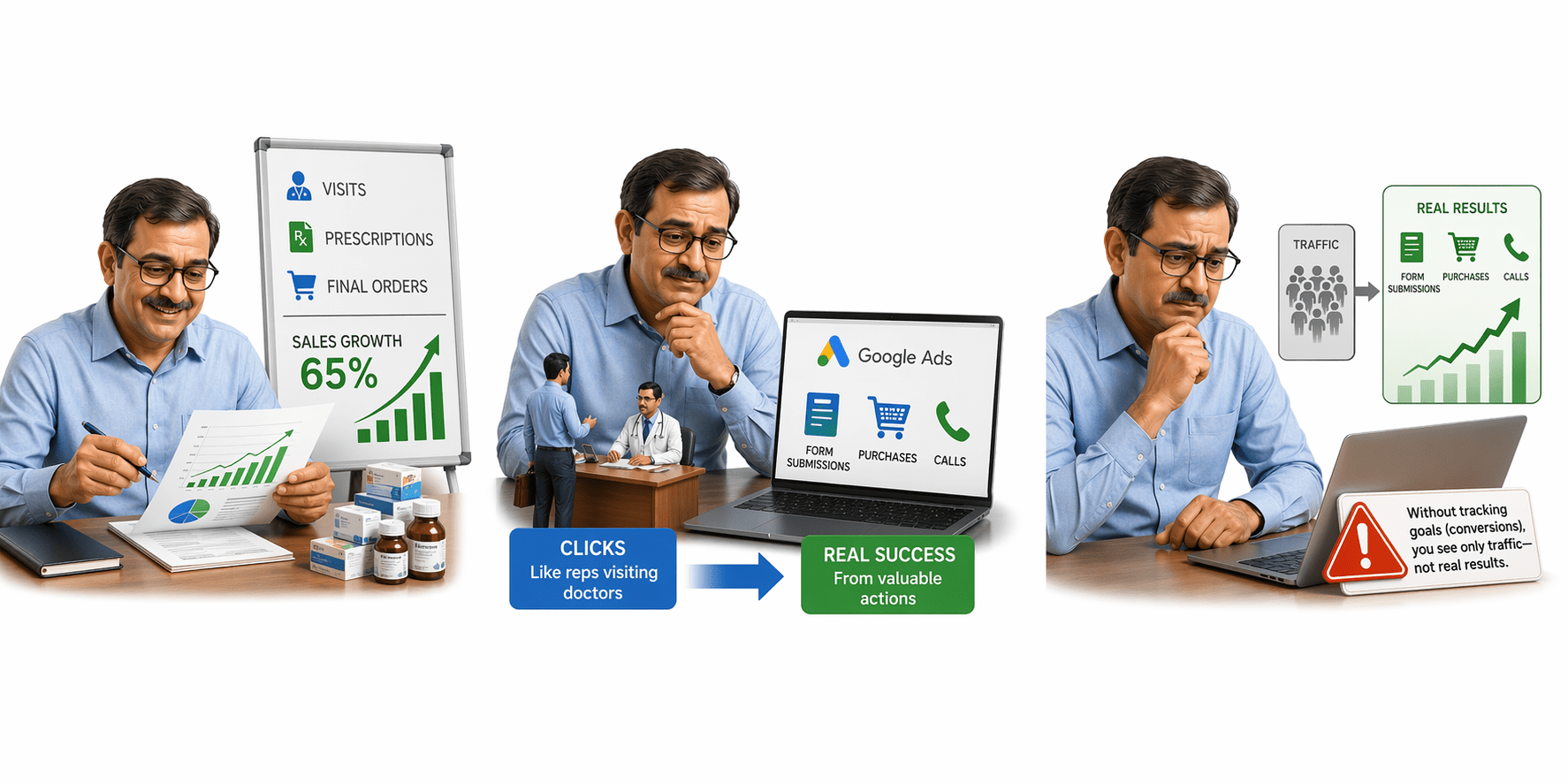
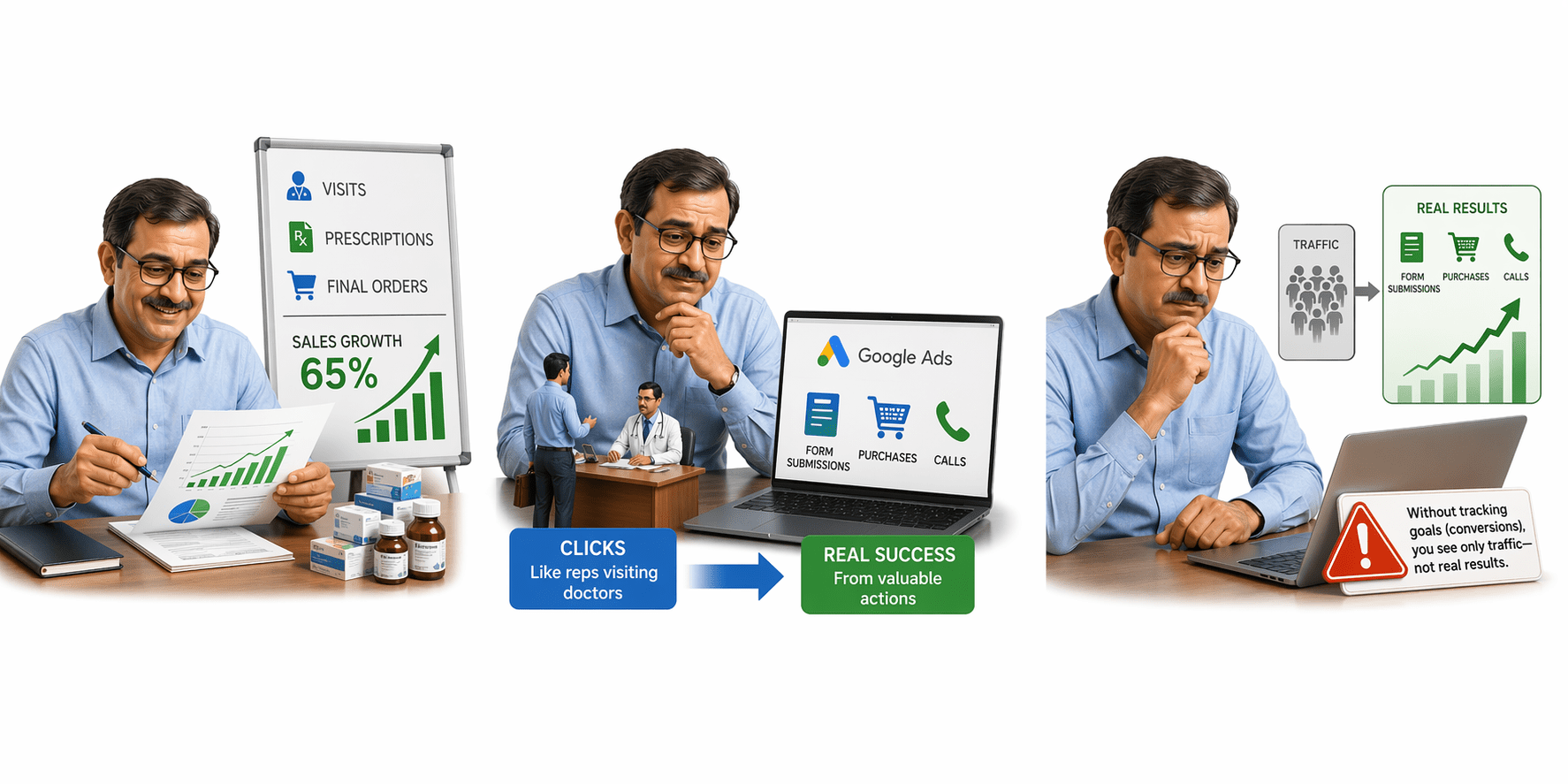
The same applies in Google Ads. Clicks are like reps visiting doctors, but real success comes from actions like form submissions, purchases, or calls.
These valuable actions are called Goals (Conversions). Without tracking them, businesses see only traffic—not real results.
What is a Goal in Google Ads?
Examples:
A Goal in Google Ads is a specific valuable action a user takes after clicking your ad that directly contributes to business success.
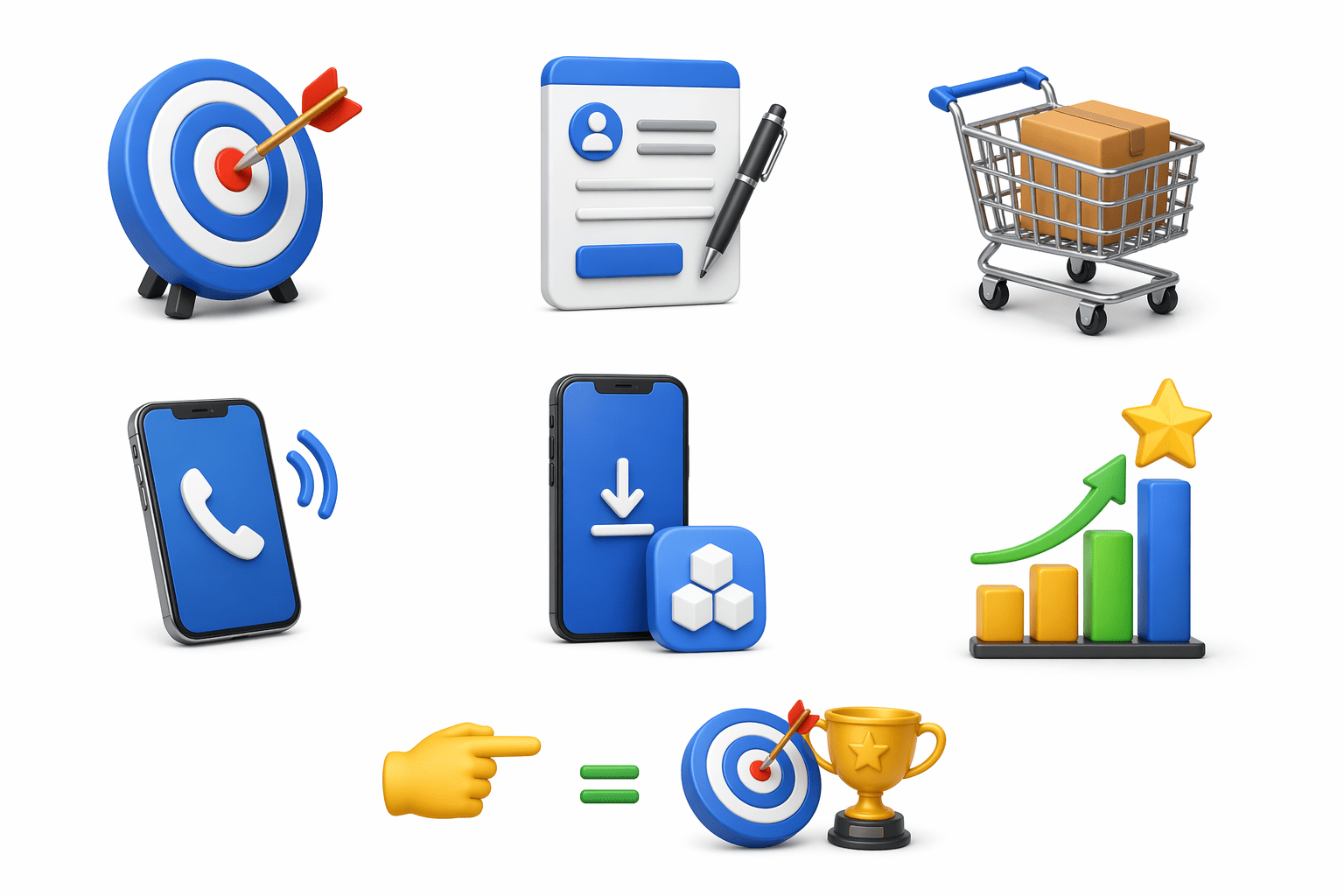
Form submission
Purchase
Phone call
App install
These actions are called Conversions.
Goal = Business outcome you want to track.
Defining Goals - the 1st step before creating Google Ads campaign
First define success, then run ads.
Goals define campaign success before ads start.
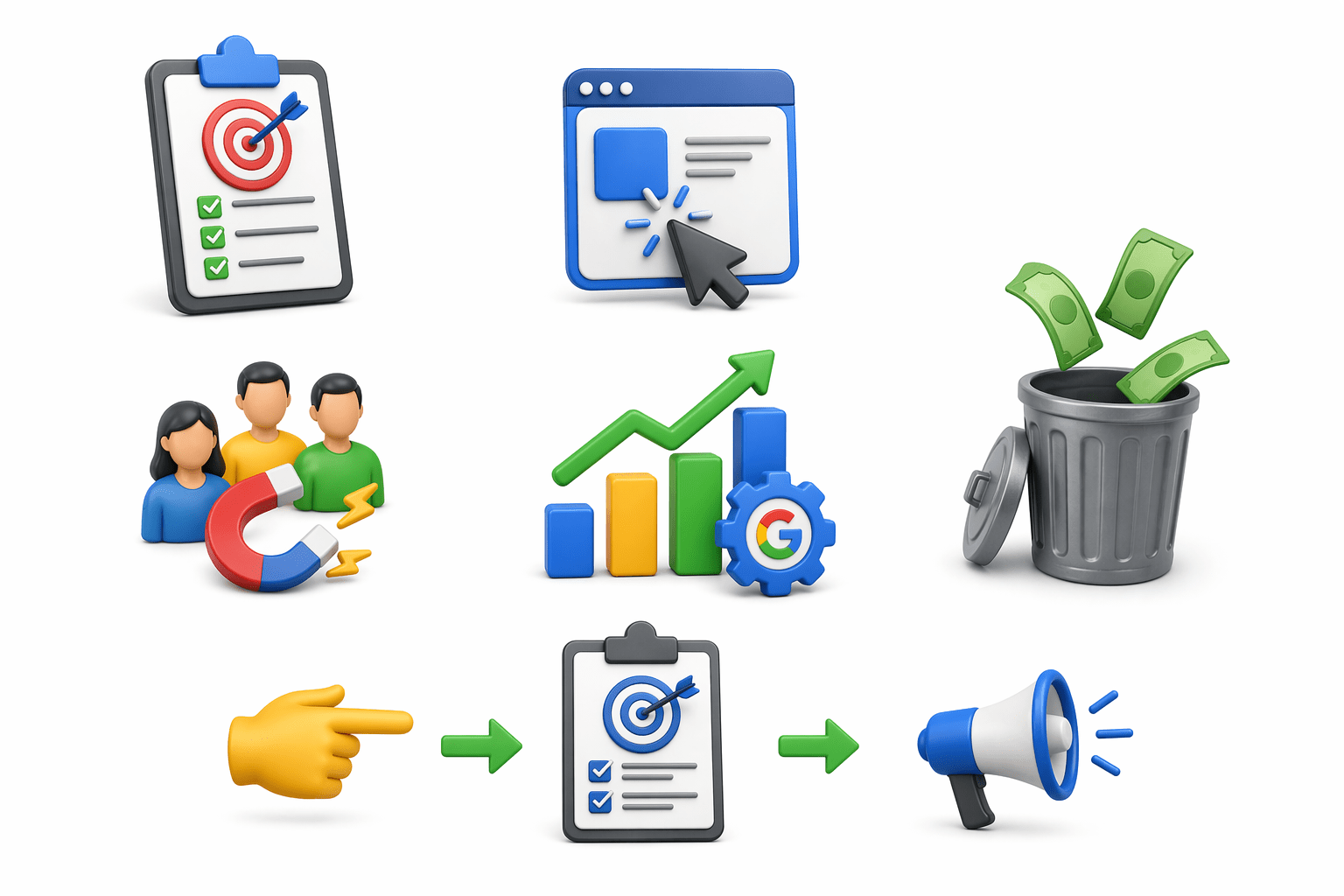
Without Goals:
- Only clicks are measured
- Budget gets wasted
With Goals:
- Leads and sales are tracked
- Google optimizes better
Types of Conversion Goals in Google Ads

Website Conversion
- Actions on your website
- Example: Purchase, Form Submission
Phone Call Conversions
- Tracks calls from ads or website
- Example: Call from Call Ad, Call from Website
Types of Conversion Goals in Google Ads
App Conversions
- Tracks installs and in-app actions
- Example: App Install, In-App Purchase
Import Conversions
- Offline sales or CRM leads imported later
- Example: Offline Sale, CRM Qualified Lead
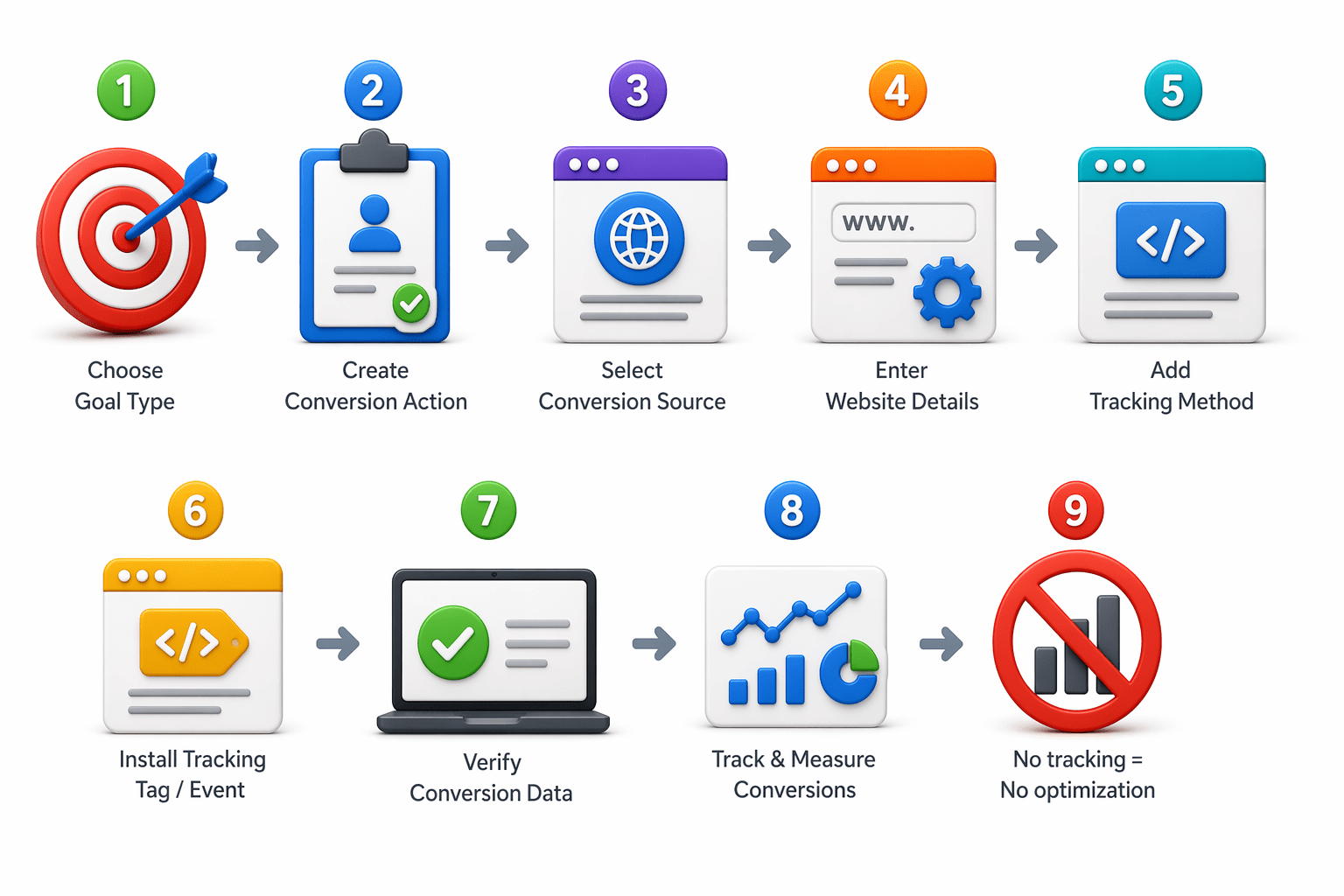
Conversion Tracking
Conversion Tracking helps measure whether users complete important actions after clicking your ad.
No tracking = No optimization
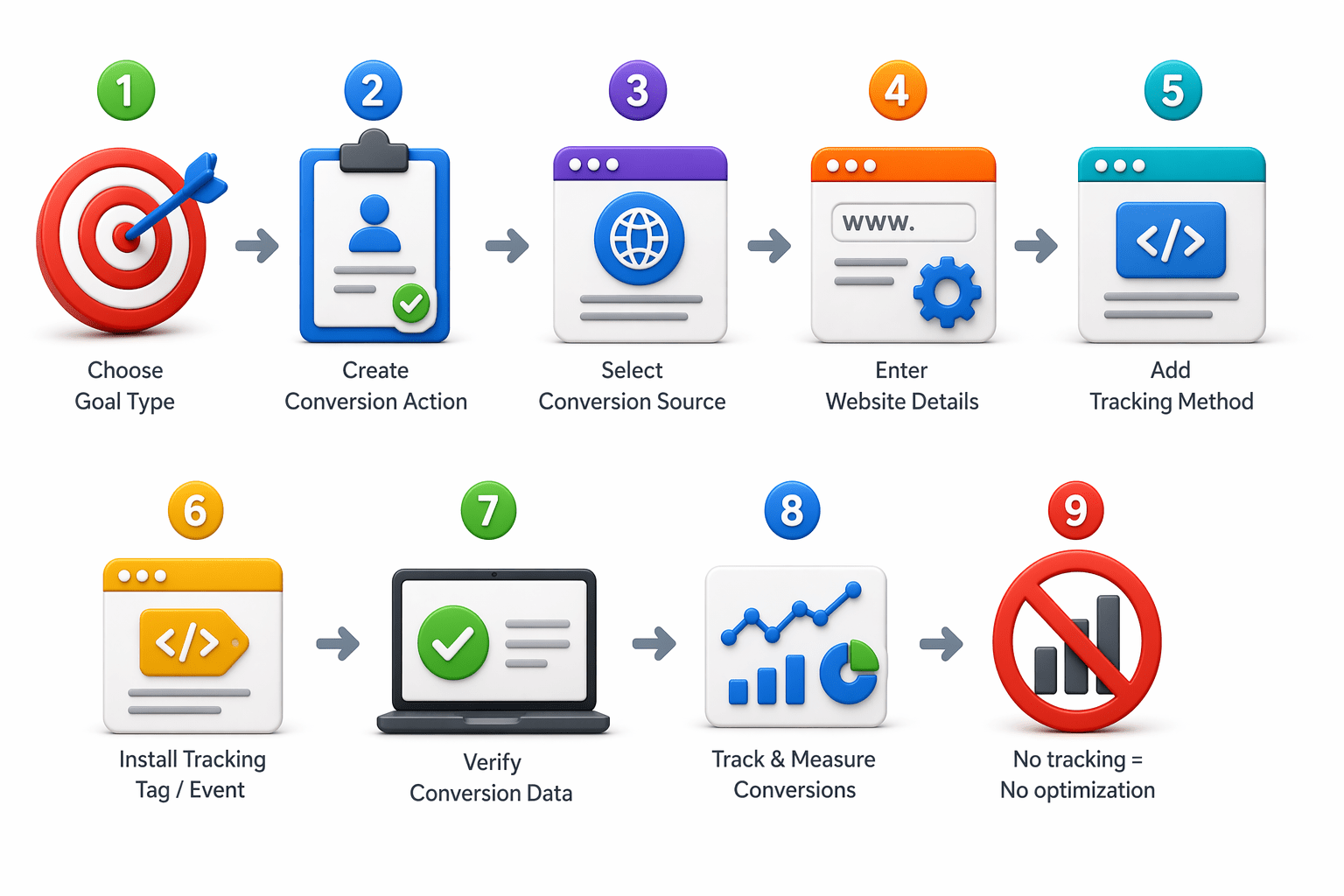
Conversion Tracking
Basic Setup Flow:
Conversion Settings - Understanding Each Setting
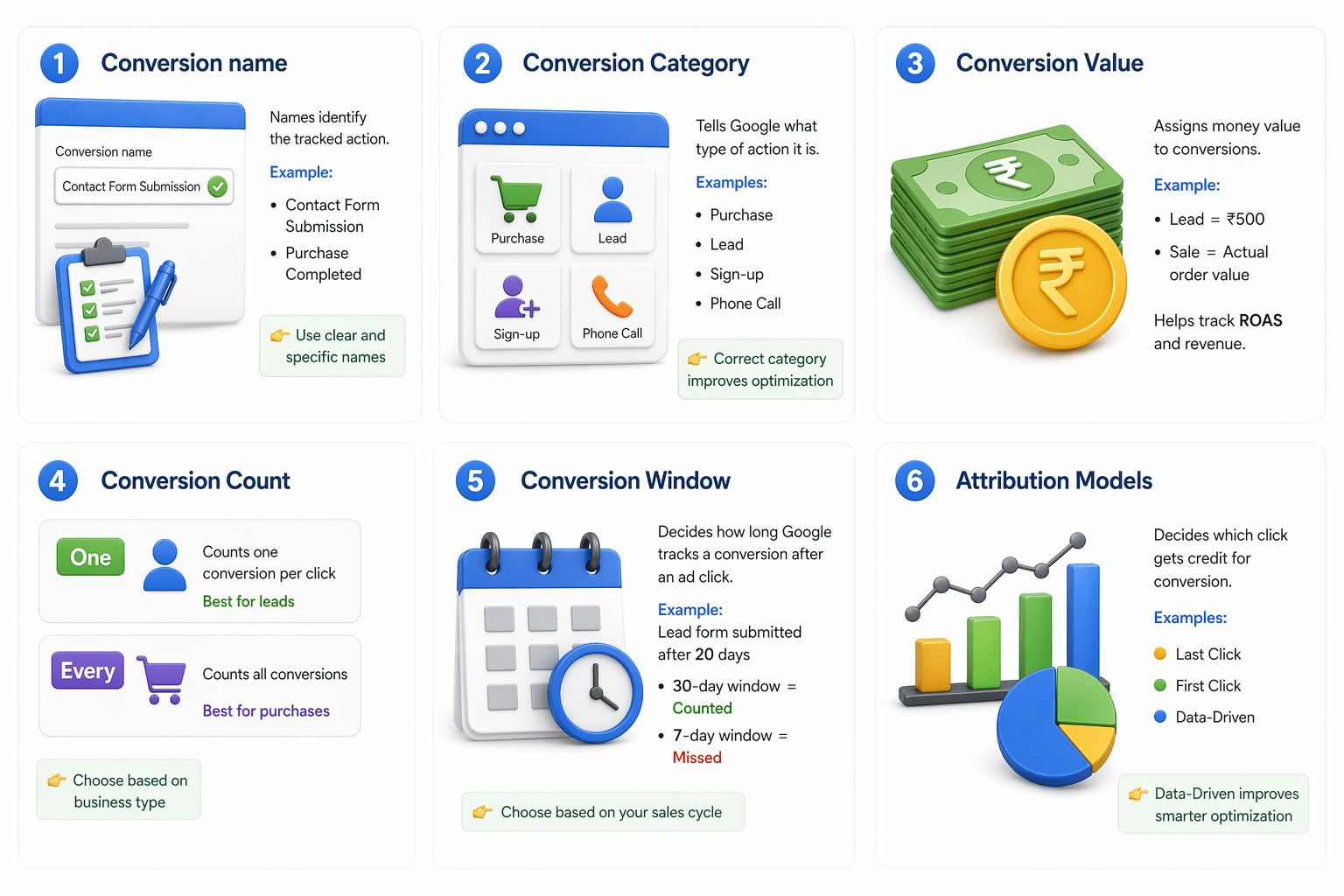
1. Conversion name
- Examples: Contact Form Submission, Purchase Completed
- Names identify the tracked action.
- Use clear and specific names
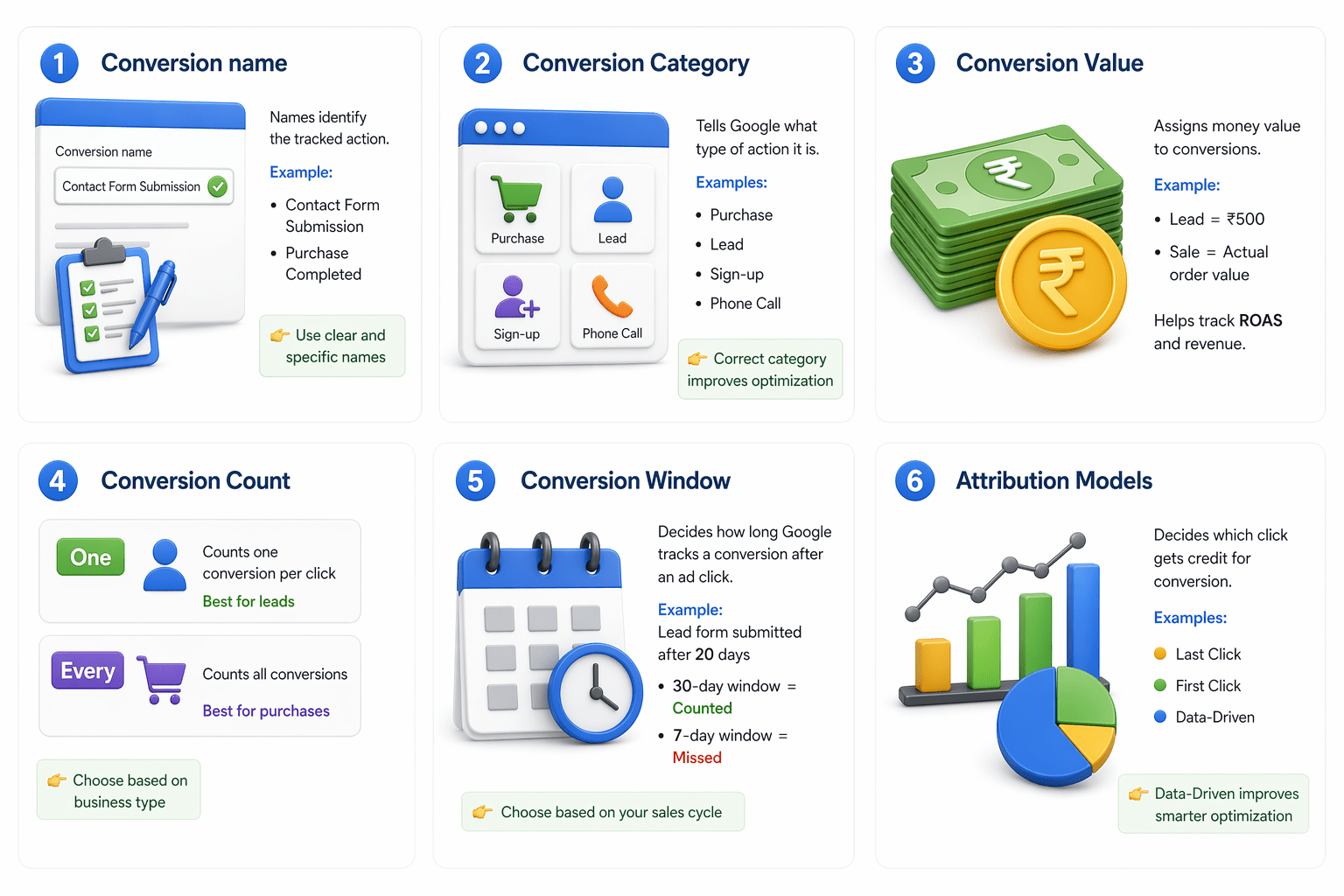
2. Conversion Category
- Examples: Purchase, Lead, Sign-up, Phone Call
- Correct category improves optimization
- Tells Google what type of action it is.
Conversion Settings - Understanding Each Setting
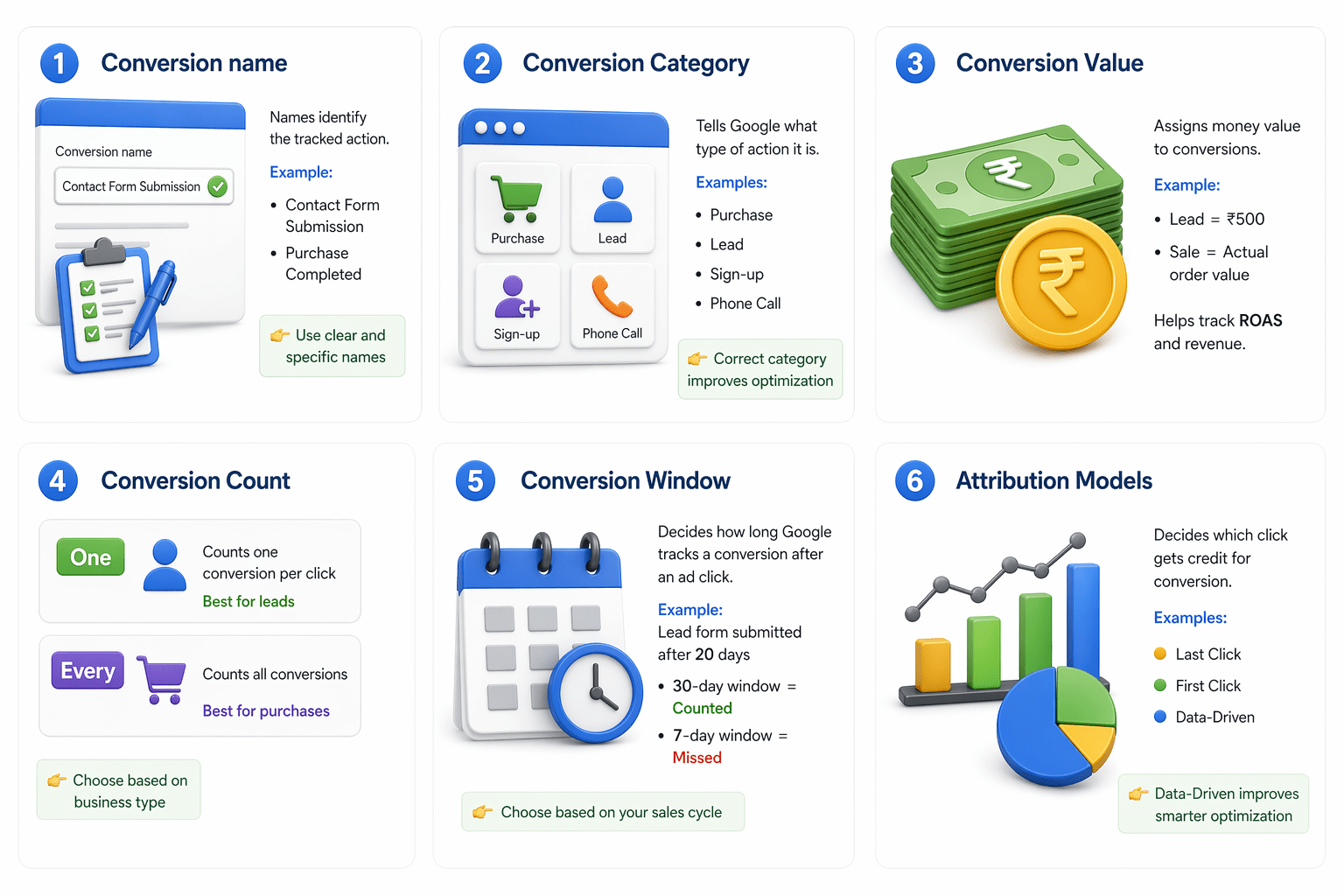
3. Conversion Value
- Assigns money value to conversions.
- Examples: Lead = ₹500, Sale = Actual order value
- Helps track ROAS and revenue.
4. Conversion Count
- Decides how conversions are counted.
- One - Counts one conversion per click (Best for leads)
- Every - Counts all conversions (Best for purchases)
- Choose based on business type
Conversion Settings - Understanding Each Setting
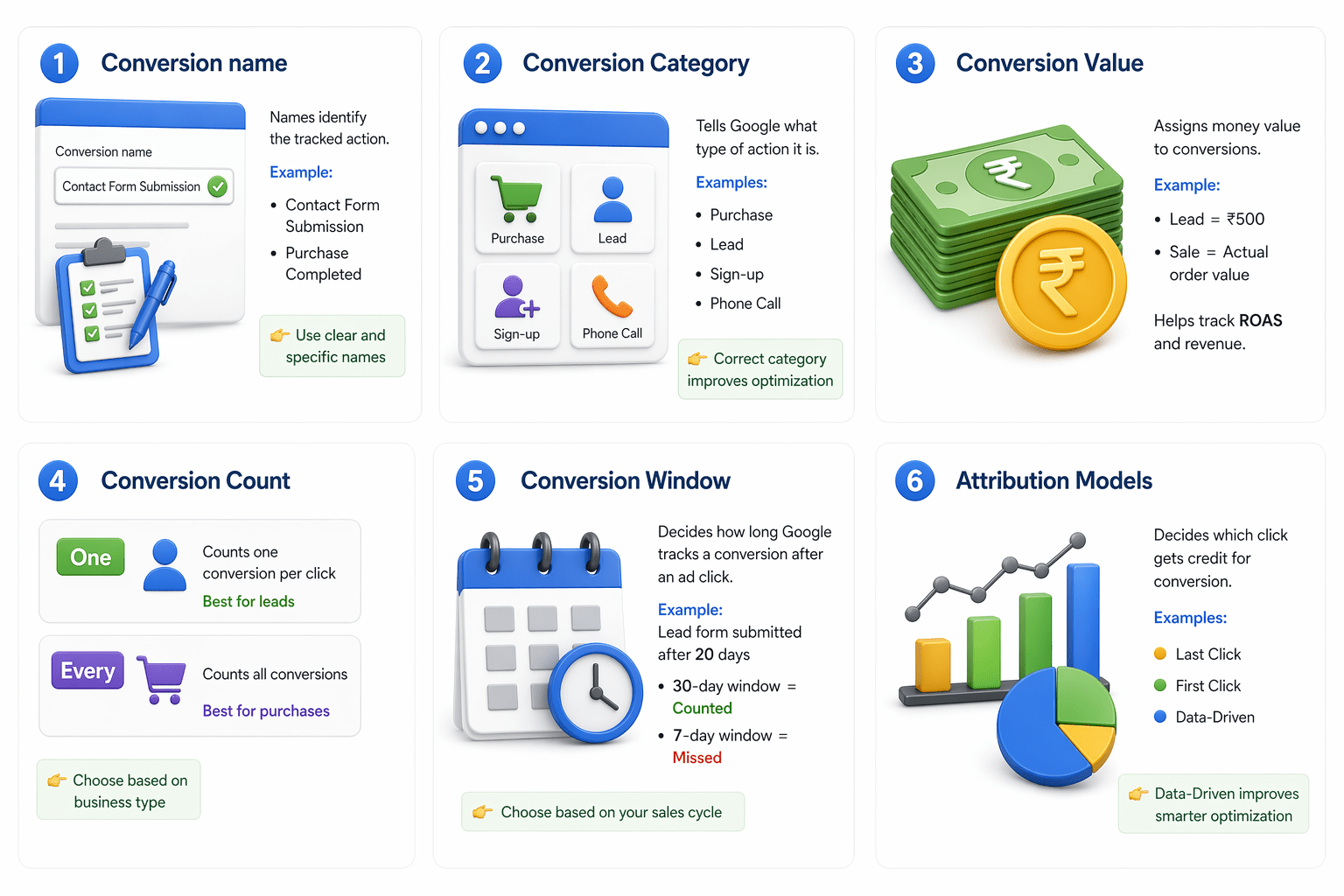
5. Conversion Window
- Decides how long Google tracks a conversion after an ad click.
- Examples: Lead form submitted after 20 days
30-day window = Counted, 7-day window = Missed
- Choose based on your sales cycle
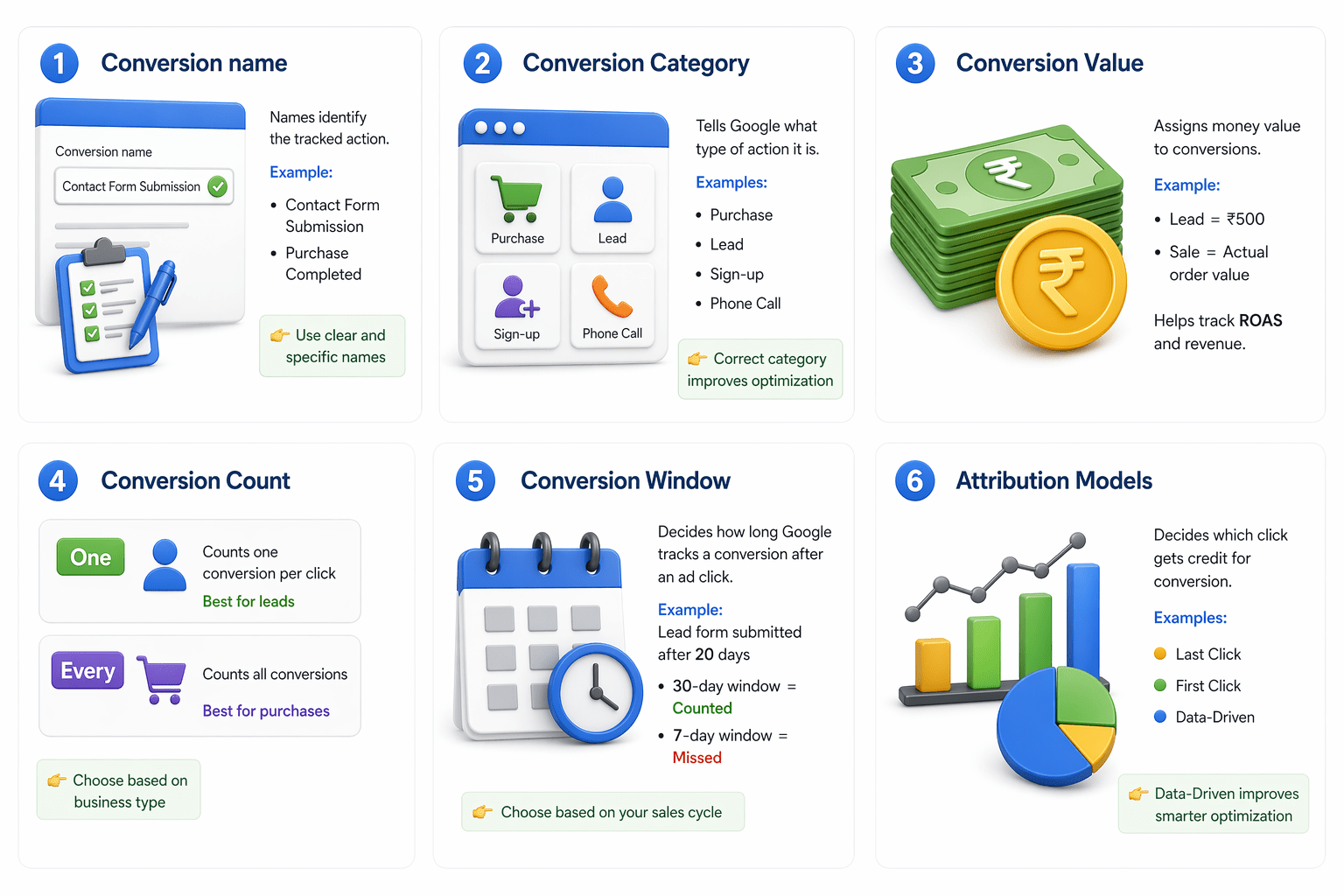
6. Attribution Models
- Decides which click gets credit for conversion.
- Examples: Last Click, First Click, Data-Driven
- Data-Driven improves smarter optimization
Summary
5
Conversion Settings helps to improve results
4
Conversion Tracking measures campaign performance
3
Google Ads supports multiple types of conversions
2
Set goals before creating campaigns for better optimization
1
Goals track valuable actions like leads, calls, and purchases
Quiz
What is a Goal in Google Ads?
A. A target number of clicks
B. A valuable user action after clicking an ad
C. A daily budget limit
D. A keyword match type

Quiz-Answer
What is a Goal in Google Ads?
A. A target number of clicks
B. A valuable user action after clicking an ad
C. A daily budget limit
D. A keyword match type
