Component Communication : Bridging the Gap


Data Flow Mastery: Passing Data Up with @Output in Angular


Learning Outcome
4
Capture events in the parent component
3
Emit events from the child component
2
Learn the purpose of @Output decorator
1
Understand Child to Parent communication in Angular
Why Child to Parent Communication is Important
In Angular applications, components often need to send data back to their parent components.
Examples :
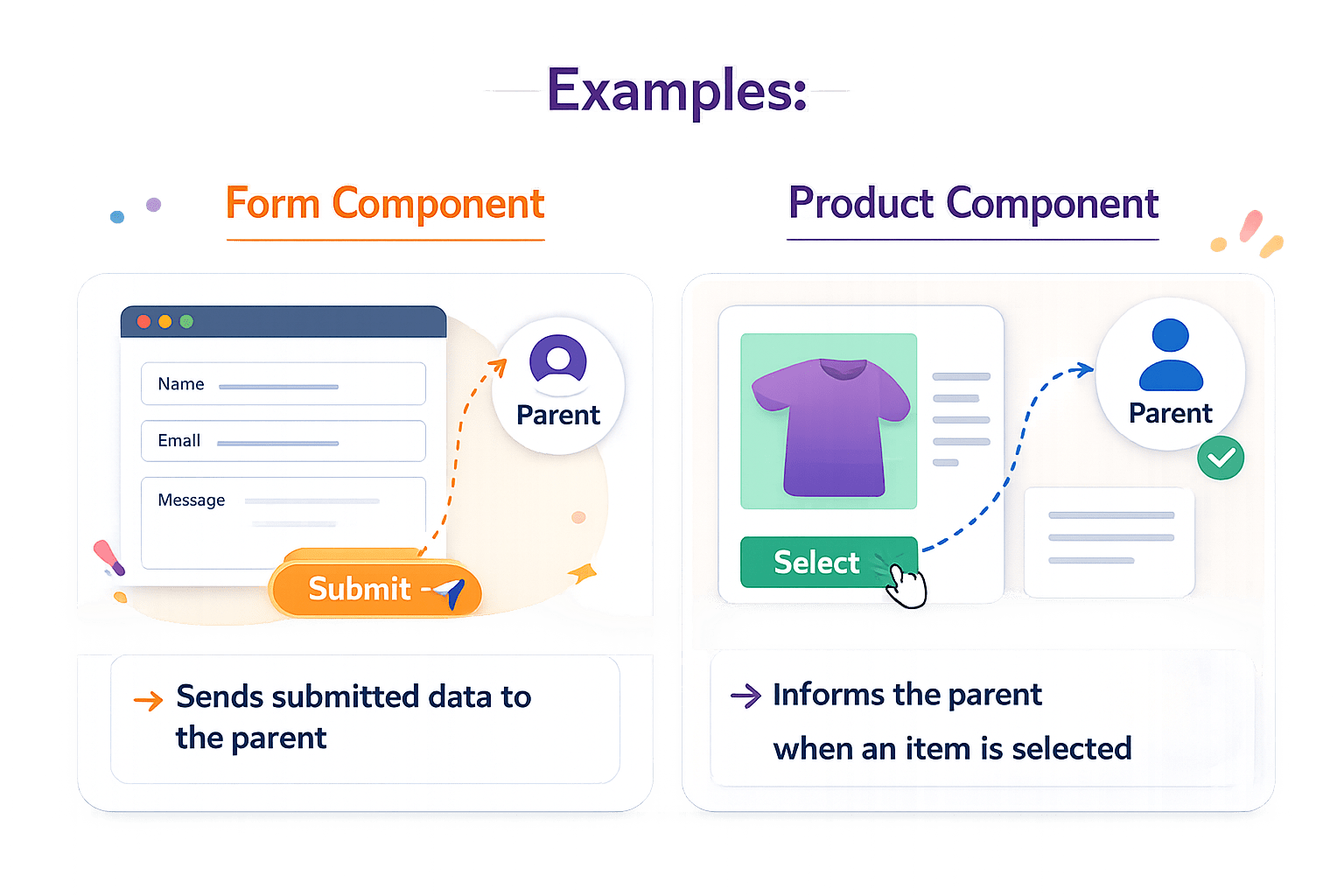
A form component sends submitted data to the parent
A product component informs the parent when an item is selected
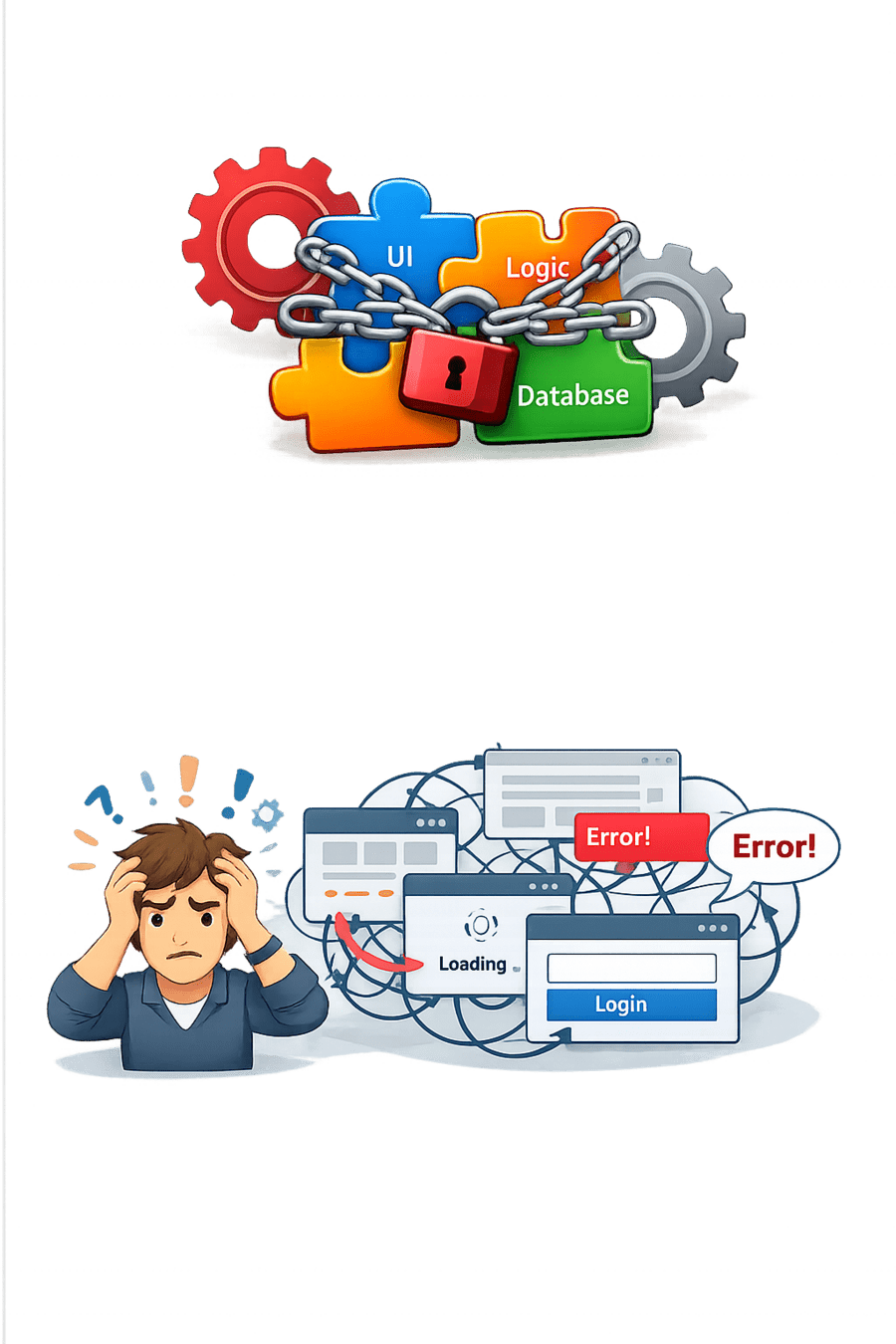
Without proper communication:
Angular solves this using @Output and EventEmitter.
Components become tightly coupled
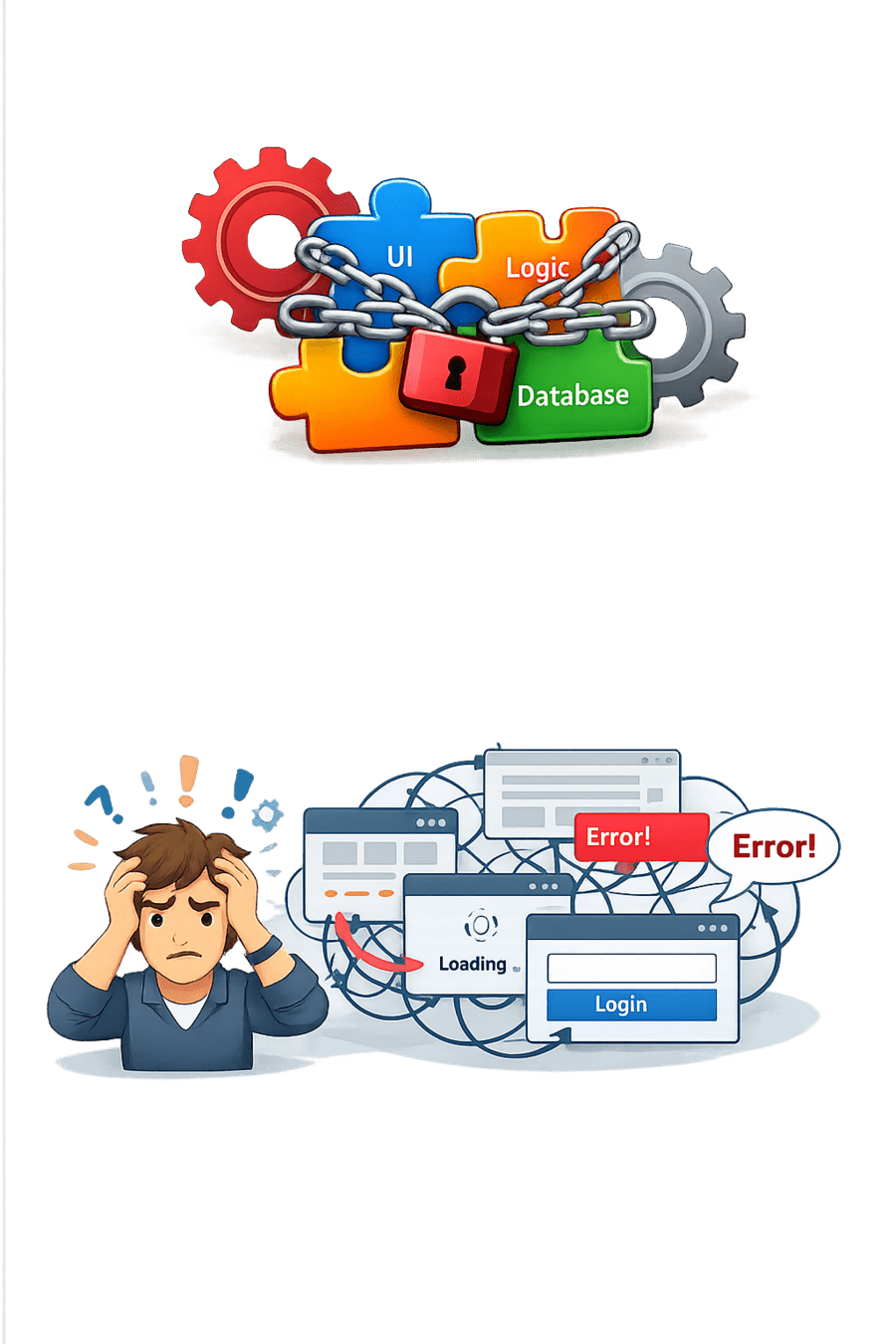
UI interactions become difficult to manage
Understanding Child to Parent Communication
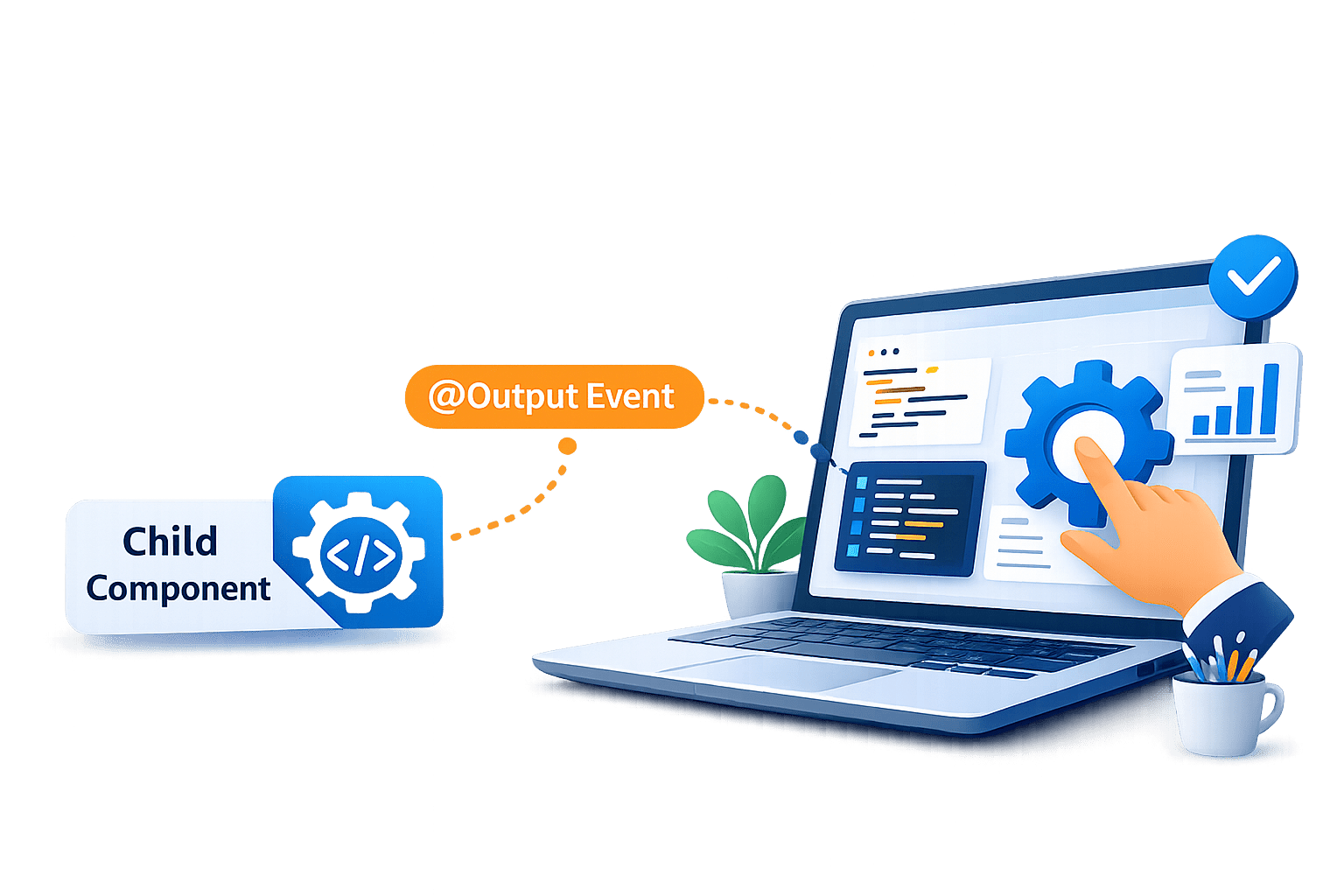
Angular uses @Output decorator with EventEmitter for sending data upward.
Data Flow :
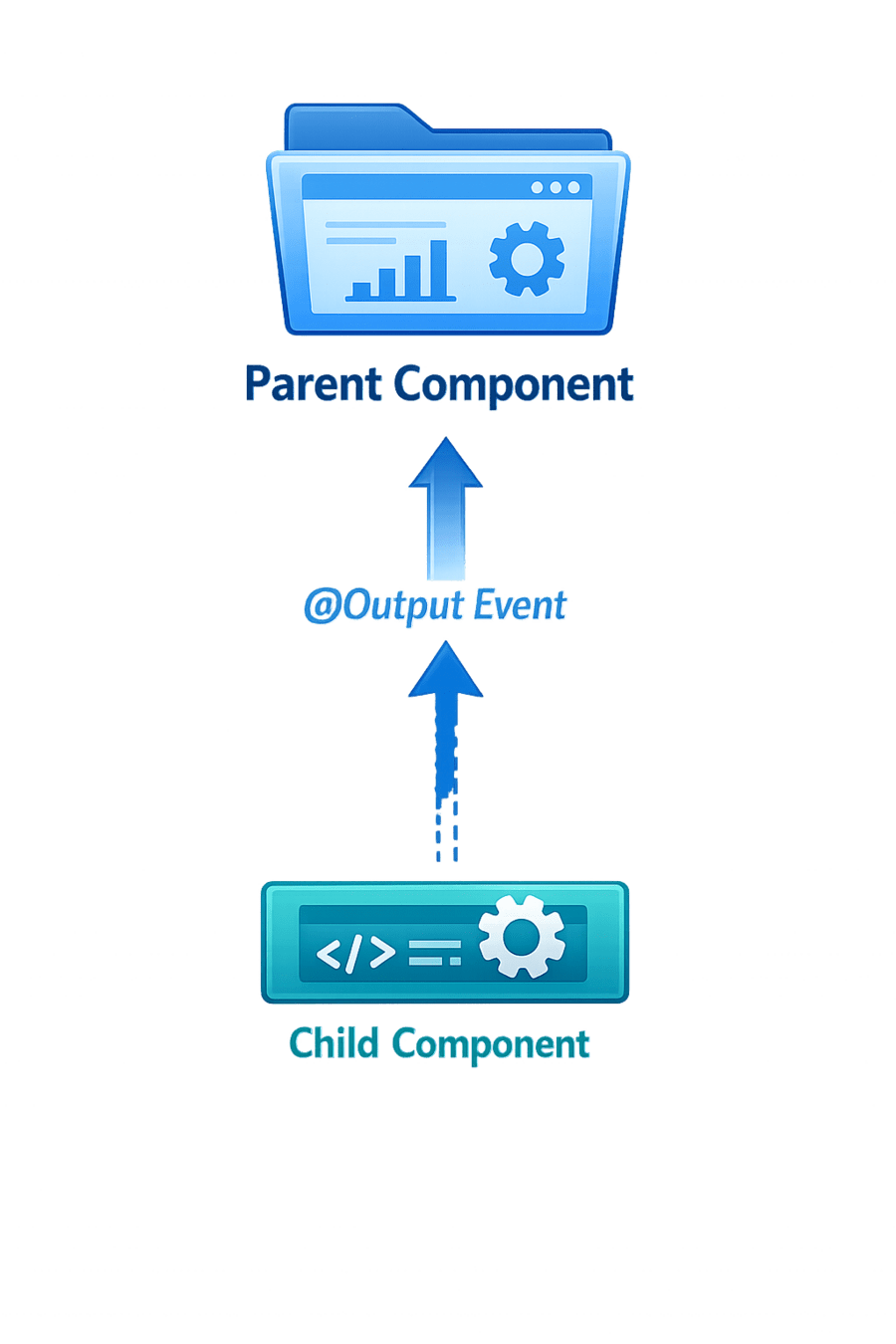
The child component emits an event, and the parent listens to it.
Setting up @Output in Child Component
Child Component – Emitting Event
@Output() messageEvent = new EventEmitter<string>();

sendData() {
 this.messageEvent.emit('Hello Parent');
}-
messageEvent → custom event created using @Output.
-
emit() → sends data from the child component to the parent.
-
When an action occurs in the child (like clicking a button), sendData() runs and emits the message to the parent component.
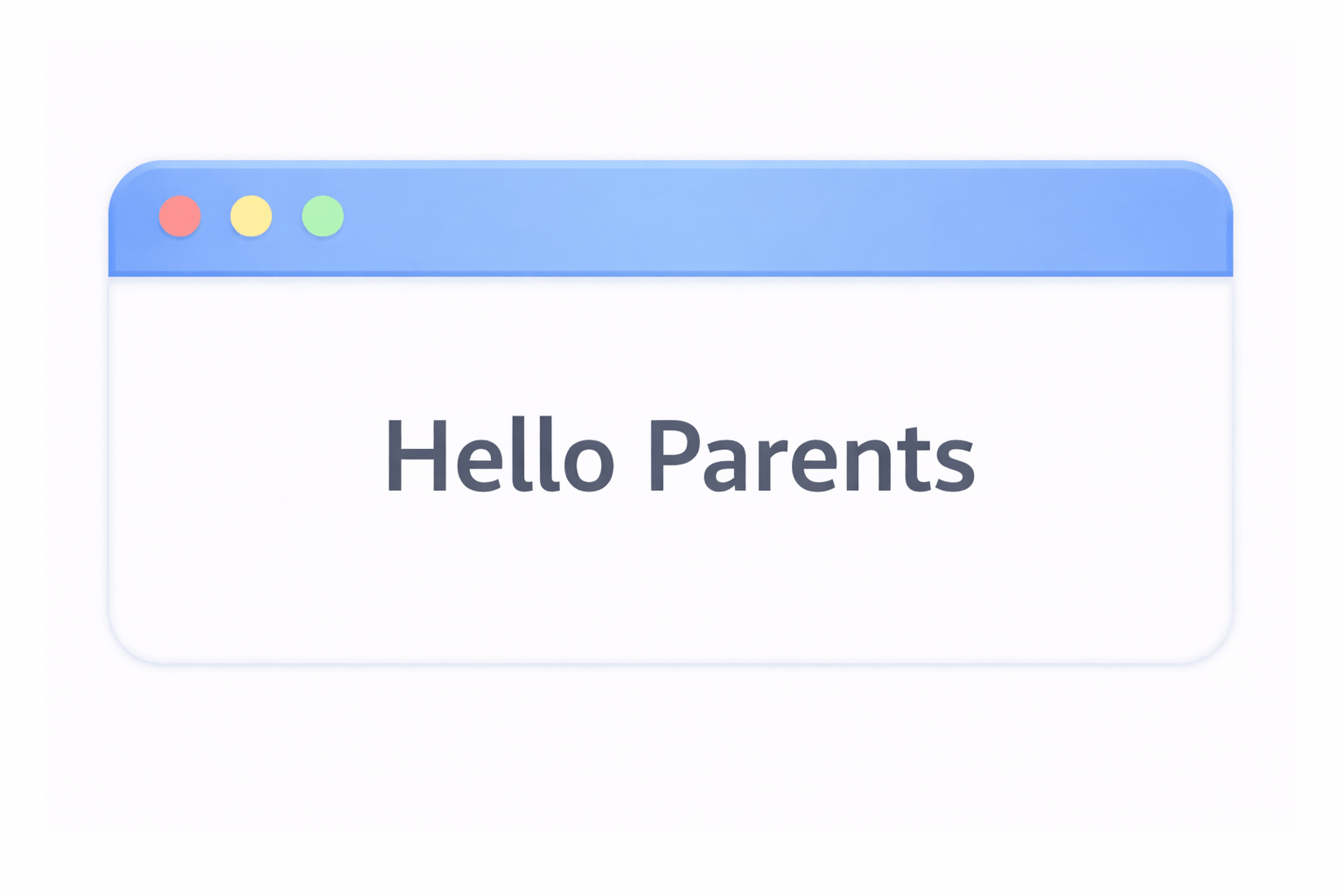
Listening to Events in Parent Component
Parent Template
<app-child (messageEvent)="receiveMessage($event)"></app-child>Here :
- messageEvent is the emitted event
- $event contains the data sent from the child.
Parent Component Handling Event
Parent Component
receiveMessage(message: string) {
  console.log(message);
}
The parent receives and processes the data.

Summary
4
This enables interactive and dynamic component communication
3
Parent components listen using event binding
2
Child components emit events using EventEmitter
1
Angular supports Child → Parent communication using @Output
Quiz
@Output works with which class?
A. Observable
B. EventEmitter
C. Promise
D. BehaviorSubject

Quiz-Answer
@Output works with which class?
A. Observable
B. EventEmitter
C. Promise
D. BehaviorSubject
