Handling WebElements


Multiple Tabs/Windows


Learning Outcome
5
Verify page titles, URLs, and content after switching.
4
Perform actions and validations across multiple pages.
3
Switch between parent and child tabs/windows.
2
Capture newly opened tabs/windows using context.waitForPage().
1
How Playwright handles multiple tabs &windows using Page objects
Recall
Basics of Playwright Java (Browser, BrowserContext,Page)
Validating page title, URL, and content using assertions
Handling new pages/tabs using Playwright events
Navigating to web pages using page.navigate()
Launching browsers and creating a Page

Locating elements and performing actions

Main Tab
Shopping website
Imagine you are shopping online and open different products in separate browser tabs.

Product details
New Tab 1

Payment page
New Tab 2

Terms & Conditions
New Tab 3

each tab/window is represented as a Page object.
Tabs/Windows
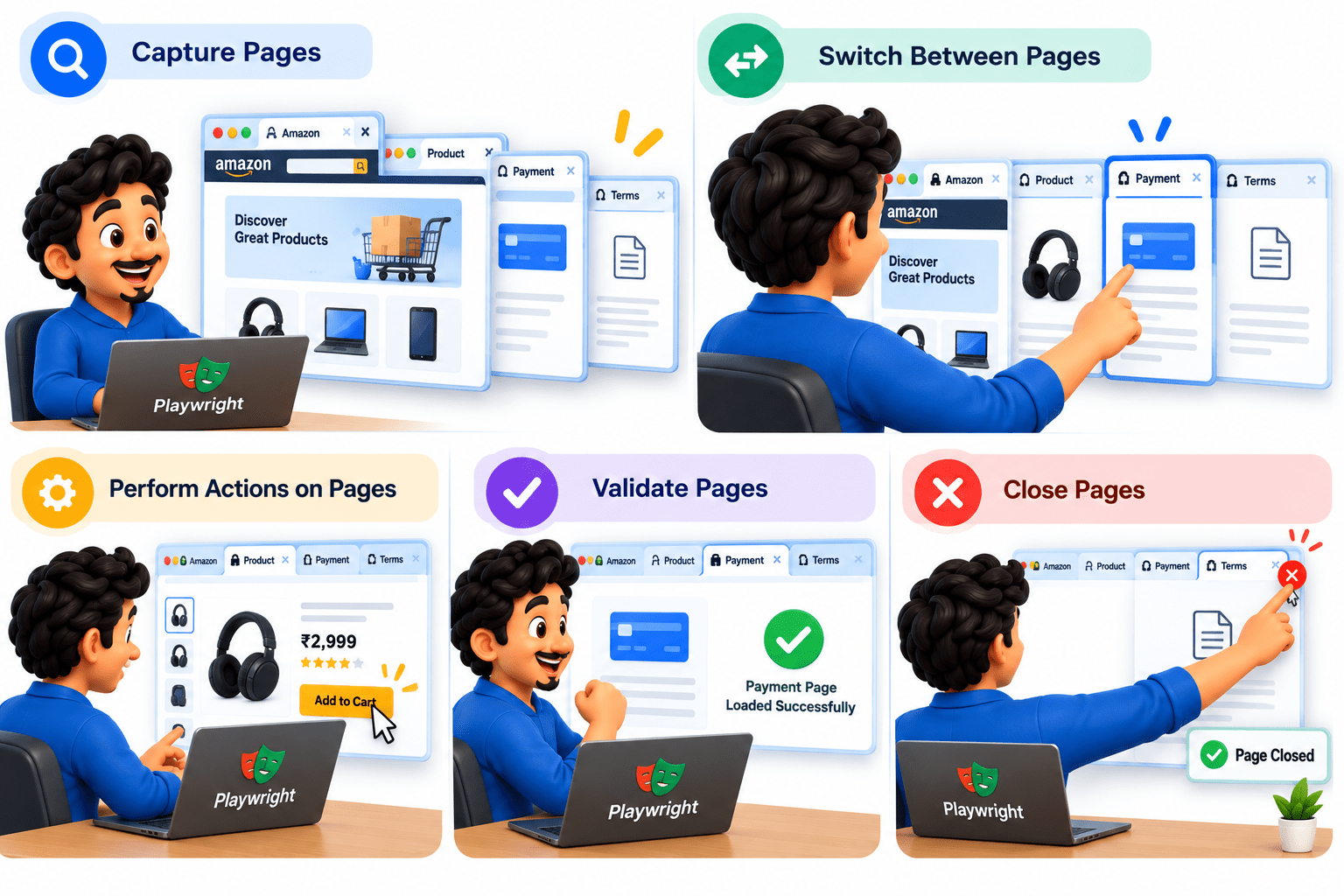
Playwright allows you to capture, switch between, perform actions on, validate, and close these pages independently.
Why Need to Handle Multiple Tabs/Windows ?

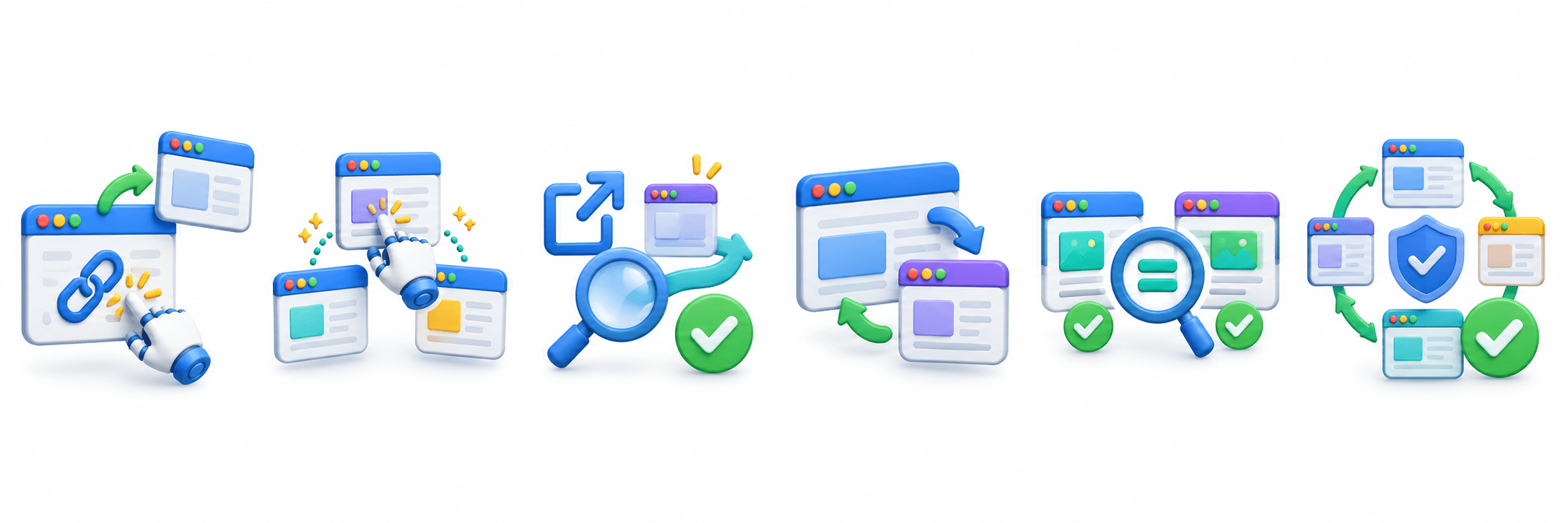
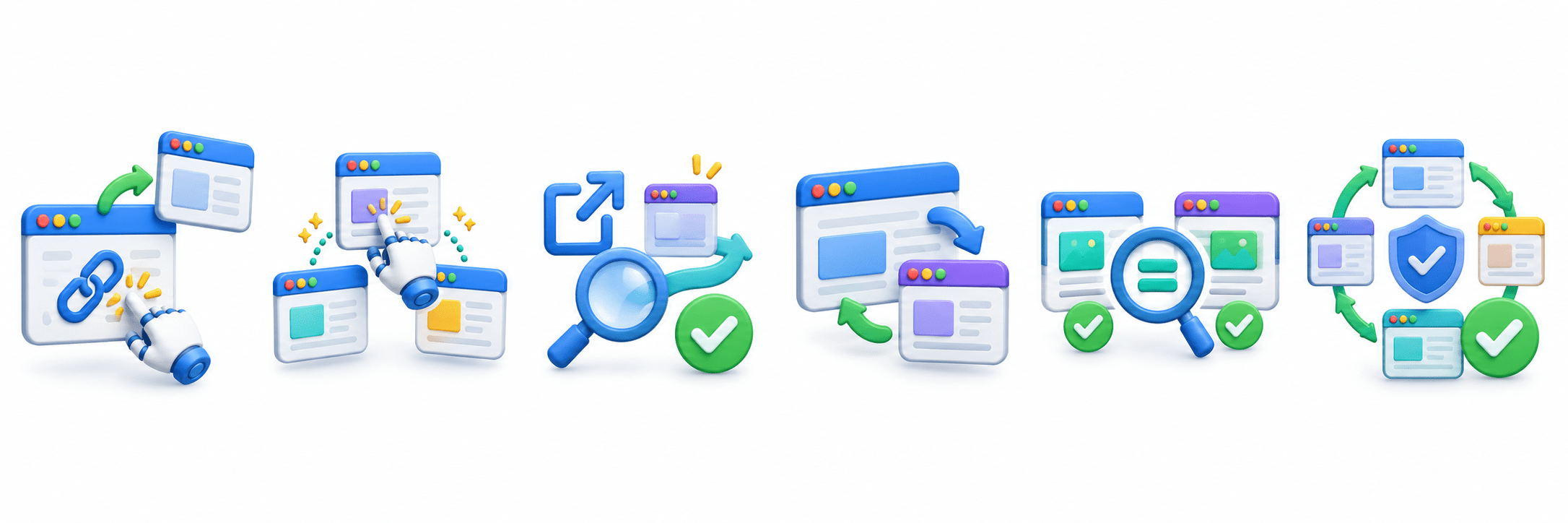
To automate links that open in a new tab or window.
To perform actions on multiple pages during a test.
To validate external links, pop-ups, and redirects.
To switch between parent and child pages when required.
To verify data across different tabs/windows.
To ensure complete and reliable end-to-end test automation.
What are Multiple Tabs/Windows?
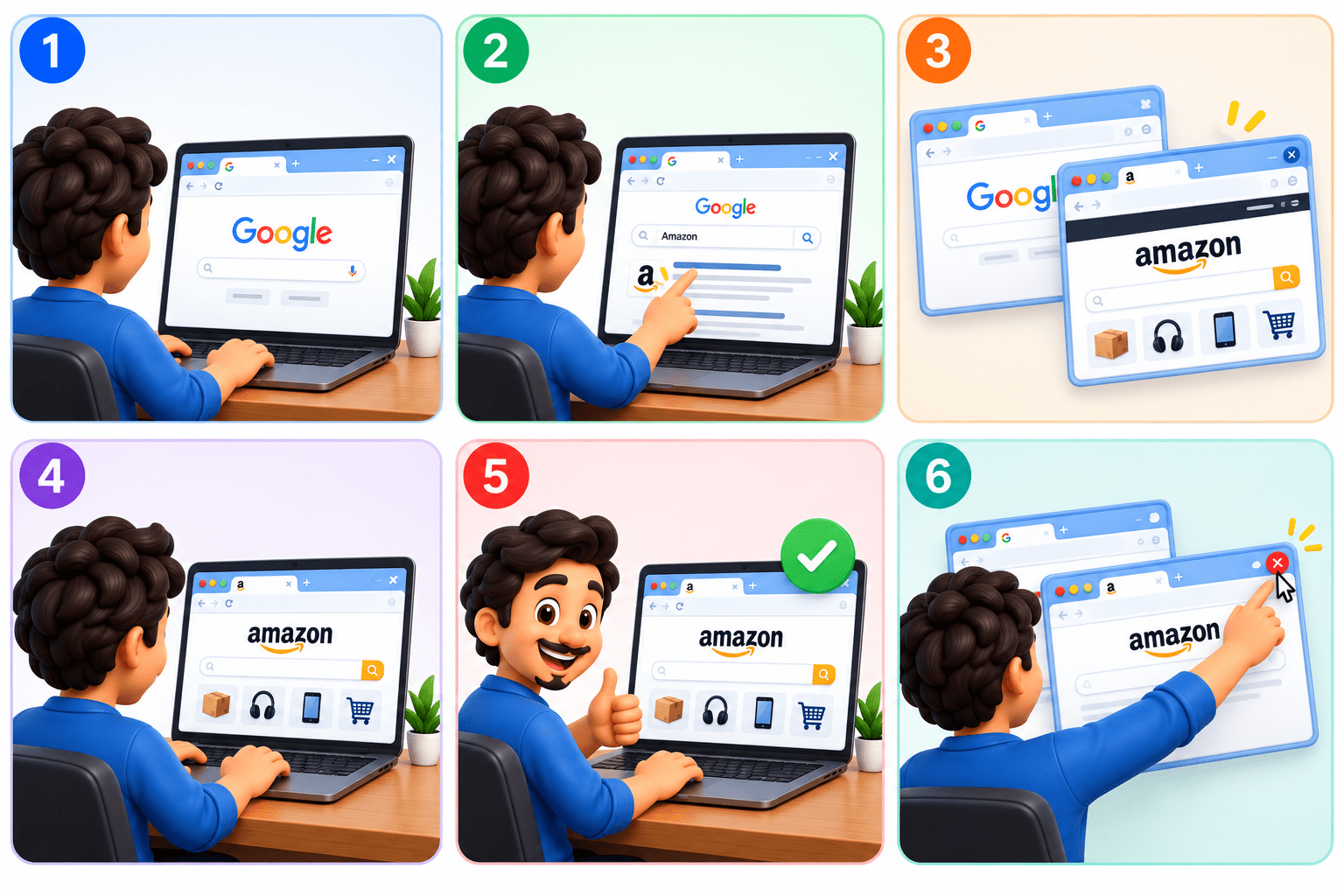
Work on the Parent Page(Original Tab)
Multiple Tabs/Windows refers to handling two or more browser pages opened during the same test execution.
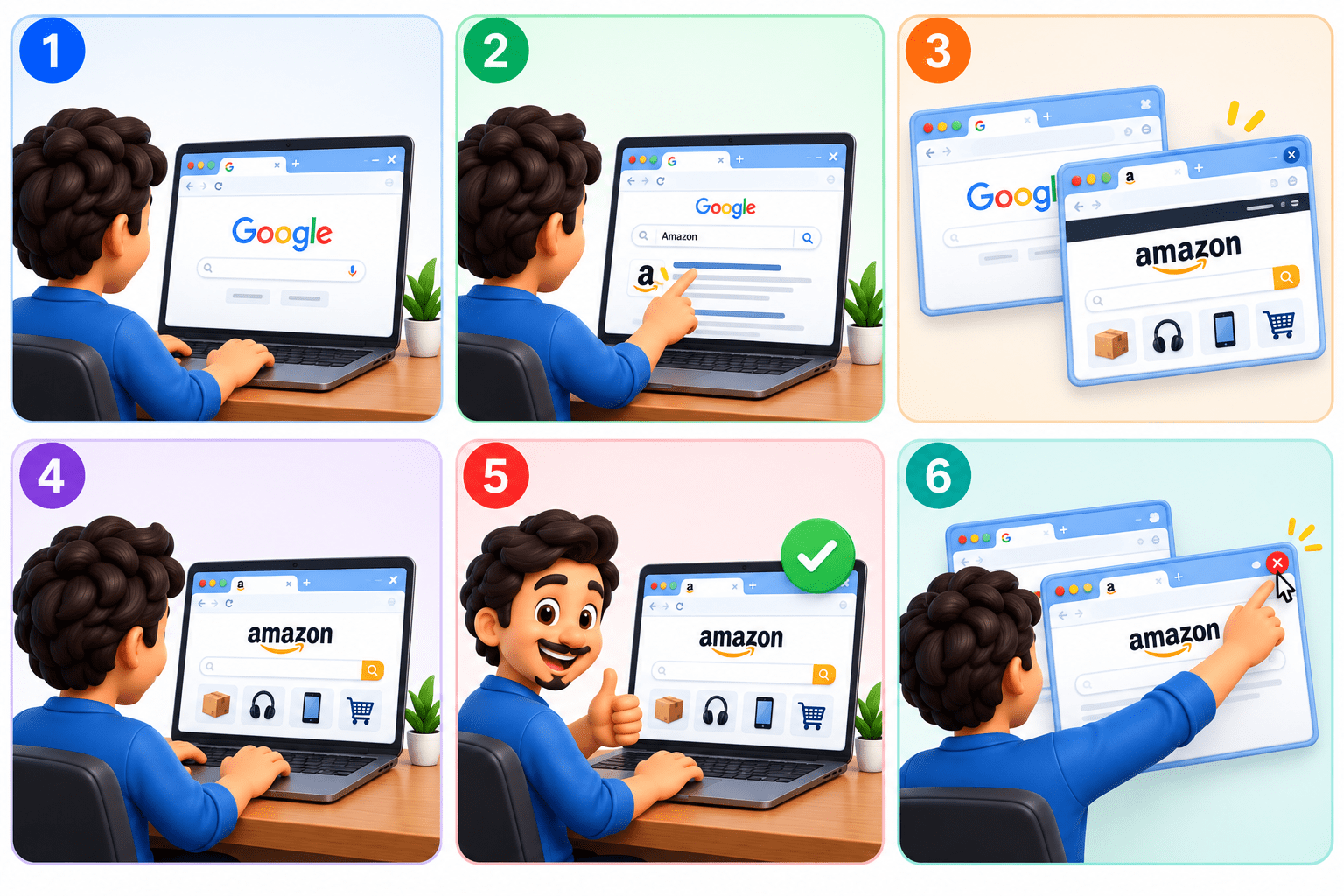
Open a New Tab/Window
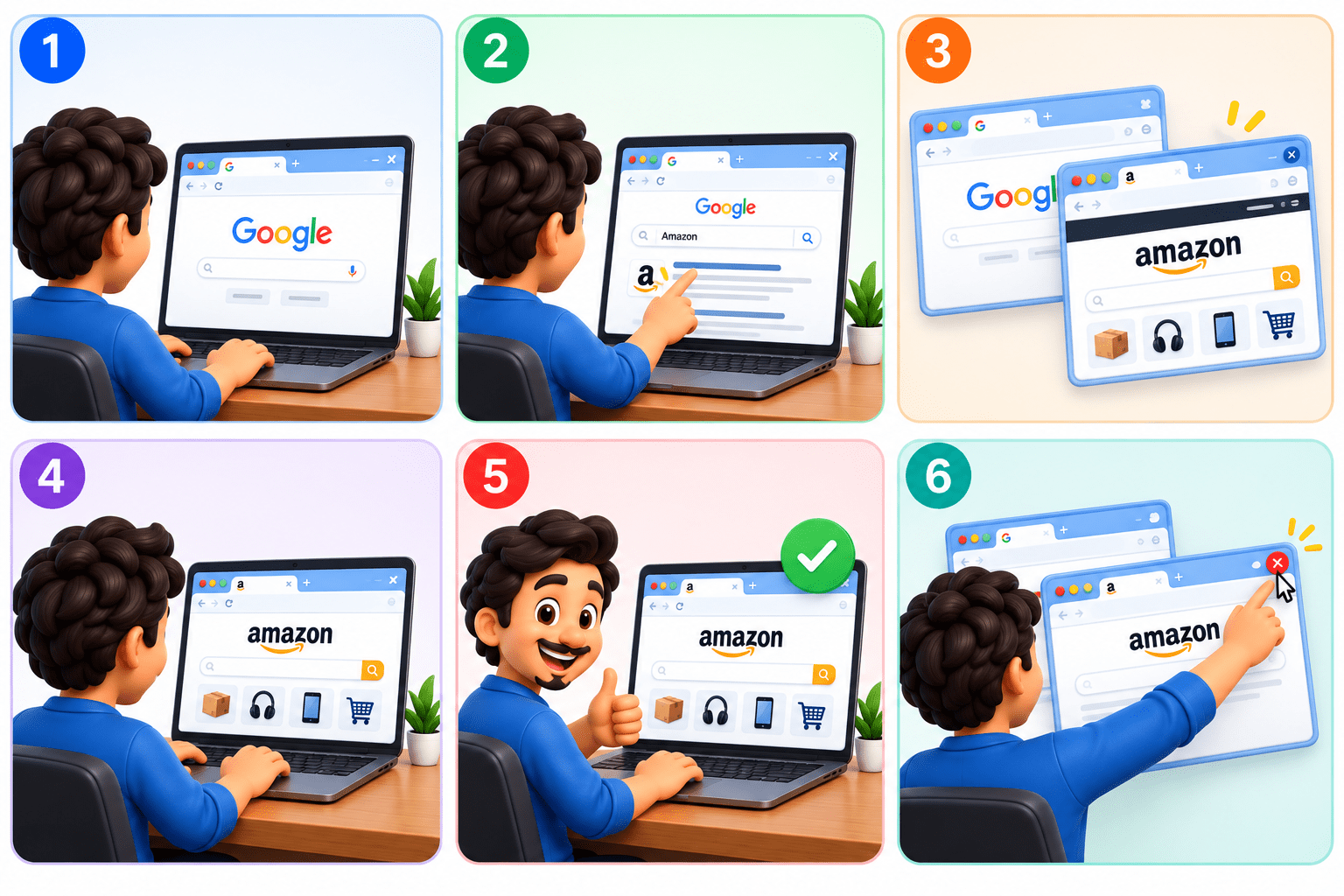
New Page opened
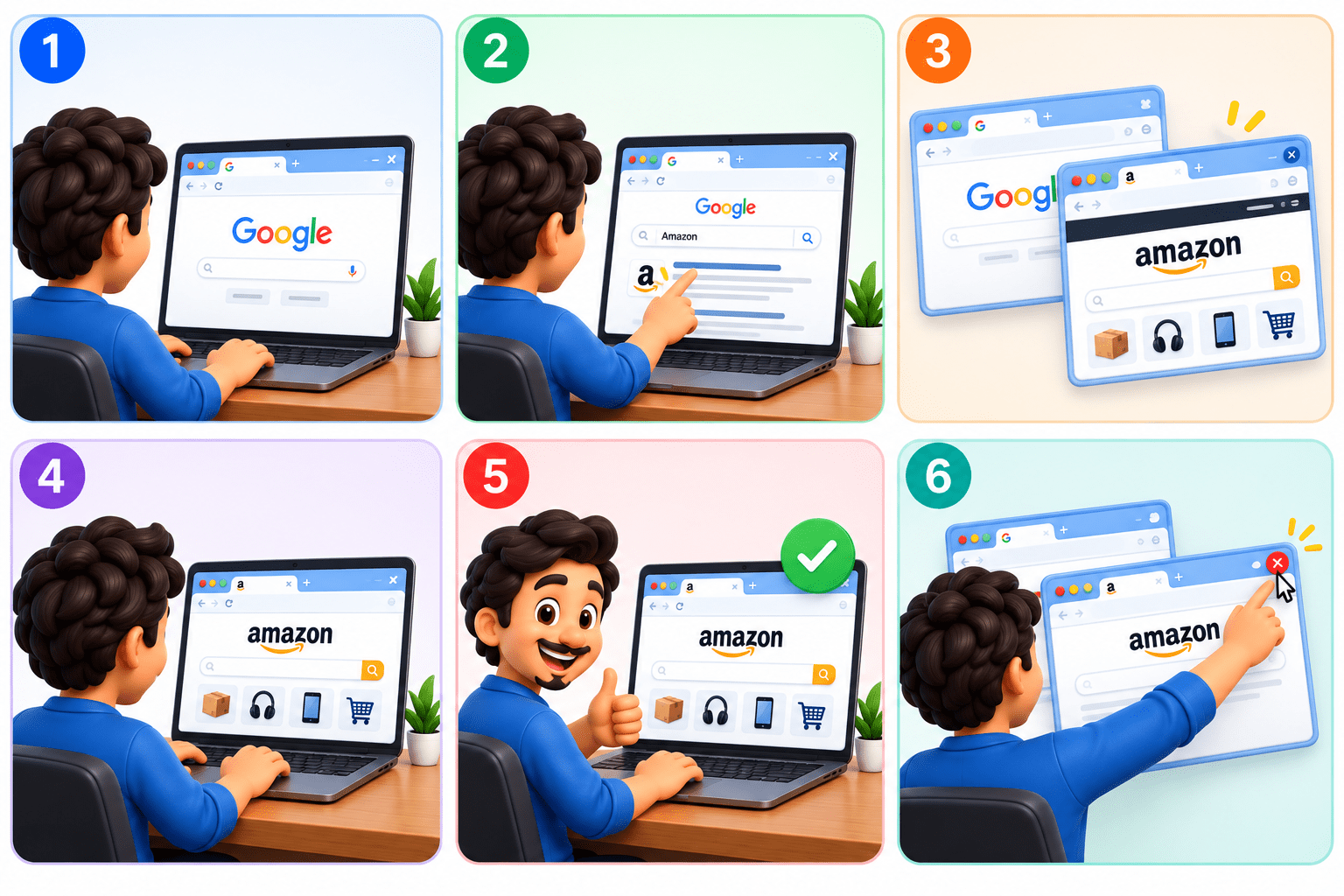
Switch and Interact with new page
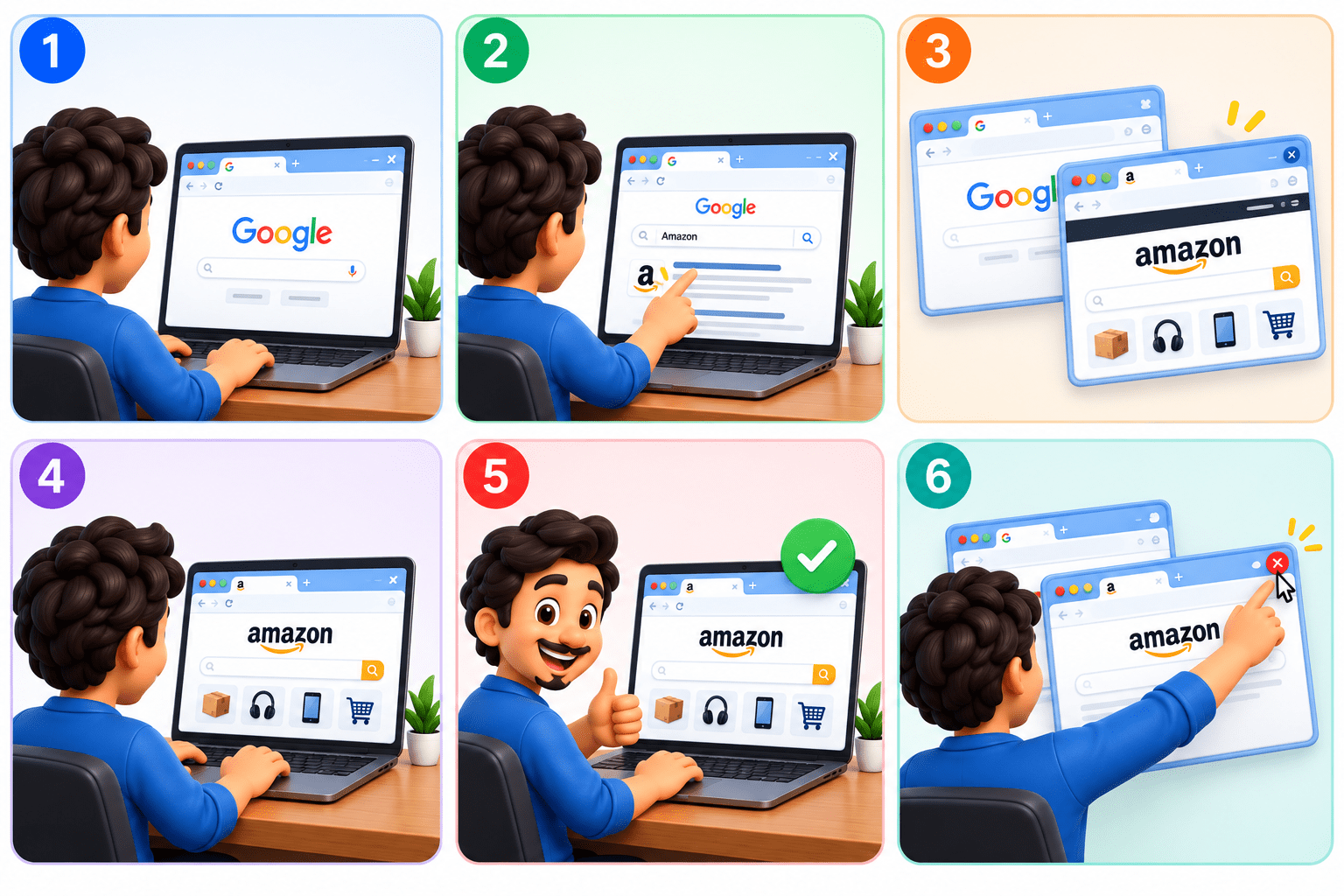
Validate The New Page
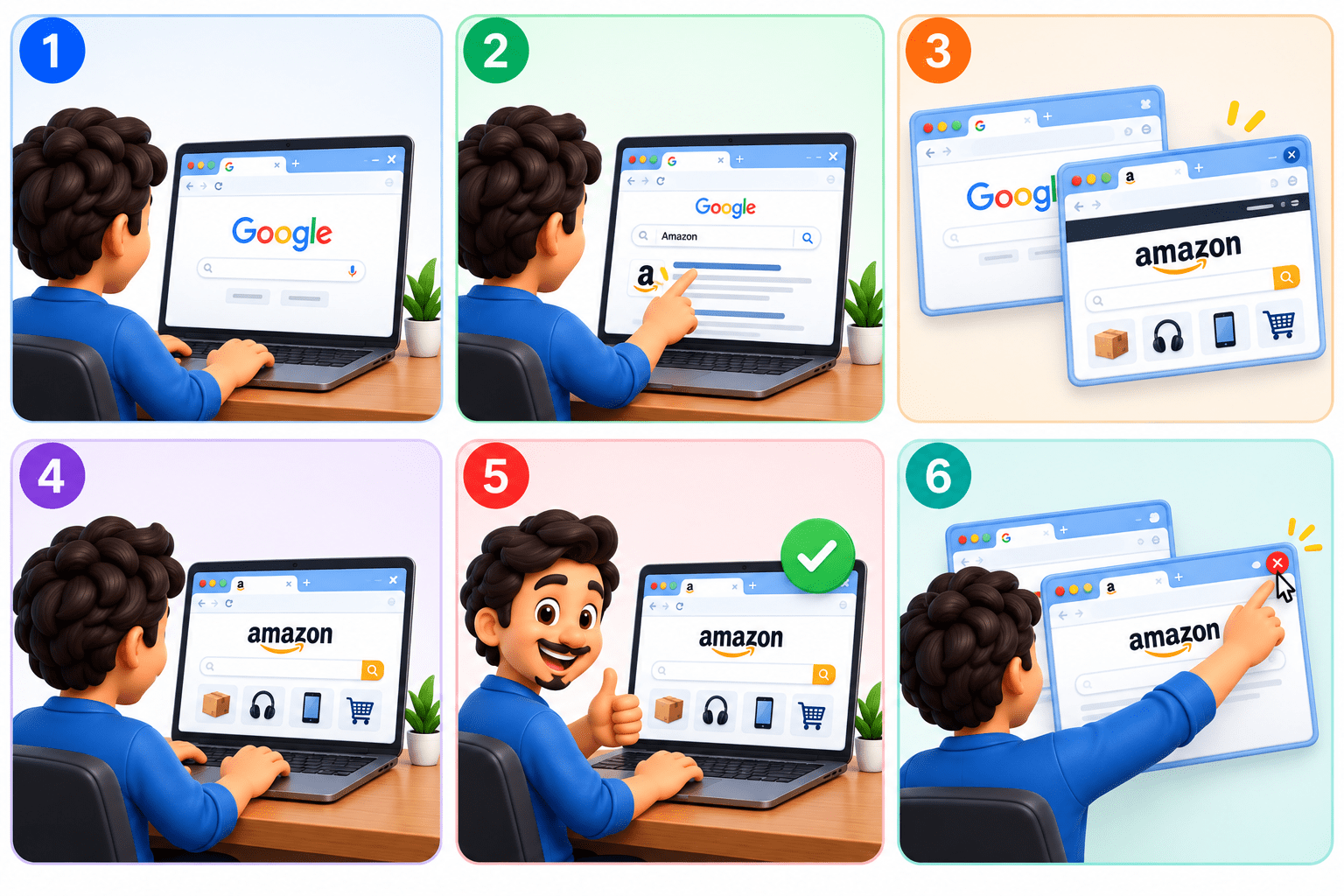
Close the pages
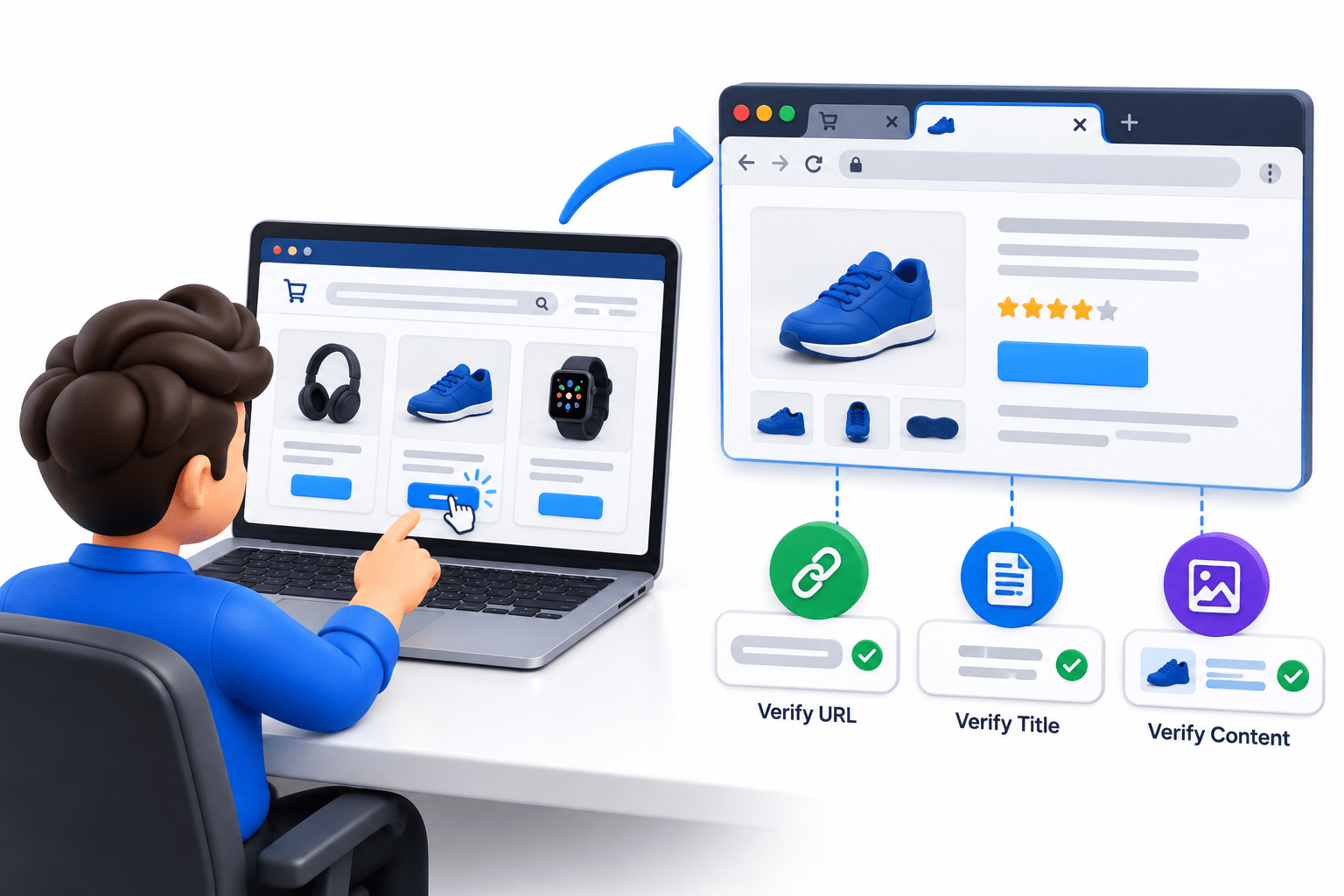
When clicking “View Details” opens a new tab, Playwright can capture the new page and verify its URL, title, and content.
Example
How to Handle Multiple Tabs/Windows ?
5.Validate the new page's URL, title, or content
3.Capture the new page using context.waitForPage().
1.Open the parent page.
Playwright handles multiple tabs/windows as separate Page objects within the same BrowserContext.
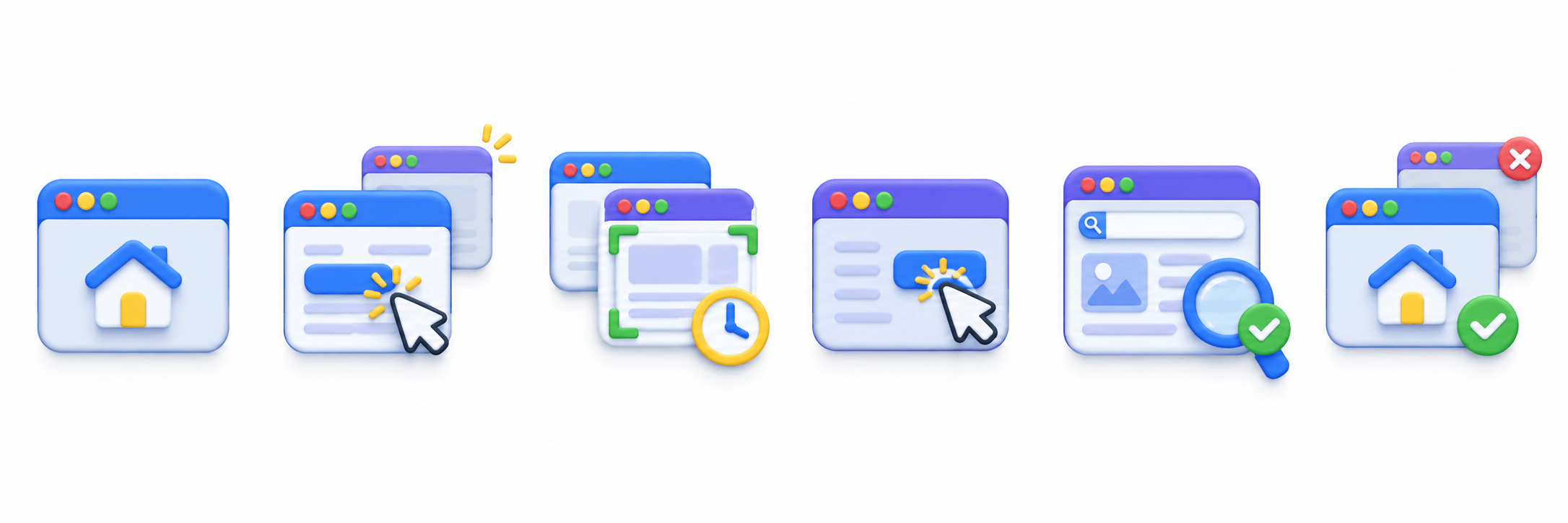
2.Perform an action that opens a new tab/window.
4.Perform actions on the new page.
6.Close the new page and continue with the parent page.
1.Open the parent page.
Page newPage = page.context.waitForPage(() -> {
    page.locator("#openTab").click();
});

newPage.waitForLoadState();
System.out.println(newPage.title());

page.locator("#openTab").click(); → clicks the button/link that opens a new tab.
page.context().waitForPage() → waits for the new tab and returns its Page object.
newPage.waitForLoadState(); → waits until the page is fully loaded.
newPage.title(); → gets the title of the new tab.
Example
Switching Between Parent and Child Pages
A parent page is the original tab, while a child page is the newly opened tab/window.

Parent Page
Test starts on the original page (parent page).
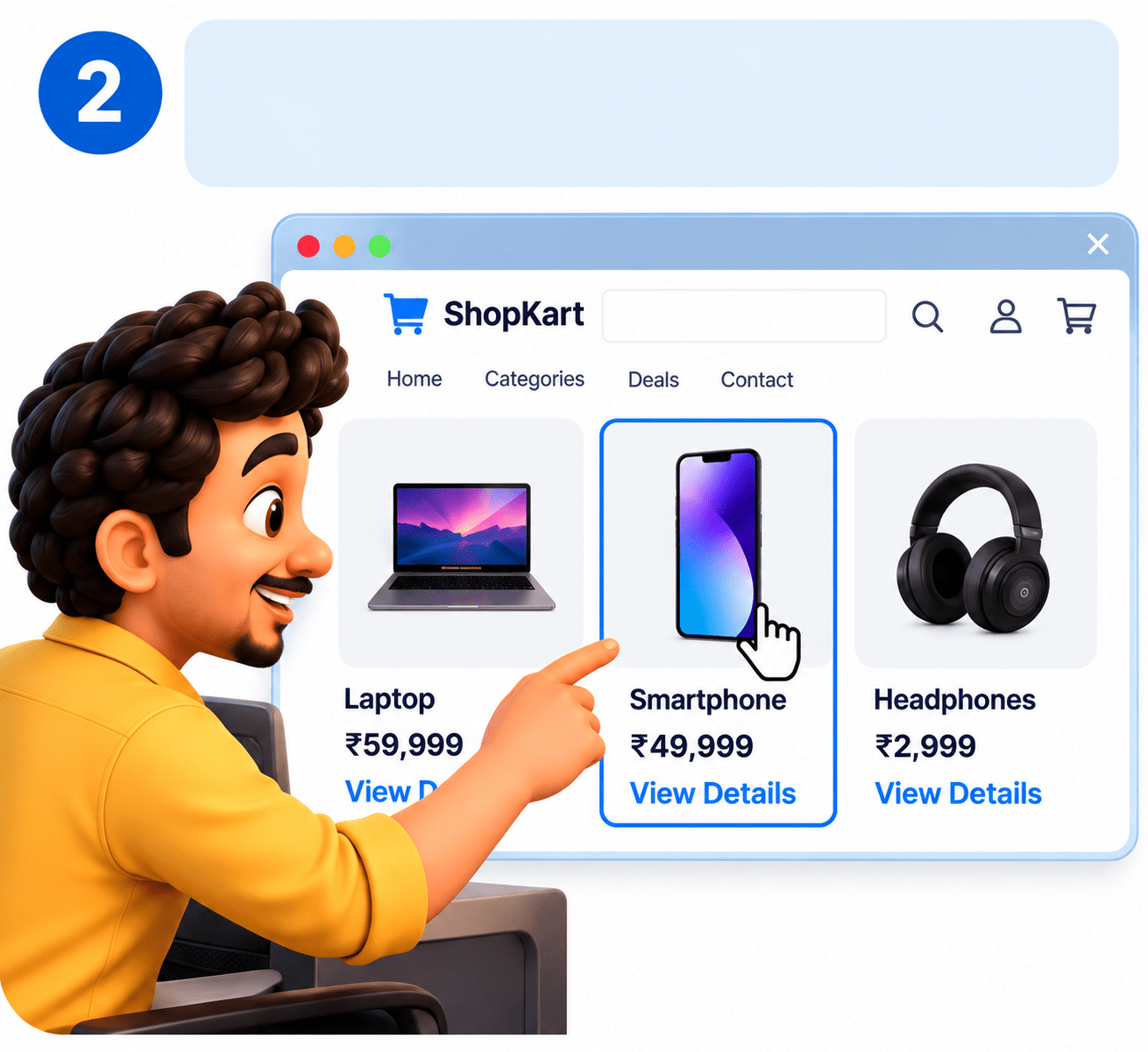
Click a Link
Click a product link that opens in a new tab (child page).
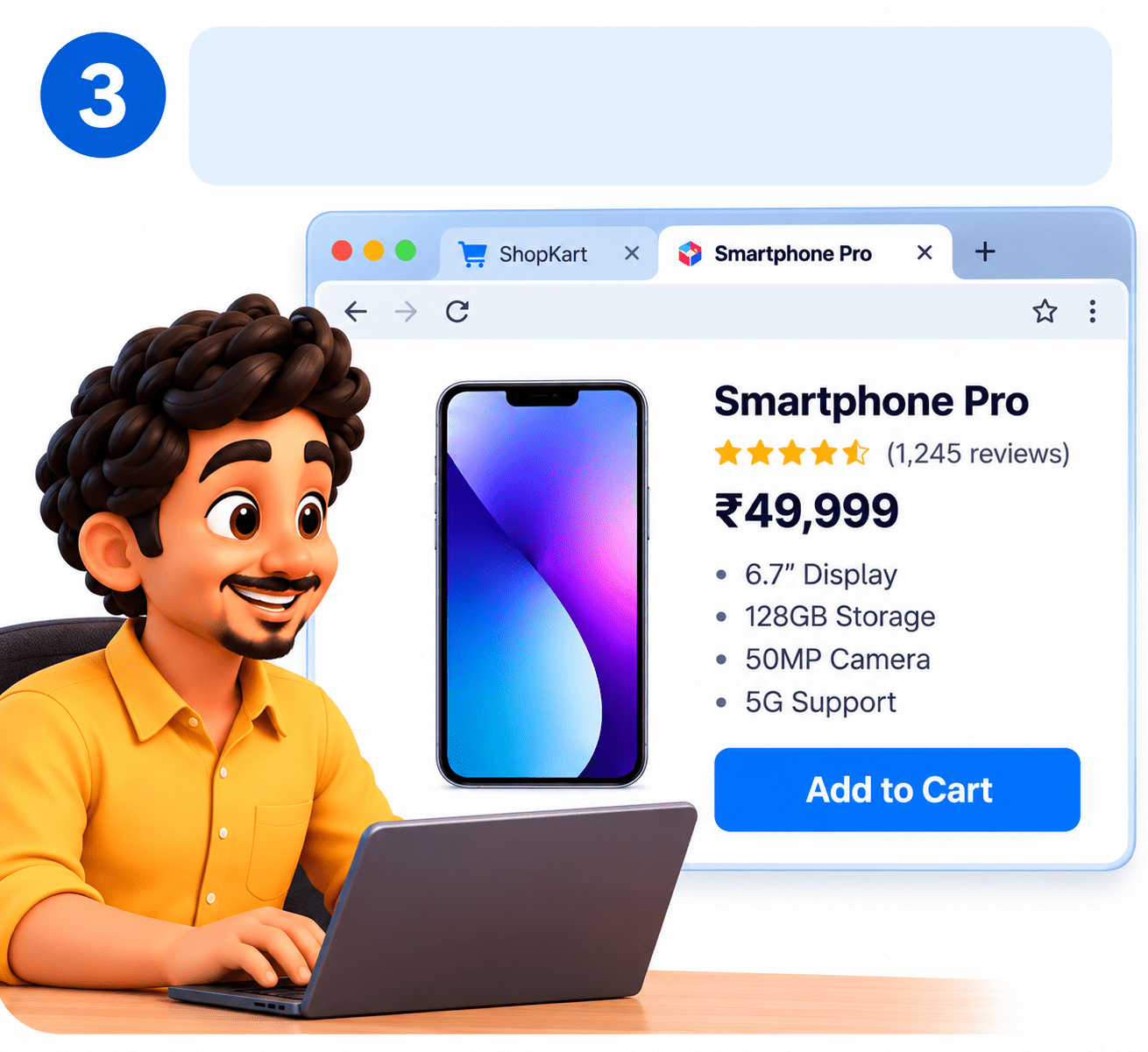
Child Page (New Tab)
A new tab/window is opened (child page).
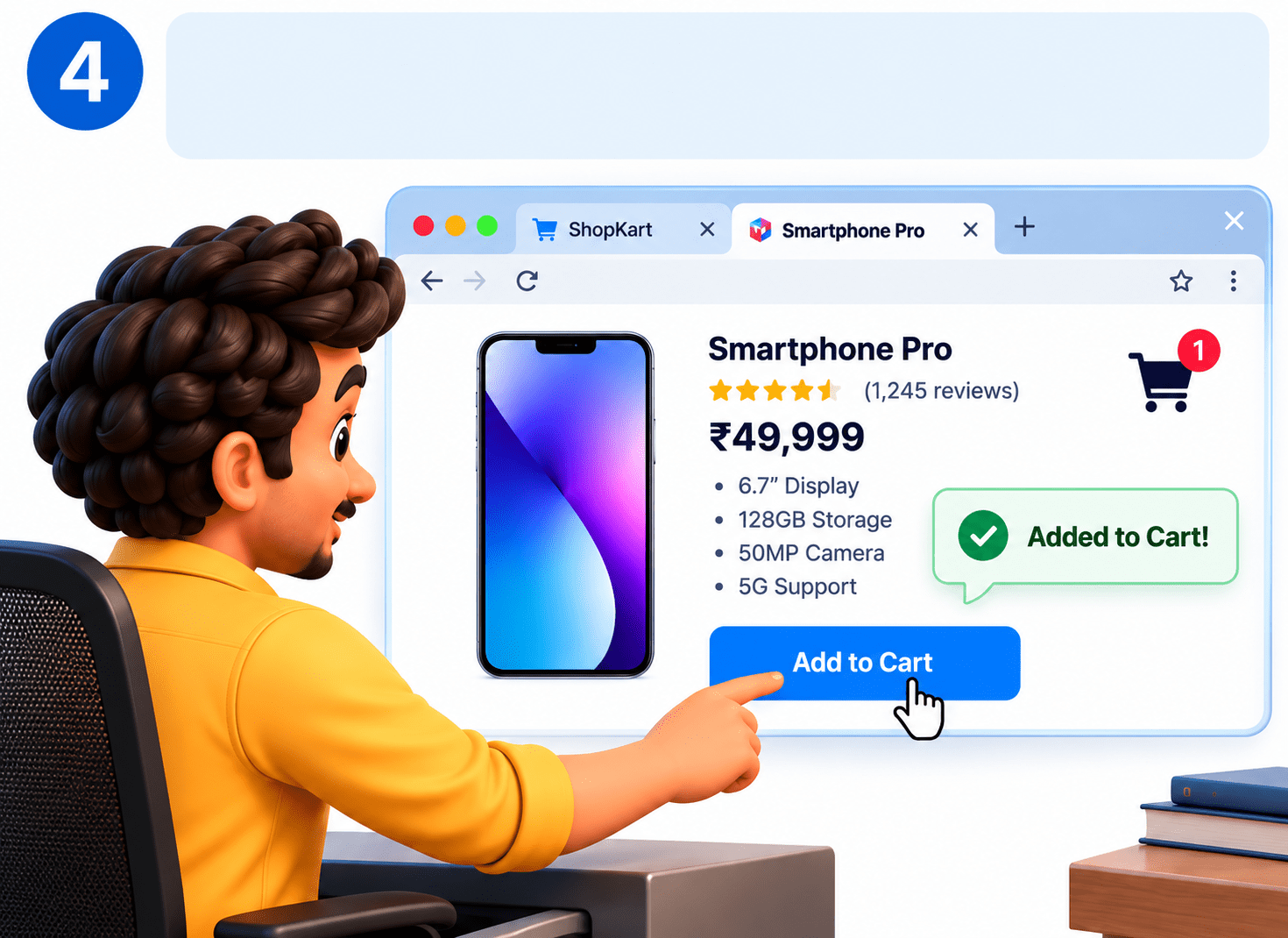
Work on Child Page
Use context.waitForPage() to capture the new page and perform actions on it.

Back to Parent Page
After completing child-page actions, continue working with the parent page.
Page childPage = context.waitForPage(() -> {
    page.locator("#openTab").click();
});
childPage.locator("#search").fill("Playwright");
System.out.println(childPage.title());
// Continue with parent page
page.locator("#home").click();
Example
Closing Child Tabs/Windows
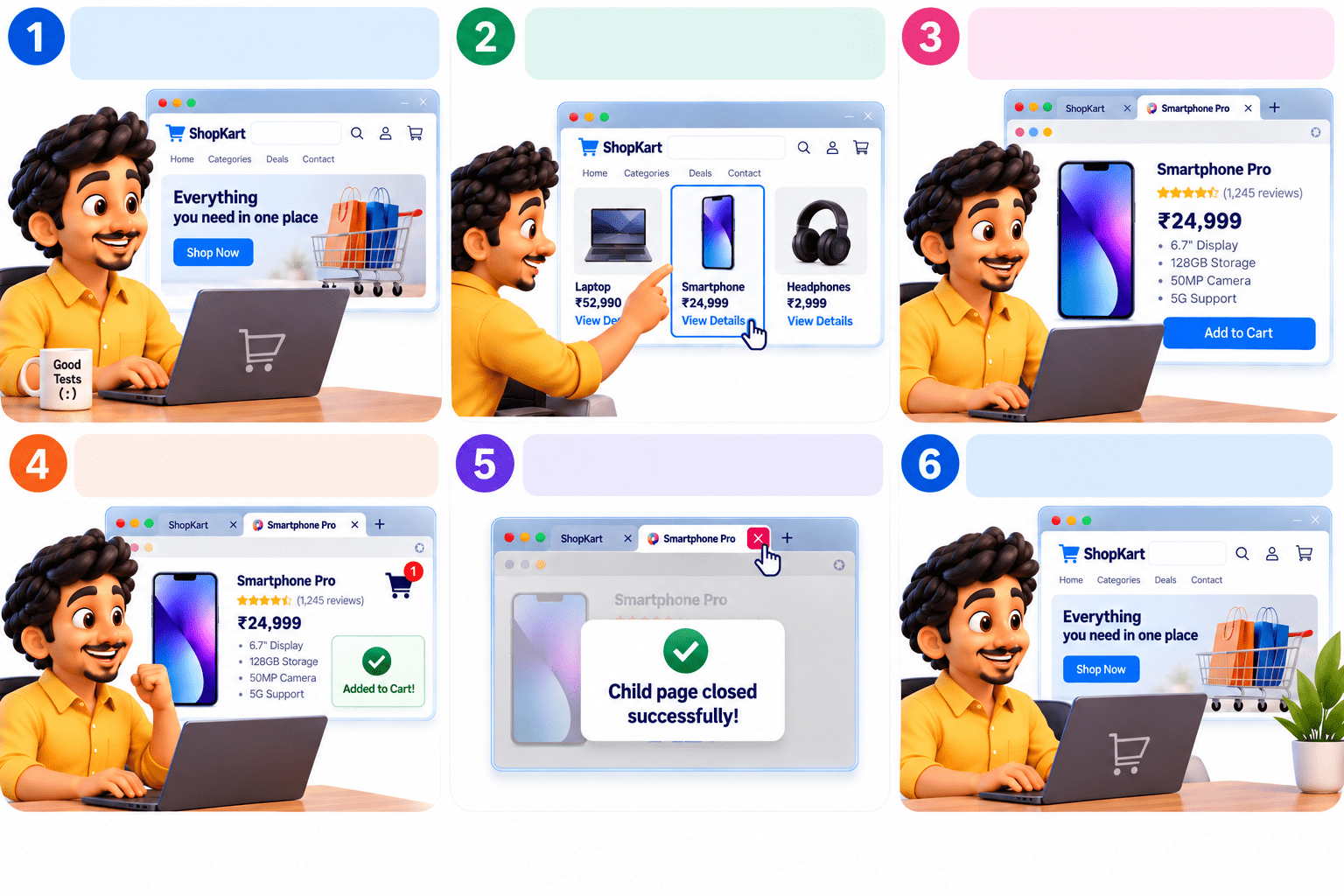
Parent Page
Test start on original page (Parent Page)
After completing actions on a child tab/window, it can be closed to keep the test clean and continue with the parent page.
Open Child Tab
Click a product link that opens in a new tab (child page).
Child Page (New Tab)
A new tab/window is opened (child page).
Work on Child Page
Perform the required actions on the child page (e.g., add to cart).
Close Child Page
Use close() method to close the child page after completing actions.
Back to Parent Page
The parent page remains available for further actions.
childPage.close();

// Continue working with parent page
page.locator("#home").click();
Example
Summary
5
Child pages can be closed after completing the task.
4
Testers can perform actions and validate page details.
3
It allows switching between parent and child pages.
2
It can capture newly opened tabs or windows.
1
Playwright Java handles multiple browser pages in one test.
Quiz
A test opens a child tab and you need to validate its URL. Which code is most appropriate?
A. page.url()
B. browser.url()
C. childPage.url()
D. context.url()

Quiz-Answer
A test opens a child tab and you need to validate its URL. Which code is most appropriate?
A. page.url()
B. browser.url()
C. childPage.url()
D. context.url()
