Prompting for Automation




Learning Outcome
4
Recognize risks of automation without human review.
3
Create structured, reusable template prompts.
2
Identify key elements for workflow automation prompts.
1
Apply prompting to automate repetitive tasks.
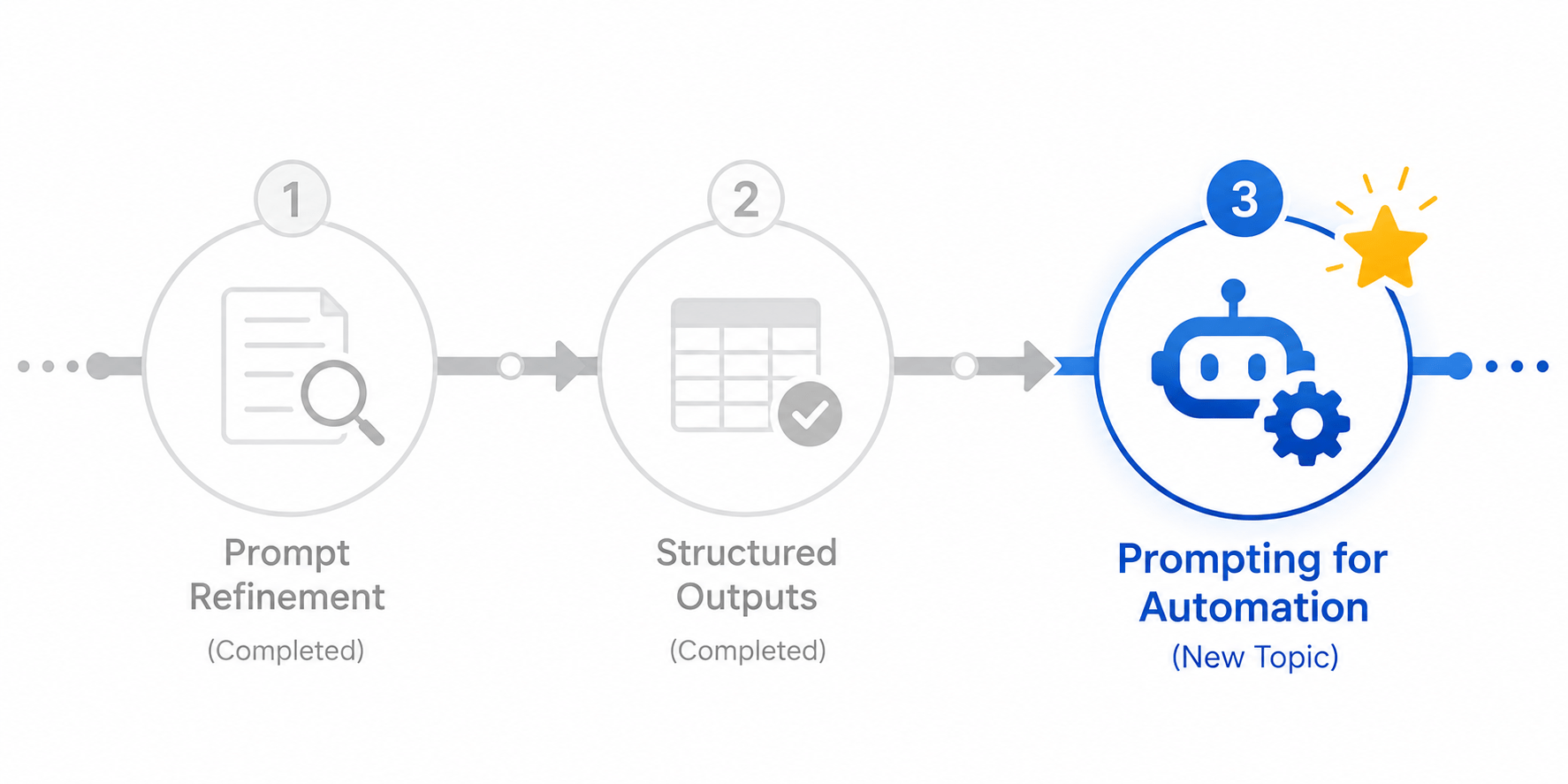
Before learning Prompting for Automation, let's quickly recall:
- Prompt Refinement – making targeted edits until a prompt reliably produces the desired output.
- Structured Outputs – defining a consistent format so output can be reused or fed into other systems.
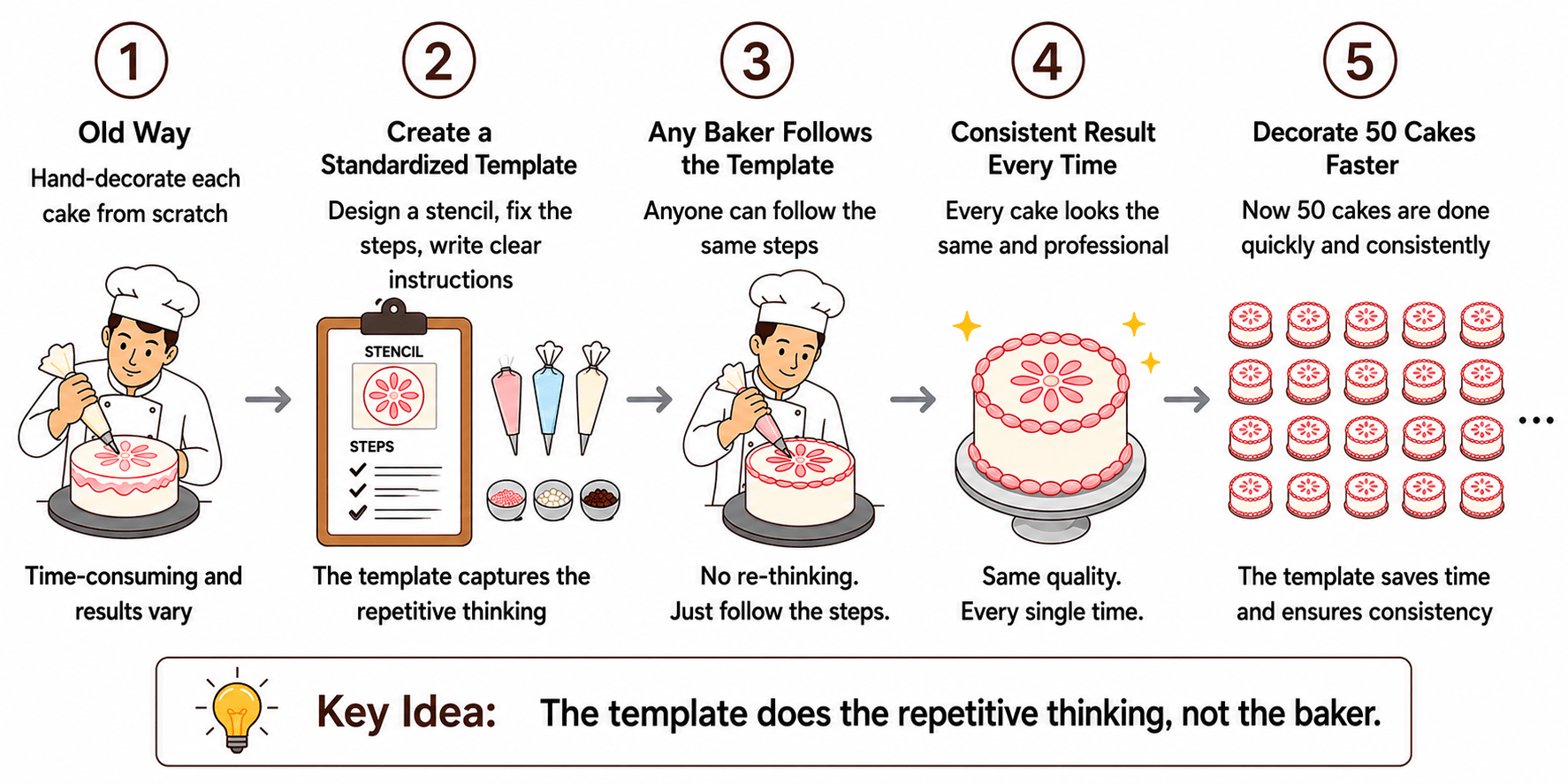
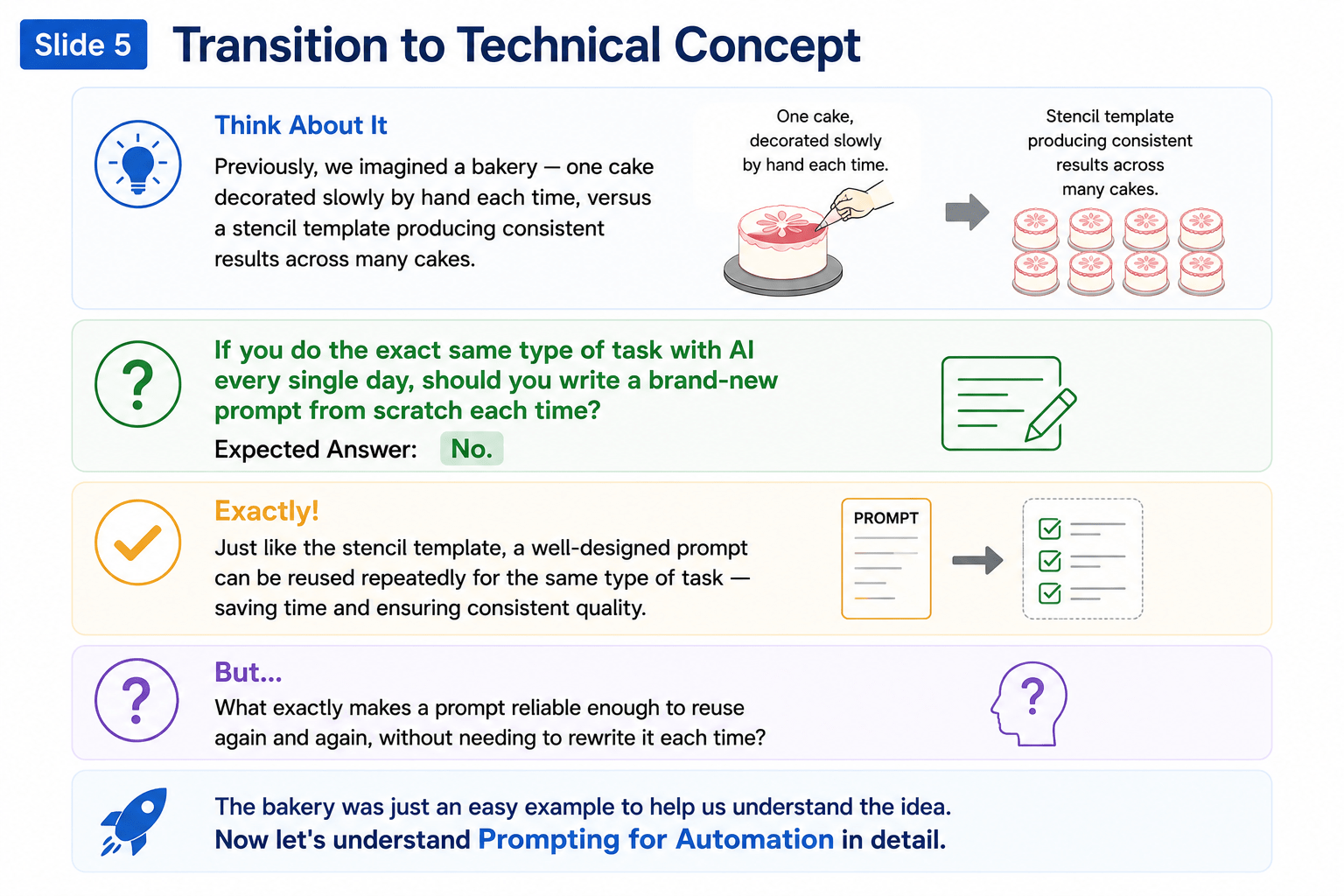
Imagine a small bakery that used to hand-decorate every cake individually, from scratch, each time.
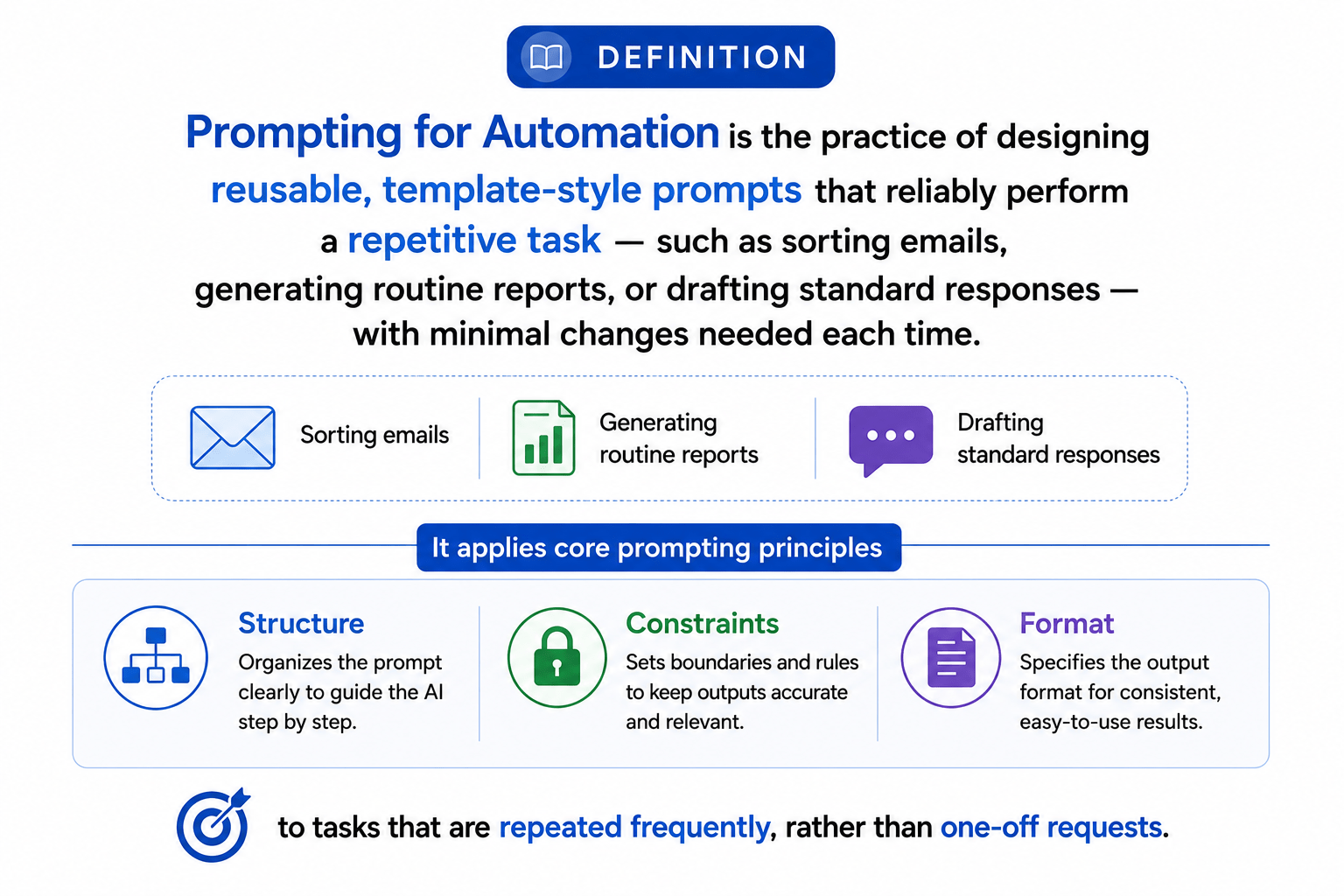
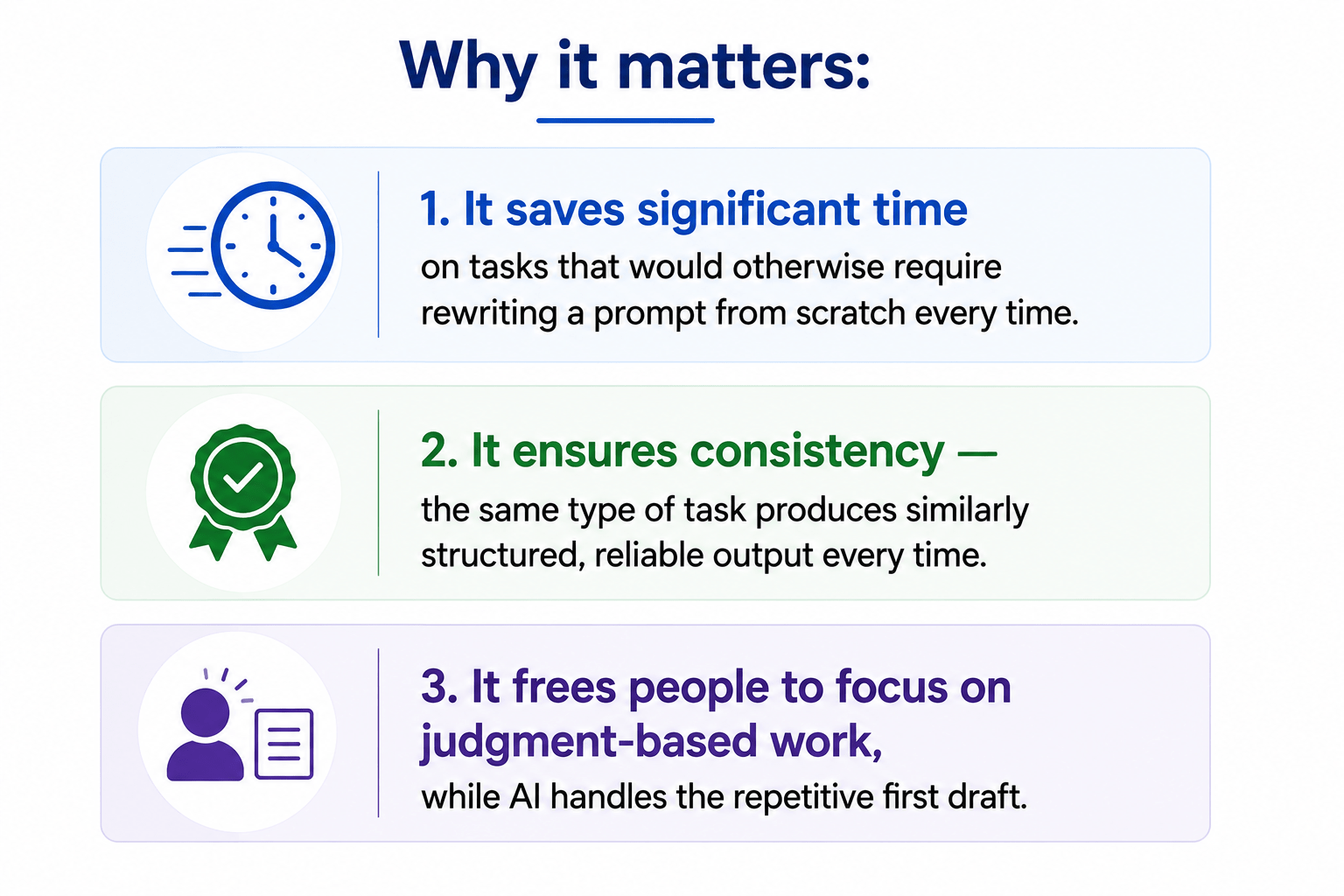
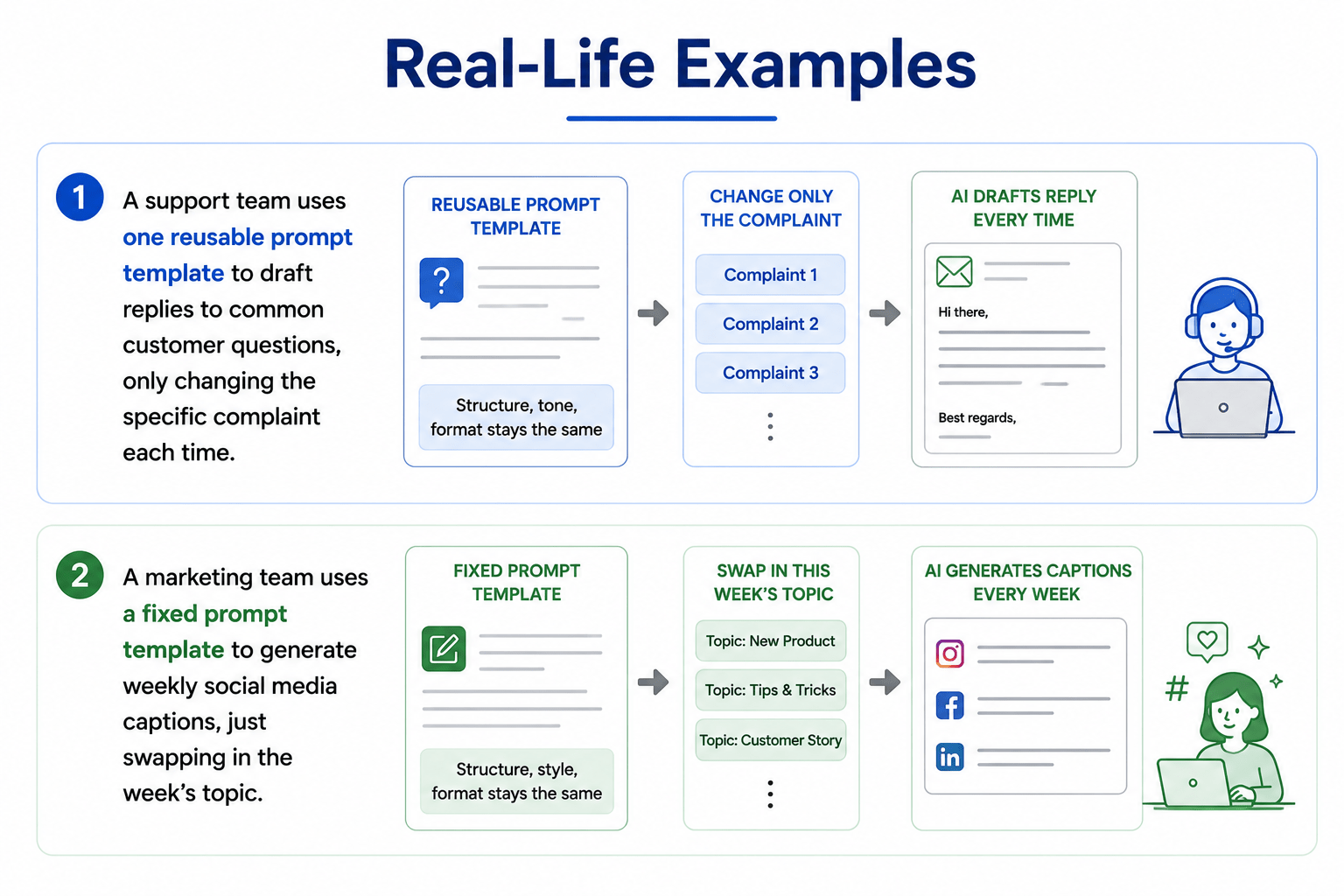
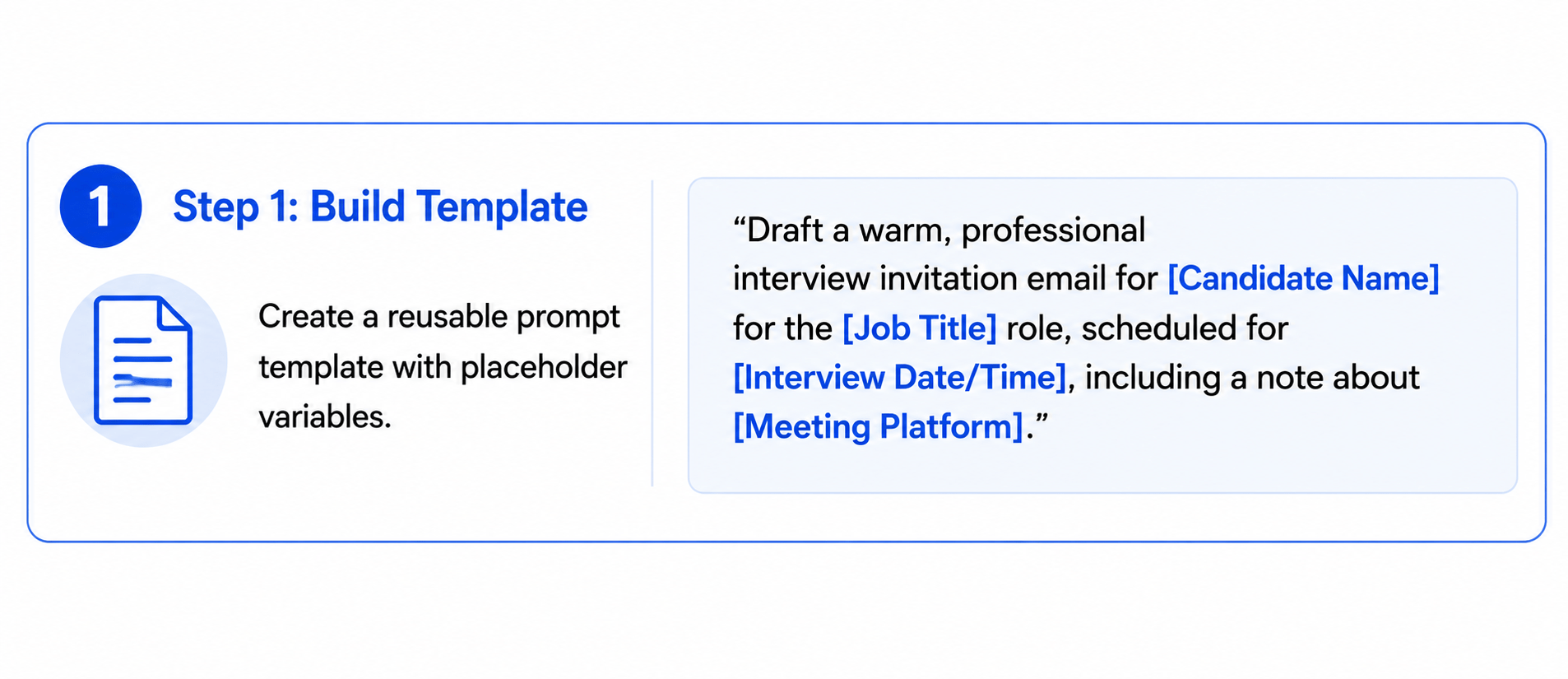
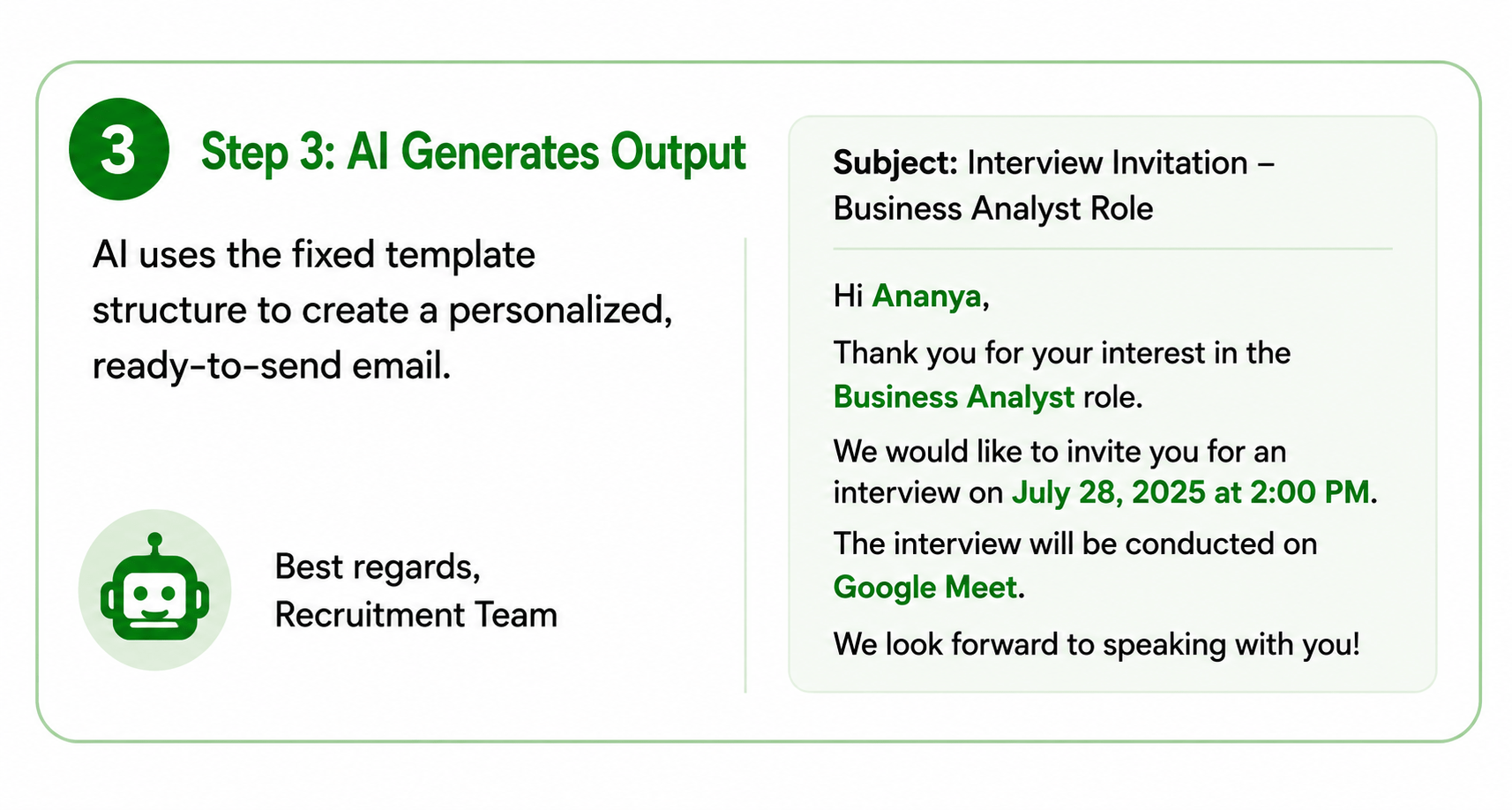
Prompting for Automation works the same way. Instead of writing a brand-new prompt every single time for a repetitive task, you design one reliable, reusable "template prompt" that works correctly across many similar inputs, every time.
What is Prompting for Automation?
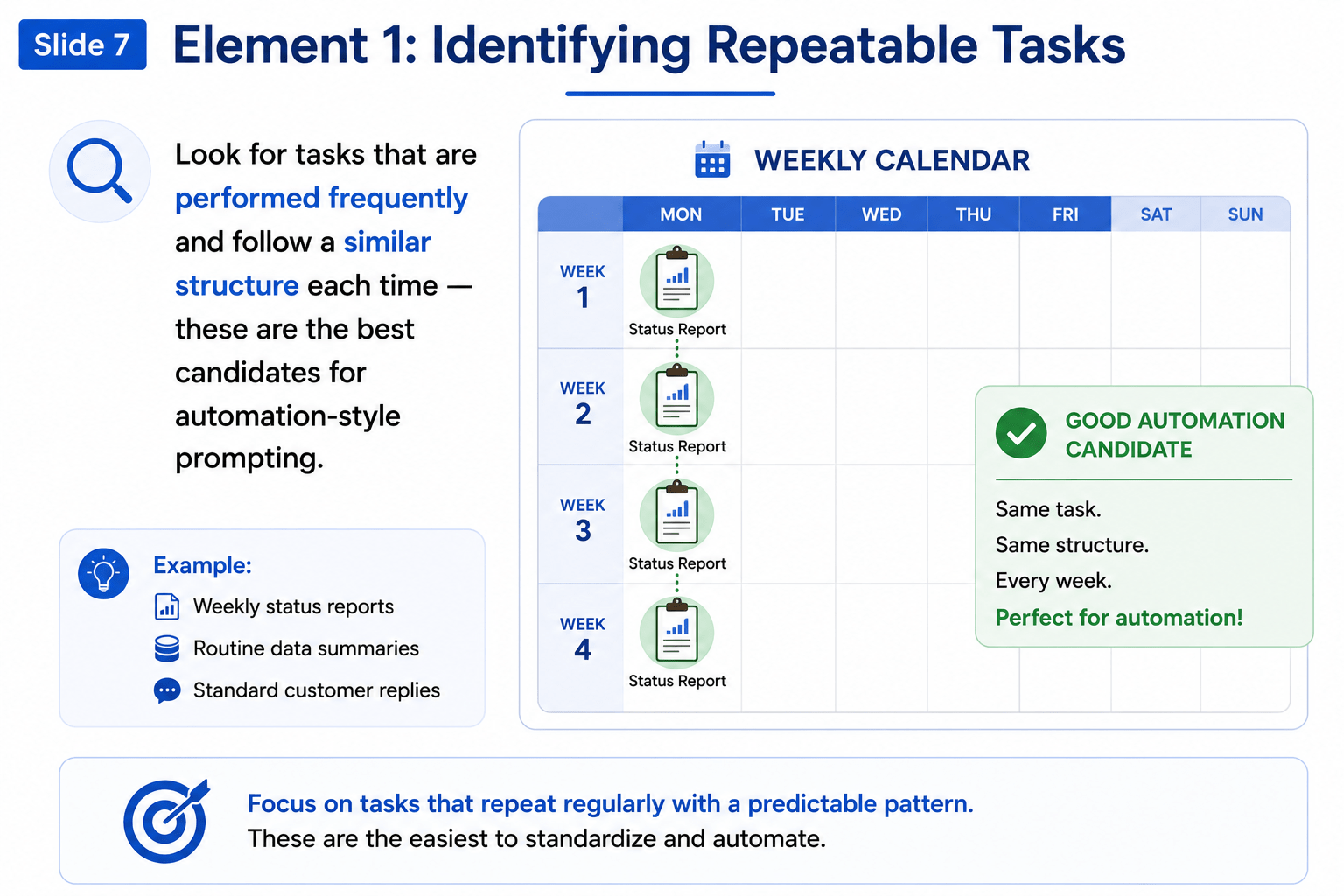
Element 1: Identifying Repeatable Tasks
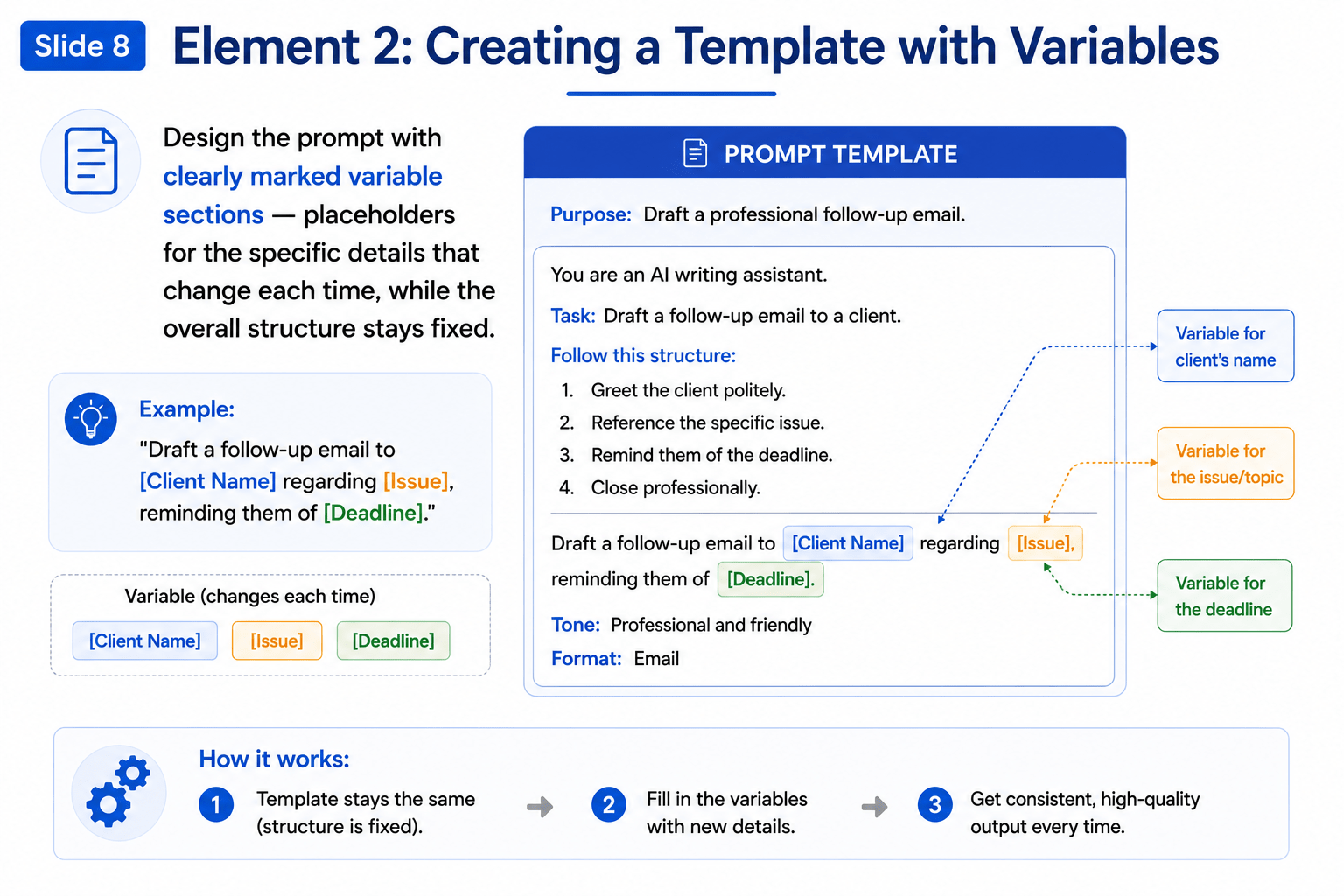
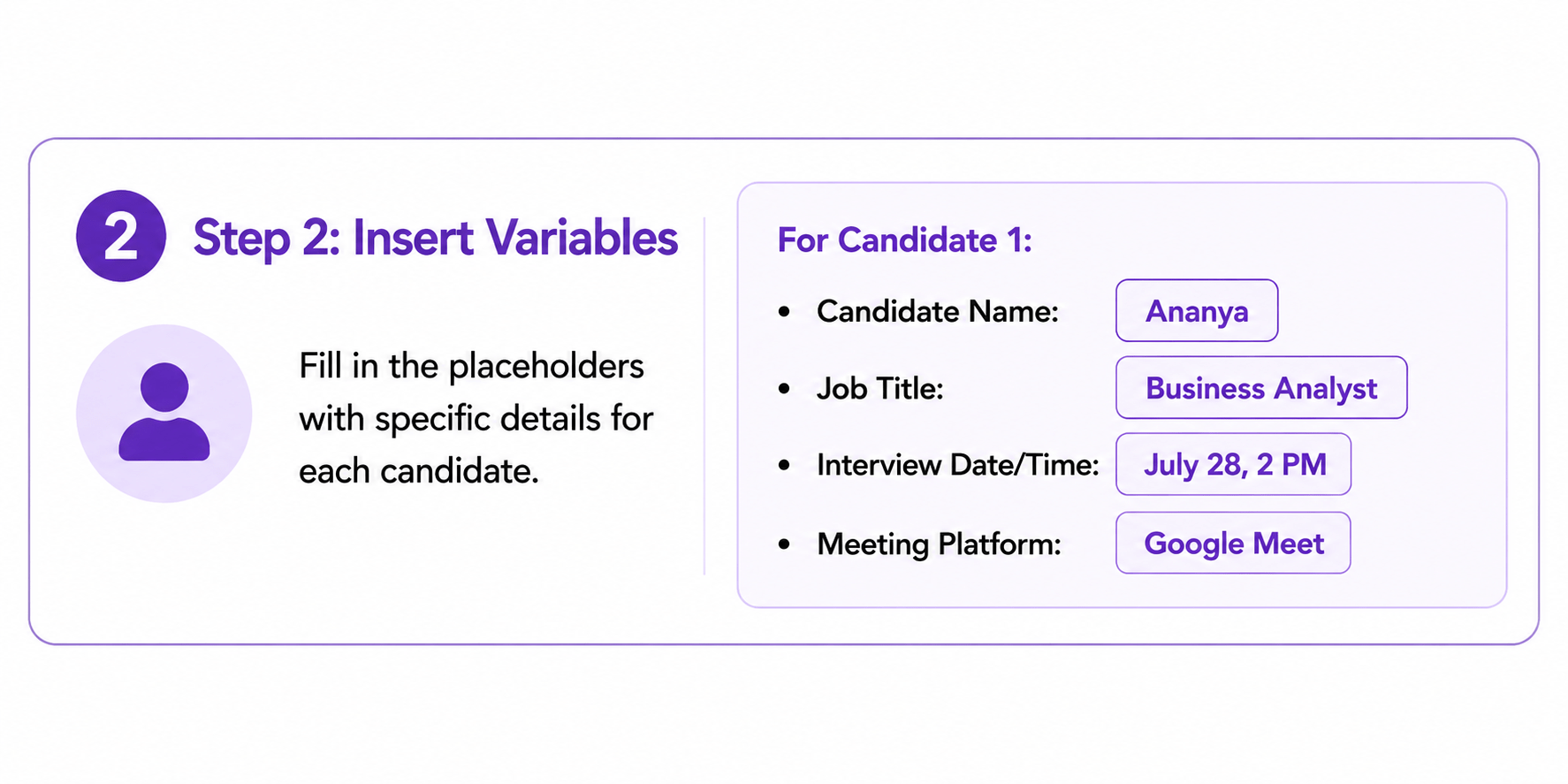
Element 2: Creating a Template with Variables
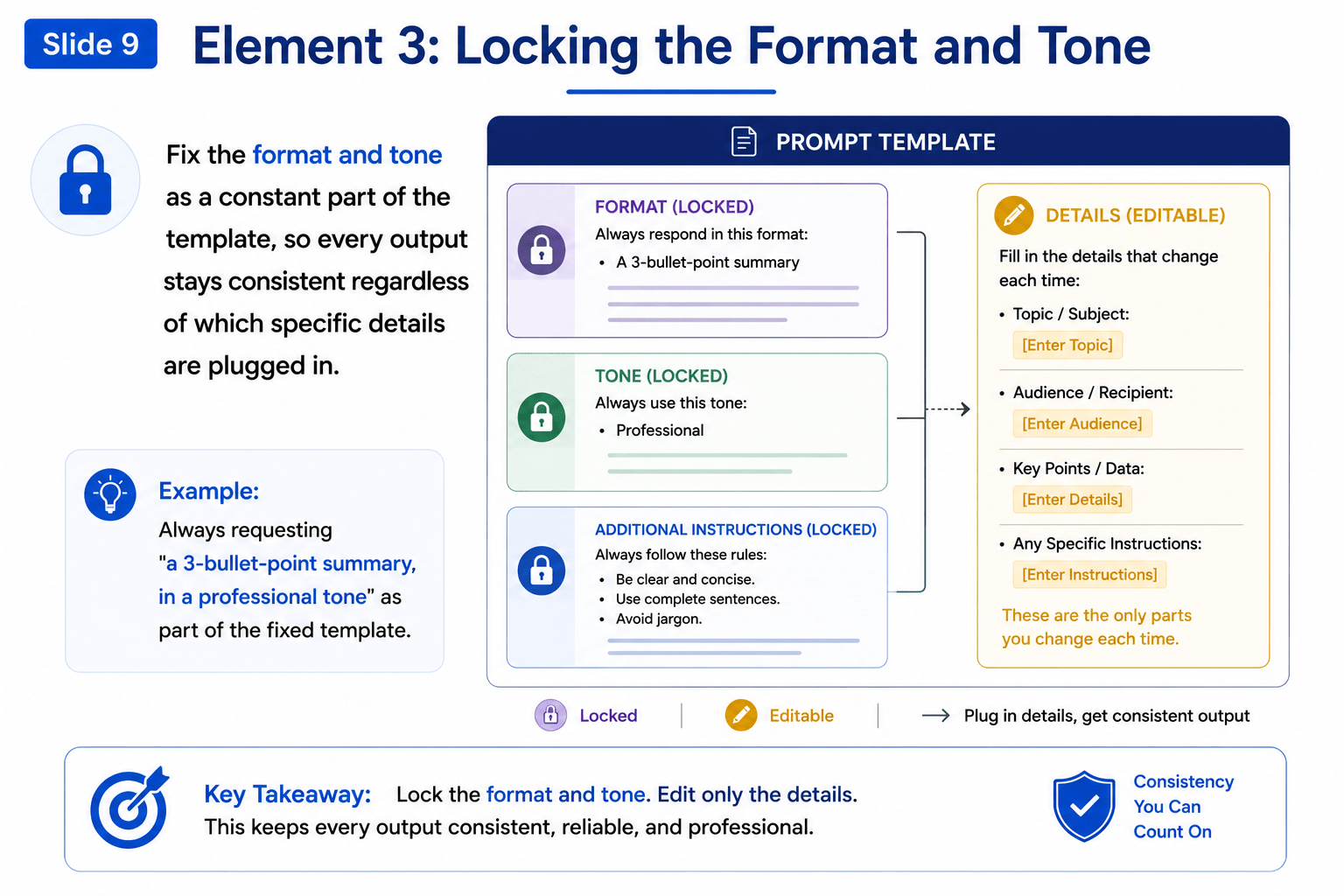
Element 3: Locking the Format and Tone
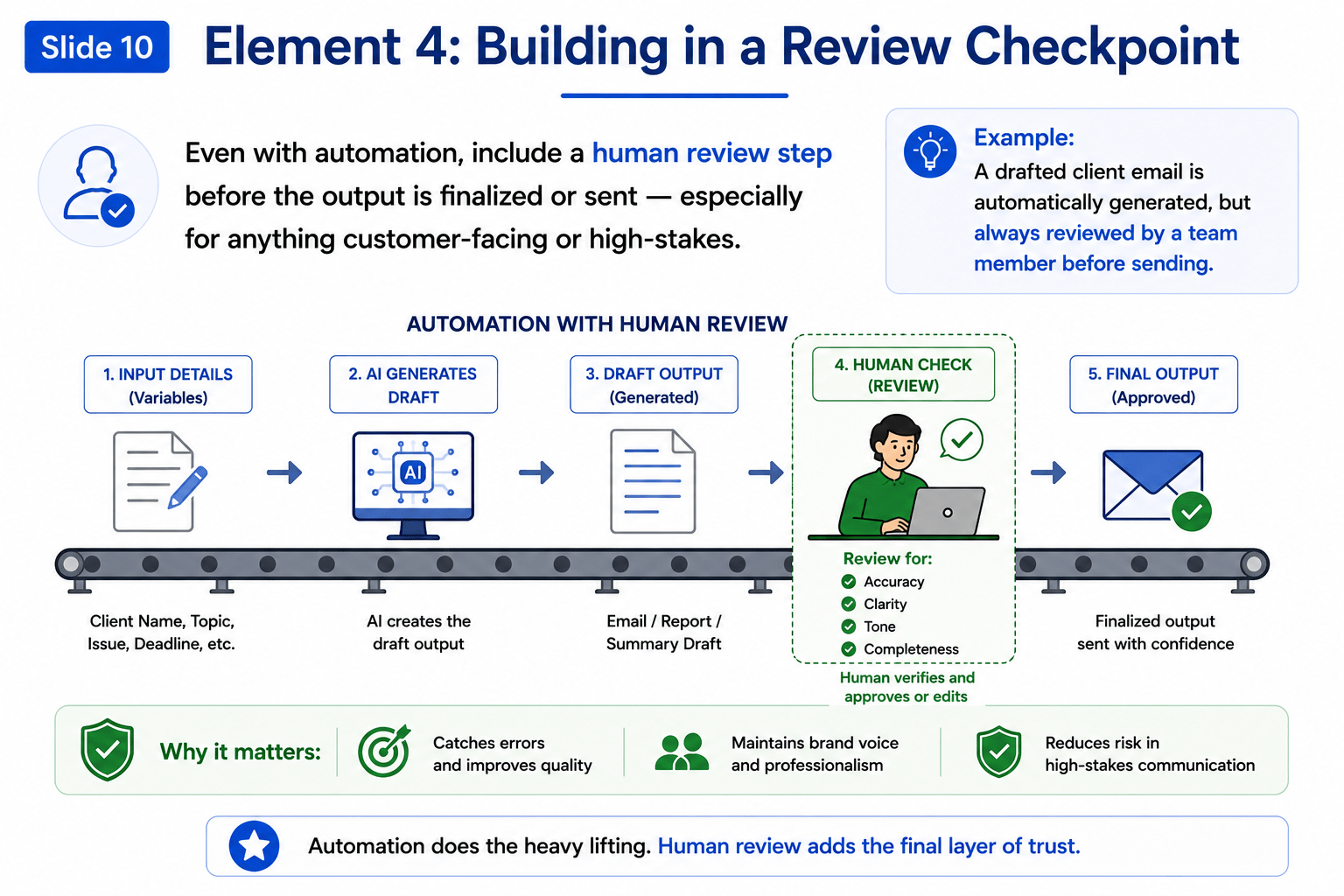
Element 4: Building in a Review Checkpoint
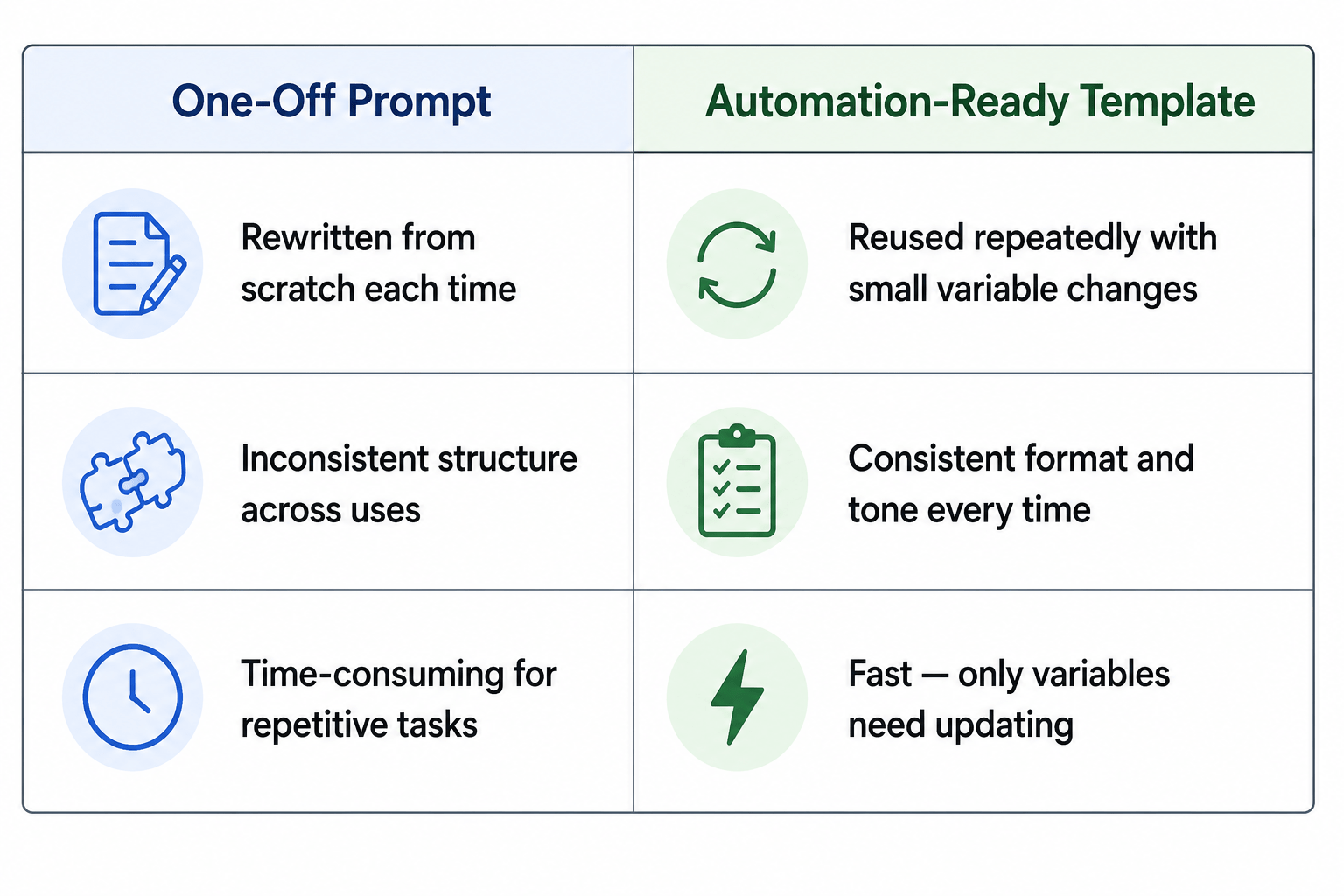
One-Off Prompt vs. Automation-Ready Template (Comparison)
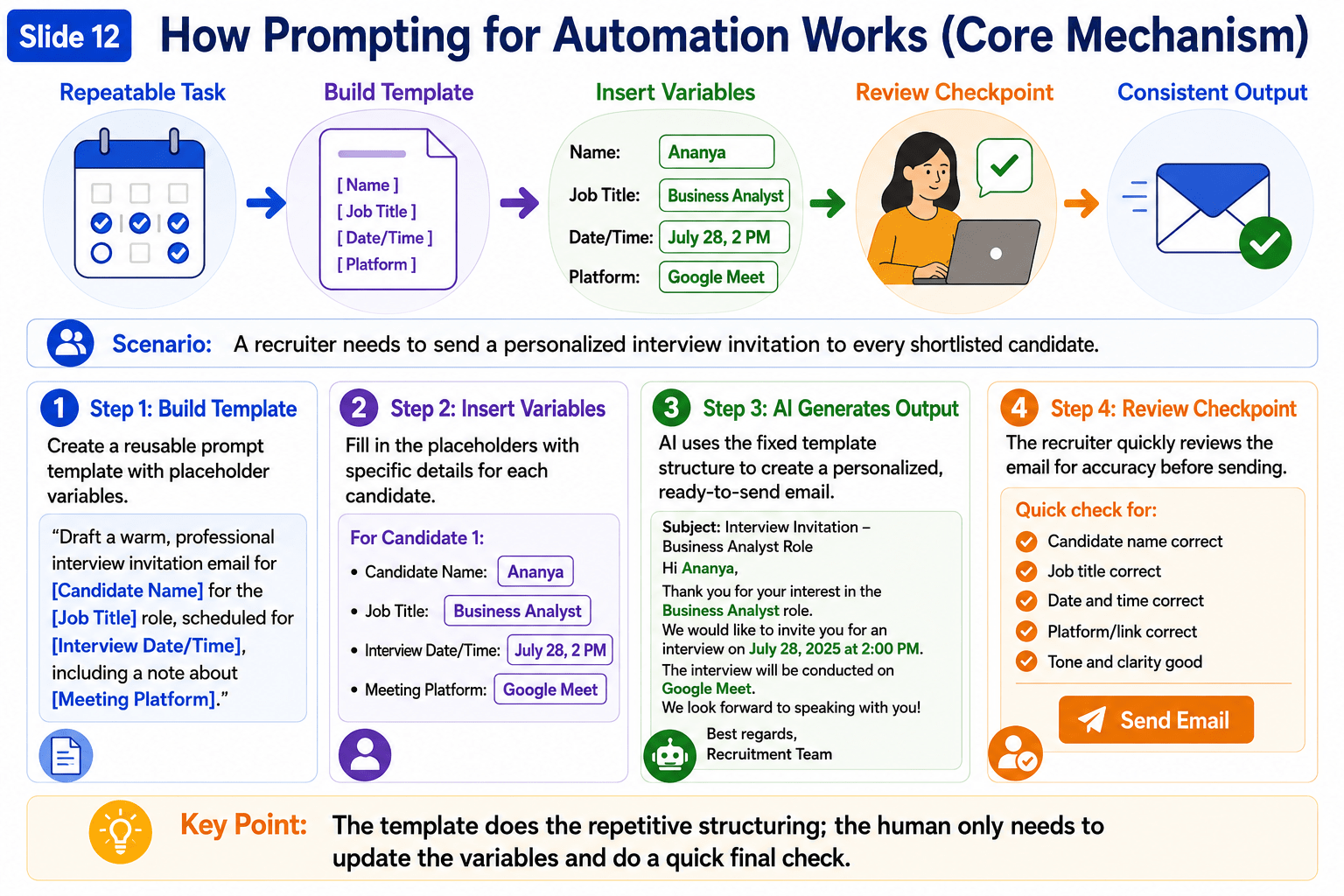
How Prompting for Automation Works (Core Mechanism)

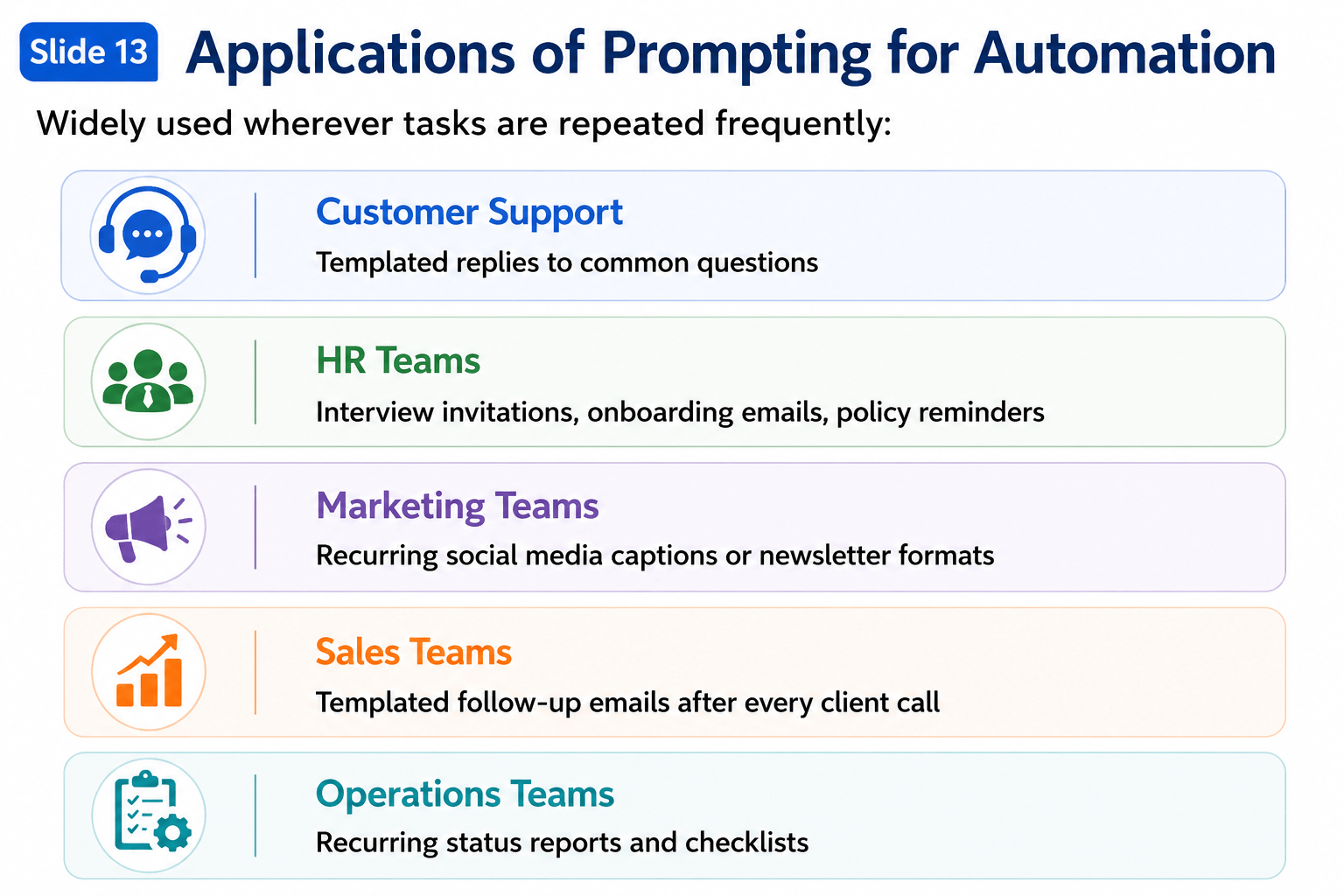
Applications of Prompting for Automation
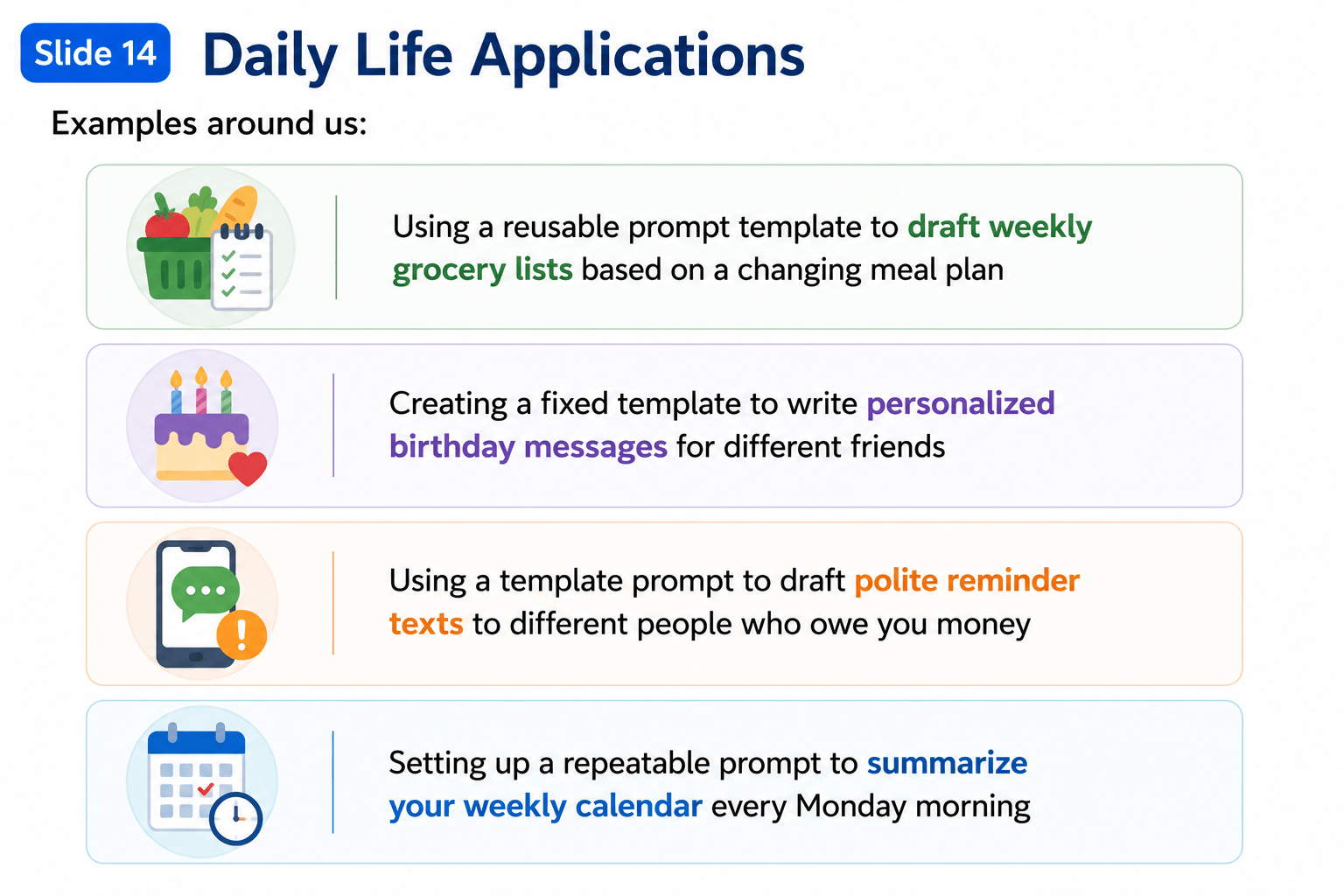
Daily Life Applications
Summary
4
Always include a human review step.
3
Automate repeatable workflows with templates.
2
Keep structure fixed; update only variables.
1
Use reusable prompts for repetitive tasks.
Quiz
Why use variables in an automation prompt?
A. Make prompts longer
B. Update details while keeping the template consistent
C. Remove human review
D. Change the output format every time

Quiz-Answer
Why use variables in an automation prompt?
A. Make prompts longer
B. Update details while keeping the template consistent
C. Remove human review
D. Change the output format every time
