Computergrafik

Rendering-Pipeline
und Shader

Hintergrund
Was sind Vertices? (Vertex)
- Stützpunkte eines Grafikobjekts
(z.B. Linie, Dreieck, Polygon) - unsere Eingabe-Daten
✅
Was sind Shader-Programme?
- Früher: Gouraud-Shading
- Heute: Programm, das durch Download auf GPU bestimmte feste Teile* ersetzt
- Shader-Cores sind Hardware-Einheiten
auf der GPU, wo Shader-Programme laufen
✅
* fest bezieht sich hier auf die sog. Fixed Function Pipeline
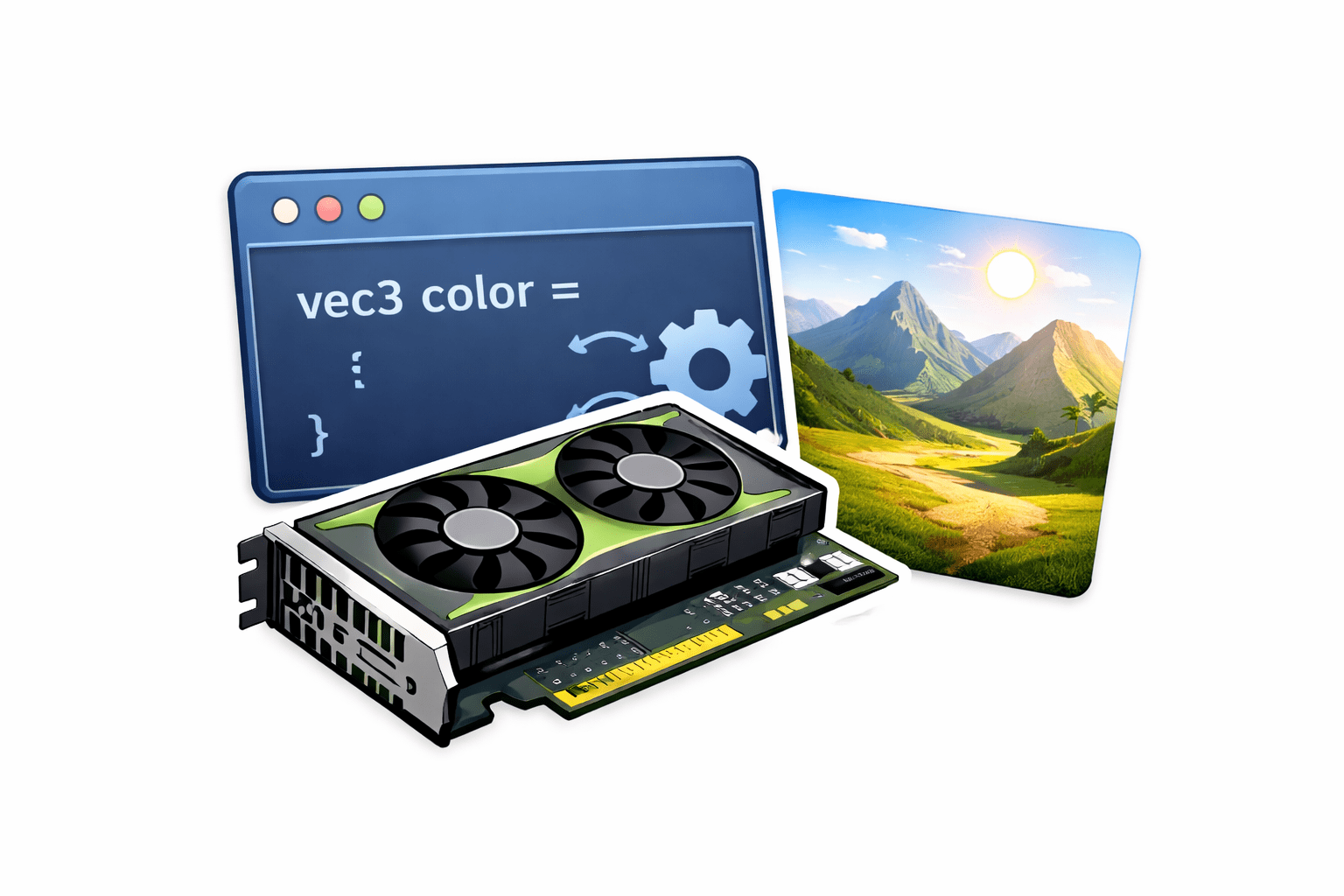
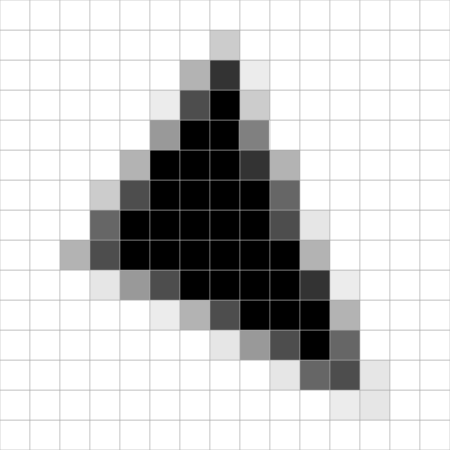
Rendering-Pipeline (stark vereinfacht)

Bild: Gemeinfrei
Rendering-Pipeline (vereinfacht)
Vertex
Shader
Fragment
Shader
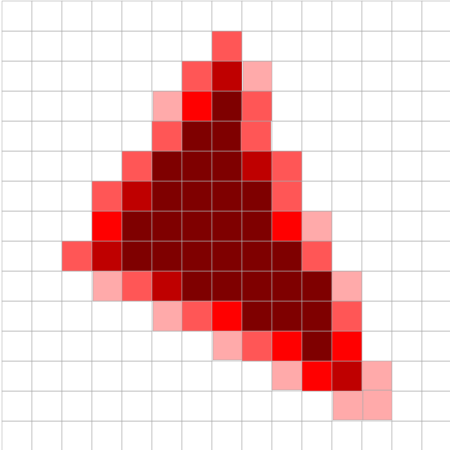
Rasterizer
Tests &
Blending
🖥️
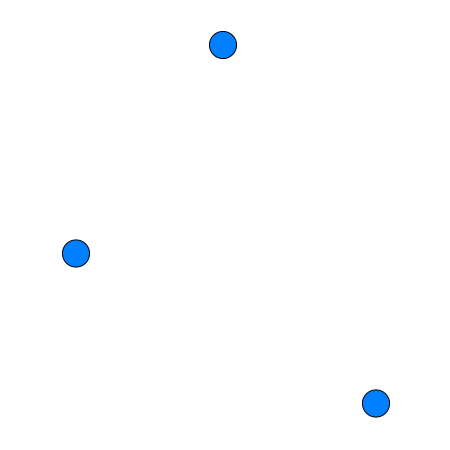
Eingabe: Vertices
Ausgabe: Bild
programmierbare Funktion
feste Funktion
{...}
{...}
Vertices
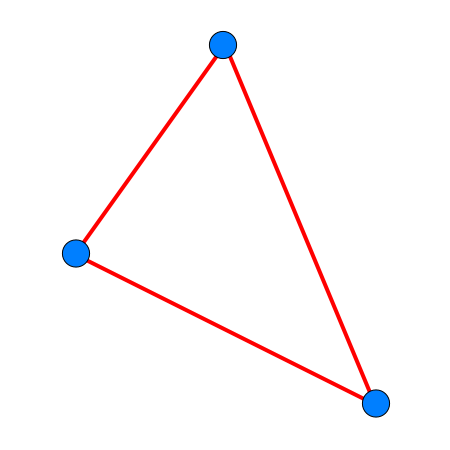
Transformierte Vertices
Fragmente
Finalisierte
Fragmente
Pixel
Hinweis: Wir werden diese Pipeline später erweitern.
Vertex-Shader
- jeder Eingabe-Vertex wird durch diesen individuell verarbeitet
- berechnet die Position im Bildschirmraum (
gl_Position) - Führt Transformationen durch
- Modell-, View-, Projektion-Transformationen 🔜
- Übergibt Daten (z. B. Farbe) an den Fragment-Shader
- Läuft vor der Rasterisierung
- bestimmt die Geometrie (Anordnung) auf dem Bildschirm
Fragment-Shader
-
Läuft für jeden Pixel (sog. Fragment), der ausgegeben wird
-
Bestimmt die endgültige Pixel-Farbe
-
gl_FragColor
-
-
Nutzt interpolierte Daten vom Vertex-Shader (Eingabe)
-
Berechnet Effekte pro Pixel, u.a.:
-
Licht, Texturen, Schatten, Nebel
-
-
Ist meist der rechenintensivste Teil der Grafik-Pipeline
🎯 Unser Fokus im Praktikum!
Einführung in GLSL
OpenGL Shading Language
< / >
🎨
🖥️
< / >
GLSL-Syntax
- Syntax ist an Programmiersprache C angelehnt
- Typische Konstrukte verfügbar:
- Bedingungen:
if, if/else,switch - Schleifen:
forwhileist häufig deaktiviert
- Abbruch:
return, break, continue
- Bedingungen:

GLSL-Syntax (Beispiele)
void main() {
    float x = 0.3;

    if (x > 0.5) {
        gl_FragColor = vec4(1.0);
    } else {
        gl_FragColor = vec4(0.0);
    }
}
void main() {
    float sum = 0.0;

    for (int i = 0; i < 5; i++) {
        sum += 0.2;
    }

    gl_FragColor = vec4(sum);
}
Schleifen werden in der Regel vor Kompilierung "ausgerollt", d.h. Anzahl Durchläufe sollte vorher bekannt sein

GLSL-Datentypen (Auswahl)
| Datentyp | Beschreibung |
|---|---|
vec2, vec3, vec4 |
float-Vektoren |
ivec2, ivec3, ivec4 |
integer-Vektoren |
bvec2, bvec3, bvec4 |
boolean-Vektoren |
mat2 |
2x2 Matrix |
mat3 |
3x3 Matrix |
mat4 |
4x4 Matrix |
Standard-Datentypen: float, boolean, int, uint
Einführung in GLSL
Beispiele
< / >
🚀
< / >
Farbe

#ifdef GL_ES
precision mediump float;
#endif

uniform vec2 u_resolution;
uniform vec2 u_mouse;
uniform float u_time;

void main() {
    gl_FragColor = vec4(1.0, 0.0, 0.0, 1.0);
}
Testen!
Farbverlauf
#ifdef GL_ES
precision mediump float;
#endif

uniform vec2 u_resolution;
uniform vec2 u_mouse;
uniform float u_time;

void main() {
    vec2 uv = gl_FragCoord.xy / u_resolution;
    gl_FragColor = vec4(uv.x, 0.0, 0.0, 1.0);
}
Testen!
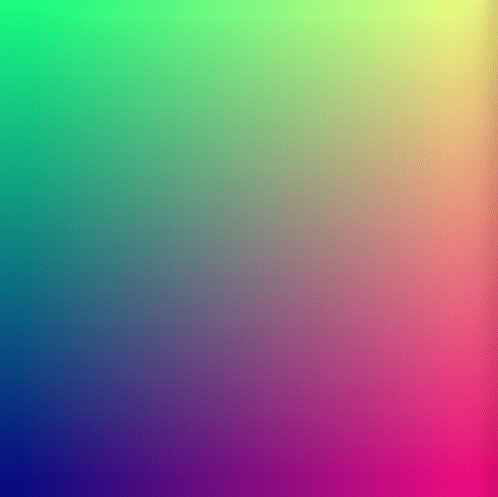
2D-Farbverlauf
#ifdef GL_ES
precision mediump float;
#endif

uniform vec2 u_resolution;
uniform vec2 u_mouse;
uniform float u_time;

void main() {
    vec2 uv = gl_FragCoord.xy / u_resolution;
    gl_FragColor = vec4(uv.x, uv.y, 0.5, 1.0);
}
Testen!
Pulsierende Farben
#ifdef GL_ES
precision mediump float;
#endif

uniform vec2 u_resolution;
uniform vec2 u_mouse;
uniform float u_time;

void main() {
    float t = sin(u_time) * 0.5 + 0.5;
    gl_FragColor = vec4(t, 0.0, 1.0 - t, 1.0);
}
Testen!
Kreis
#ifdef GL_ES
precision mediump float;
#endif

uniform vec2 u_resolution;
uniform vec2 u_mouse;
uniform float u_time;

void main() {
    vec2 uv = gl_FragCoord.xy / u_resolution - 0.5;
    float d = length(uv);
    float c = step(d, 0.2);
    gl_FragColor = vec4(vec3(c), 0.800);
}
Testen!

Kreis (mit weichen Übergängen)
#ifdef GL_ES
precision mediump float;
#endif

uniform vec2 u_resolution;
uniform vec2 u_mouse;
uniform float u_time;

void main() {
    vec2 uv = gl_FragCoord.xy / u_resolution - 0.5;
    float d = length(uv);
    float c = smoothstep(0.368, 0.19, d);
    gl_FragColor = vec4(vec3(c), 1.0);
}
Testen!

Rechteck
#ifdef GL_ES
precision mediump float;
#endif

uniform vec2 u_resolution;
uniform vec2 u_mouse;
uniform float u_time;

void main() {
    vec2 uv = gl_FragCoord.xy / u_resolution;
    float c = step(0.3, uv.x) * step(uv.x, 0.7) *
              step(0.3, uv.y) * step(uv.y, 0.7);
    gl_FragColor = vec4(vec3(c), 1.0);
}
Testen!

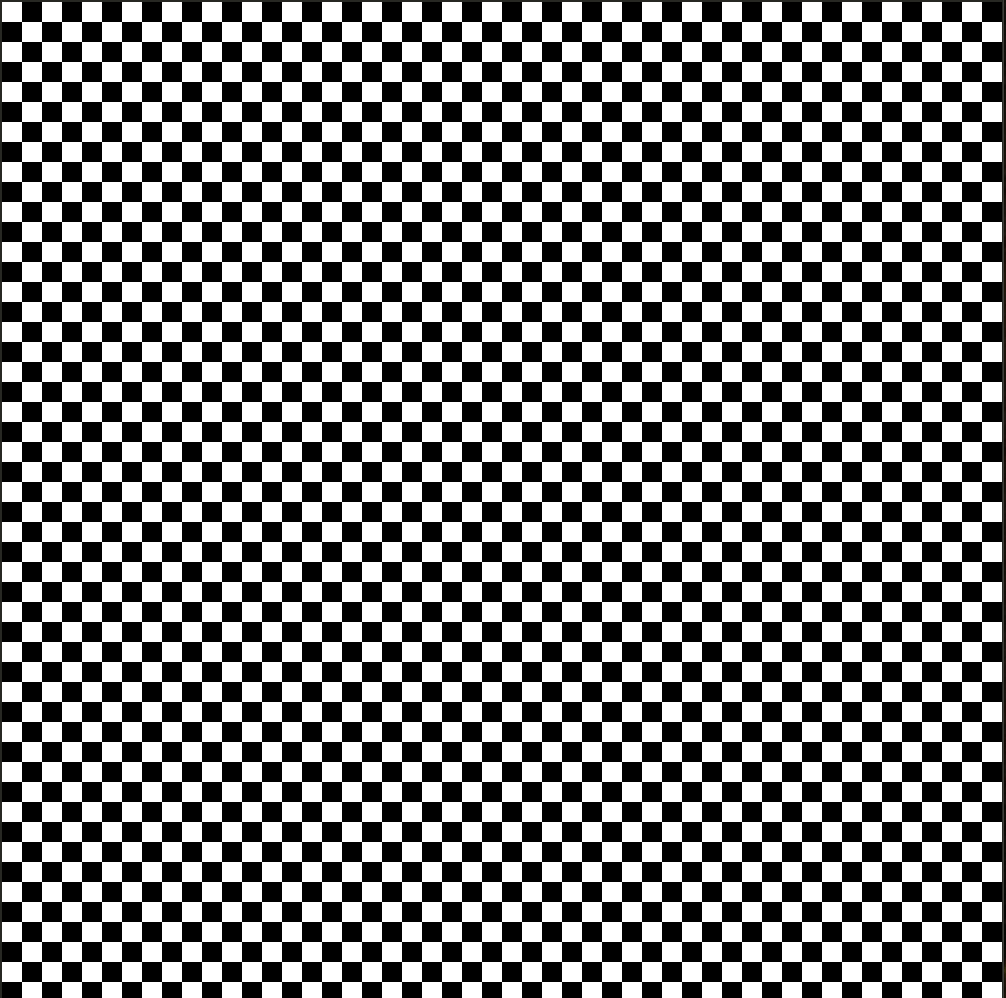
Schachbrett
#ifdef GL_ES
precision mediump float;
#endif

uniform vec2 u_resolution;
uniform vec2 u_mouse;
uniform float u_time;

void main() {
    vec2 uv = floor(gl_FragCoord.xy / 20.0);
    float c = mod(uv.x + uv.y, 2.0);
    gl_FragColor = vec4(vec3(c), 1.0);
}
Testen!
Wellenbewegungen
#ifdef GL_ES
precision mediump float;
#endif

uniform vec2 u_resolution;
uniform vec2 u_mouse;
uniform float u_time;

void main() {
    vec2 uv = gl_FragCoord.xy / u_resolution;
    float y = sin(uv.x * 10.0 + u_time);
    float c = step(uv.y, 0.5 + y * 0.1);
    gl_FragColor = vec4(vec3(c), 1.0);
}
Testen!
